Vscode Settings Sync Extensions Common VSCode Extensions VSCode Sync Settings And Extensions Tutorial Synchronize Devices Sharing My Approach To Use VSCode Settings Sync And Official Extension Syncing Visual Studio Code Settings Between Mac And Windows Zell Liew Easy Way To Sync VSCode Settings And Extensions Without GitHub Gistg Extension settings Installed VS Code extensions can also contribute their own settings which you can review under the Extensions section of the Settings editor You can also review an extension s settings from the Extensions view X Windows Linux Ctrl Shift X by selecting the extension and reviewing the Feature Contributions tab
Visual Studio Code has hundreds of settings thousands of extensions and innumerable ways to adjust the UI layout to customize the editor VS Code Profiles let you create sets of customizations and quickly switch between them or share them with others This topic explains how to create modify export and import profiles Create a Profile Learn how to set up VS Code to sync your settings between multiple environments We ll walk through configuring the first device and how to download the sett
Easy Way To Sync VSCode Settings And Extensions Without GitHub Gistg Visual Studio Code VSCode Settings Sync How To See Previous Versions Settings Sync vscode VSCode Rriver Edge Users Will Soon Be Able To Sync Their Extensions And Collections Preference Sync Vscode Insiders Issue 98407 Microsoft vscode VSCode Settings Sync GitHub Token Gist Id Qiita VSCode Configuration Sync Between Environments Darrenjrobinson Top 40 VSCode Extensions For Developers In 2022
Vscode Settings Sync Extensions
 Vscode Settings Sync Extensions
https://i1.wp.com/jordantheitguy.com/wp-content/uploads/2020/01/image.png?fit=925%2C517&ssl=1
Try the Settings Sync extension it should take care of both settings and extensions Alternatively you may prefer to replace vscode insiders extensions with a symbolic link to vscode extensions mklink command on Windows
Templates are pre-designed files or files that can be utilized for different purposes. They can conserve effort and time by offering a ready-made format and design for creating different type of content. Templates can be used for personal or professional tasks, such as resumes, invites, flyers, newsletters, reports, discussions, and more.
Vscode Settings Sync Extensions
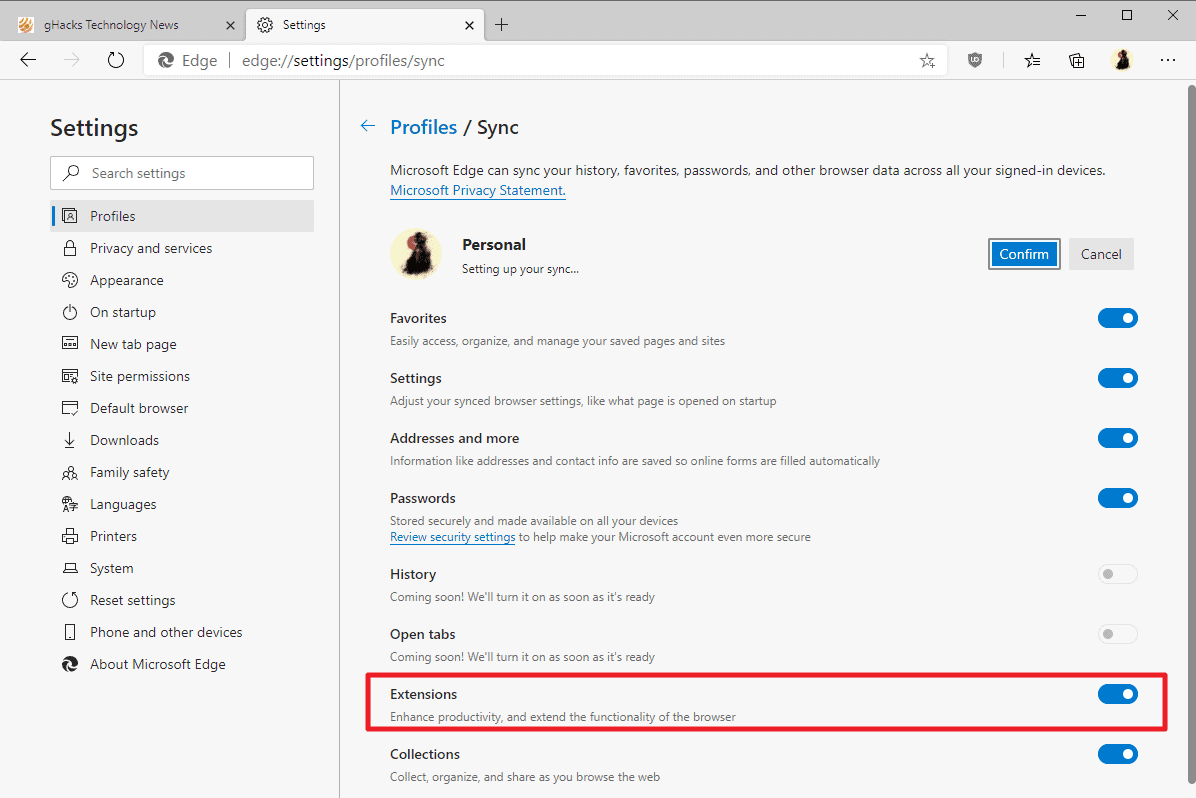
Microsoft Edge 83 Extension Sync

Visual Studio Code VSCode Settings Sync How To See Previous Versions

Settings Sync vscode
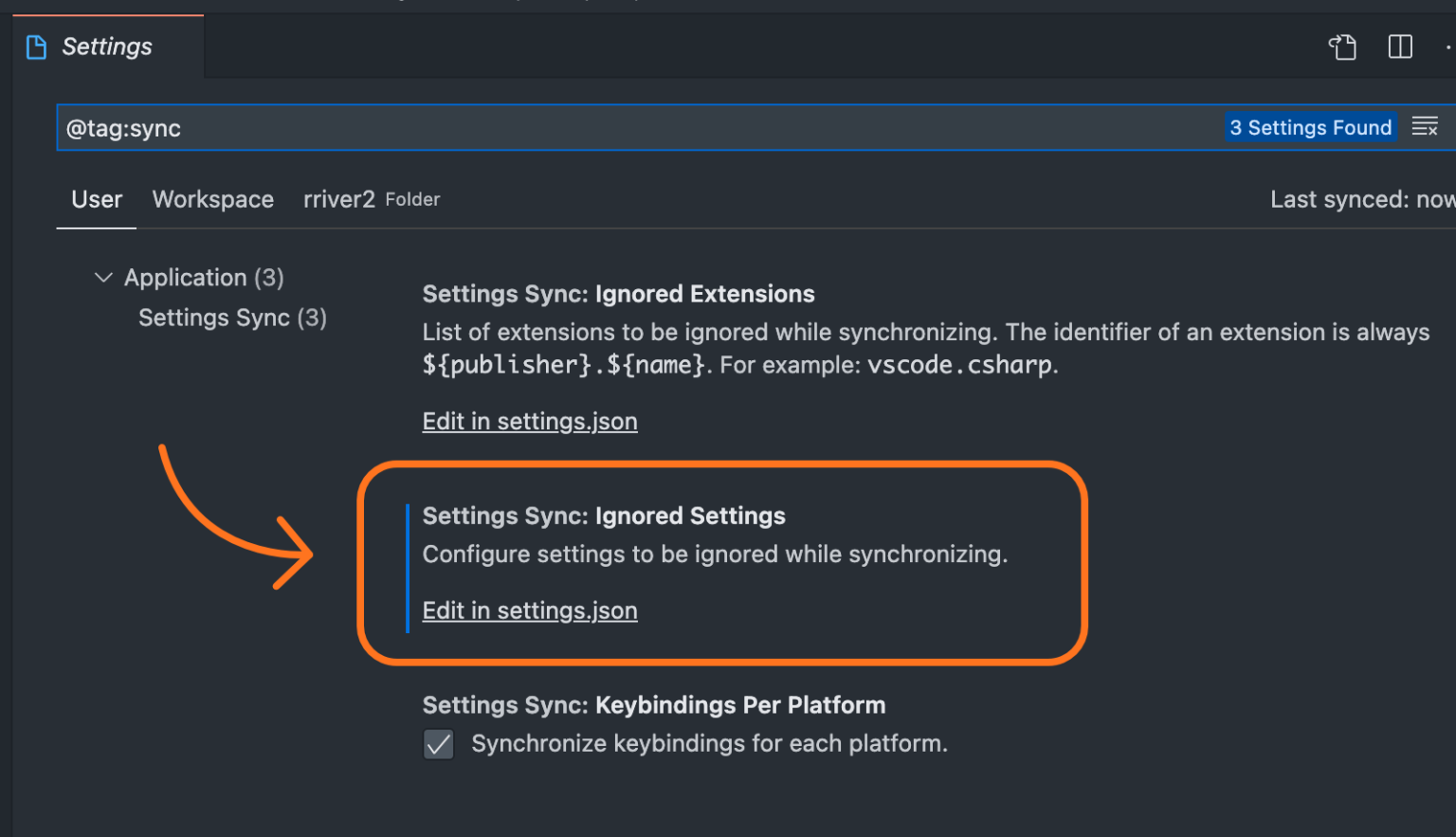
VSCode Rriver
Preference Sync Vscode Insiders Issue 98407 Microsoft vscode
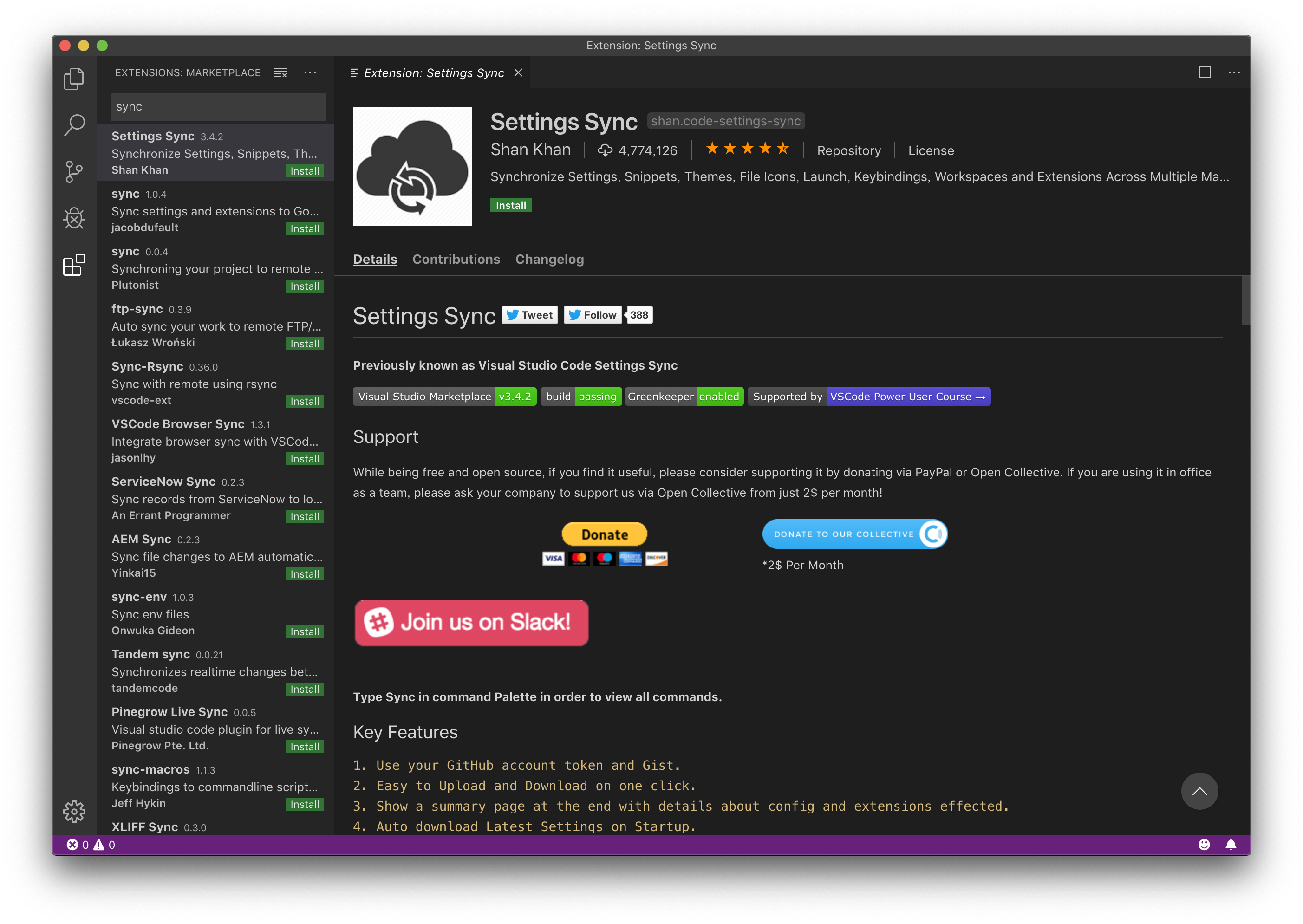
VSCode Settings Sync GitHub Token Gist Id Qiita

Step 1 Search for Settings Sync in the Command Palette The default shortcut to open the Command Palette Mac Shift P Linux Windows Ctrl Shift P Search for Settings Sync in Command Palette Step 2 Turn on Settings Sync and sign in Currently you can sign in using a Microsoft GitHub account I use GitHub
9 GUI for changing settings logging in 10 Allows you to Sync any file across your machines It Syncs All extensions and complete User Folder that Contains 1 Settings File 2 Keybinding File 3 Launch File 4 Snippets Folder 5 VSCode Extensions Extensions Configurations 6 Workspaces Folder
Step 1 Install Settings Sync Step 2 Authorize access to Github Step 3 Upload your current settings Step 4 Syncing your configuration to another environment Step 5 Updating your configuration How to Sync VS Code Settings and Extensions Across Computers and Multiple Devices Watch on What is VS Code

This also sometimes causes vscode to broadcast that the extension which could not be download be removed by other machines running vscode which sync using the same Github account Look in the vscode Settings Sync Show Log and look for the list of skipped extensions Once something is blacklisted the question is how fix the situation

Extension Marketplace Increase the power of Visual Studio Code through Extensions The features that Visual Studio Code includes out of the box are just the start VS Code extensions let you add languages debuggers and tools to your installation to support your development workflow
Go to the extenions sidebar click the gear icon for an installed extension and you will see options like Disable Workspace and Enable Workspace Just disable the extension globally and then enable it in each workspace where you want it enabled That s what I do for all my language specific extensions Use Settings Sync or Syncing vscode extensions with remote SSH environment Asked 4 years 2 months ago Modified 1 year 8 months ago Viewed 2k times 2 I am using VSCode 1 38 1 and I connect to a remote docker environment running sshd with SSH using the Remote SSH 0 46 1 extension
Learn how to synchronize all of your themes extensions keybindings snippets and user settings between multiple instances of Visual Studio Code https ww