Vscode Run Command When Open Terminal Visual Studio Code Tips Switch Between Command Prompt Vs Powershell Python Course 1 Python For Absolute Beginners K0nze How To Create A File In VSCode Using Terminal GeeksforGeeks How To Set Default Terminal In Vs Code Vrogue How To Run C Program In Command Prompt Using Mingw BEST GAMES WALKTHROUGH To open the terminal in the directory of the currently opened file Press Ctrl Shift P on Windows and Linux Command Shift P on macOS Note you can also press F1 to open the Command Palette Type
You should look into tasks json it can do that no extensions needed Open your project How to do it To open Visual Studio Code from your command line you
How To Run C Program In Command Prompt Using Mingw BEST GAMES WALKTHROUGH How To Open VSCode From The Terminal Quick And Easy Set Up Guide For Run Open VSCode From Mac Terminal Row Coding How To Setup VS Code For JavaScript The Productive Engineer Git Bash Terminal How To Integrate Git Bash Into The Vscode Terminal How To Run C Code In Vs Code EroFound How To Use Hard Key To Run Python In Visual Studio Code Pearlmokasin Visual Studio Code Vscode VsCode Keyboard Shortcut To Run Python In The Terminal
Vscode Run Command When Open Terminal
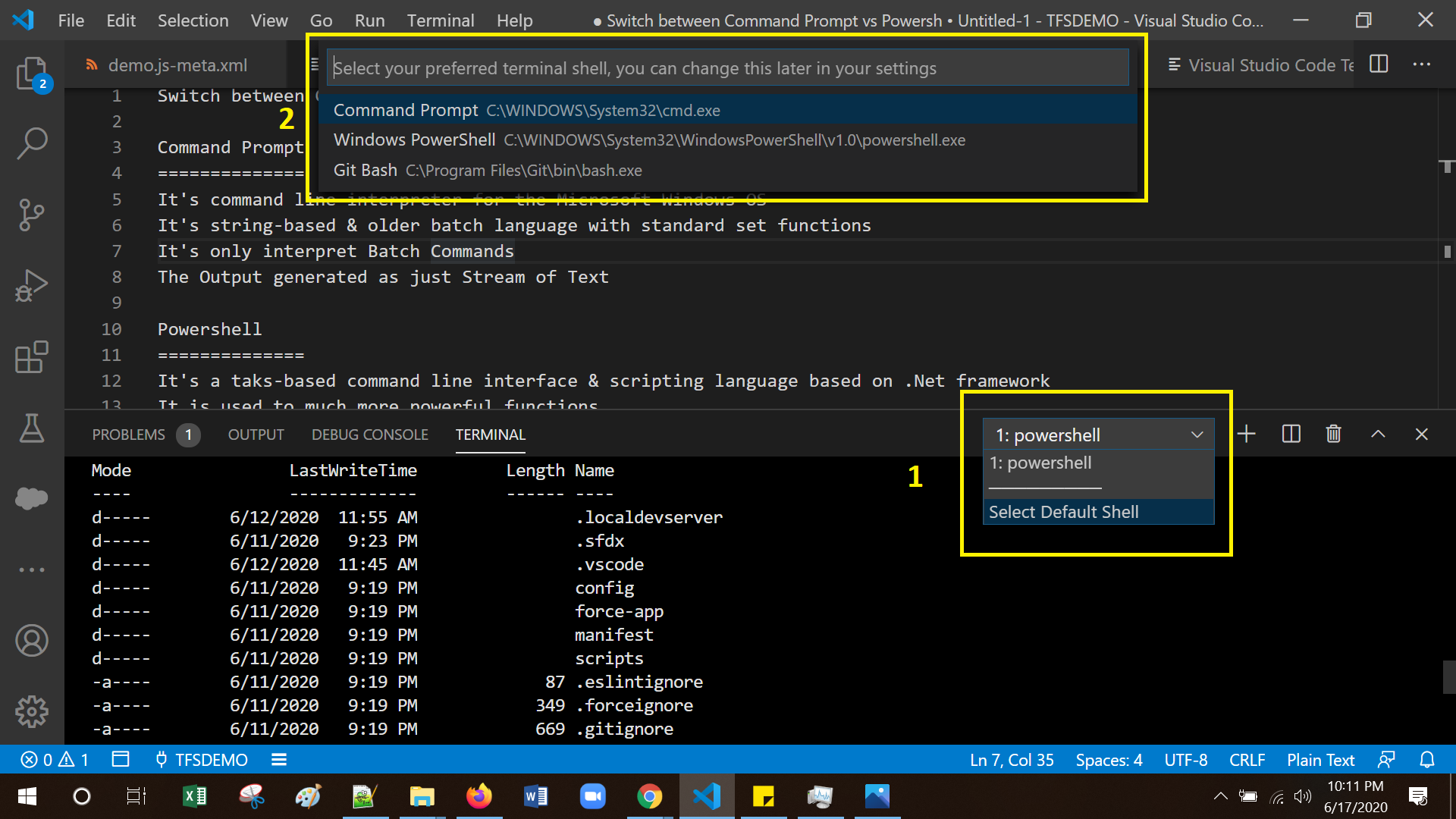 Vscode Run Command When Open Terminal
https://theblogreaders.com/wp-content/uploads/2020/06/VisualStudioCode-SwitchCommandPrompt.png
Launch the VS code app then press Ctrl to open a terminal To open a
Pre-crafted templates offer a time-saving solution for creating a diverse series of documents and files. These pre-designed formats and layouts can be made use of for different individual and professional projects, including resumes, invitations, leaflets, newsletters, reports, presentations, and more, improving the content creation process.
Vscode Run Command When Open Terminal
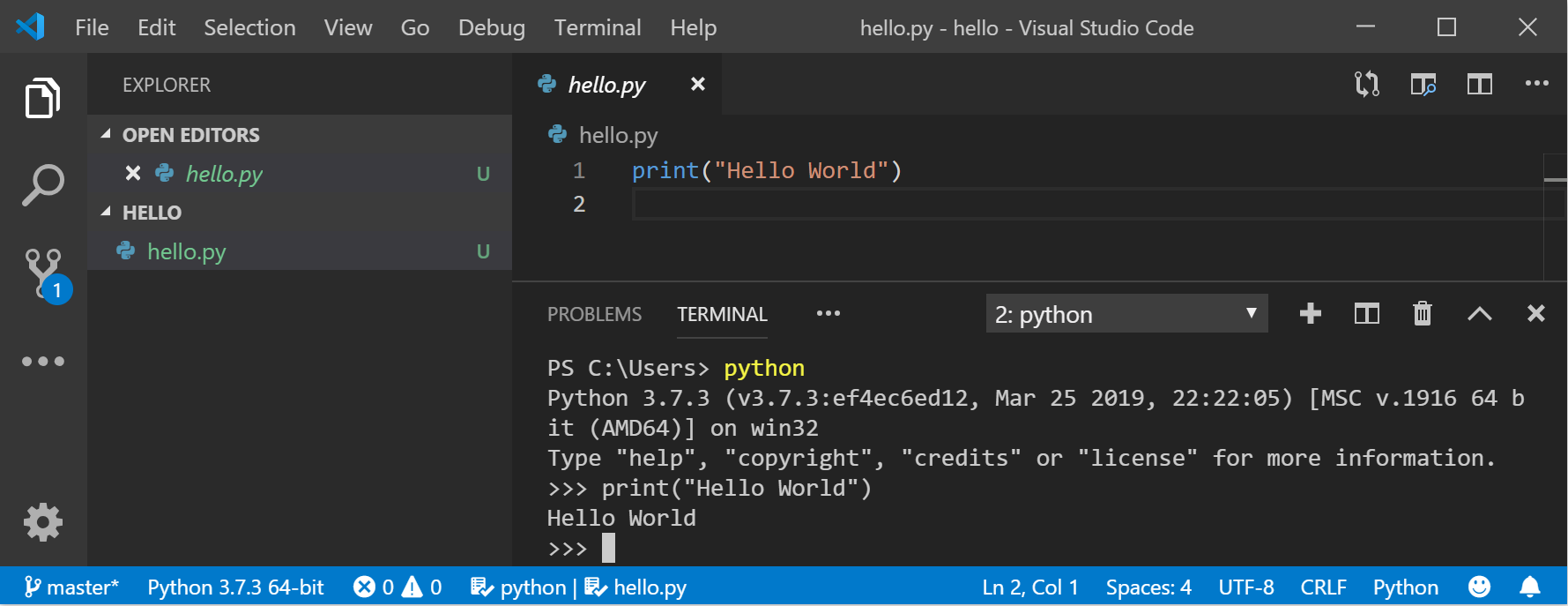
Coding Python In Windows 10
How To Open VSCode From The Terminal Quick And Easy Set Up Guide For

Run Open VSCode From Mac Terminal Row Coding
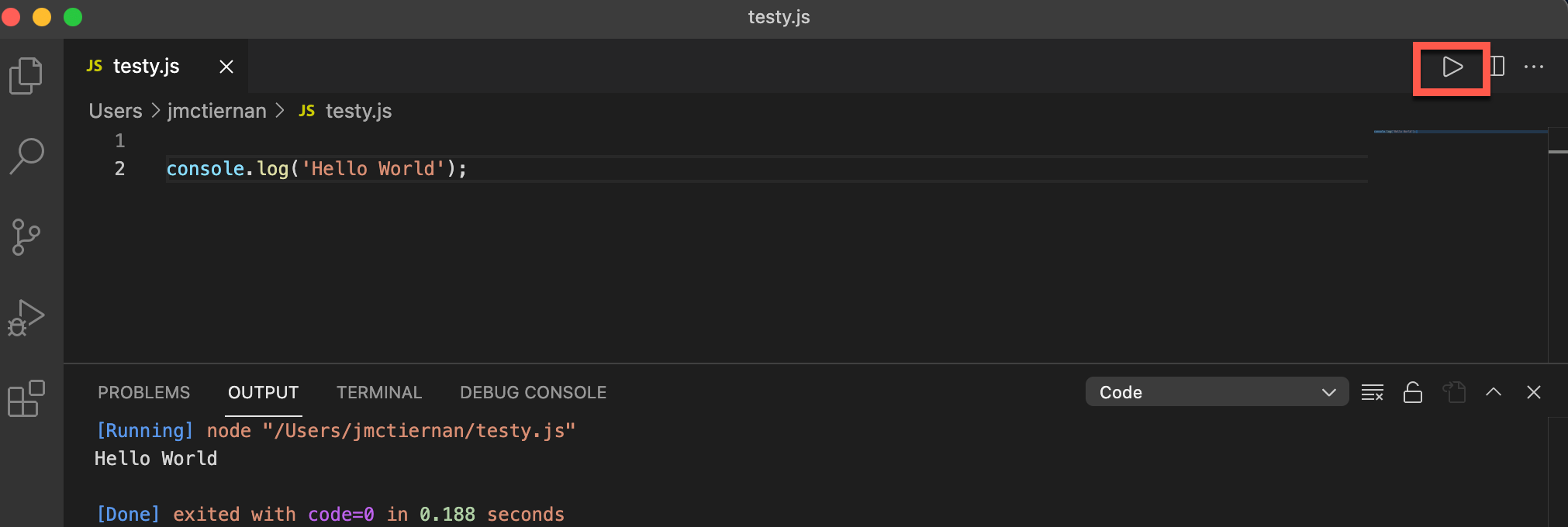
How To Setup VS Code For JavaScript The Productive Engineer

How To Run C Code In Vs Code EroFound
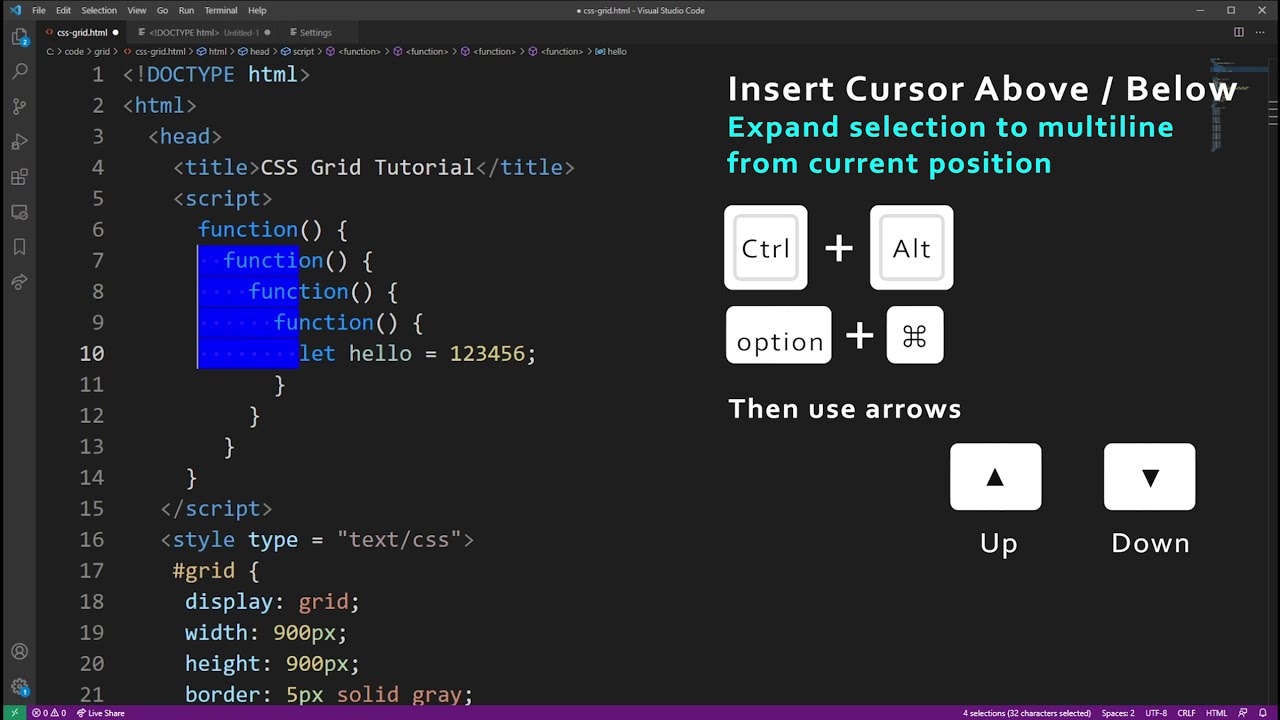
How To Use Hard Key To Run Python In Visual Studio Code Pearlmokasin

The integrated terminal can run commands such as mkdir and git just like a standalone
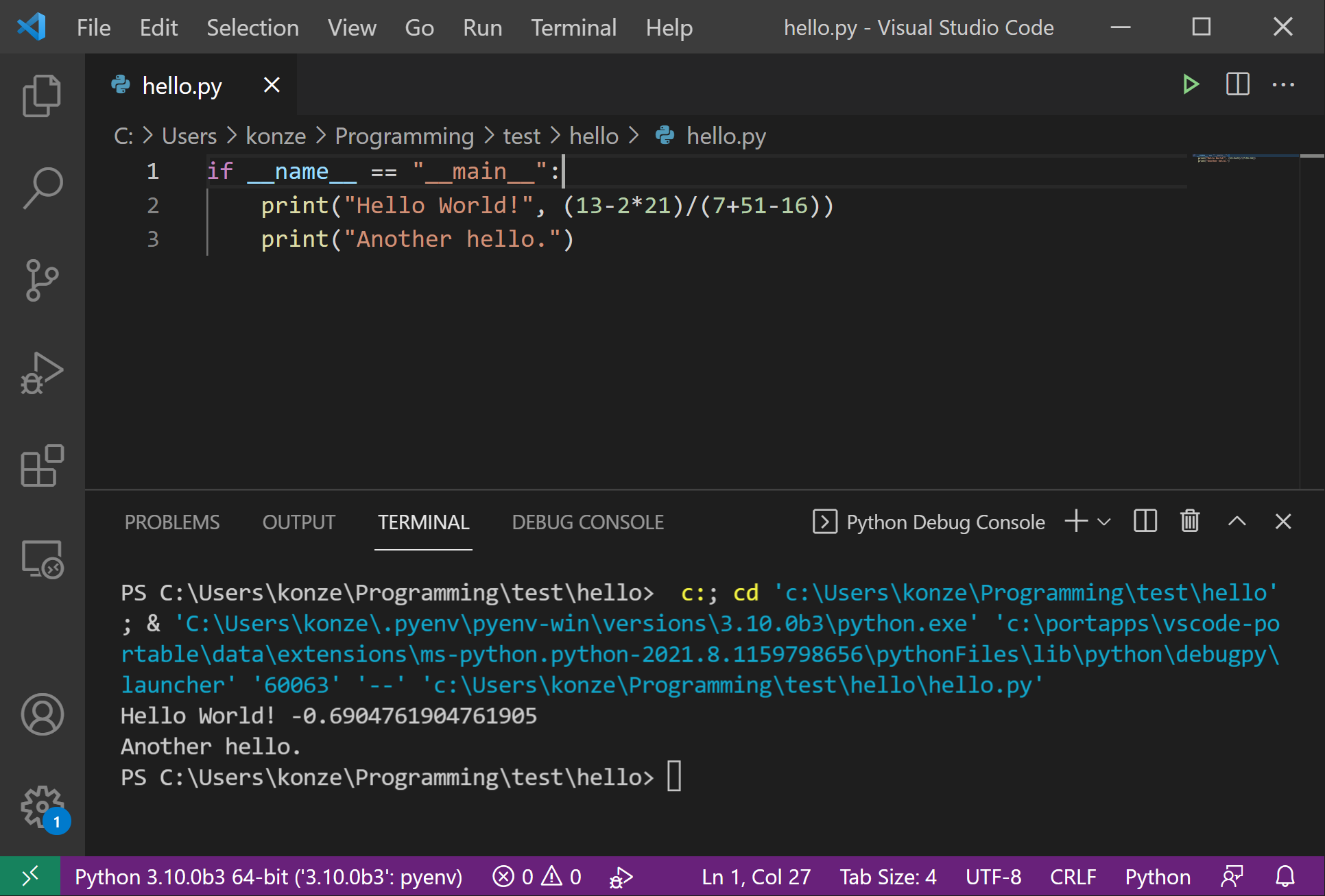
From the command line I run npm run webpack You can run whatever

To do this from an open terminal or command prompt navigate to your project folder and type code Note Users on macOS must first run a command Shell Command Install code command in PATH to add

Terminal tabs can be dragged and dropped between VS Code windows This can also

Follow the steps below to run code in the VS Code terminal In VS Code
Step 1 Open Command Prompt in Windows or Terminal Window in Mac 1 Been trying to get VS Code to remember my public key password for
Search for Visual Studio Code and right click on the application or simply