Vscode Recommended Extensions Not Working B The Ultimate List Of VSCode Extensions How To Unhide show The Activity Bar On Visual Studio Code 2022 Advanced Visual Studio Code For Python Developers LaptrinhX Disable Recommended Extensions View Issue 43085 Microsoft vscode 6 VSCode Extensions That You Are Not Using AntStack Jul 2 2025 nbsp 0183 32 Visual Studio Code is available for free and compatible across Windows Linux and macOS The entirety of the app offers a robust platform for writing debugging and managing
It is officially supported and hosted by Microsoft and can be accessed at vscode dev Out of the box Visual Studio Code includes basic support for most common programming languages Code anywhere Code wherever you re most productive whether you re connected to the cloud a remote repository or in the browser with VS Code for the Web vscode dev Built in Source
6 VSCode Extensions That You Are Not Using AntStack Recommended VSCode Extensions For JavaScript By Eduardo Pineda Medium GitHub Promact recommended vscode extensions Vscode Extensions 01 Live Server IT Getting VSCode Ready For PHP Development North Creation Agency My Favorite VS Code Extensions Recommended Extensions Page Is Overflowd Bottom Issue 84964 7 Must Have VSCode Extensions For Web Developers Red Stapler Getting Started
Vscode Recommended Extensions Not Working
 Vscode Recommended Extensions Not Working
https://res.cloudinary.com/practicaldev/image/fetch/s--AcPtMOBu--/c_imagga_scale,f_auto,fl_progressive,h_500,q_auto,w_1000/https://dev-to-uploads.s3.amazonaws.com/uploads/articles/xhgpyxy5gn2cb6aeso2p.png
Edit debug and deploy on Azure with Visual Studio Code a powerful code editor that works with nearly any language and runs on any OS
Templates are pre-designed documents or files that can be used for numerous functions. They can conserve time and effort by providing a ready-made format and layout for creating various sort of content. Templates can be used for personal or expert tasks, such as resumes, invites, flyers, newsletters, reports, discussions, and more.
Vscode Recommended Extensions Not Working
Issue With All Extensions Not Working Issue 166346 Microsoft
Recommended VSCode Extensions For JavaScript By Eduardo Pineda Medium
GitHub Promact recommended vscode extensions
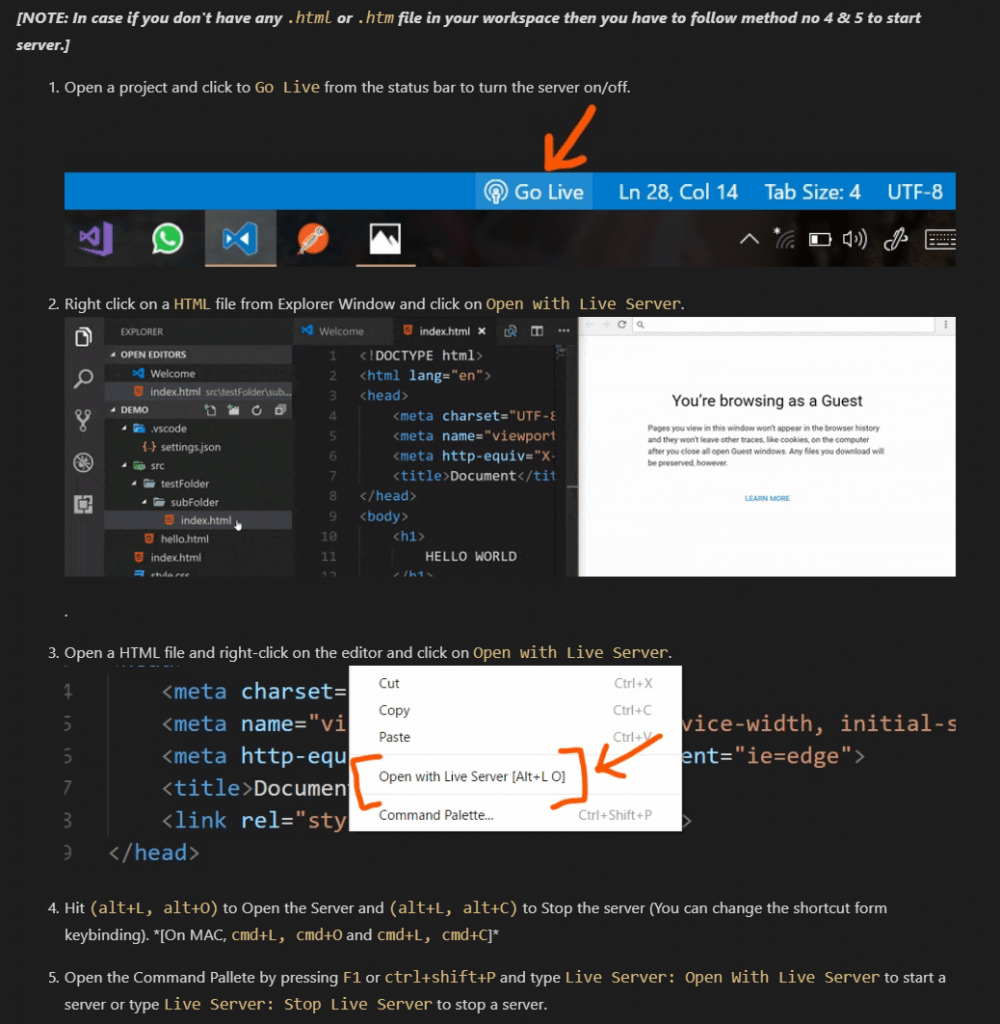
Vscode Extensions 01 Live Server IT
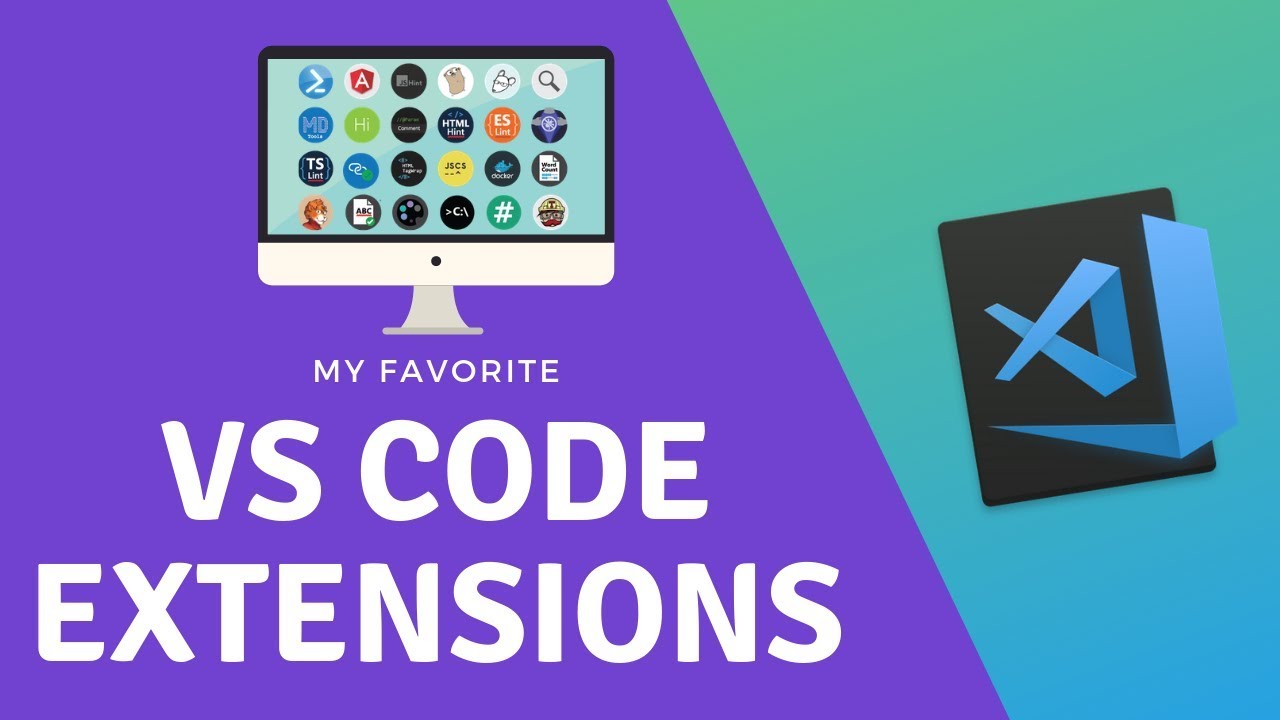
My Favorite VS Code Extensions

Recommended Extensions Page Is Overflowd Bottom Issue 84964

Download Visual Studio IDE or VS Code for free Try out Visual Studio Professional or Enterprise editions on Windows Mac

Visual Studio Code is a free lightweight and extensible code editor for building web desktop and mobile applications using any programming language and framework Visual Studio Code has

Build with Visual Studio Code anywhere anytime entirely in your browser
Visual Studio Code Contribute to microsoft vscode development by creating an account on GitHub

Simply visit the site vscode dev and you re ready to code without installing anything This version of VS Code running directly in your browser can do wonders
[desc-11] [desc-12]
[desc-13]