Vscode Not Opening Zsh Chore deps Update Dependency Playwright To 1 28 0 Bytemeta VSCODE Antfu vscode settings My VS Code Settings And Extensions GitHub Everblush vscode Visual Studio Code Port Of Everblush Vscode vscode vscode v1 1 9 92 Edit debug and deploy on Azure with Visual Studio Code a powerful code editor that works with nearly any language and runs on any OS
It is officially supported and hosted by Microsoft and can be accessed at vscode dev Out of the box Visual Studio Code includes basic support for most common programming languages One place for all extensions for Visual Studio Azure DevOps Services Azure DevOps Server and Visual Studio Code Discover and install extensions and subscriptions to create the dev
Vscode vscode vscode v1 1 9 92 Vscode Debugging CodeNexus VSCode Build With Multiple Commands M ty s Budav ri Main vscode cdn Urlscan io Change Integrated Terminal In VSCode From Sh To Zsh Fedora Discussion Vscode Malloy Yuan Bq Extension Vscode VsCode Sorting Lines Of Text NetSuite Experiences vscode
Vscode Not Opening Zsh
 Vscode Not Opening Zsh
https://user-images.githubusercontent.com/746130/202005839-aba2eeba-217b-424d-8496-8b4f5fa72f41.png
Visual Studio Code is free and available on your favorite platform Linux macOS and Windows Download Visual Studio Code to experience a redefined code editor optimized for building and
Templates are pre-designed documents or files that can be used for various functions. They can conserve time and effort by providing a ready-made format and design for developing various sort of content. Templates can be used for individual or expert tasks, such as resumes, invitations, leaflets, newsletters, reports, presentations, and more.
Vscode Not Opening Zsh

Visual Studio Code Vscode Information Stack Overflow Riset

Vscode Debugging CodeNexus

VSCode Build With Multiple Commands M ty s Budav ri

Main vscode cdn Urlscan io
Vscode Malloy Yuan

Bq Extension Vscode

Download Visual Studio IDE or VS Code for free Try out Visual Studio Professional or Enterprise editions on Windows Mac
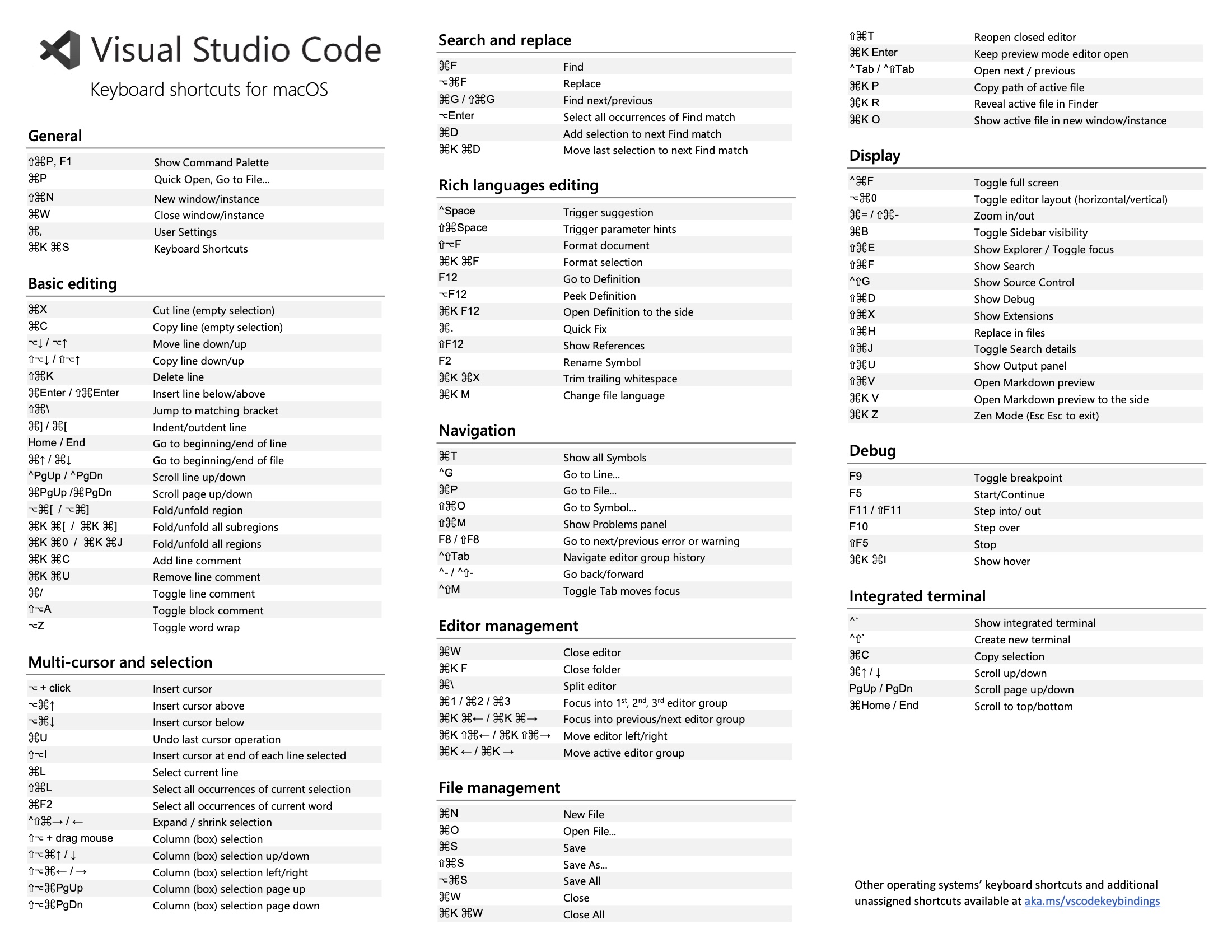
Visual Studio Code is a free lightweight and extensible code editor for building web desktop and mobile applications using any programming language and framework Visual Studio Code has

Build with Visual Studio Code anywhere anytime entirely in your browser
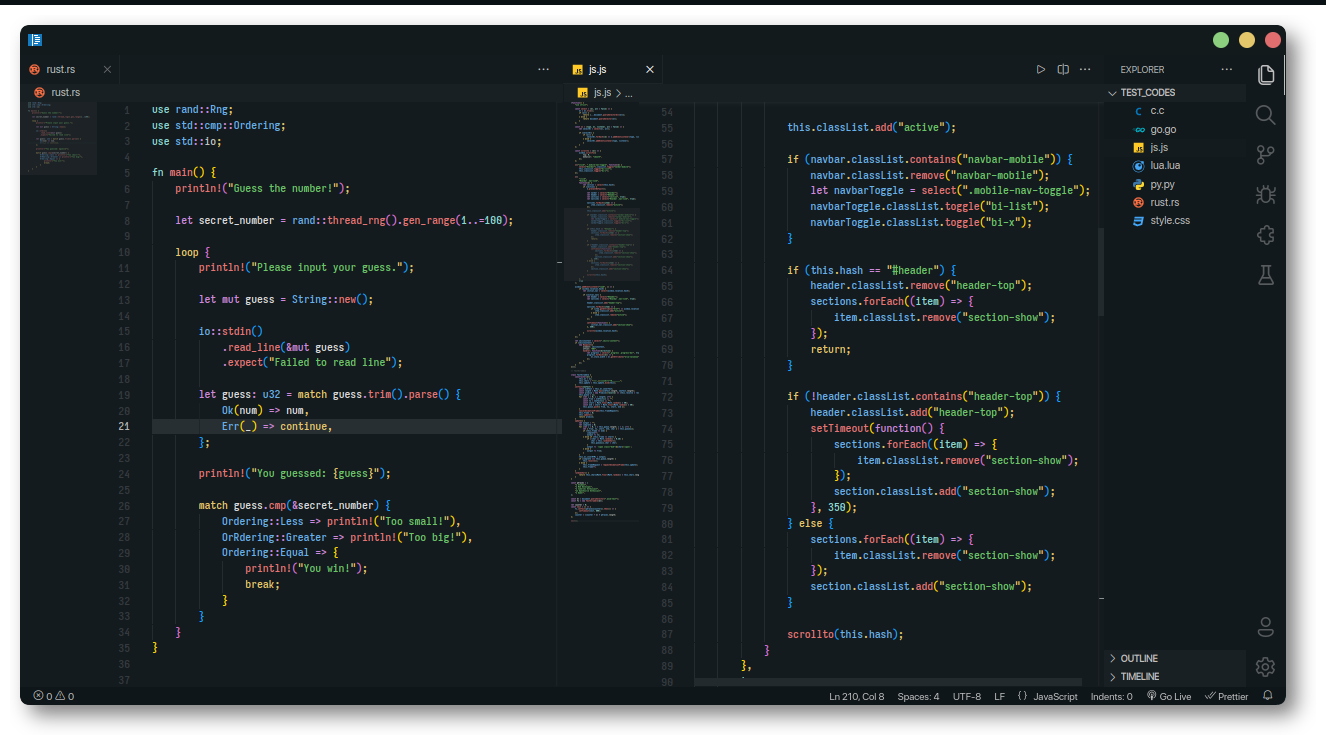
Visual Studio Code Contribute to microsoft vscode development by creating an account on GitHub

Simply visit the site vscode dev and you re ready to code without installing anything This version of VS Code running directly in your browser can do wonders
[desc-11] [desc-12]
[desc-13]