Vscode Markdown Preview Extension VS Code Tips The Github Markdown Preview Extension YouTube Mermaid Markdown Plugin For Visual Studio Code YouTube Vscode Markdown Markdown Checkboxes Visual Studio Marketplace Markdown Yaml Preamble Visual Studio Marketplace Visual Studio Code is a free lightweight and extensible code editor for building web desktop and mobile applications using any programming language and framework Visual Studio Code has
Discover expert reviews top extensions and comprehensive guides for Visual Studio Code on VSCode io Explore alternatives optimize your workflow and stay updated with the latest in Windows Subsystem for Linux With WSL you can install and run Linux distributions on Windows to develop and test your source code on Linux while still working locally on your Windows
Markdown Yaml Preamble Visual Studio Marketplace HackMD Visual Studio Marketplace VS Code Markdown Reference Markdown Guide Markdown Github Preview Visual Studio Marketplace Markdown Preview Enhanced Markdown Image Paste Visual Studio Marketplace Typora VSCode Sublime Markdown YTYT2002YTYT Macdown Markdown Volmoto Previewing Markdown Files With VS Code
Vscode Markdown Preview Extension
 Vscode Markdown Preview Extension
https://i.ytimg.com/vi/zKQbdi9xTJY/maxresdefault.jpg
Get the basics right We will now see the basics of operation and the interface of Visual Studio Code An Overview of the Interface When you open VS Code for the first time here are the key
Pre-crafted templates offer a time-saving option for developing a varied series of files and files. These pre-designed formats and layouts can be utilized for different individual and expert jobs, including resumes, invites, flyers, newsletters, reports, discussions, and more, streamlining the material creation process.
Vscode Markdown Preview Extension
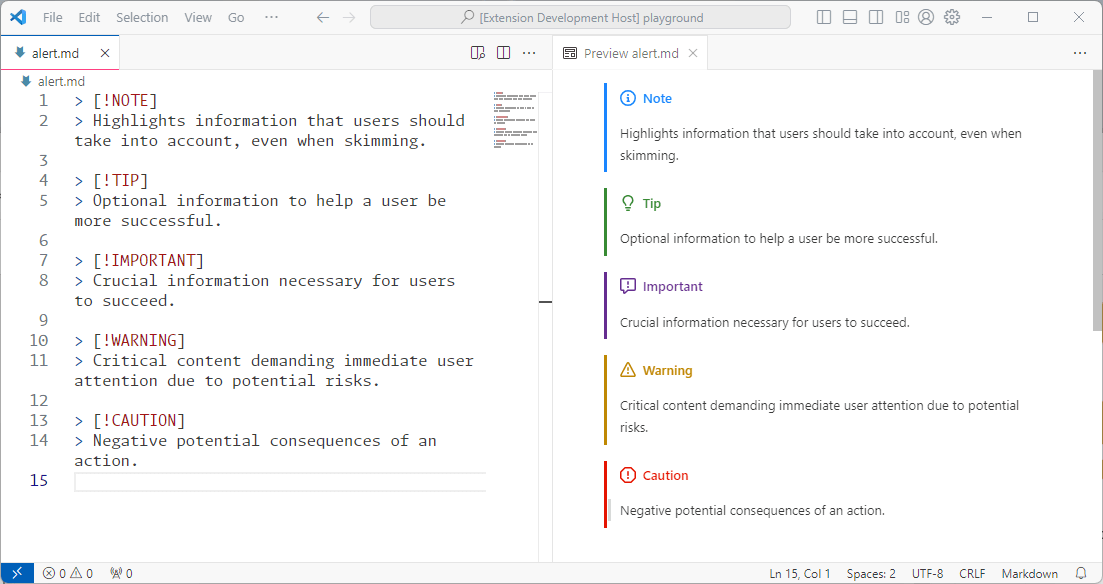
Markdown Alert Visual Studio Marketplace

HackMD Visual Studio Marketplace
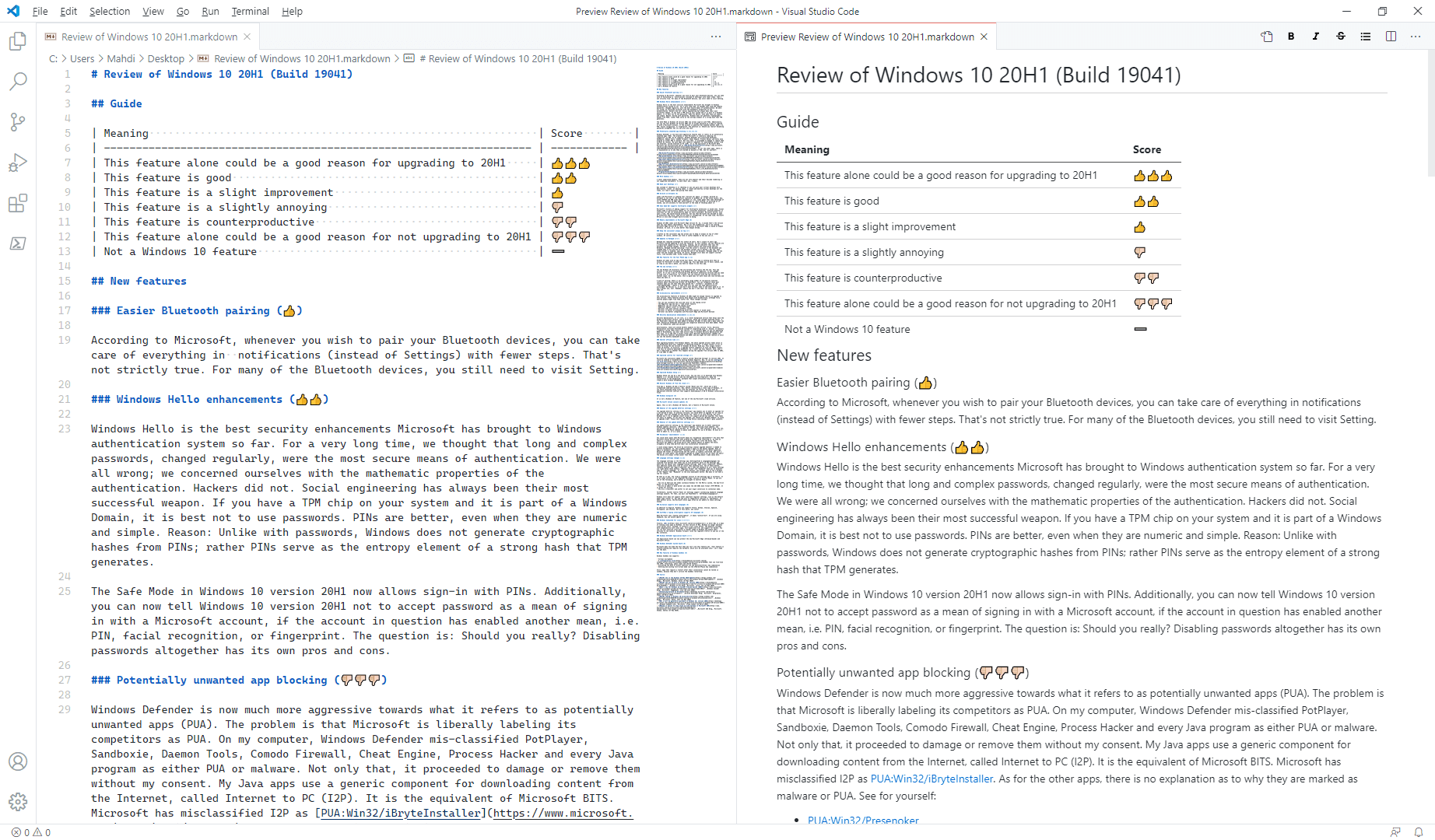
VS Code Markdown Reference Markdown Guide
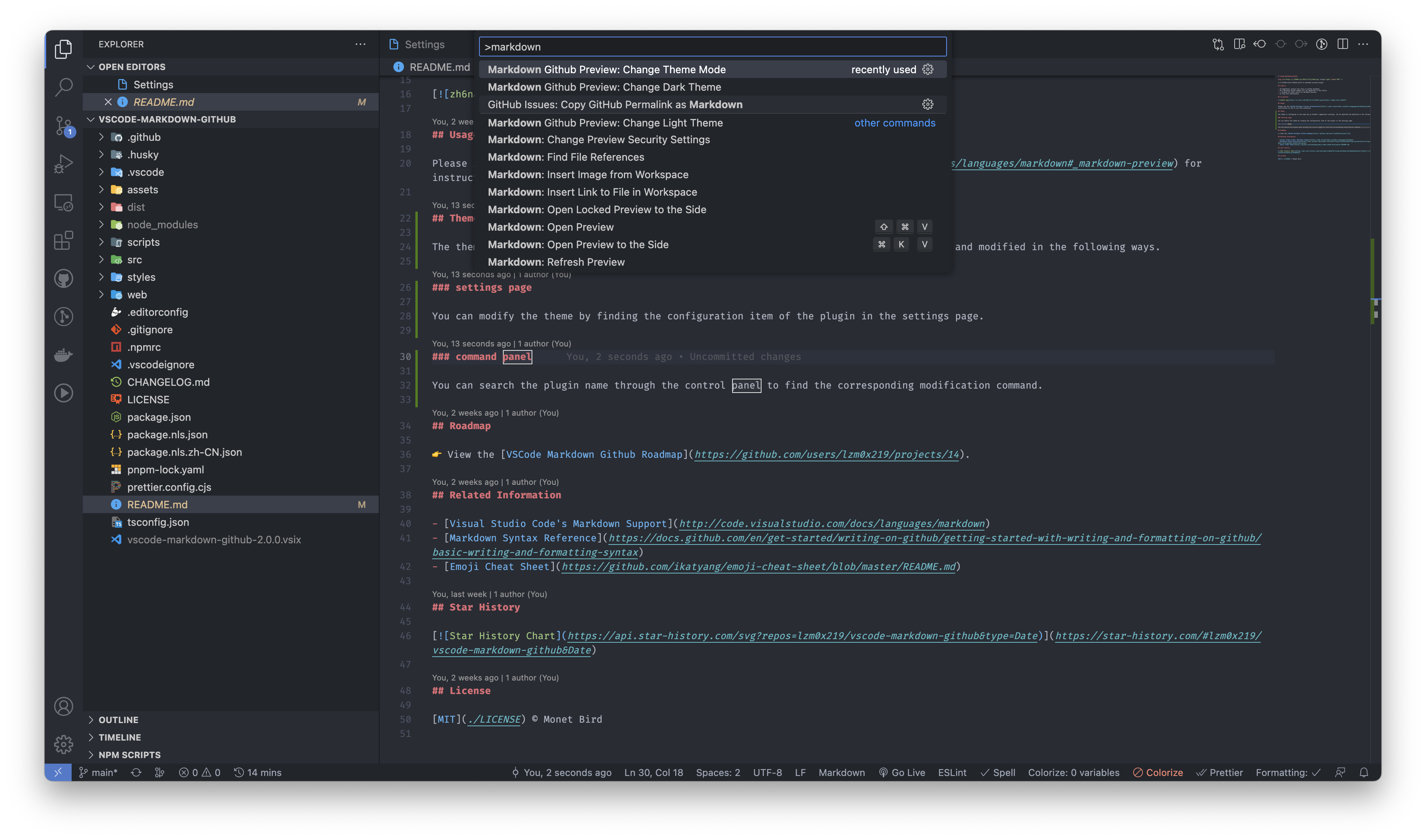
Markdown Github Preview Visual Studio Marketplace
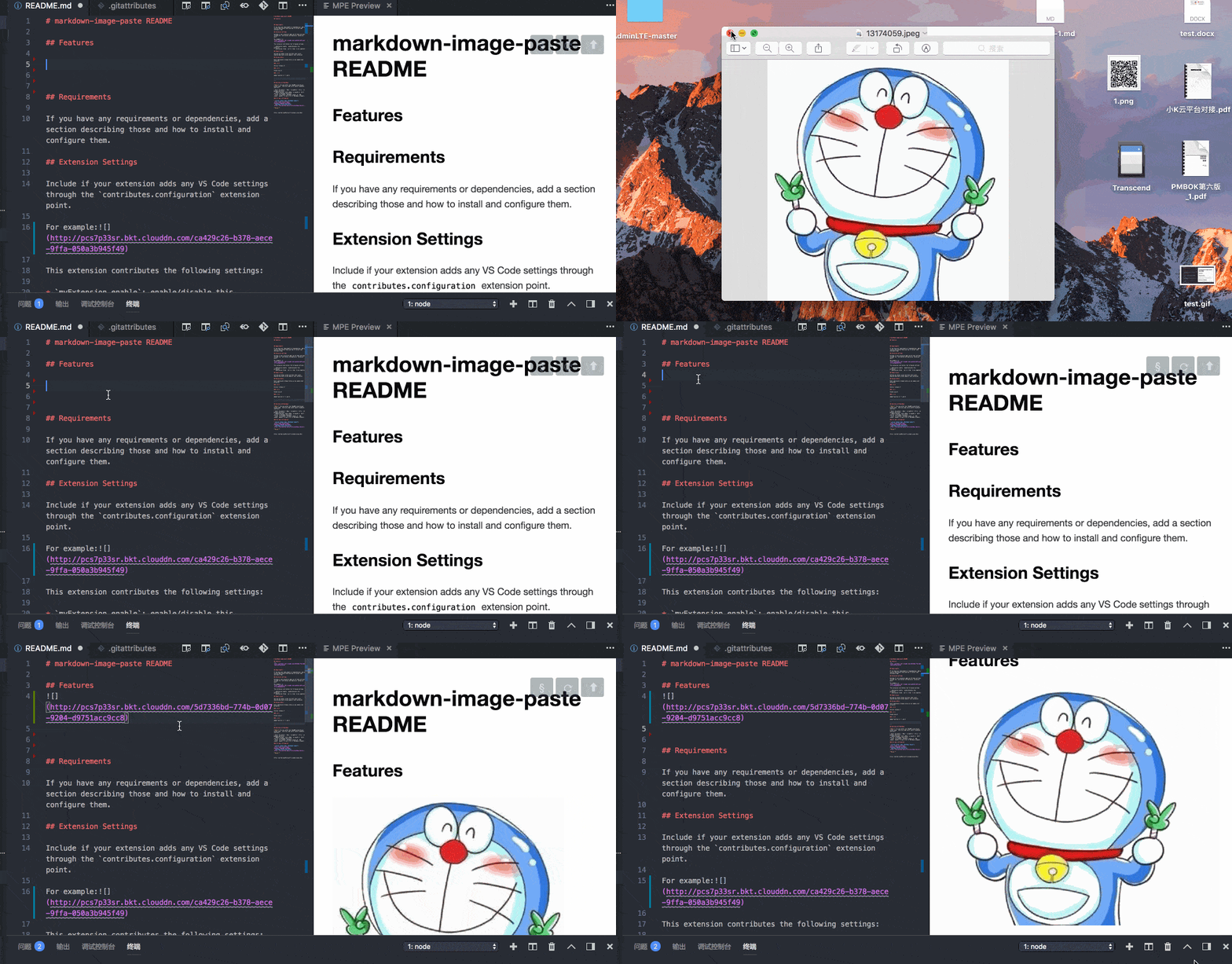
Markdown Image Paste Visual Studio Marketplace

Typora VSCode Sublime Markdown YTYT2002YTYT

Download Visual Studio IDE or VS Code for free Try out Visual Studio Professional or Enterprise editions on Windows Mac

Build with Visual Studio Code anywhere anytime entirely in your browser

Visual Studio Code commonly referred to as VS Code 10 is an integrated development environment developed by Microsoft for Windows Linux macOS and web browsers 11 12
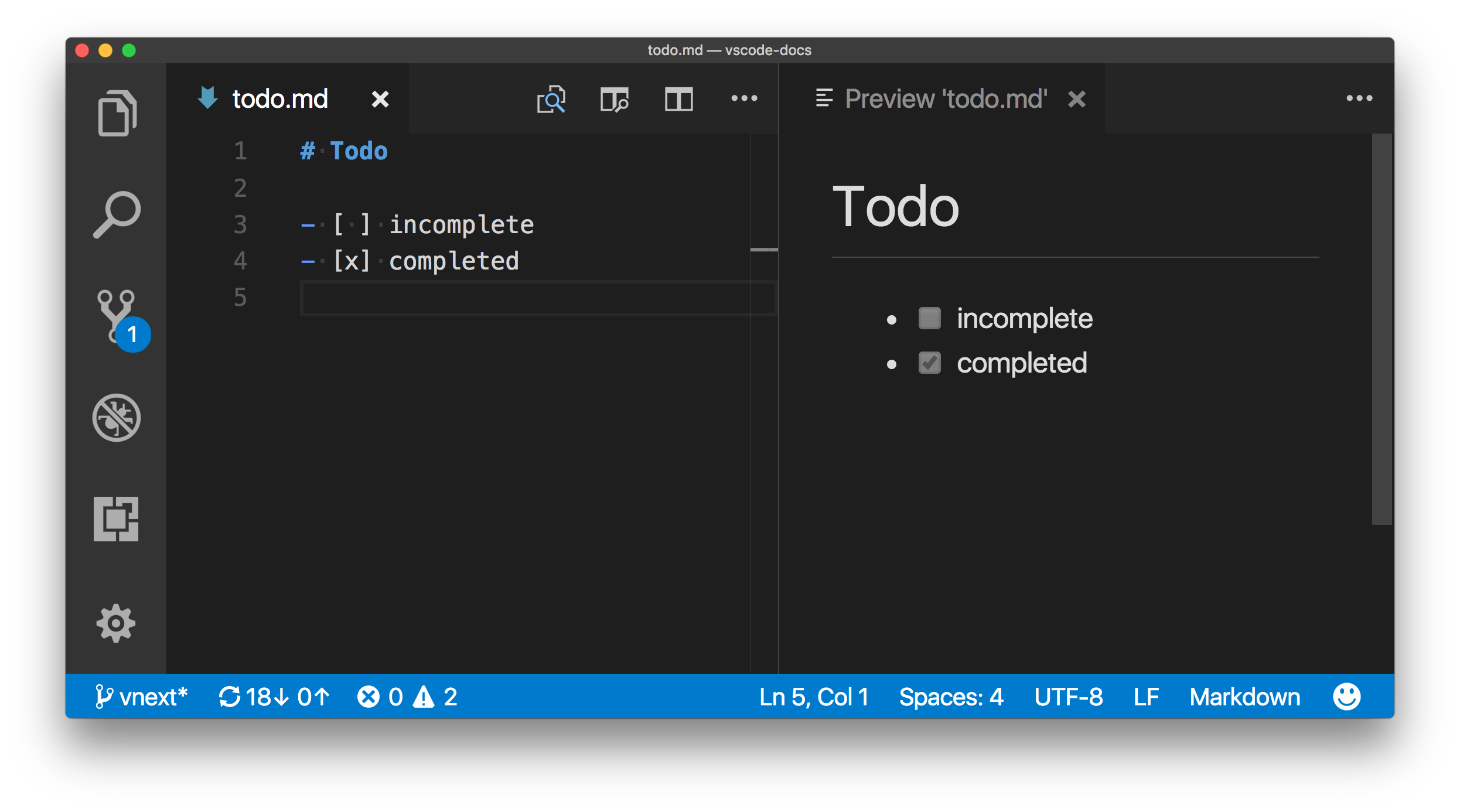
Simply visit the site vscode dev and you re ready to code without installing anything This version of VS Code running directly in your browser can do wonders
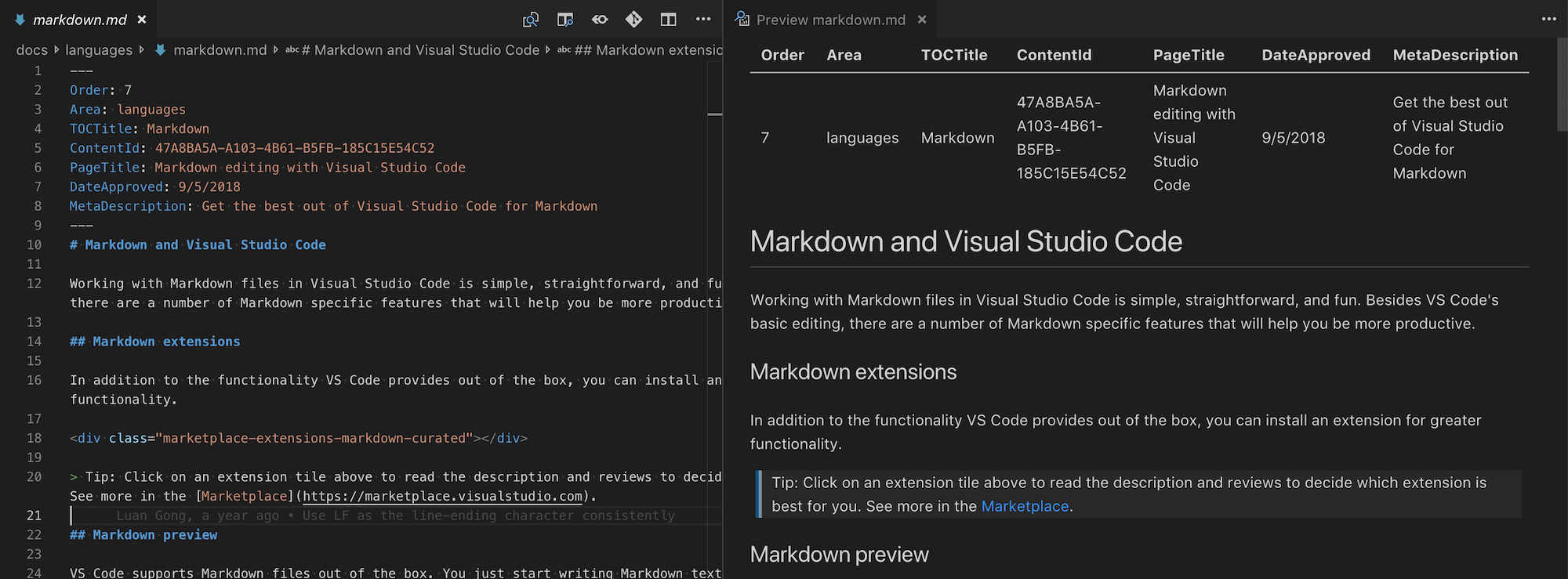
Visual Studio Code is free and available on your favorite platform Linux macOS and Windows Download Visual Studio Code to experience a redefined code editor optimized for building and
[desc-11] [desc-12]
[desc-13]