Vscode List Installed Extensions Command Line Search Install And Update GNOME Shell Extensions From The Command Line VS Code Extensions To Boost Productivity Use Group Policies To Manage Microsoft Edge Extensions Microsoft Learn Visual Studio Code Is It Possible To Navigate Using J K Command In 6 VSCode Extensions That You Are Not Using AntStack Edit debug and deploy on Azure with Visual Studio Code a powerful code editor that works with nearly any language and runs on any OS
Simply visit the site vscode dev and you re ready to code without installing anything This version of VS Code running directly in your browser can do wonders Code anywhere Code wherever you re most productive whether you re connected to the cloud a remote repository or in the browser with VS Code for the Web vscode dev Built in Source
6 VSCode Extensions That You Are Not Using AntStack Getting Error Message Running The Contributed Command Failed ITecNote Learn Vue js And Modern Cutting edge Front end Technologies From Core Getting VSCode Ready For PHP Development North Creation Agency 7 Must Have VSCode Extensions For Web Developers Red Stapler How To Check PHP Extensions Is Installed Or Not Sky Tech Bot Using Remote VSCode For Remote File Editing Over SSH Macos VSCode Can t Find The Module I ve Just Installed Stack Overflow Visual Studio Code VS Code Extensions Visual studio code Tutorial
Vscode List Installed Extensions Command Line
 Vscode List Installed Extensions Command Line
https://blogger.googleusercontent.com/img/b/R29vZ2xl/AVvXsEjFMaQlT5Bq0CwiHX0q1TDw33gzRurEUDCqHEKuFsv90Oo4Vj_DTNb4TVLxe9JKfeeE_X23H_rPfPjQ1obsNLEJPRe7cABZhBG4MOTNUyrXID0eeTc7aSSG8ASFffqi3PAAkQbIFItb-t7_Ru1gsMW-pytX8pK8Ouq1zmFm2naiVJ7-AbyLQA4teo_H/w1200-h630-p-k-no-nu/gnome-extensions-cli.png
Oct 3 2022 nbsp 0183 32 Learn how to set up VS Code to author and debug code using the Windows Subsystem for Linux
Pre-crafted templates provide a time-saving option for developing a varied series of files and files. These pre-designed formats and layouts can be utilized for different individual and expert tasks, consisting of resumes, invitations, flyers, newsletters, reports, presentations, and more, enhancing the content production procedure.
Vscode List Installed Extensions Command Line

How To Use Vscode Command Prompt BEST GAMES WALKTHROUGH

Getting Error Message Running The Contributed Command Failed ITecNote
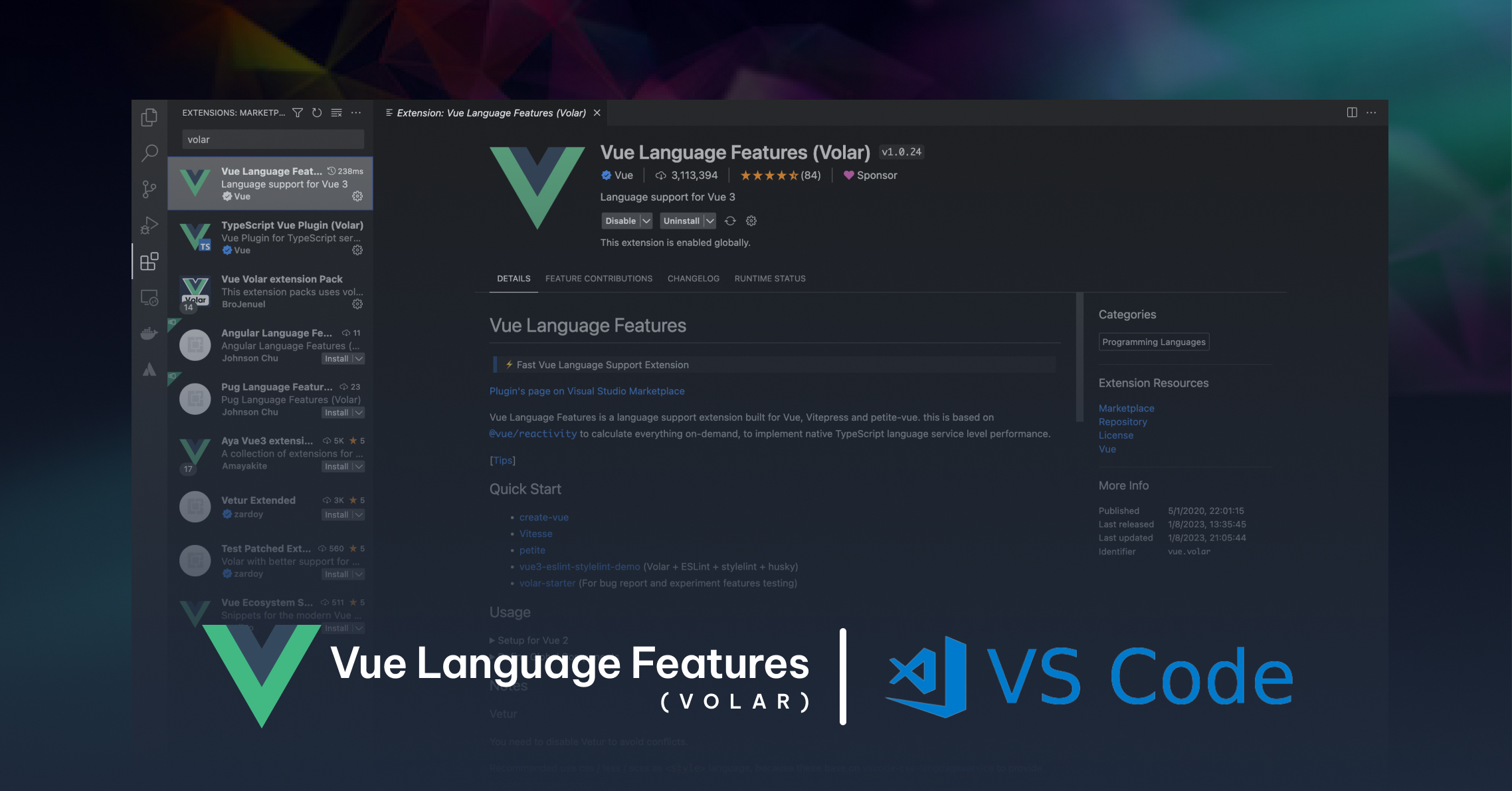
Learn Vue js And Modern Cutting edge Front end Technologies From Core

Getting VSCode Ready For PHP Development North Creation Agency
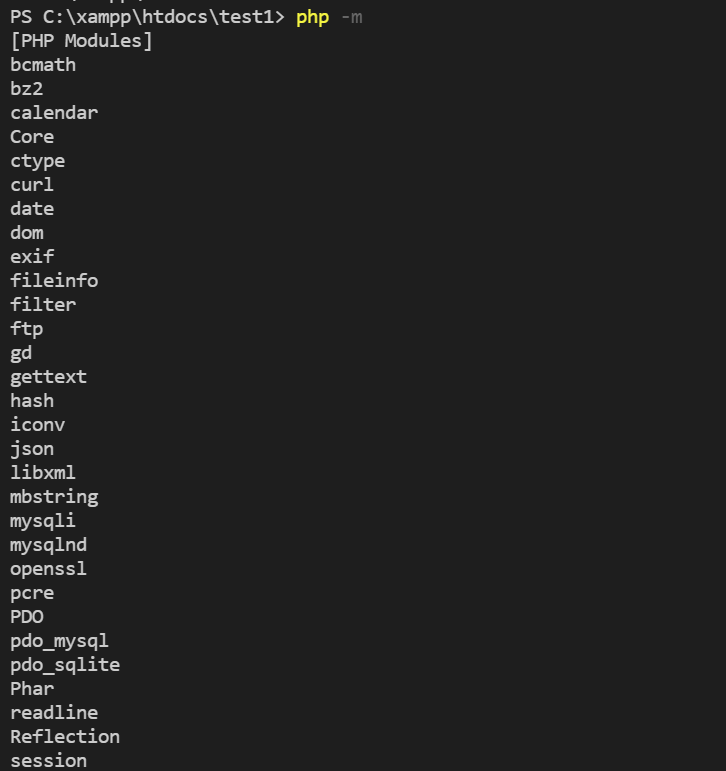
How To Check PHP Extensions Is Installed Or Not Sky Tech Bot
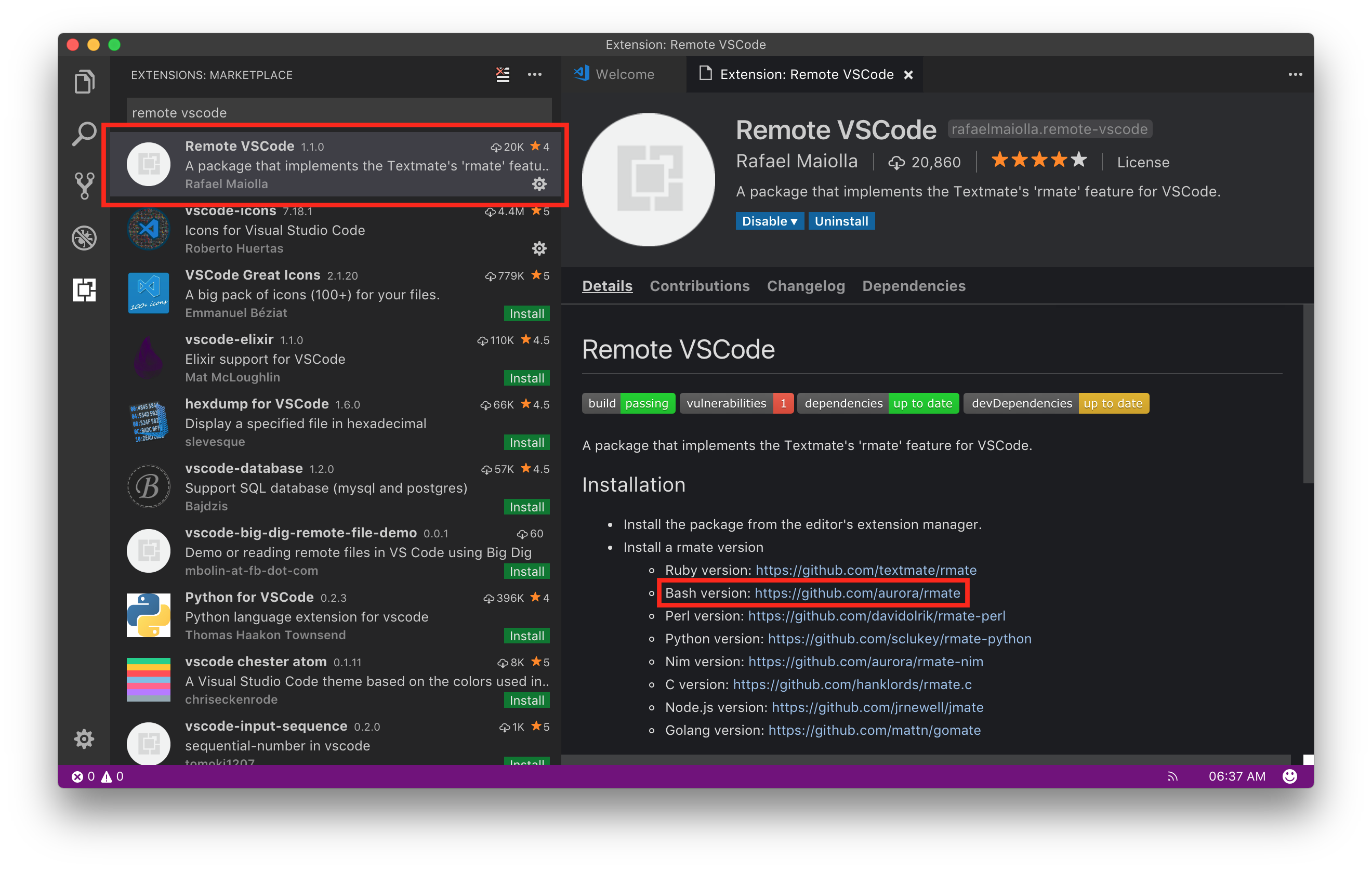
Using Remote VSCode For Remote File Editing Over SSH

Download Visual Studio IDE or VS Code for free Try out Visual Studio Professional or Enterprise editions on Windows Mac

Visual Studio Code is a free lightweight and extensible code editor for building web desktop and mobile applications using any programming language and framework Visual Studio Code has
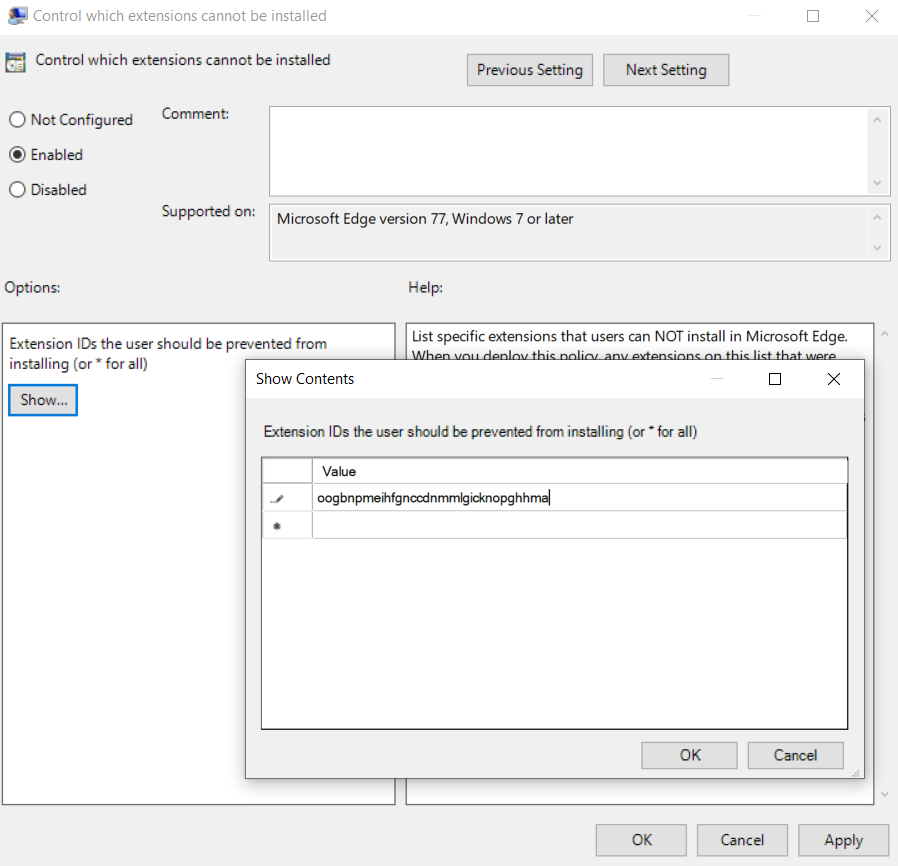
Visual Studio Code Contribute to microsoft vscode development by creating an account on GitHub

Build with Visual Studio Code anywhere anytime entirely in your browser

It is officially supported and hosted by Microsoft and can be accessed at vscode dev Out of the box Visual Studio Code includes basic support for most common programming languages
[desc-11] [desc-12]
[desc-13]