Vscode Linter Stopped Working visual studio code - In vscode, lint errors show in problems, but lint error message not show when mouse hover red wave - Stack Overflow Linting Python in Visual Studio Code javascript - ESLint not working in VS Code? - Stack Overflow javascript - VSCode eslint error in IDE but not in CLI - Stack Overflow ESLint not working in VSCode? Help build a troubleshooting checklist! - DEV Community 1 Unable to import pylint Open the terminal window Activate the relevant python virtual environment Ensure Pylint is installed within this virtual
Today s VS Code extension tip ESLint fix all actions Quickly fix all linter problems for a given Maybe restart vscode or check that there are not any nimsuggest servers still running crashed Lando May 2018
ESLint not working in VSCode? Help build a troubleshooting checklist! - DEV Community reactjs - What is the reason ESlint doesn't work in VS Code - Stack Overflow javascript - Eslint is working from terminal, but not showing error in the editor UI (VSCode) - Stack Overflow python - Visual Studio Code pylint not working on Ubuntu - Stack Overflow C++ Syntax error checking not working · Issue #2164 · microsoft/vscode-cpptools · GitHub python - Why Vscode is showing an "unable to import" error - Stack Overflow eslint.autoFixOnSave does not trigger consistently · Issue #600 · microsoft/ vscode-eslint · GitHub Accessibility in Visual Studio Code config - Debugger from VSCode in WSL does not work - interpreter not working (not loading), any solutions? - Stack Overflow
Vscode Linter Stopped Working
 Vscode Linter Stopped Working
https://i.stack.imgur.com/Fc4oH.jpg
To enable linting for Python in VSCode we need to make sure some things are enabled in our settings Be sure to make these changes to the User
Templates are pre-designed documents or files that can be used for numerous functions. They can save effort and time by supplying a ready-made format and design for developing different type of material. Templates can be used for personal or professional tasks, such as resumes, invites, flyers, newsletters, reports, discussions, and more.
Vscode Linter Stopped Working

VSCode] Intellisense not working sometimes, how can I help? · Issue #2689 · Dart-Code/Dart-Code · GitHub

reactjs - What is the reason ESlint doesn't work in VS Code - Stack Overflow

javascript - Eslint is working from terminal, but not showing error in the editor UI (VSCode) - Stack Overflow

python - Visual Studio Code pylint not working on Ubuntu - Stack Overflow

python - Why Vscode is showing an "unable to import" error - Stack Overflow

eslint.autoFixOnSave does not trigger consistently · Issue #600 · microsoft/ vscode-eslint · GitHub

Take a look at the output panel in VSCode Open the command palette by pressing Ctrl Cmd Shift P and select ESLint Show Output Channel
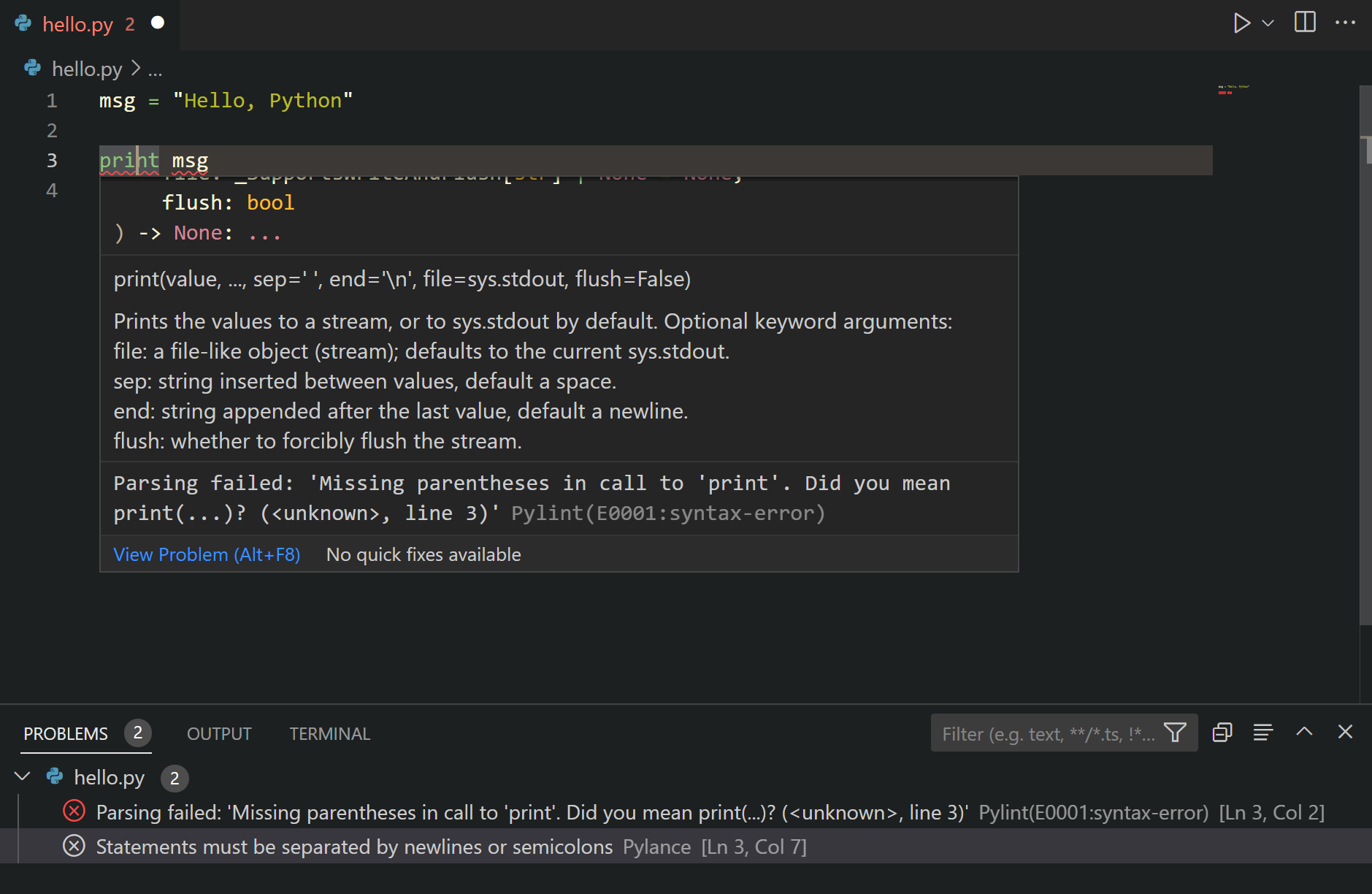
The linter has not been installed in the current Python environment Open a command prompt navigate to the location where your selecter interpreter is and run

In VSCode open the terminal by pressing Ctrl keyboard combination Select ESLint from the terminal channel dropdown In here you would find

Type LanguageService Describe the bug OS and Version Microsoft Windows 10 Home version 10 0 18362 Build 18362 VS Code Version 1 43

I updated my VS code and now my pylance linter is not working I ve deleted VScode and reinstalled it with pylance extension and with all
Recently where I work started switching over to a monorepo which seemed to give vscode some issues around linting Thankfully with a little bit of research Once ESLint is installed in Visual Studio Code you ll notice colorful underlining in your app js file highlighting errors These markers are
2 Configure VSCode Settings to use ESLint for Formatting Open up VSCode s settings On a Mac press Cmd or get there through the menus