Vscode Install Extension Remote Stuck Visual Studio Code Vscode Remote Container Extension Launching Got VSCode Plugins Developers Journal Nh ng o n Code T y Bi n Cho VSCode C c p B i Evondev Evondev Blog Remote Access What Is The Install Terminal And How To Remove It From VSCode TechMemo Web Install an OpenSSH compatible SSH client if one is not already present Install Visual Studio Code or Visual Studio Code Insiders Install the Remote SSH extension If you plan to work with other remote extensions in VS Code you may choose to install the Remote Development extension pack
Web If an incompatible extension has been installed on a remote host container or in WSL we have seen instances where the VS Code Server hangs or crashes due to the incompatibility If the extension activates right away this can prevent you from connecting and being able to uninstall the extension Web The Visual Studio Code Remote Development extension pack allows you to open any folder in a container on a remote machine via SSH or in the Windows Subsystem for Linux and take advantage of VS Code s full feature set This means that VS Code can provide a local quality development experience including full IntelliSense completions
VSCode TechMemo VSCode Tips Tricks For Flutter Projects Codereis Using Remote VSCode For Remote File Editing Over SSH Kirk S Ui Dev Blog Visual Studio Code Settings By User Workspace Or How To Setup Code Server On Ubuntu 20 04 LTS Alternight Vscode Theme Extensiones De VSCode Interesantes Manz dev VSCode Tips For Power Users Vscode Browse Lite
Vscode Install Extension Remote Stuck
 Vscode Install Extension Remote Stuck
https://i.stack.imgur.com/9pI7U.png
Web Aug 20 2021 nbsp 0183 32 Yes VS Code Version 1 58 and 1 59 OS Version RHEL 8 4 Steps to Reproduce ssh to some remote web server in my case it is my academic institution s High power computing server once the vs code is initialized for the server go to extensions and try installing any extension on the remote host
Templates are pre-designed files or files that can be used for numerous functions. They can conserve time and effort by offering a ready-made format and design for developing different kinds of content. Templates can be used for personal or professional jobs, such as resumes, invites, leaflets, newsletters, reports, presentations, and more.
Vscode Install Extension Remote Stuck
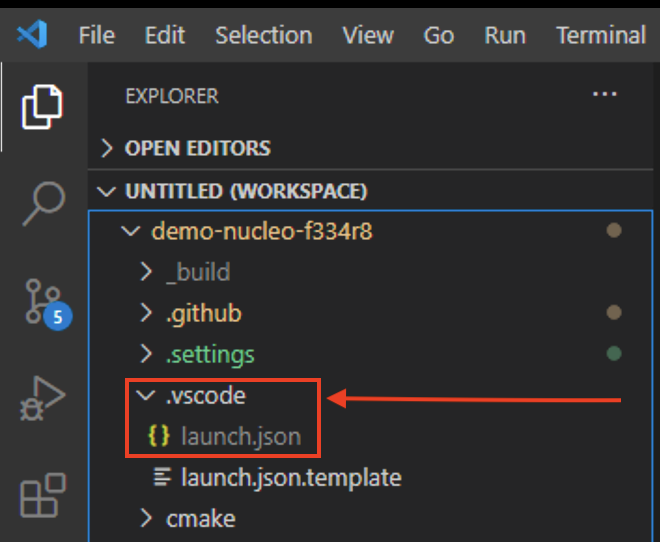
Setting Up GDB In VSCode Windows Example Lager Data Inc
VSCode Tips Tricks For Flutter Projects Codereis
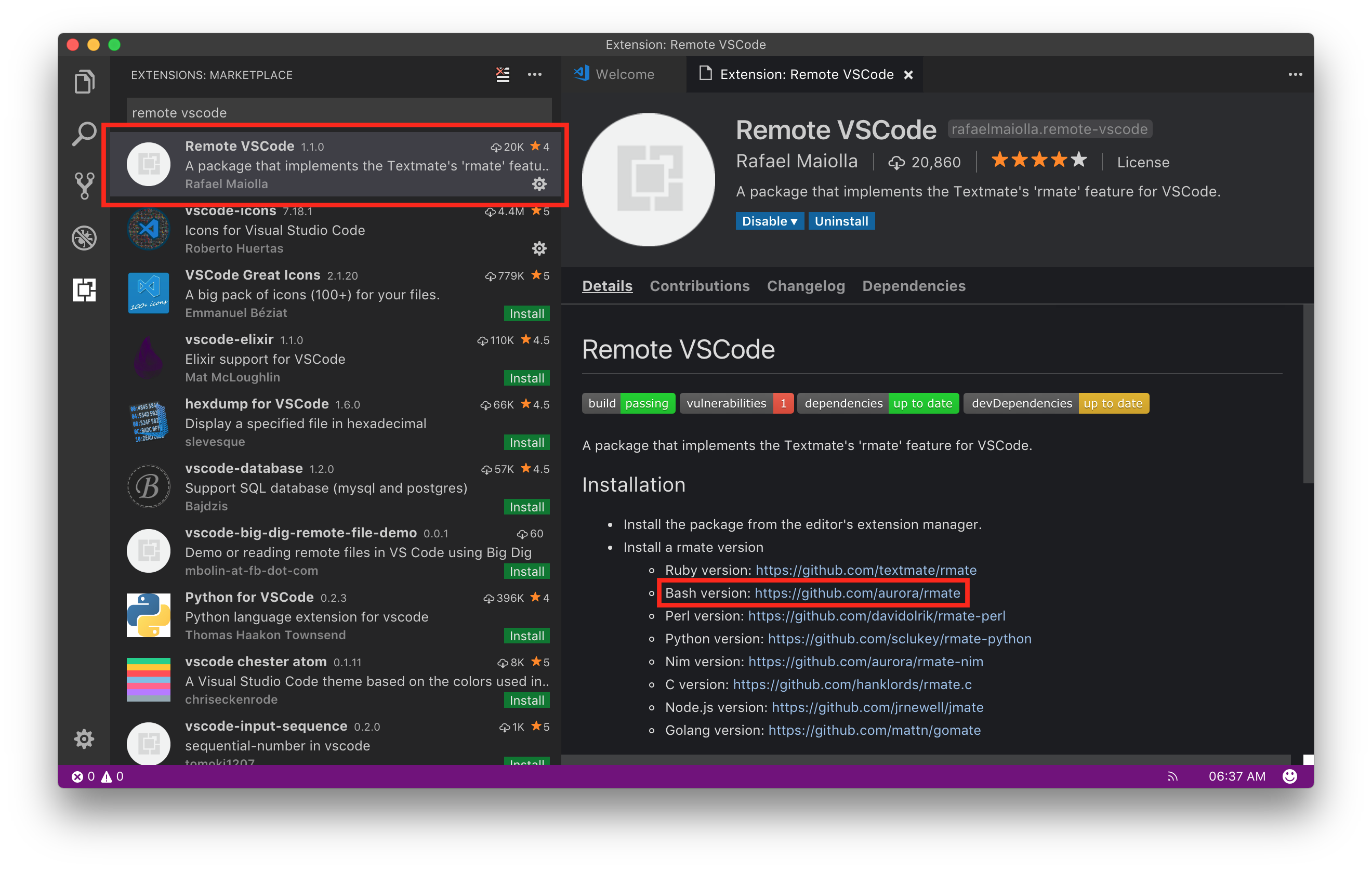
Using Remote VSCode For Remote File Editing Over SSH
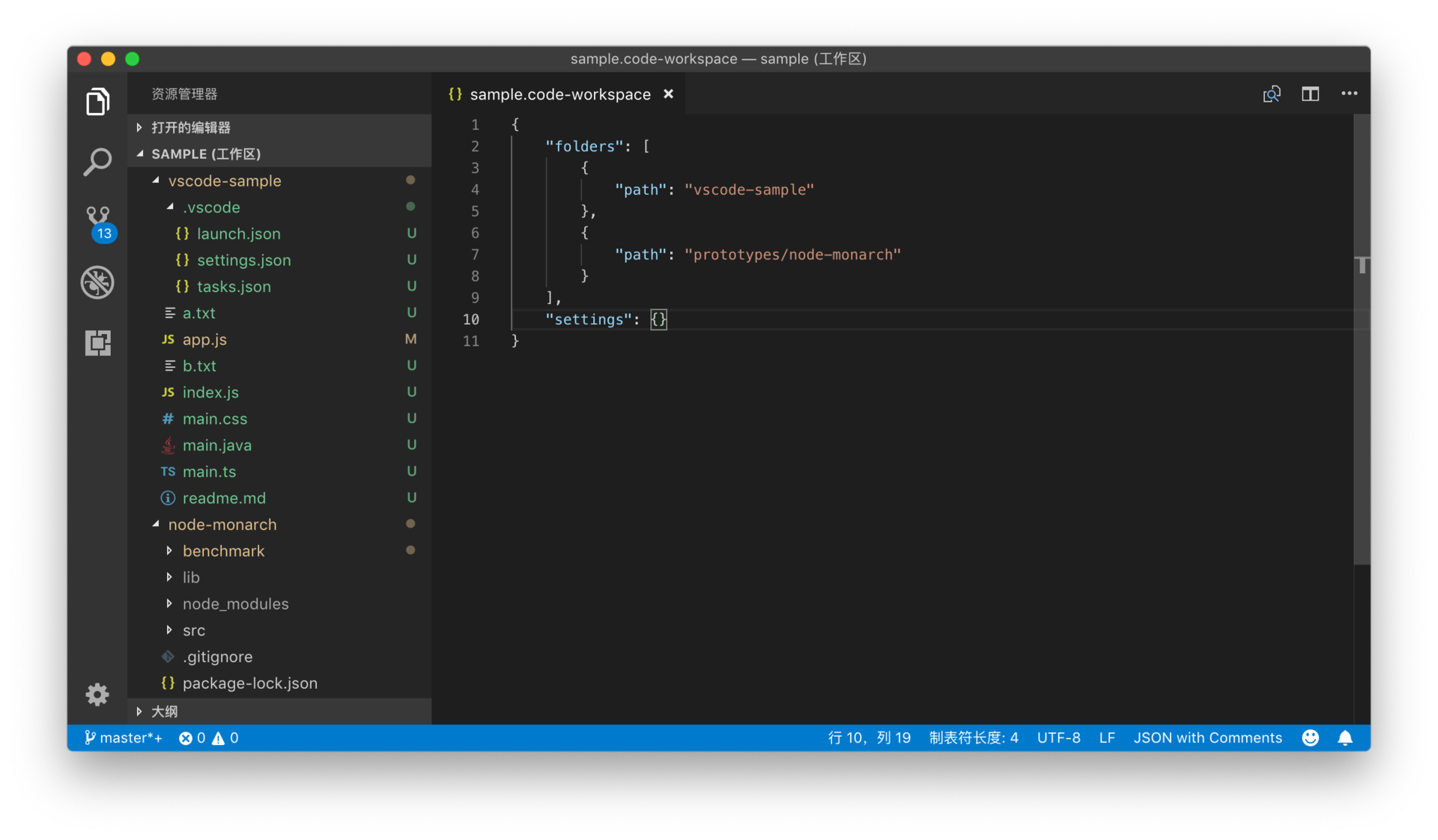
Kirk S Ui Dev Blog Visual Studio Code Settings By User Workspace Or
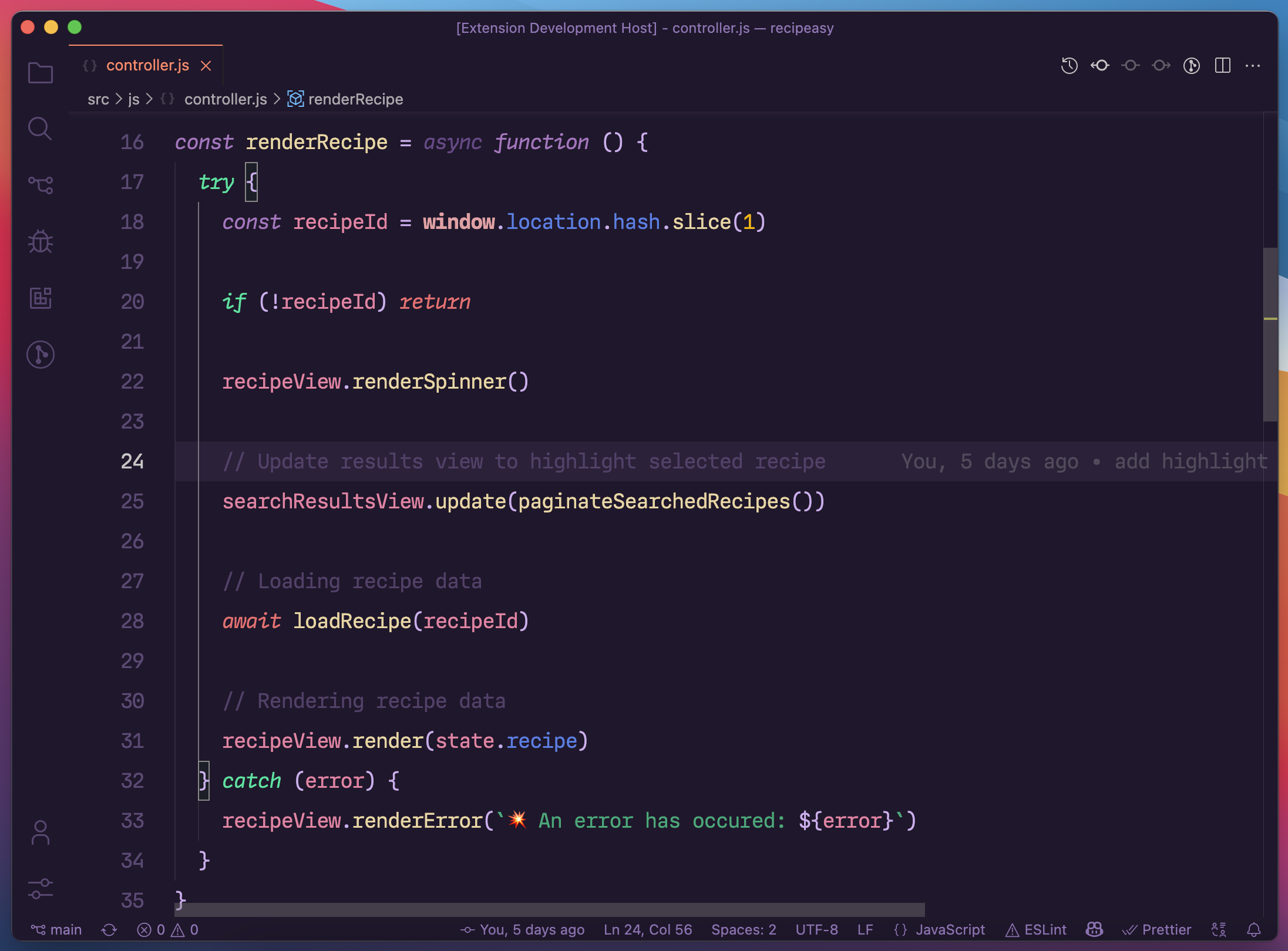
Alternight Vscode Theme
Extensiones De VSCode Interesantes Manz dev

Web Nov 29 2020 nbsp 0183 32 I tried all solutions I found online deleting vscode server deleting wget hsts downgrading the Remote SSH vscode extension but it turned out that the only thing that worked for me was reinstalling vscode
Web Mar 10 2022 nbsp 0183 32 connect to remote host view extensions try to install any extension on the remote host nothing happens VS Code version Code 1 65 2 c722ca6 2022 03 10T14 33 55 248Z OS version Windows NT x64 10 0 19042 Restricted Mode No Remote OS version Linux x64 3 10 0 1160 49 1 el7 x86 64 System Info Item Value
Web Apr 20 2023 nbsp 0183 32 1 Answer Sorted by 2 The solution to this problem was to right click on the VSCode desktop icon and run this app as administrator I am not sure why this changes whether or not you can install vscode extensions but it works note this will only work for windows users answered Apr 20 2023 at 2 43 ca1c 1 171 11 24

Web Sep 9 2021 nbsp 0183 32 Solution Go to preferences open the Remote settings tab and configure Http Proxy Support as override Http Proxy as my remote http proxy When I set an https proxy URL here it failed proxyStrictSSL is set to false If VSCode Remote Extensions annoy you prompting for your password multiple times

Web Sep 5 2023 nbsp 0183 32 No VS Code Version latest win11 version OS Version windows 11 updated to newest Steps to Reproduce start vmware vm of ubuntu 2204 LTS desktop run win11 vscode use ssh to connect vm install extension on remote quot installing quot takes forever other extension same issue I tried vpn for host and remote
Web Oct 28 2020 nbsp 0183 32 When I am using this remote container extension for launching a container sometime it will stuck at quot installing extensions quot It will stuck at this state as follow for a long time and no response Sometime it works fine and fast sometime does not I have commented all the extensions in devcontainer json file but it still happens sometime Web There are a few possible reasons why the installation is stuck Is there any way to force stop or kill this process The only best option to is re start the vs code instance Have you tried the option Extensions Open Extensions Folder and then deleting it s folder if
Web May 2 2019 nbsp 0183 32 Installation Install VS Code or VS Code Insiders and this extension pack On Windows be sure to check Add to PATH when asked to Select Additional Tasks during installation Remote SSH Install an OpenSSH compatible SSH client WSL Install the Windows Subsystem for Linux along with your preferred Linux distribution