Vscode How To Commit To Github Print On Demand Sorry Ladies I Only Commit To GitHub Shirt Hoodie Apuntes De Git David Poza Try The New Commit Graph Feature Preview Gitkraken Vscode gitlens Visual Studio Code Change Default Button From Commit To Commit And Commit Changes To A Git Repository TestingDocs Web Here are the commands you can use to add a new project to GitHub using VS Code git init git add git commit m quot Initial commit quot git remote add origin lt repository URL gt git push u origin master If you face any issue like fatal repository not found check your repository url and check whether you are authenticated
Web Get started with Git in Visual Studio Code and take control of your code Our beginner s guide covers everything you need to know from setting up a repository to committing changes and collaborating with others Learn Git today and Web May 26 2023 nbsp 0183 32 Just enter your commit message and then select Commit All The equivalent command for this action is git commit a Visual Studio also makes it easy to commit and sync with one click by using the Commit All and Push and Commit All and Sync shortcuts When you double click any file in the Changes and the Staged changes
Commit Changes To A Git Repository TestingDocs Git Tip Committing With Verbose Mode Tekin co uk Git Commit Message Format Not Reflected In Git Log Issue 81978 How To Commit To Learning A Language When You Can t Do It Regularly Sorry Ladies I Only Commit To Github Cat Shirt Trend Tee Shirts Store Git Adding A Commit Message Dev Codevelop art Push To Github Without Re entering Password connect SSH Key Visual Studio Code How Do You Close The Commit Panel In VSCode What Is Github How Github Works
Vscode How To Commit To Github
 Vscode How To Commit To Github
https://vietnamreflections.com/wp-content/uploads/2022/06/Sorry-Ladies-I-Only-Commit-To-GitHub-Shirt.jpg
Web Apr 24 2018 nbsp 0183 32 There are a few ways to git commit in VS Code With empty message box in the source control side bar Git Commit in Command Palette or clicking Commit check mark will give you an input box where you can input one line lt enter gt commits that s the situation you are describing
Templates are pre-designed documents or files that can be utilized for numerous purposes. They can conserve time and effort by offering a ready-made format and layout for developing different type of content. Templates can be utilized for individual or expert projects, such as resumes, invites, flyers, newsletters, reports, discussions, and more.
Vscode How To Commit To Github

Please Enter The Commit Message For Your Changes Design Corral
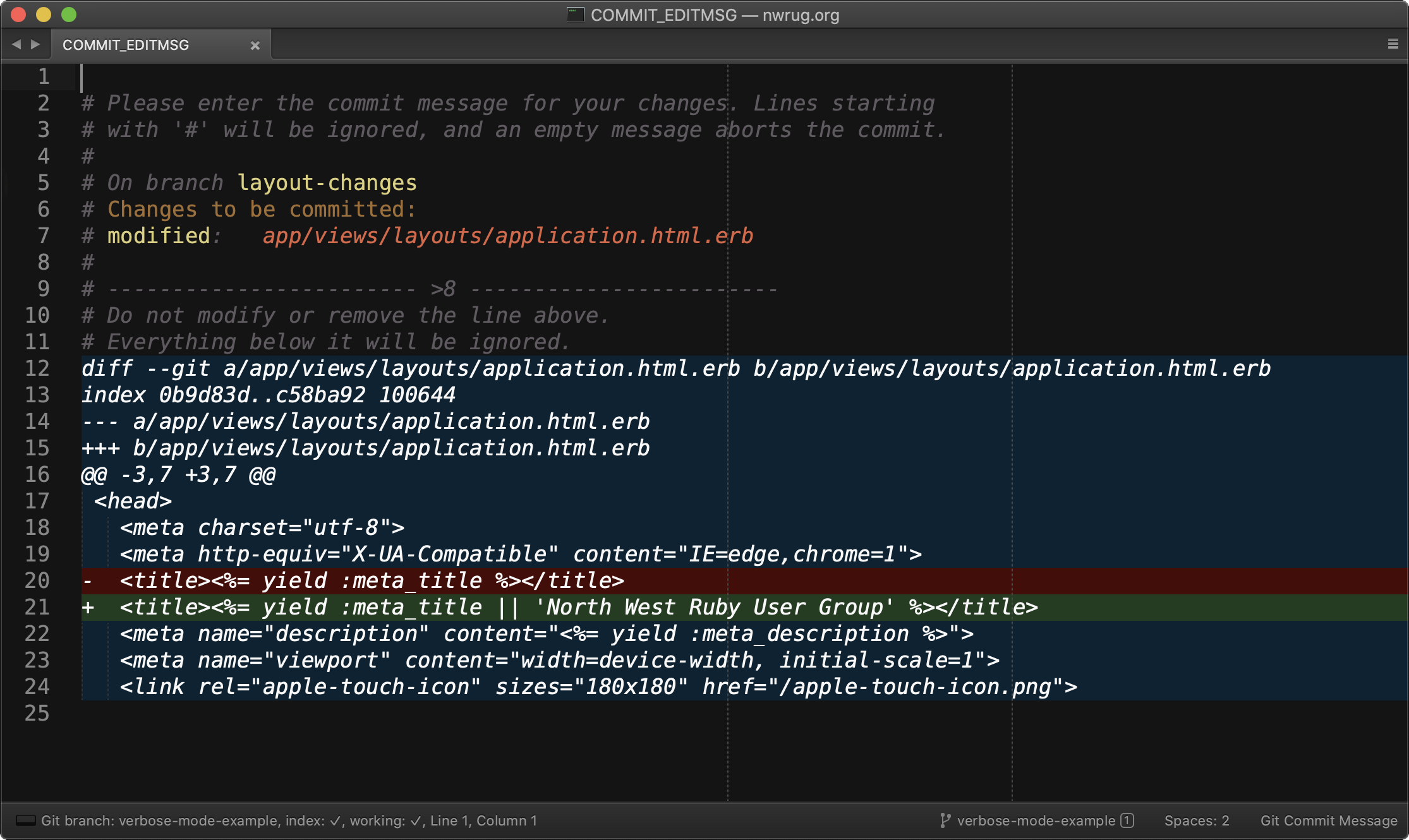
Git Tip Committing With Verbose Mode Tekin co uk

Git Commit Message Format Not Reflected In Git Log Issue 81978

How To Commit To Learning A Language When You Can t Do It Regularly

Git Adding A Commit Message Dev Codevelop art
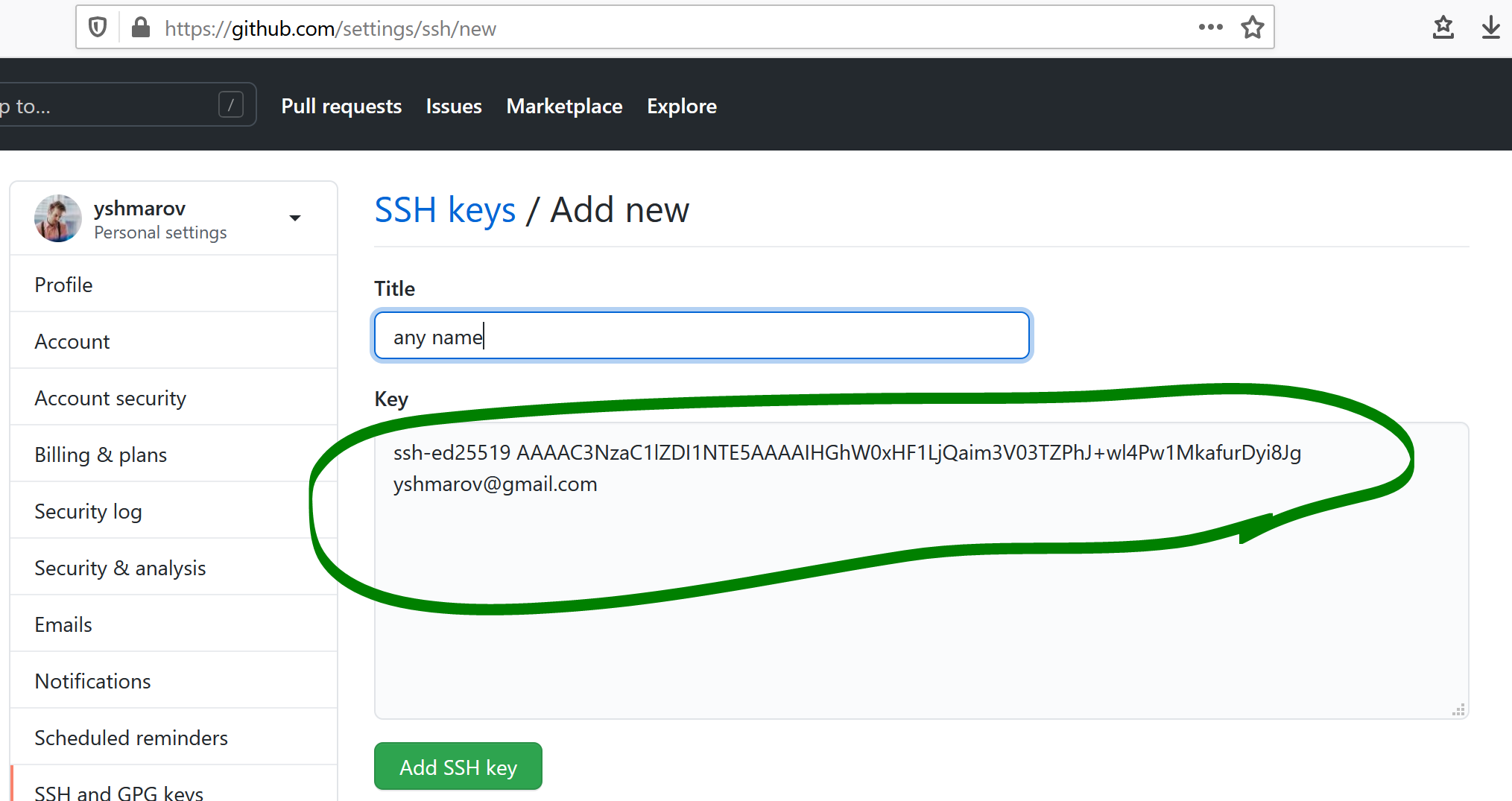
Push To Github Without Re entering Password connect SSH Key

Web Oct 25 2023 nbsp 0183 32 In order to transfer your committed changes to your Github repository you ll need to utilize the Push option through source control view Start by locating the ellipsis three dots in the corner of the source control view
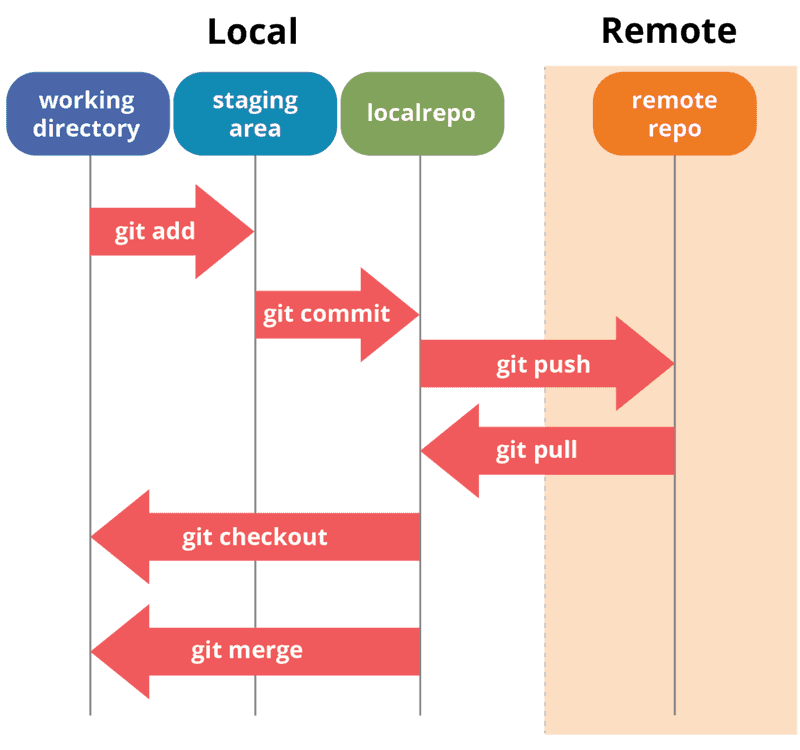
Web When VS Code doesn t detect an existing Git repository the Source Control view will give you the options to Initialize Repository or Publish to GitHub You can also run the Git Initialize Repository and Publish to GitHub commands from the Command Palette P Windows Linux Ctrl Shift P
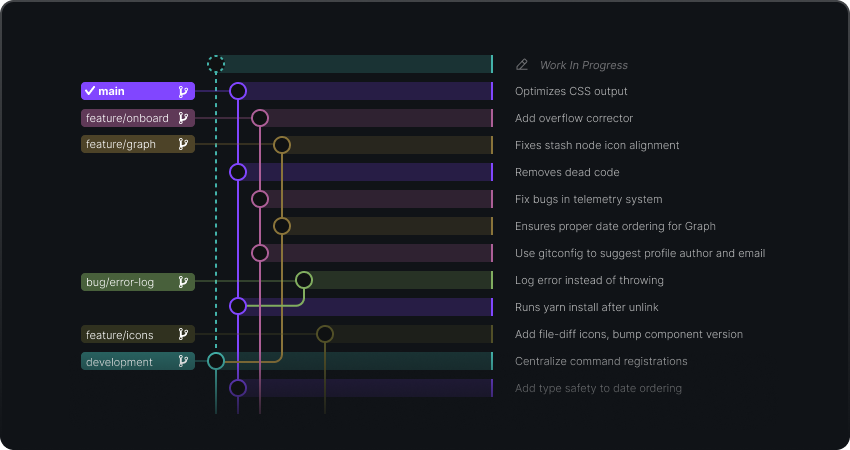
Web Jul 14 2019 nbsp 0183 32 Viewed 6k times 3 I want to use Visual Studio Code and Gitlens to commit or push code to the new repository from GitHub but I can t find a good tutorial with user friendly approach about how to use Gitlens in order to commit code to GitHub I have installed Git VS Code and Gitlens git

Web May 8 2020 nbsp 0183 32 In this article I will walk you through the proper steps that will demonstrate to you how to commit and push your changes to your remote repository on GitHub using your VScode in few easy
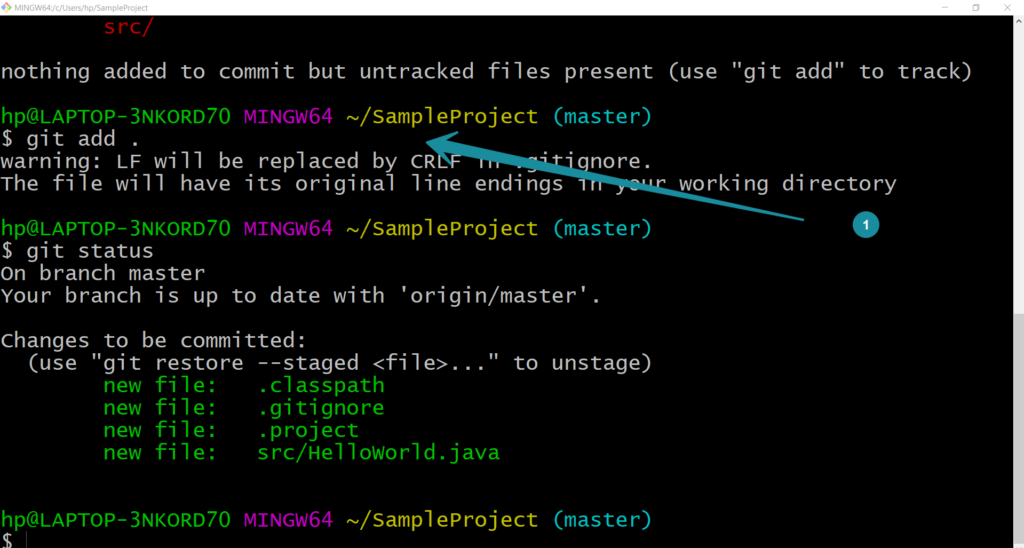
Web Apr 12 2023 nbsp 0183 32 Go to Source Control from the left hand side type a commit message and then click on the carrot button beside Commit and choose Commit amp Push Push your changes to GitHub from VS Code If you don t have your Git username and email configured you ll see this error Error in VS Code if Git username and email is not set
Web Step 1 Install Git Step 2 Create a new GitHub repository Step 3 Open your project within VS Code Step 4 Commit the code files Step 5 Push code to GitHub Pushing code to GitHub means moving your code files from a local repository to a remote GitHub repository This guide shows how to push code from the VS Code terminal to GitHub Web May 10 2023 nbsp 0183 32 1 Create a Github Repository From VSCode How to Publish to Github from VSCode 2 Create a Repository From Github Clone Your Repository in VSCode Open the Project in VSCode Set Up Gitignore File Save Your Project as a Workspace Make Your First Commit to Github Save Changes Commit Your Changes Push the Commit to
Web VS Code is a free coding editor that helps you start coding quickly Use it to code in any programming language without switching editors VS Code comes with built in source control so you can compare versions of your code side by side and save your work over time by backing it up on GitHub We have resources specifically created for students