Vscode Github Copilot Free Github COPILOT Install And Setup With Visual Studio Code YouTube GitHub Copilot Tutorial Unlock AI Powered Coding In VSCode GitHub GitHub Copilot VSCode YouTube VScode Github Copilot How To Get GitHub Copilot And Use It With VS Code This tutorial gives you an overview of the key features of Visual Studio Code to help you get started quickly
Visual Studio Code is a free lightweight and extensible code editor for building web desktop and mobile applications using any programming language and framework Visual Studio Code has Visual Studio dev tools amp services make app development easy for any developer on any platform amp language Develop with our code editor or IDE anywhere for free
How To Get GitHub Copilot And Use It With VS Code Set Up GitHub Copilot In VS Code 5 GitHub Copilot Alternatives You Can Try Today VS Code GitHub Copilot VSCode Add AI generated Code Using Copilot preview Microsoft Learn Copilot Chat Context GitHub Copilot In VS Code Github Copilot X Github Copilot VSCode TechTechMedia Install Github Copilot In Vscode Printable Forms Free Online
Vscode Github Copilot Free
 Vscode Github Copilot Free
https://i.ytimg.com/vi/0dSKt4DgnyA/maxresdefault.jpg
Build with Visual Studio Code anywhere anytime entirely in your browser
Templates are pre-designed documents or files that can be utilized for numerous functions. They can conserve effort and time by supplying a ready-made format and layout for developing various sort of content. Templates can be used for personal or professional projects, such as resumes, invites, flyers, newsletters, reports, discussions, and more.
Vscode Github Copilot Free

Github Copilot

Set Up GitHub Copilot In VS Code
5 GitHub Copilot Alternatives You Can Try Today
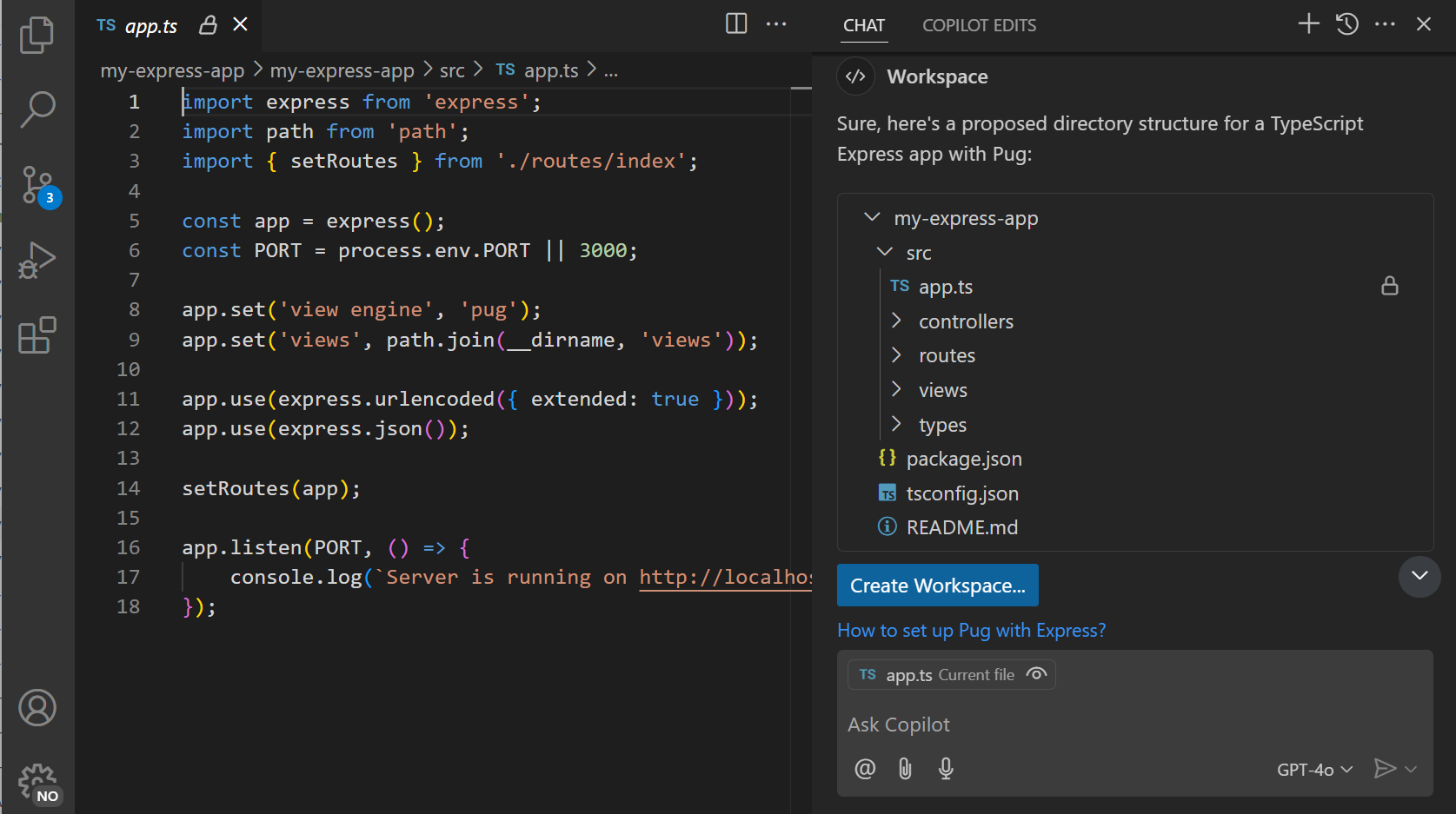
VS Code GitHub Copilot VSCode
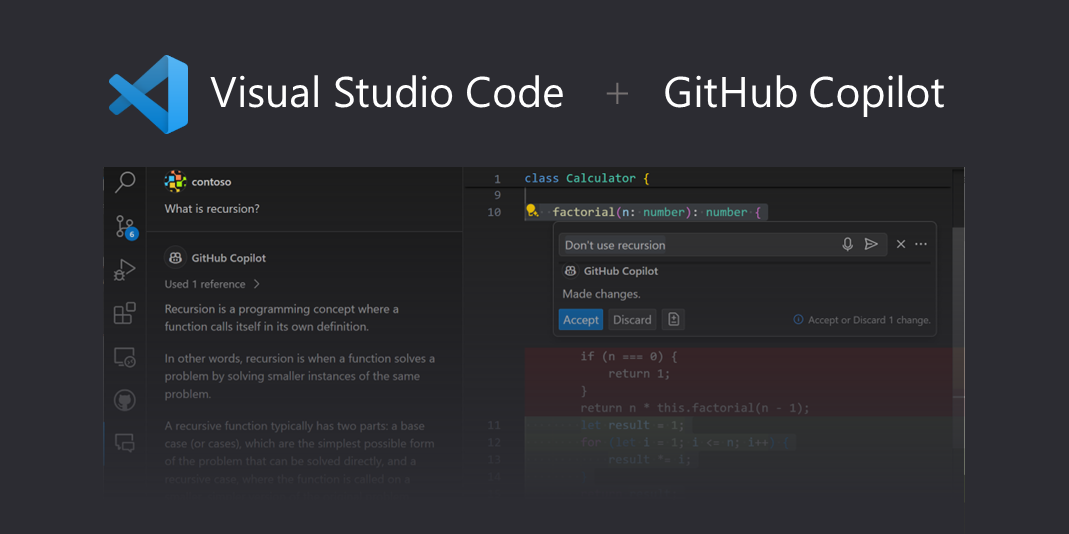
Copilot Chat Context
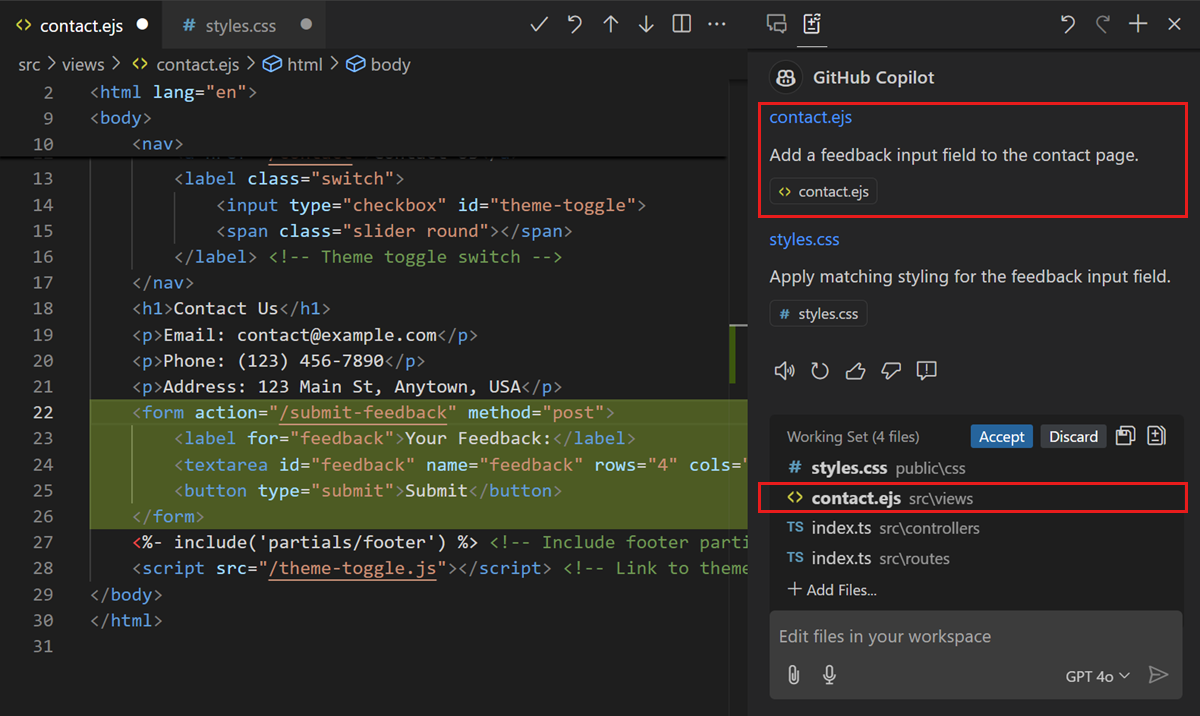
GitHub Copilot In VS Code

Code anywhere Code wherever you re most productive whether you re connected to the cloud a remote repository or in the browser with VS Code for the Web vscode dev Built in Source
Windows Subsystem for Linux With WSL you can install and run Linux distributions on Windows to develop and test your source code on Linux while still working locally on your Windows

Download Visual Studio IDE or VS Code for free Try out Visual Studio Professional or Enterprise editions on Windows Mac
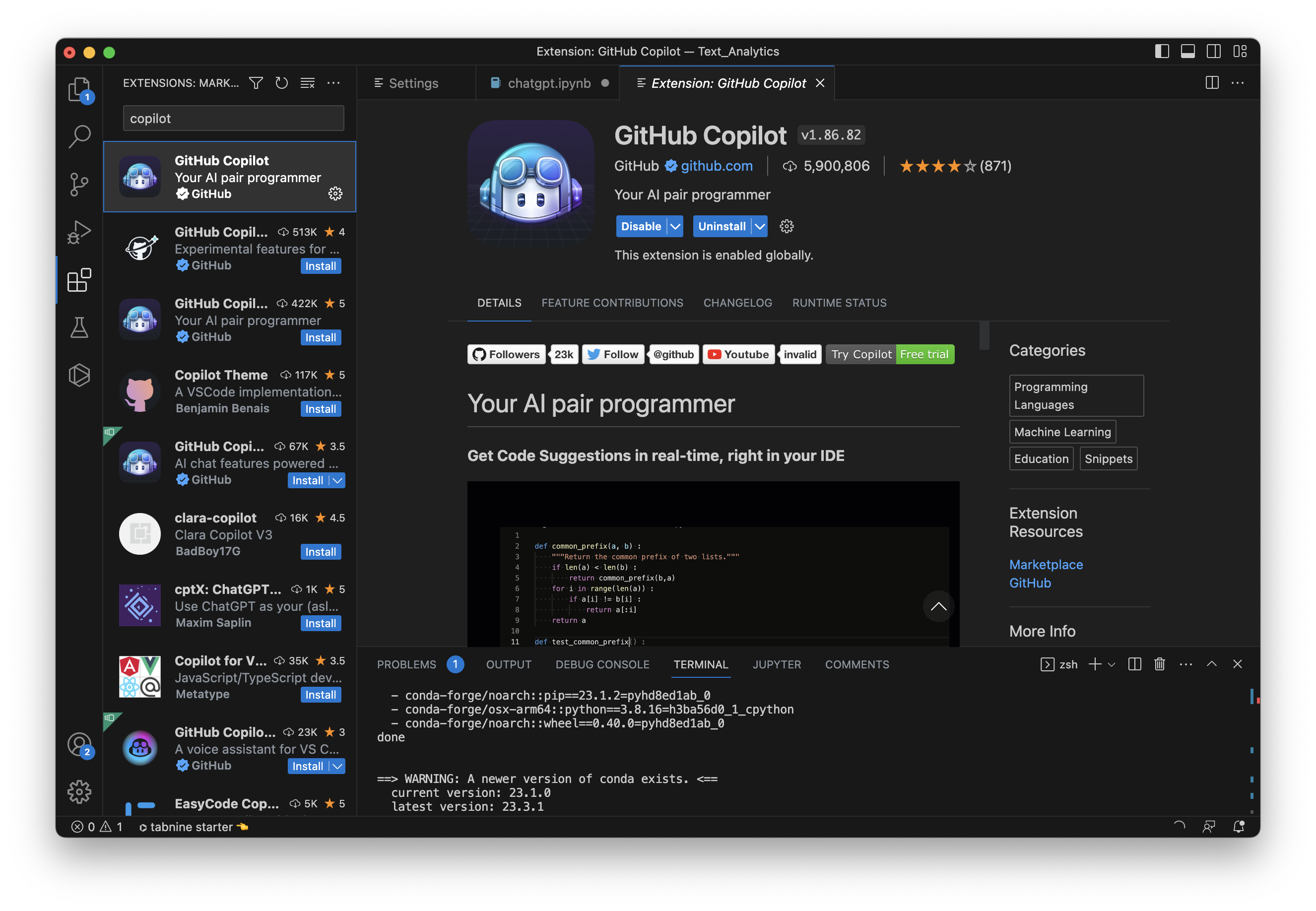
If you want to remove all user data after uninstalling VS Code you can delete the user data folders Code and vscode This returns you to the state before you installed VS Code
Getting started with Visual Studio Code In this tutorial we walk you through setting up Visual Studio Code and give an overview of the basic features
[desc-11] [desc-12]
[desc-13]