Vscode Github Copilot Chat History How To DELETE Your Copilot Chat History YouTube How To Install Copilot In Visual Studio Code Getting Started With How To Get GitHub Copilot And Use It With VS Code Github Copilot Chat Online Image To U Vscode Copilot Getting Started Image To U Getting started with Visual Studio Code In this tutorial we walk you through setting up Visual Studio Code and give an overview of the basic features
For early adopters you can get the latest release of VS Code each day with the Insiders Build Available on Mac Linux and Windows To configure an MCP server for a specific workspace you can create a vscode mcp json file in your workspace folder Project team members can then use the same server configuration
Vscode Copilot Getting Started Image To U Step by Step How To Setup Copilot Chat In VS Code Community Vscode Github Copilot Getting Started Image To U GitHub Copilot Chat FooFish GitHub Copilot Chat CI CD Github Copilot Features Explained Image To U Github Copilot Vs Copilot X Image To U I Got Access To GitHub Copilot Chat Amit Merchant A Blog On PHP
Vscode Github Copilot Chat History
 Vscode Github Copilot Chat History
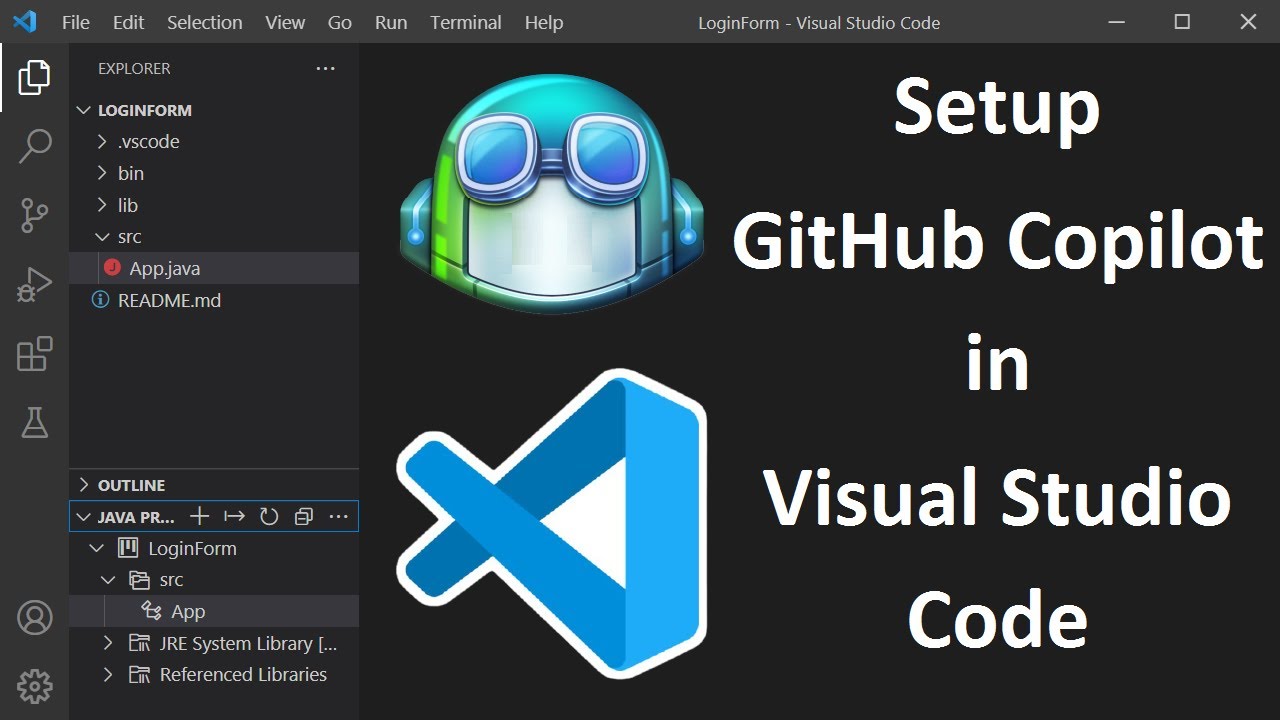
https://i.ytimg.com/vi/bSalBtODa4s/maxresdefault.jpg
This can also be used to reset all settings if you don t want to uninstall VS Code The folder locations vary depending on your platform Windows Delete APPDATA Code and USERPROFILE vscode macOS Delete HOME Library Application Support Code and vscode Linux Delete HOME config Code and vscode
Pre-crafted templates use a time-saving solution for producing a varied variety of documents and files. These pre-designed formats and designs can be used for various individual and expert projects, including resumes, invites, leaflets, newsletters, reports, presentations, and more, enhancing the material production procedure.
Vscode Github Copilot Chat History

Configure Github Copilot In Vscode Image To U

Step by Step How To Setup Copilot Chat In VS Code Community
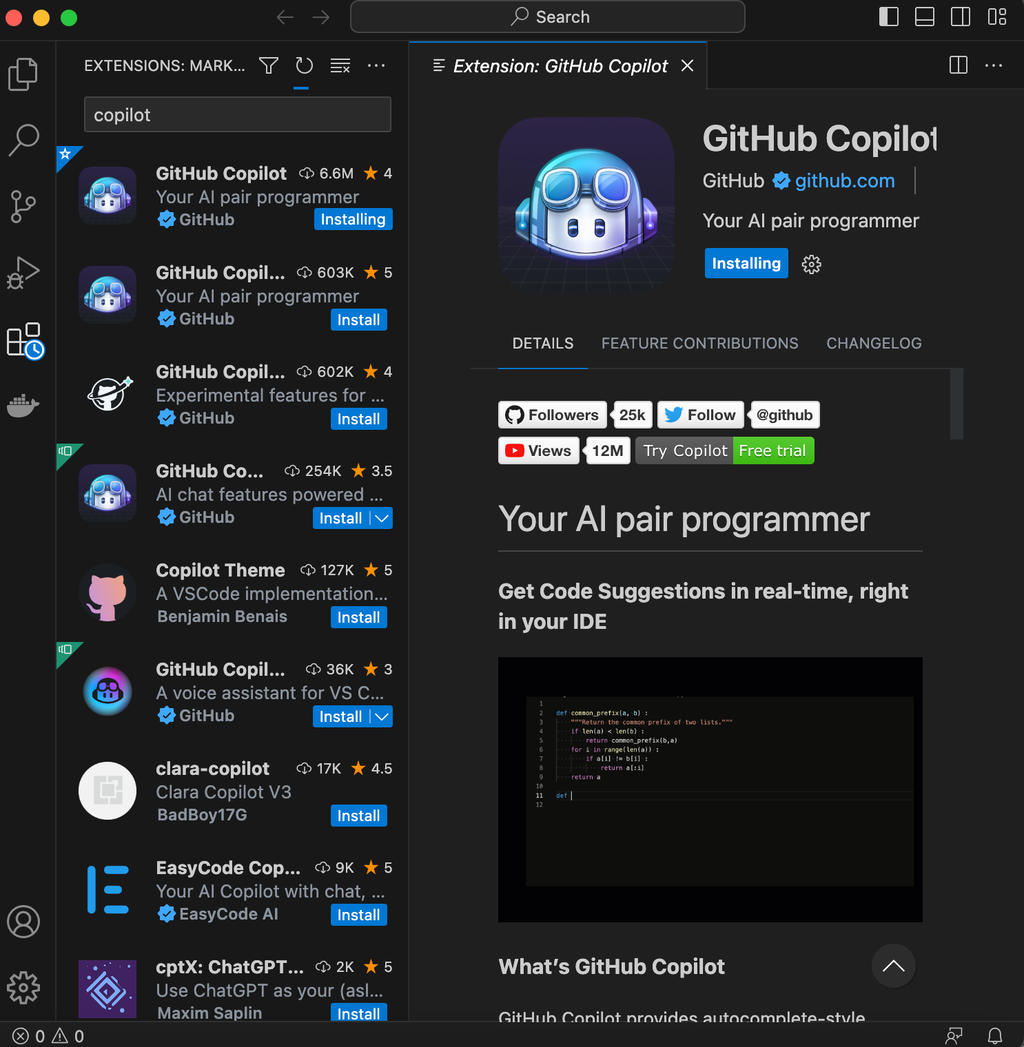
Vscode Github Copilot Getting Started Image To U

GitHub Copilot Chat FooFish

CI CD
Github Copilot Features Explained Image To U

Visual Studio Code is free and available on your favorite platform Linux macOS and Windows Download Visual Studio Code to experience a redefined code editor optimized for building and debugging modern web and cloud applications

Windows Subsystem for Linux With WSL you can install and run Linux distributions on Windows to develop and test your source code on Linux while still working locally on your Windows machine When coupled with the WSL extension you get full VS Code editing and debugging support while running in the context of WSL See the Developing in WSL documentation to
Find out how to set up and get the most from Visual Studio Code Optimized for building and debugging modern web and cloud applications Visual Studio Code is free and available on your favorite platform Linux macOS and Windows

Like in the desktop you can customize VS Code for the Web through a rich ecosystem of extensions that support just about every back end language and service vscode dev includes URLs that provide shortcuts to common experiences

Aug 7 2025 nbsp 0183 32 We have migrated the tools for running tasks and commands within the terminal from the Copilot extension into the core microsoft vscode repository This gives the tools access to lower level and richer APIs allowing us to fix many of the terminal hanging issues
[desc-11] [desc-12]
[desc-13]