Vscode Extension Github Copilot Github COPILOT Install And Setup With Visual Studio Code YouTube GitHub Copilot In Visual Studio Code Copilot VS Code GitHub YouTube How To Install Copilot In Visual Studio Code Getting Started With Install Github Copilot On VSCode Your AI Pair Programmer Java Github Copilot Your AI Pair Programmer VSCode Extension To Automate Visual Studio Code Contribute to microsoft vscode development by creating an account on GitHub
Simply visit the site vscode dev and you re ready to code without installing anything This version of VS Code running directly in your browser can do wonders Visual Studio Code is a free lightweight and extensible code editor for building web desktop and mobile applications using any programming language and framework Visual Studio Code has built in support for Git source control management and powerful integrations with GitHub an integrated debugger and smart code completion with IntelliSense and with AI driven
Github Copilot Your AI Pair Programmer VSCode Extension To Automate GitHub InkoHX kawaii vscode Kawaii VS Code Display Cute Images Vscode Copilot Getting Started Image To U Vscode Extension Like Copilot Image To U Configure Github Copilot In Vscode Image To U Step by Step How To Setup Copilot Chat In VS Code Community Install Github Copilot In Visual Studio 2022 Image To U Vscode Github Copilot Getting Started Image To U Github Copilot Vs Copilot X Image To U
Vscode Extension Github Copilot
 Vscode Extension Github Copilot
https://i.ytimg.com/vi/0dSKt4DgnyA/maxresdefault.jpg
Windows Subsystem for Linux With WSL you can install and run Linux distributions on Windows to develop and test your source code on Linux while still working locally on your Windows machine When coupled with the WSL extension you get full VS Code editing and debugging support while running in the context of WSL See the Developing in WSL documentation to
Templates are pre-designed documents or files that can be utilized for different functions. They can conserve time and effort by offering a ready-made format and design for producing different kinds of content. Templates can be utilized for personal or expert jobs, such as resumes, invitations, leaflets, newsletters, reports, presentations, and more.
Vscode Extension Github Copilot
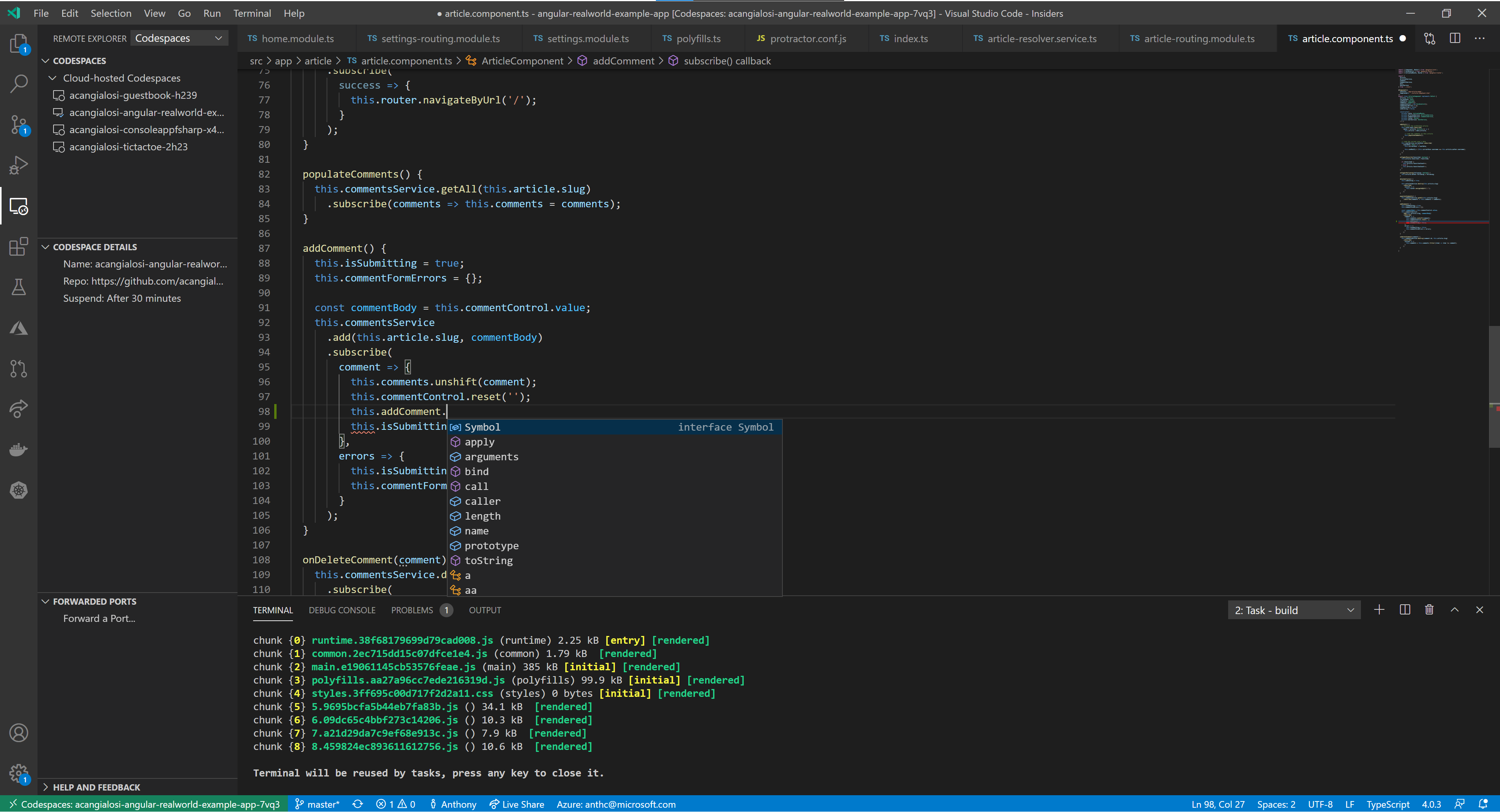
GitHub Codespaces Using Visual Studio Or Browser
GitHub InkoHX kawaii vscode Kawaii VS Code Display Cute Images

Vscode Copilot Getting Started Image To U
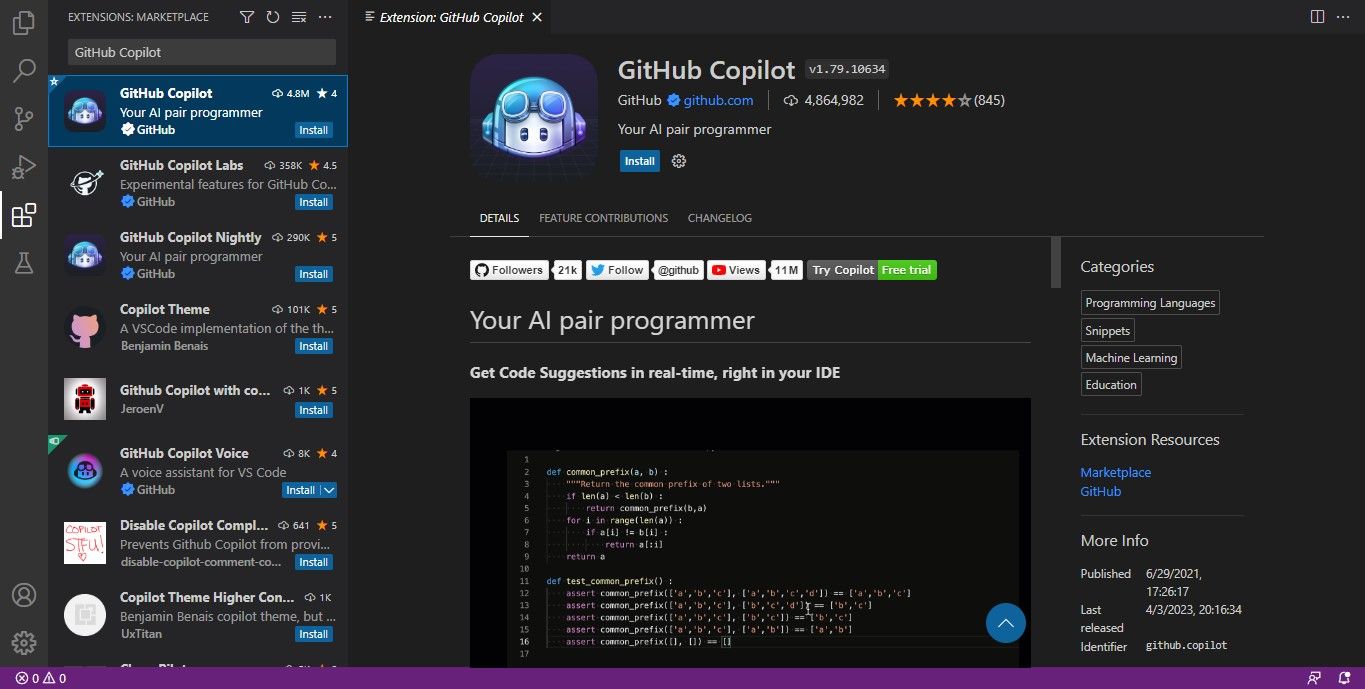
Vscode Extension Like Copilot Image To U

Step by Step How To Setup Copilot Chat In VS Code Community
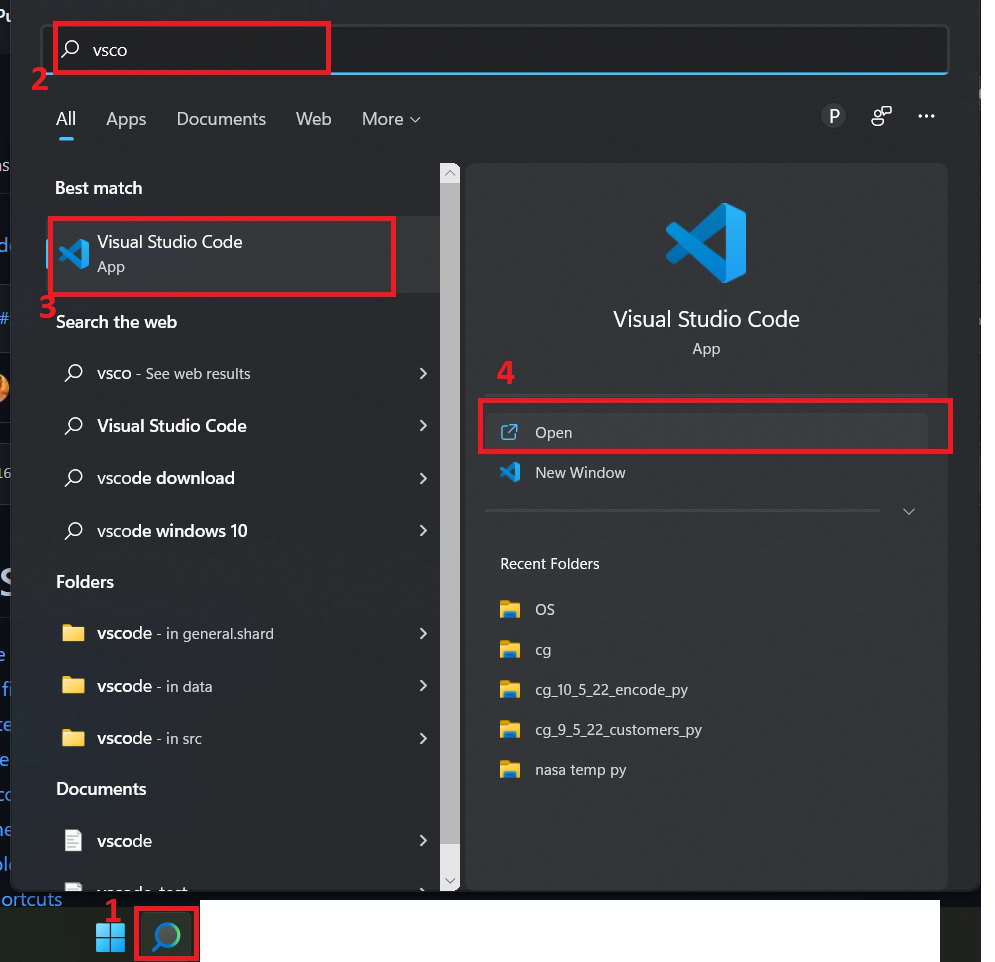
Install Github Copilot In Visual Studio 2022 Image To U

Download Visual Studio IDE or VS Code for free Try out Visual Studio Professional or Enterprise editions on Windows Mac

Build with Visual Studio Code anywhere anytime entirely in your browser

Visual Studio Code is free and available on your favorite platform Linux macOS and Windows Download Visual Studio Code to experience a redefined code editor optimized for building and debugging modern web and cloud applications

Aug 19 2025 nbsp 0183 32 Microsoft has released a free code editor with GIT support in the form of VSCode It s a stripped down version of Microsoft s official development environment focused exclusively

It is officially supported and hosted by Microsoft and can be accessed at vscode dev Out of the box Visual Studio Code includes basic support for most common programming languages This basic support includes syntax highlighting bracket
[desc-11] [desc-12]
[desc-13]