Vscode Eslint Auto Format Not Working ESLint Not Working In VSCode Possible Fixes LinuxPip Vscode eslint Prettier And Eslint Max len Code Fix Not Working Properly Stack Overflow ESLint Not Working In VSCode Possible Fixes LinuxPip Do Not Always Run Eslint From The Project s Root Directory Issue 196 WEB Formatting a file directly using eslint fix works fine but not through the eslint extension Linting still works format however wasn t sn0rcha you can try reverting the extension version to 2 1 8 to get the formatting
WEB The ESLint extension has no support for formatting selections since ESLint itself the npm module has not API for it This is the reason why you can t do it It stopped working for format on save as well without a selection WEB But what if your problem is getting ESLint Prettier to work with VSCode See below for some troubleshooting tips I ve sorted the tips into three general symptoms Symptom 1
Do Not Always Run Eslint From The Project s Root Directory Issue 196 TypeScript Made Easy Setting Up ESLint In VSCode Development Environment MapStore Training Documentation Visual Studio Code Does Not Show Red Underline For Eslint Errors ESLint Not Working In VSCode Possible Fixes LinuxPip Eslint codeActionsOnSave rules Not Working Issue 1431 Microsoft Eslint Nestjs Eslint Does Not Work Properly Vscode Eslint Configured As Visual Studio Code ESLint Not Working VSCode Warning ESLint Is
Vscode Eslint Auto Format Not Working
 Vscode Eslint Auto Format Not Working
https://cdn.jsdelivr.net/gh/linuxpip/imghost/1636288907253-0CcoQ.png
WEB Configuring your code editor to automatically format your code each time you save a file streamlines your workflow saves time and effort and maintains consistent code
Templates are pre-designed documents or files that can be used for numerous functions. They can save effort and time by offering a ready-made format and design for creating various sort of material. Templates can be used for personal or professional jobs, such as resumes, invites, leaflets, newsletters, reports, presentations, and more.
Vscode Eslint Auto Format Not Working

ESLint Not Working In VSCode Possible Fixes LinuxPip

TypeScript Made Easy Setting Up ESLint In VSCode
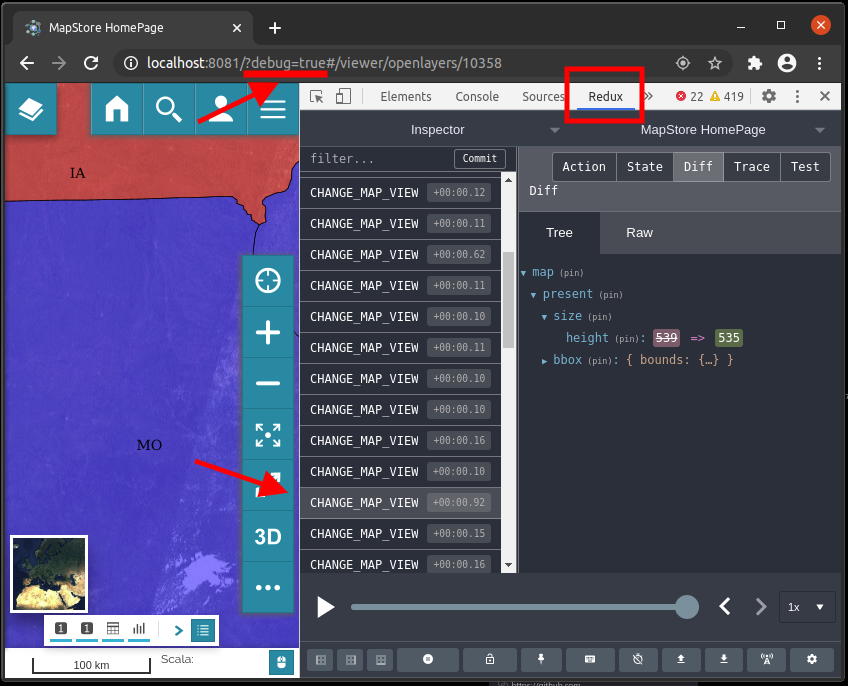
Development Environment MapStore Training Documentation
Visual Studio Code Does Not Show Red Underline For Eslint Errors

Eslint codeActionsOnSave rules Not Working Issue 1431 Microsoft
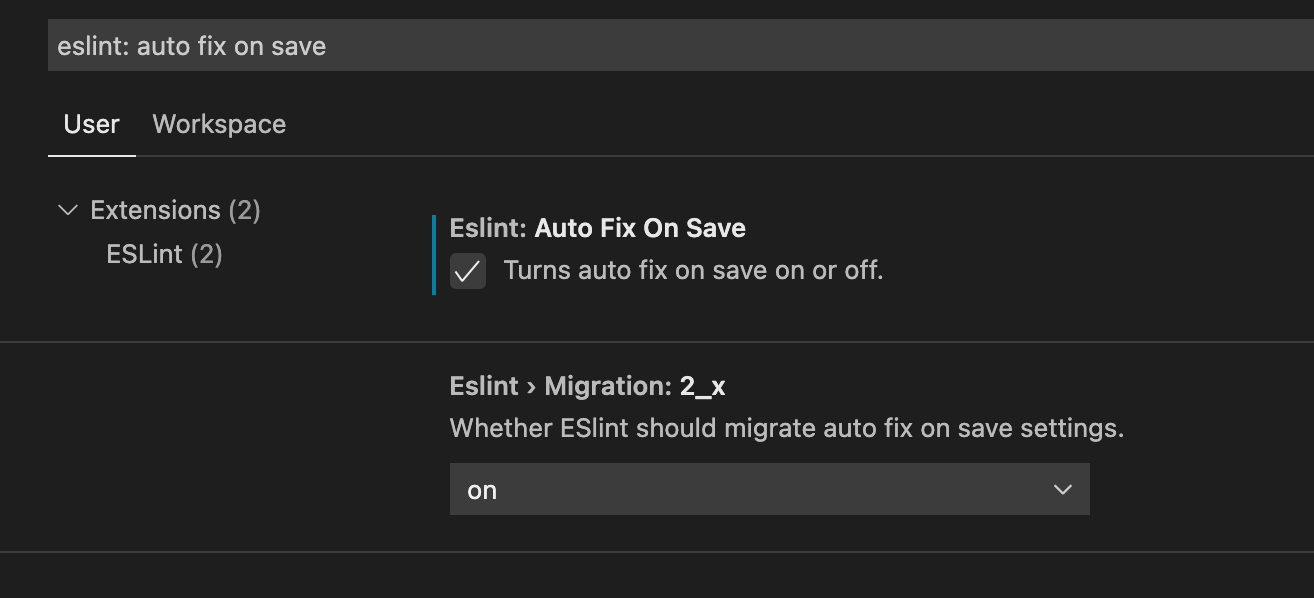
Eslint

WEB VS Code will auto format your code with ESLint when you save the file If that doesn t work try the command Developer Reload Window instead This reloads your VS Code
WEB Your workflow may benefit from performing frequent lint checks to address small issues over time rather than addressing many large issues that may delay deploying code In this

WEB ESLint can both format your code and analyze it to make suggestions for improvement It is also configurable This means that you can customize how your code is evaluated In this tutorial you will set up ESLint on
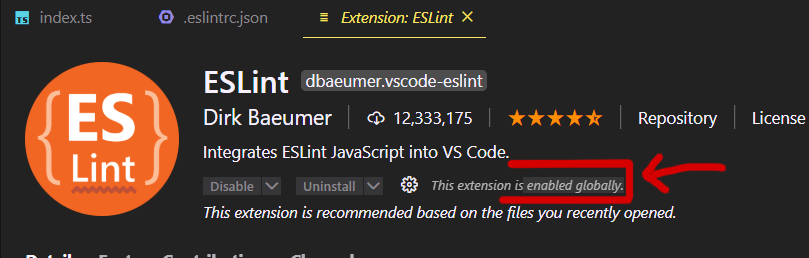
WEB Configure VS Code for Auto Formatting You can configure Visual Studio Code for auto formatting by following these steps Open your command palette Command Shift P
WEB Formatter support ESLint can now be used as a formatter To enable this feature use the eslint format enable setting Improved Auto Fix on Save Auto Fix on Save is now part
WEB Configure VSCode Settings to use ESLint for Formatting Open up VSCode s settings On a Mac press Cmd or get there through the menus Code gt Preferences gt Settings It ll WEB Select File gt Preferences gt Settings Ctrl comma and search form formatter Set Prettiers as Default formatter If above does not work ctrl shift p gt Format Document
WEB Unfortunately the problem still exists It takes 1 2 seconds commonly for the document to finish saving formatting with ESLint Prettier Disabling quot source fixAll eslint quot or the