Vscode Enable Extension Only For Workspace vscode Tech Installation And Customization Of VSCode UGuntupalli GeneralWorkflow 10 Excellent VSCode Extensions You Need For Web Development Codewithbish How To Use Vscode Command Prompt BEST GAMES WALKTHROUGH AutoSave Code In VScode Editor On Saving The File Html Code Format WEB You can also provide global Workspace extension recommendations by adding them to your code workspace file You can use the Extensions Configure Recommended Extensions Workspace Folder command to open your Workspace file and add extension identifiers publisherName extensionName to the
WEB Nov 27 2019 nbsp 0183 32 Add the Ability to Install Extensions as Enabled for the Current Workspace Only Which means that newly installed extensions could be optionally installed in the Enabled Workspace state These are inherently different approaches to address a related painpoint WEB Dec 15 2017 nbsp 0183 32 You can go to Installed Extensions view in Extensions viewlet and use Disable Workspace action under gear icon to configure extensions to be enabled for the given workspace
AutoSave Code In VScode Editor On Saving The File Html Code Format Javascript How To See Codes In Full Width In Vscode Stack Overflow Get Started With Visual Studio Code Unit Salesforce Trailhead Lupon How Can I See This Vscode Www vrogue co Explore Adding A Second Side Bar Issue 132893 Microsoft vscode 7 Must Have VSCode Extensions For Web Developers Red Stapler Create Extensions For Visual Studio Code Vscode By Islem Maboud Vrogue PlatformIO IDE For VSCode PlatformIO V6 1 Documentation Visual Studio Code Git Extension Does Not Show In The Side Bar Hot
Vscode Enable Extension Only For Workspace
 Vscode Enable Extension Only For Workspace
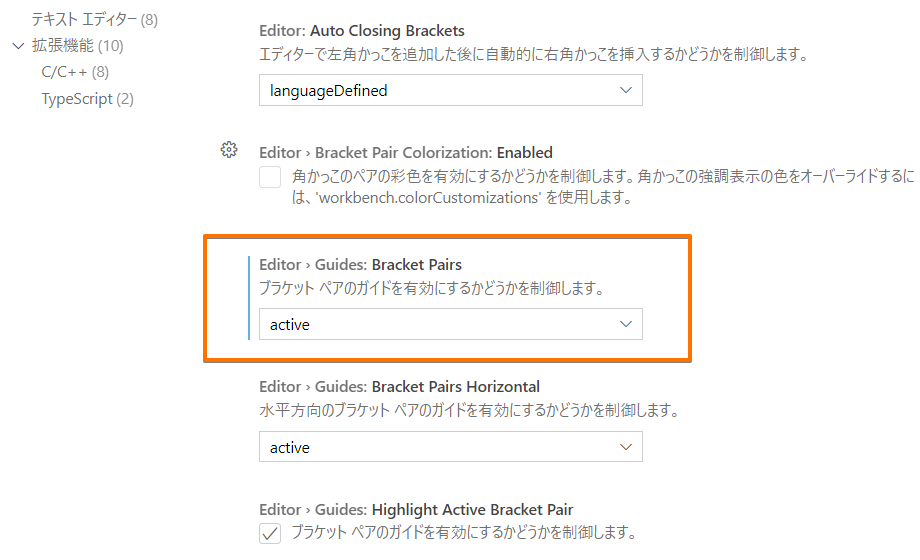
https://chihayafuru.s3-ap-northeast-1.amazonaws.com/imgs/wp/2021/11/vscode_enable_bracket_pair_guide.png
WEB Nov 16 2016 nbsp 0183 32 With these new options it is now possible to have extensions enabled on all except some selected workspaces However it currently does not seem to be possible to enable extensions on specific workspaces while disabling them on all others effectively the inverse of what is currently implemented
Templates are pre-designed documents or files that can be used for numerous functions. They can save time and effort by supplying a ready-made format and design for creating various type of material. Templates can be used for personal or professional tasks, such as resumes, invitations, leaflets, newsletters, reports, presentations, and more.
Vscode Enable Extension Only For Workspace
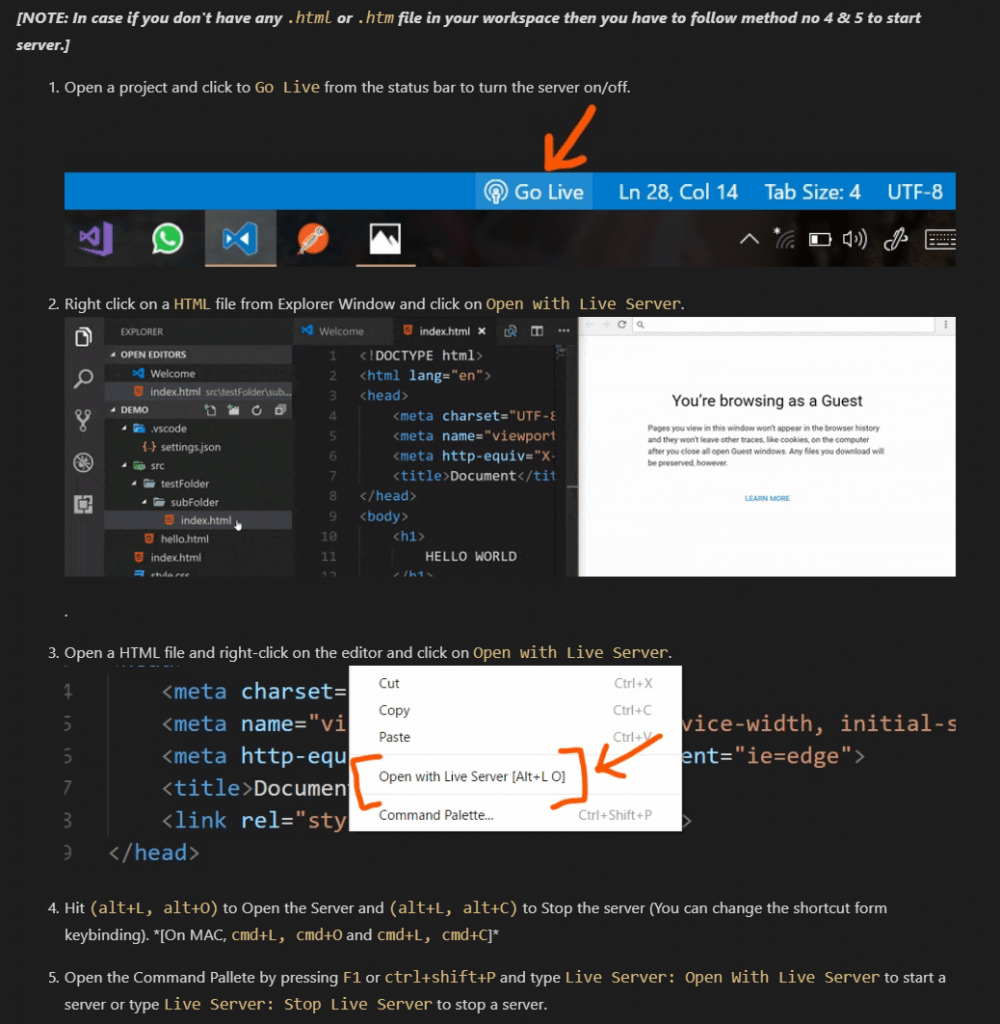
Vscode Extensions 01 Live Server IT

Javascript How To See Codes In Full Width In Vscode Stack Overflow
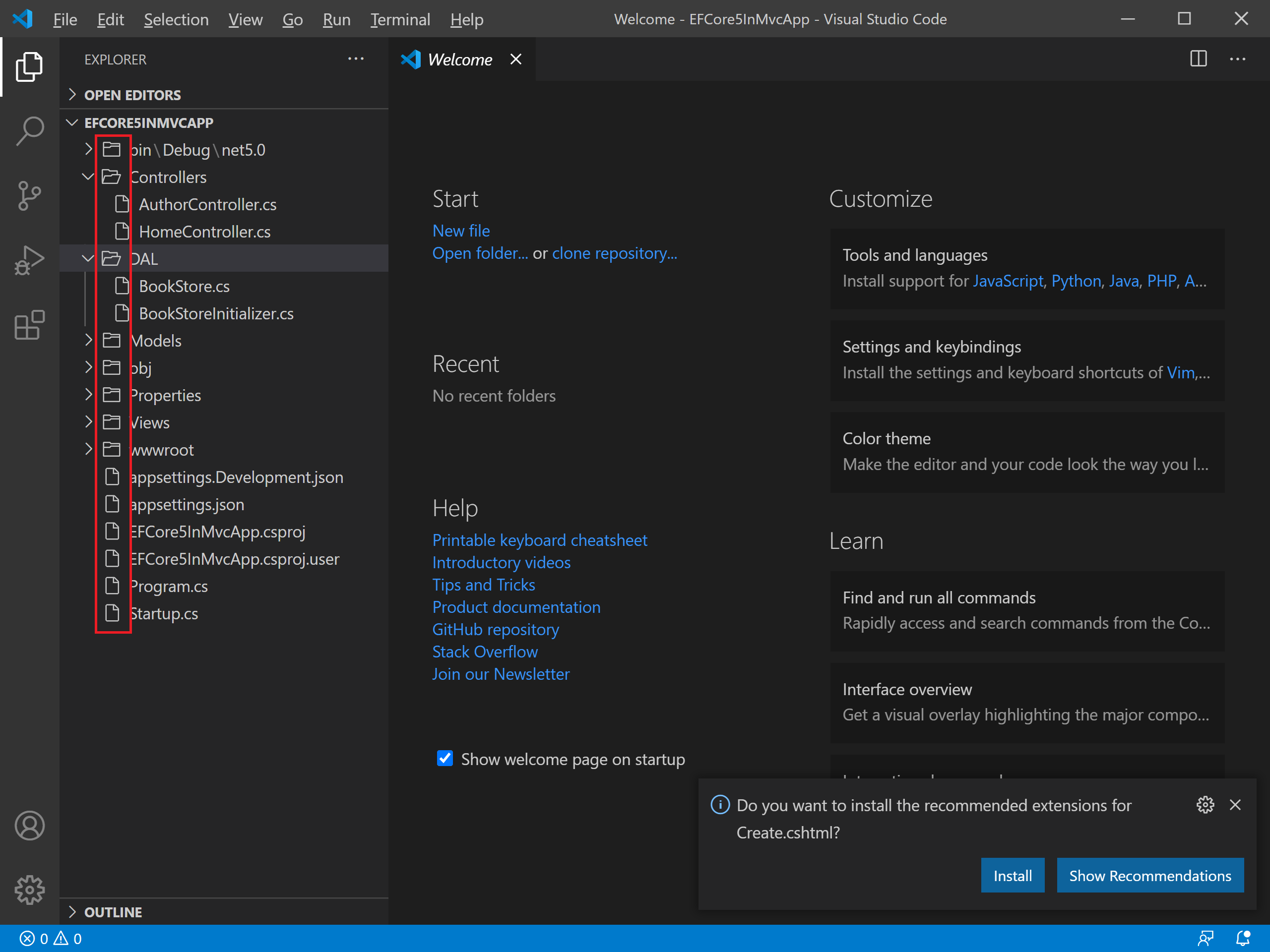
Get Started With Visual Studio Code Unit Salesforce Trailhead Lupon

How Can I See This Vscode Www vrogue co
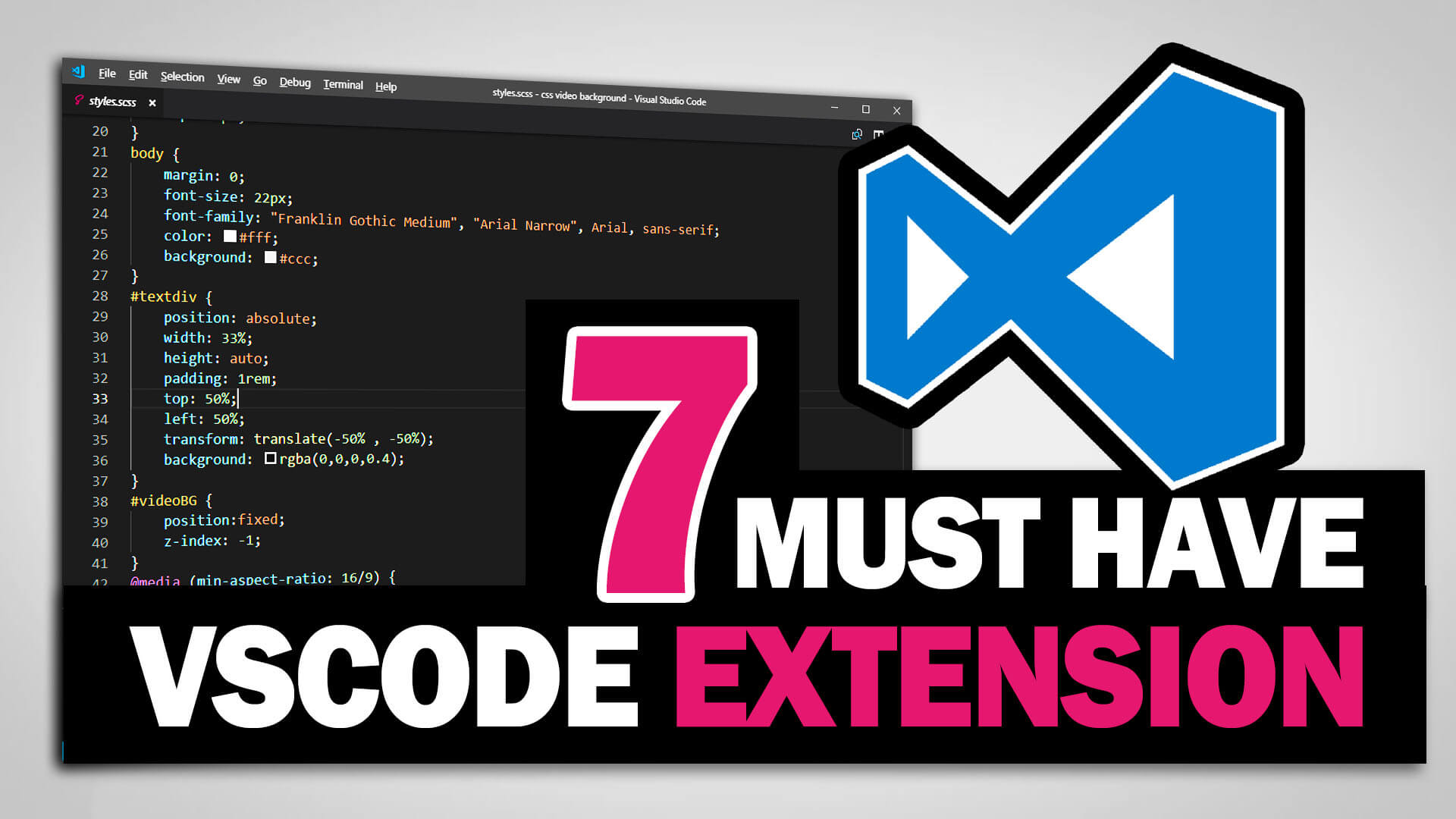
7 Must Have VSCode Extensions For Web Developers Red Stapler
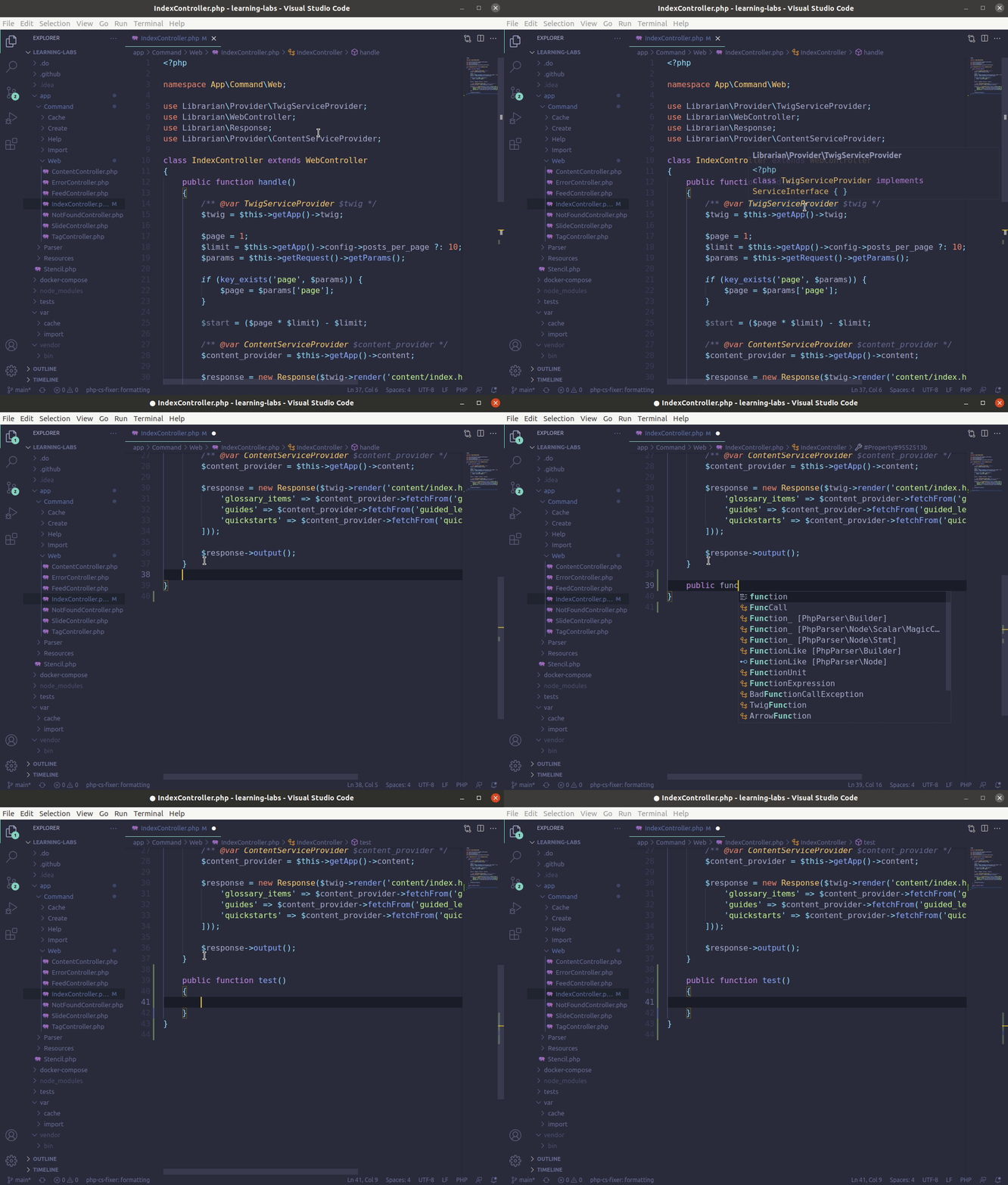
Create Extensions For Visual Studio Code Vscode By Islem Maboud Vrogue
WEB VS Code s rich extensibility model lets extension authors plug directly into the VS Code UI and contribute functionality through the same APIs used by VS Code This article explains how to find install and manage VS Code
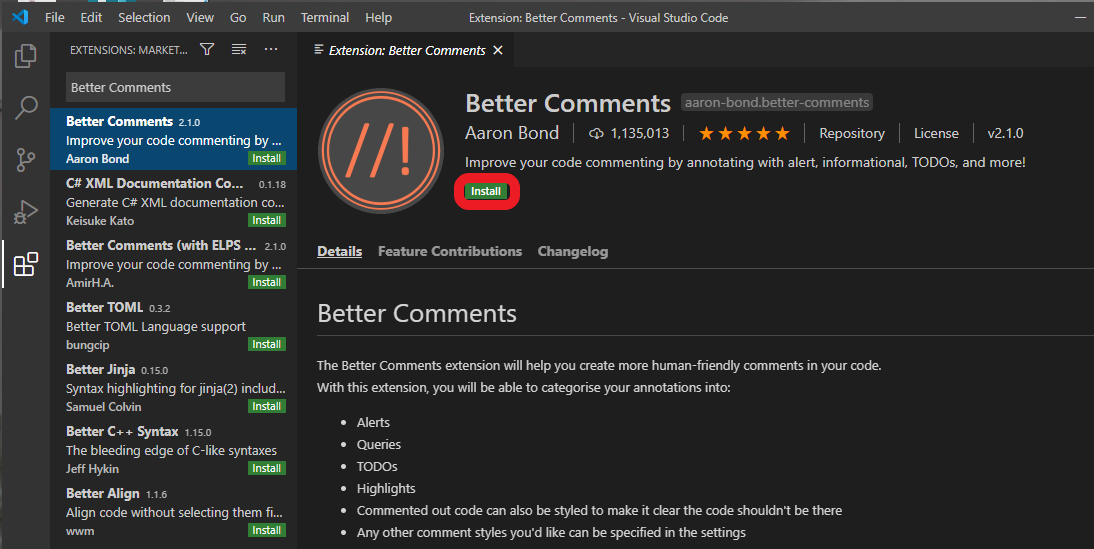
WEB Jun 17 2019 nbsp 0183 32 As of June 2020 it looks like you can globally disable an extension and then explicitly enable it for a workspace I ve started doing this across JS TS Rails Java and Scala workspaces and it seems to work well To do this On the Extensions sidebar select the extension then select the Disable button

WEB Jan 20 2023 nbsp 0183 32 The activationEvent pattern you suggested seems to work properly and the extension is activated only for non empty workspaces However starting at 1 74 release Nov 2022 VS Code added a new feature for extension developers called Implicit Activation Events which means that the extension will be activated even if you forgot to

WEB Dec 30 2019 nbsp 0183 32 You can create a recommended list of extensions for a workspace with the Extensions Configure Recommended Extensions Workspace command An example extensions json could be quot recommendations quot quot ms vscode vscode typescript tslint plugin quot quot dbaeumer vscode eslint quot quot msjsdiag debugger for chrome quot
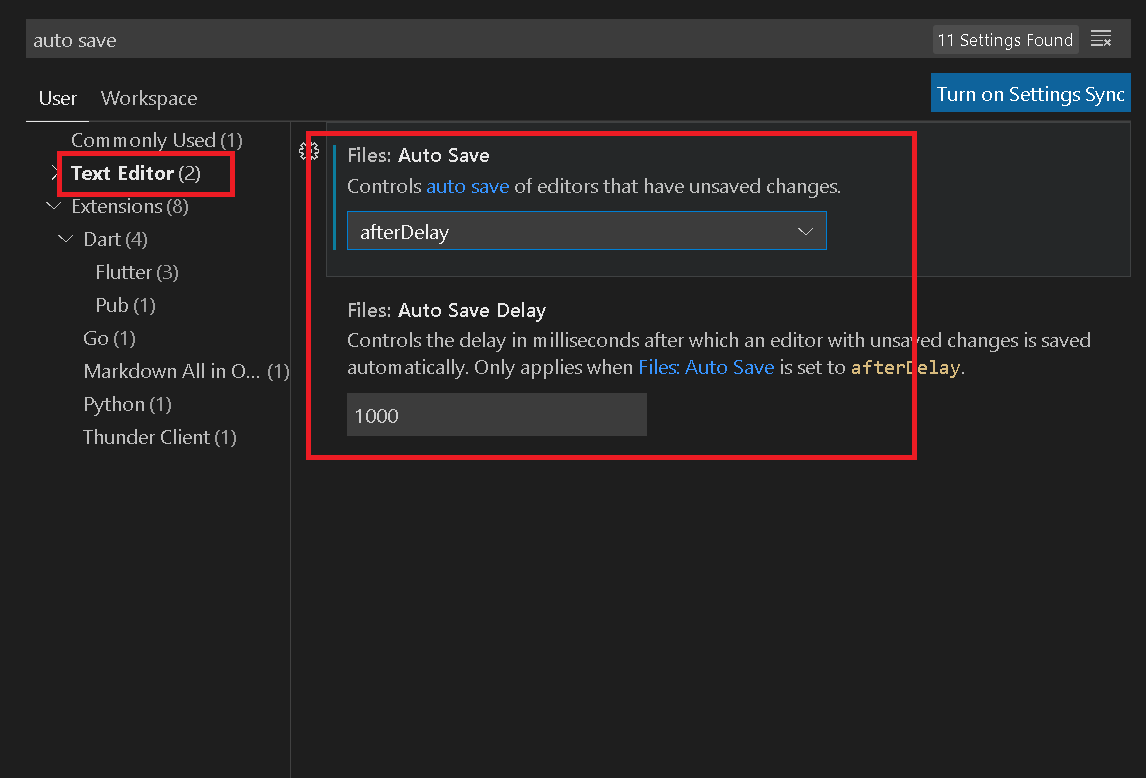
WEB Selectively enable or disable extensions only for that workspace You may see the terms quot folder quot and quot workspace quot used interchangeably in VS Code documentation issues and community discussions Think of a workspace as the root of a project that has extra VS Code knowledge and capabilities
WEB Aug 17 2022 nbsp 0183 32 In order to enable and disable the extensions for a certain workspace in visual studio code Go to the extensions on the sidebar and disable enable for the current workspace WEB Jun 18 2020 nbsp 0183 32 try just disabling an extension for a workspace and you can see the file it creates each workspace can have its own settings including disabled enabled extensions using this file vscode settings json i think
WEB VS Code provides different scopes for settings User settings Settings that apply globally to any instance of VS Code you open Workspace settings Settings stored inside your workspace and only apply when the workspace is opened In this article we ll first describe user settings as these are your personal settings for customizing VS Code