Vscode Default Themes Github One Darker Theme Visual Studio Marketplace Blue green theme Visual Studio Marketplace Slack Theme Visual Studio Marketplace Snazzy Theme Visual Studio Marketplace CodeSTACKr Theme Visual Studio Marketplace This tutorial gives you an overview of the key features of Visual Studio Code to help you get started quickly
Getting started with Visual Studio Code In this tutorial we walk you through setting up Visual Studio Code and give an overview of the basic features This can also be used to reset all settings if you don t want to uninstall VS Code The folder locations vary depending on your platform Windows Delete APPDATA Code and
CodeSTACKr Theme Visual Studio Marketplace Portfolio Item Number 1 Doki Theme Visual Studio Marketplace Doki Theme Visual Studio Marketplace GitHub File icons vscode VSCode File Specific Icons For Improved One Dark Pro Visual Studio Marketplace Purple GitHub Topics GitHub GitHub Uguraktas Nano Themes Nano Themes For VSCode GitHub Pustur calamity vscode A Purple Dark Theme With Medium To
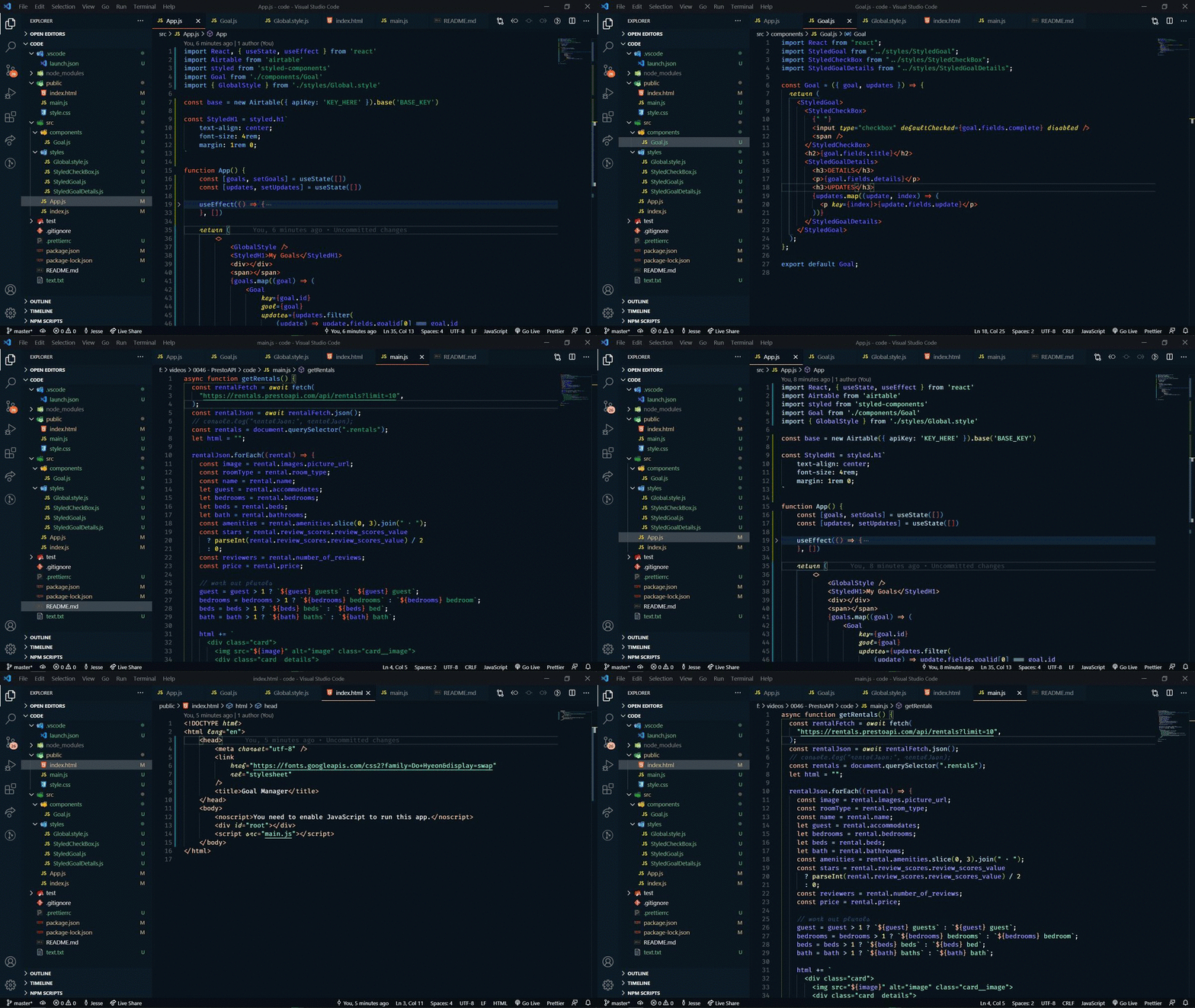
Vscode Default Themes Github
 Vscode Default Themes Github
https://user-images.githubusercontent.com/62098043/151705600-5969ddea-c082-4732-95b1-4c83ad460318.png
Important Telemetry in your free version of GitHub Copilot is currently enabled By default code suggestions that match public code including code references in the VS Code and
Pre-crafted templates offer a time-saving service for developing a varied variety of documents and files. These pre-designed formats and designs can be used for numerous personal and professional tasks, including resumes, invitations, leaflets, newsletters, reports, discussions, and more, improving the material development procedure.
Vscode Default Themes Github
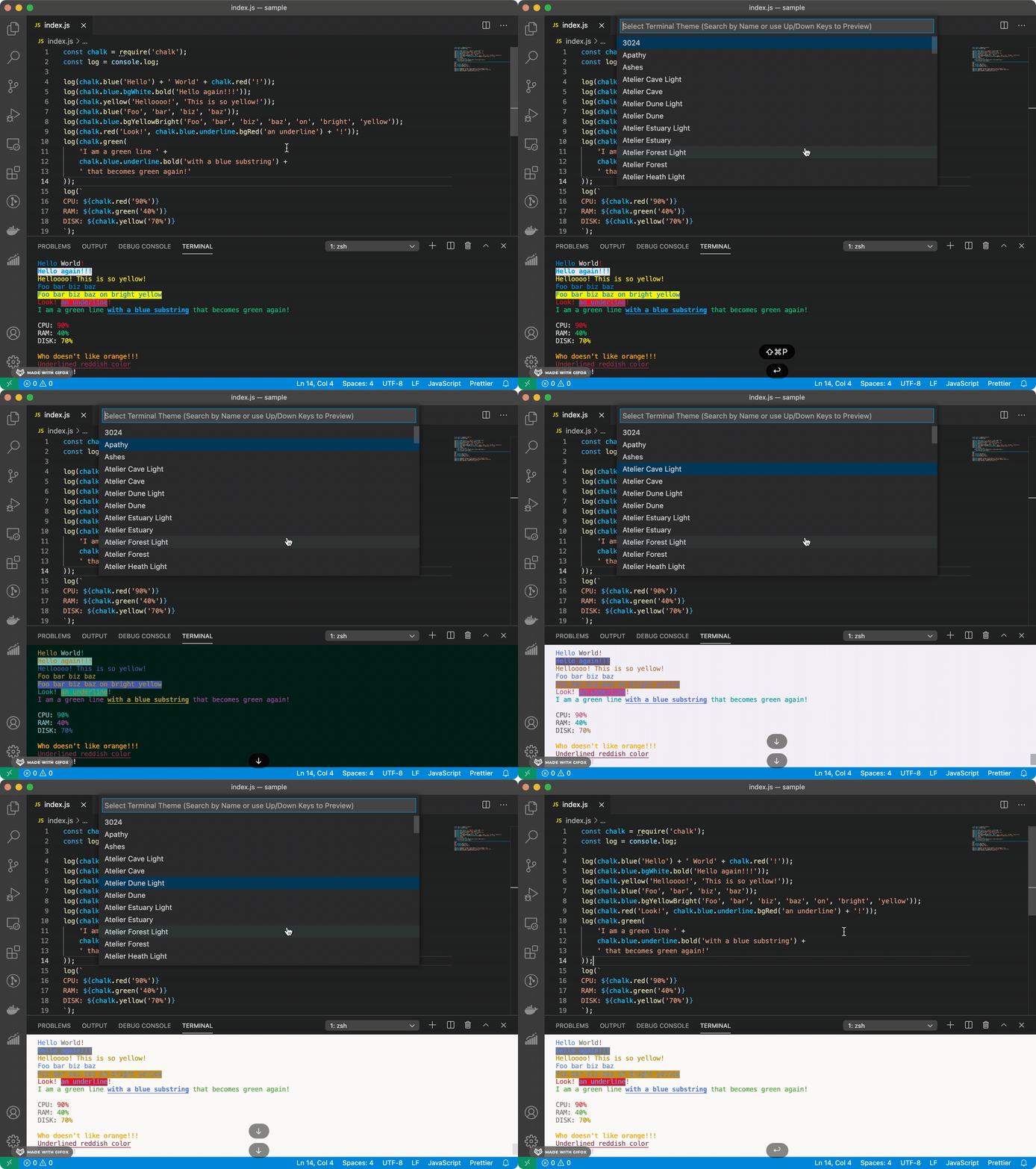
Base16 Terminal Visual Studio Marketplace

Portfolio Item Number 1
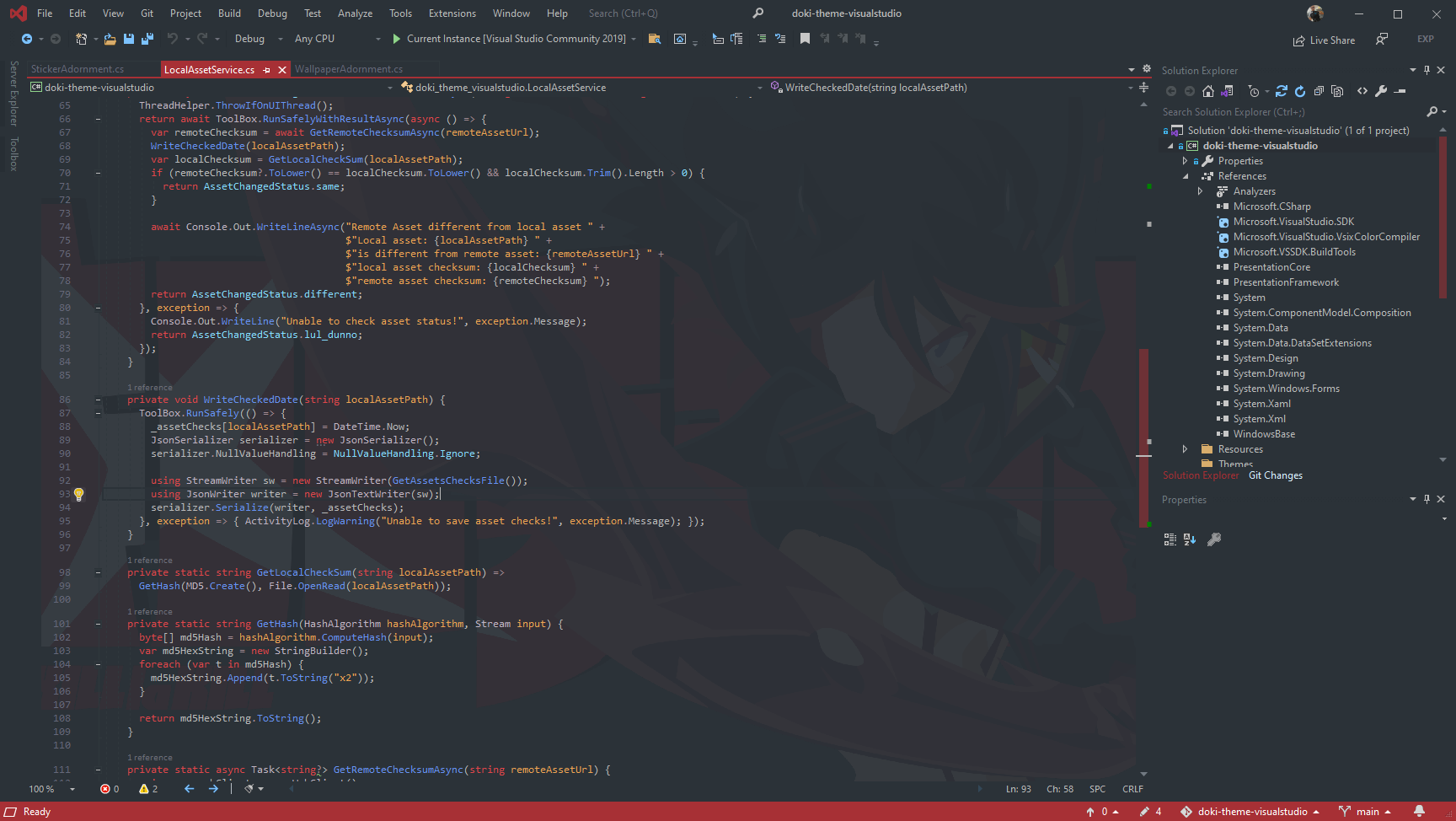
Doki Theme Visual Studio Marketplace
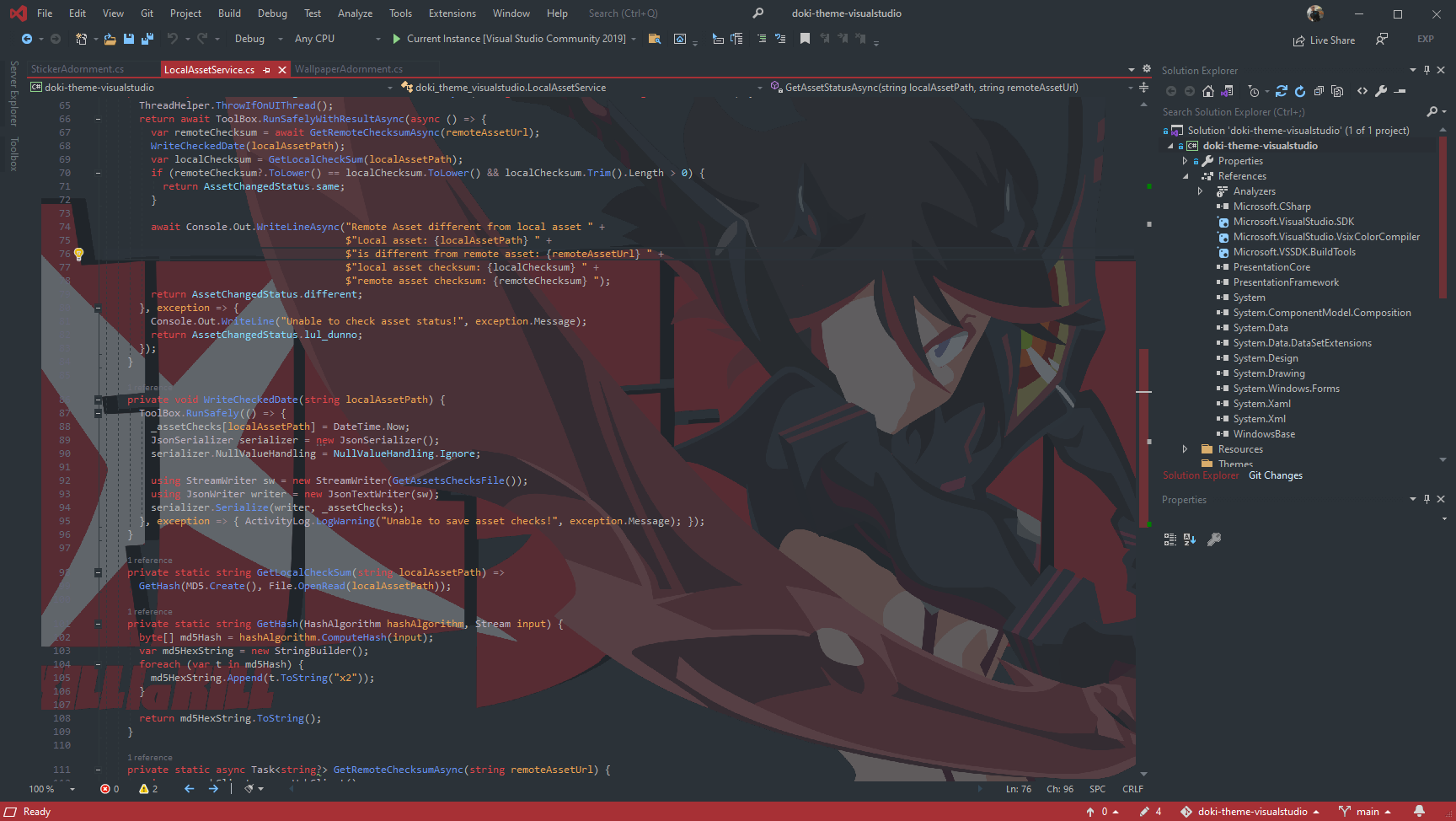
Doki Theme Visual Studio Marketplace
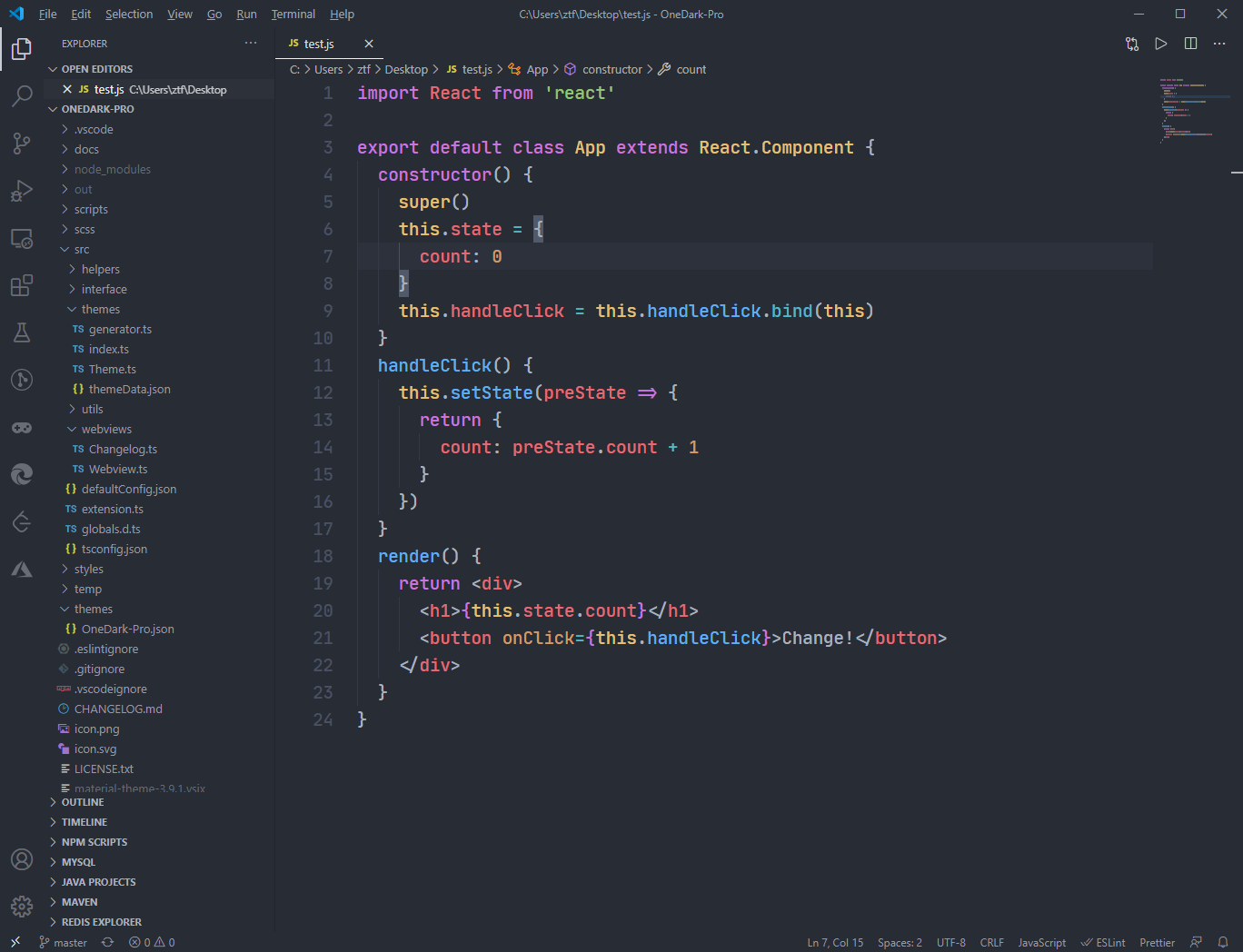
One Dark Pro Visual Studio Marketplace
Purple GitHub Topics GitHub
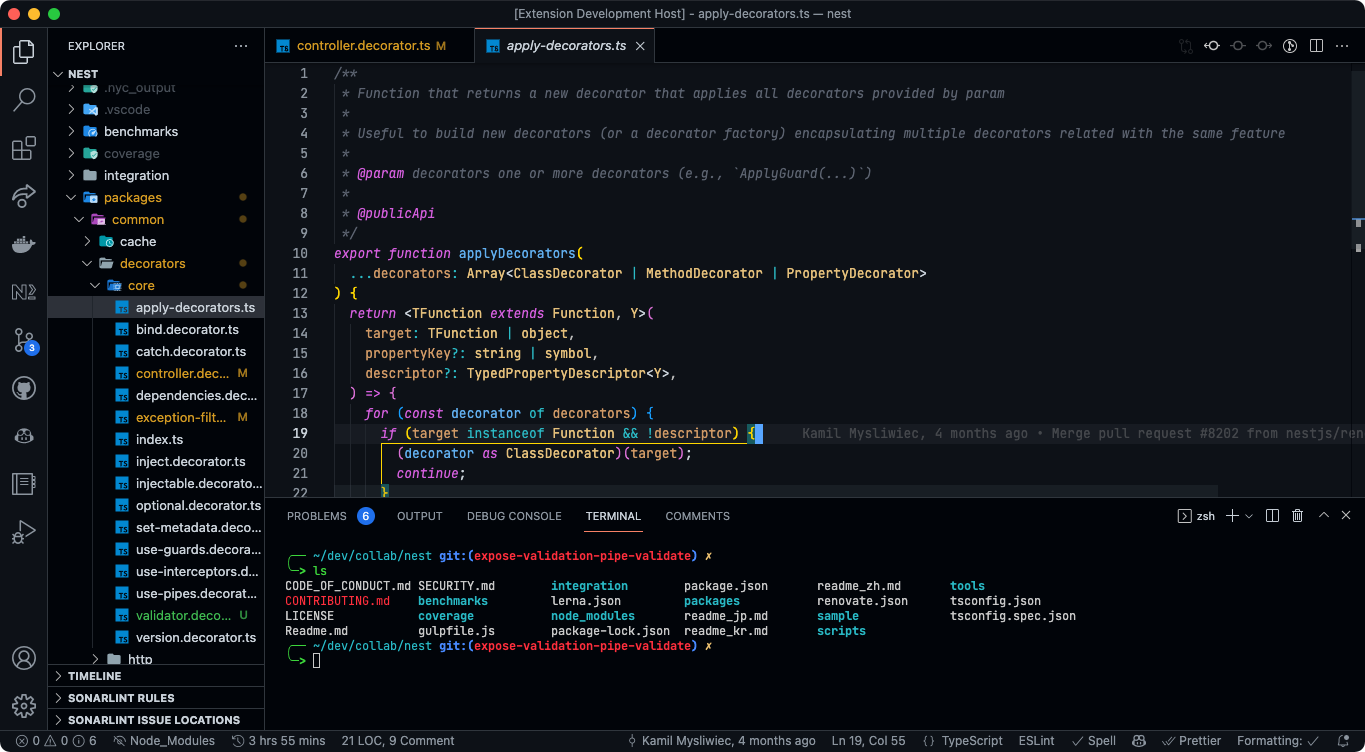
Visual Studio Code is free and available on your favorite platform Linux macOS and Windows Download Visual Studio Code to experience a redefined code editor optimized for building and
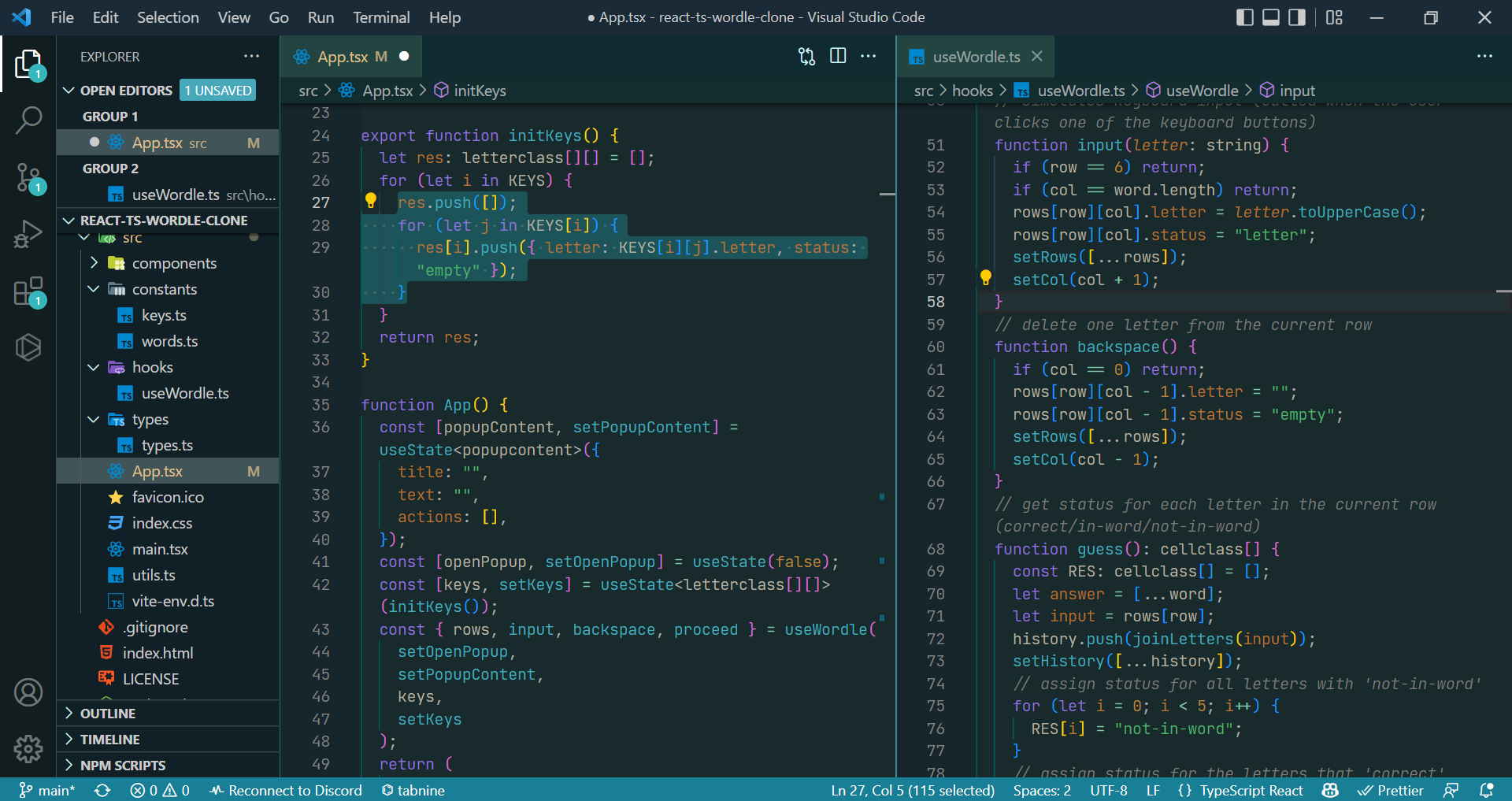
Find out how to set up and get the most from Visual Studio Code Optimized for building and debugging modern web and cloud applications Visual Studio Code is free and available on
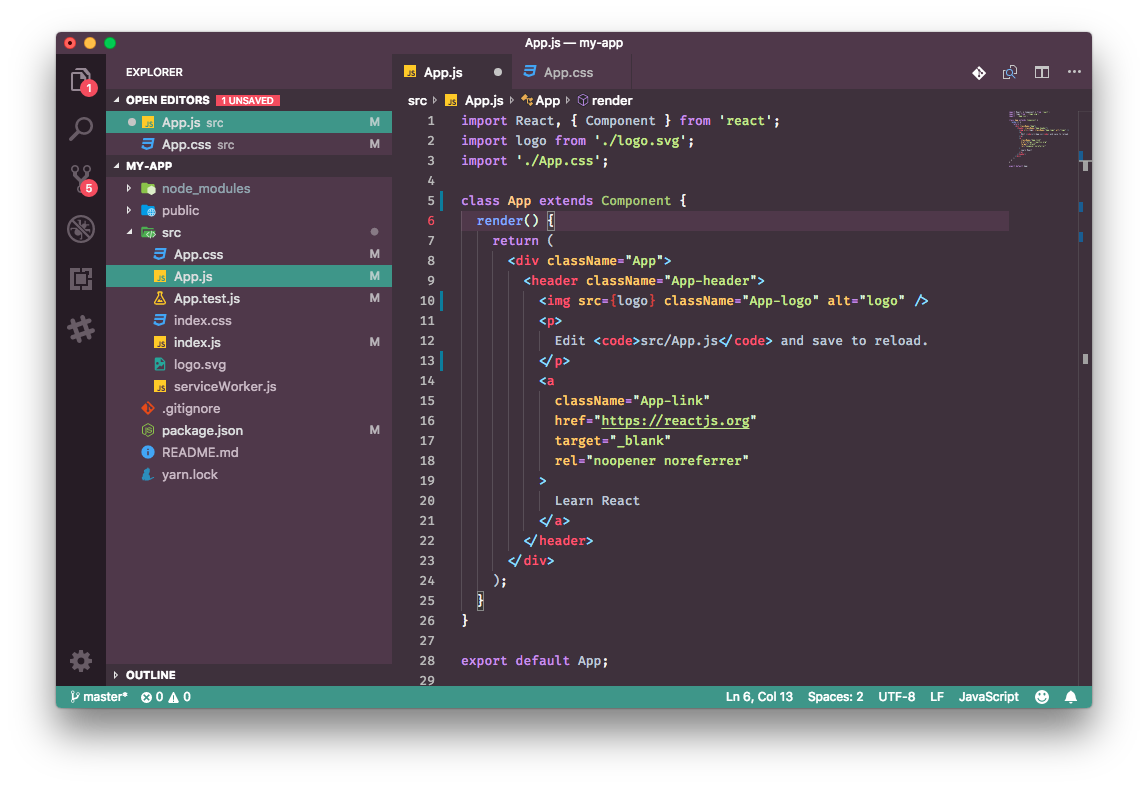
Windows Subsystem for Linux With WSL you can install and run Linux distributions on Windows to develop and test your source code on Linux while still working locally on your Windows
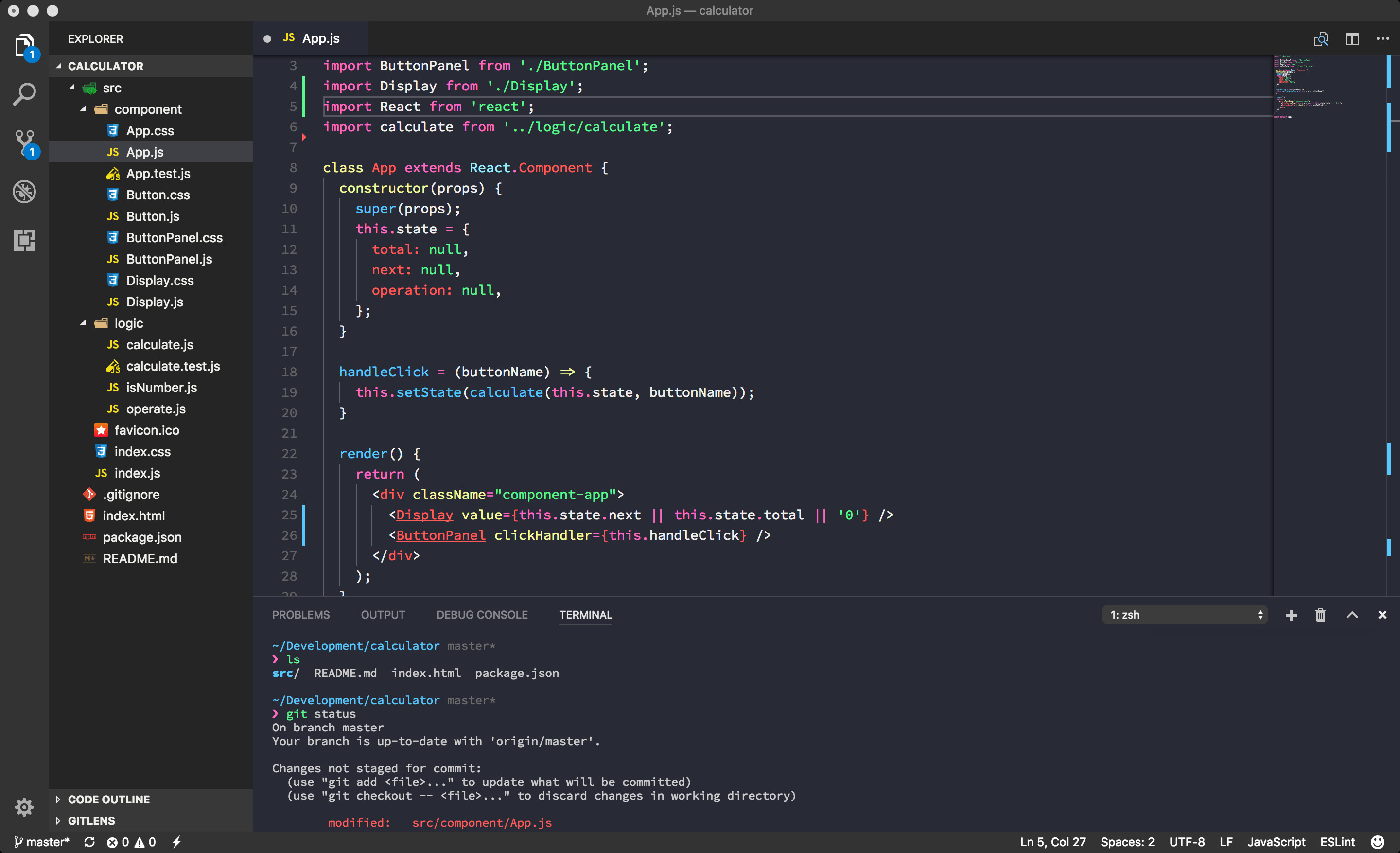
Like in the desktop you can customize VS Code for the Web through a rich ecosystem of extensions that support just about every back end language and service vscode dev includes
Oct 9 2025 nbsp 0183 32 To try this MCP Server you can find it in the test mcp folder of the vscode repo It s very easy to get started Follow the Contribution Guidelines for getting a local version of Code
[desc-11] [desc-12]
[desc-13]