Vscode Ansi Color Codes Vscode Terminal Ansi Colors GitHub Iliazeus vscode ansi VS Code Extension Enabling ANSI Color Terminal Issues With ANSI Colors And UTF 8 Strings Issue 92032 Vscode Terminal Ansi Colors Vscode Terminal Ansi Colors Web ANSI Color Code Visual Studio Marketplace Visual Studio Code gt Formatters gt ANSI Color Code New to Visual Studio Code Get it now Overview ansi color code helps you to manage the ANSI color codes in your logs Features Remove ANSI color codes Removes ANSI color codes from all the document or only the selection
Web In VS Code open the Color Theme picker with File gt Preferences Code gt Preferences or Code gt Settings on macOS gt Theme gt Color Theme You can also use the keyboard shortcut K T Windows Linux Ctrl K Ctrl T to display the picker Use the cursor keys to preview the colors of the theme Select the theme you want and press Enter Web Launch VS Code Quick Open Ctrl P paste the following command and press enter
Vscode Terminal Ansi Colors Alternatives And Detailed Information Of Postgresql dotnet core GitPlanet Color Codes For Thermocouples Wire And Connectors MAGNETIC Chart ANSI How Do I Use Hexadecimal Color Codes In Flutter 72 Color Coding VSCODE Vscode Terminal Ansi Colors Basic Css Color Codes Ratemykasap Hex Color Codes Hex Codes Color Shades Colour Tone Green Hex Code Color Codes Explained The Meaning Of Hex And RGB
Vscode Ansi Color Codes
 Vscode Ansi Color Codes
https://storage.googleapis.com/zenn-user-upload/3a38751b9005-20220112.png
Web Nov 21 2017 nbsp 0183 32 Get the data with ANSI codes in a file e g boot log Use ansi2html sh to convert it to an HTML file That can be done from the terminal using cat boot log ansitohtml sh bg dark gt boot html for example Preview the file using any one of the HTML preview extensions in VScode
Pre-crafted templates use a time-saving solution for creating a varied range of documents and files. These pre-designed formats and designs can be used for different individual and professional tasks, consisting of resumes, invitations, leaflets, newsletters, reports, presentations, and more, enhancing the content development process.
Vscode Ansi Color Codes

Visual Studio Code ANSI Colors Don t Work In VSCode Integrated

Alternatives And Detailed Information Of Postgresql dotnet core GitPlanet
Color Codes For Thermocouples Wire And Connectors MAGNETIC Chart ANSI

How Do I Use Hexadecimal Color Codes In Flutter 72 Color Coding
Vscode Terminal Ansi Colors

Basic Css Color Codes Ratemykasap
Web The extension fetches the colors from the current theme and aims to look as good as the built in terminal Supported ANSI escape codes Basic colors and formatting 8 bit colors 24 bit colors Custom file icon You can add an icon to the ANSI text files by using the vscode icons extension
Web Mar 6 2020 nbsp 0183 32 When I open a log file in VS Code it automatically colors words like quot INFO quot and quot WARN quot However if there are ANSI colors inserted into the file it can t parse it correctly and shows the following Is there a way to correctly show the ANSI colors or atleast hide those characters so they don t get in the way logging visual studio code
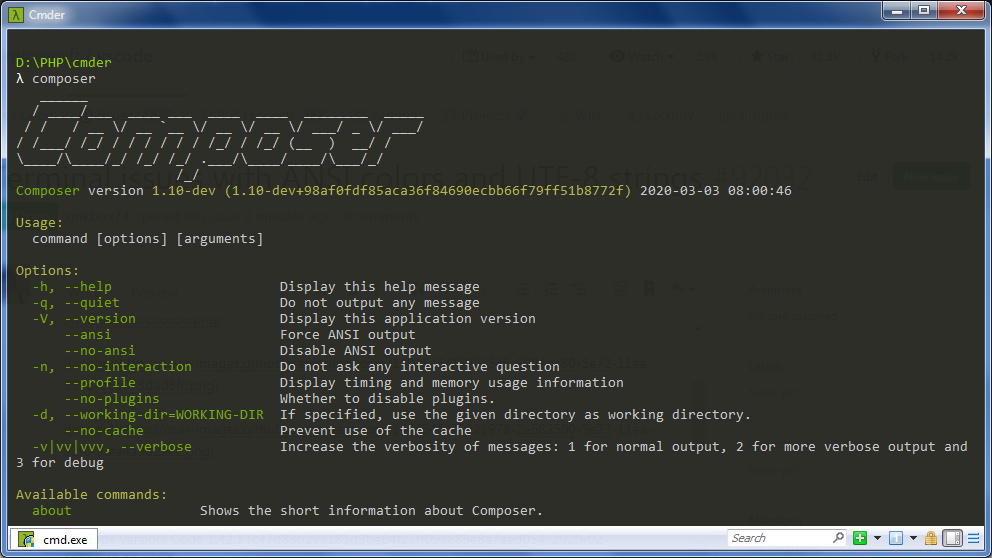
Web Apr 19 2018 nbsp 0183 32 I would use the colorama package to support ANSI sequences on Windows import colorama colorama init your code with ansi sequences here Edit This method is platform agnostic ANSI sequences will not be modified on terminals which support them and allows you to use raw ANSI sequences in strings as well as providing you with color

Web Basic colors and formatting 8 bit colors 24 bit colors Custom file icon You can add an icon to the ANSI text files by using the vscode icons extension add this to your settings file quot vsicons associations files quot quot icon quot quot text quot or any other icon from vscode icons quot extensions quot quot ans quot quot ansi quot quot format quot quot svg quot About
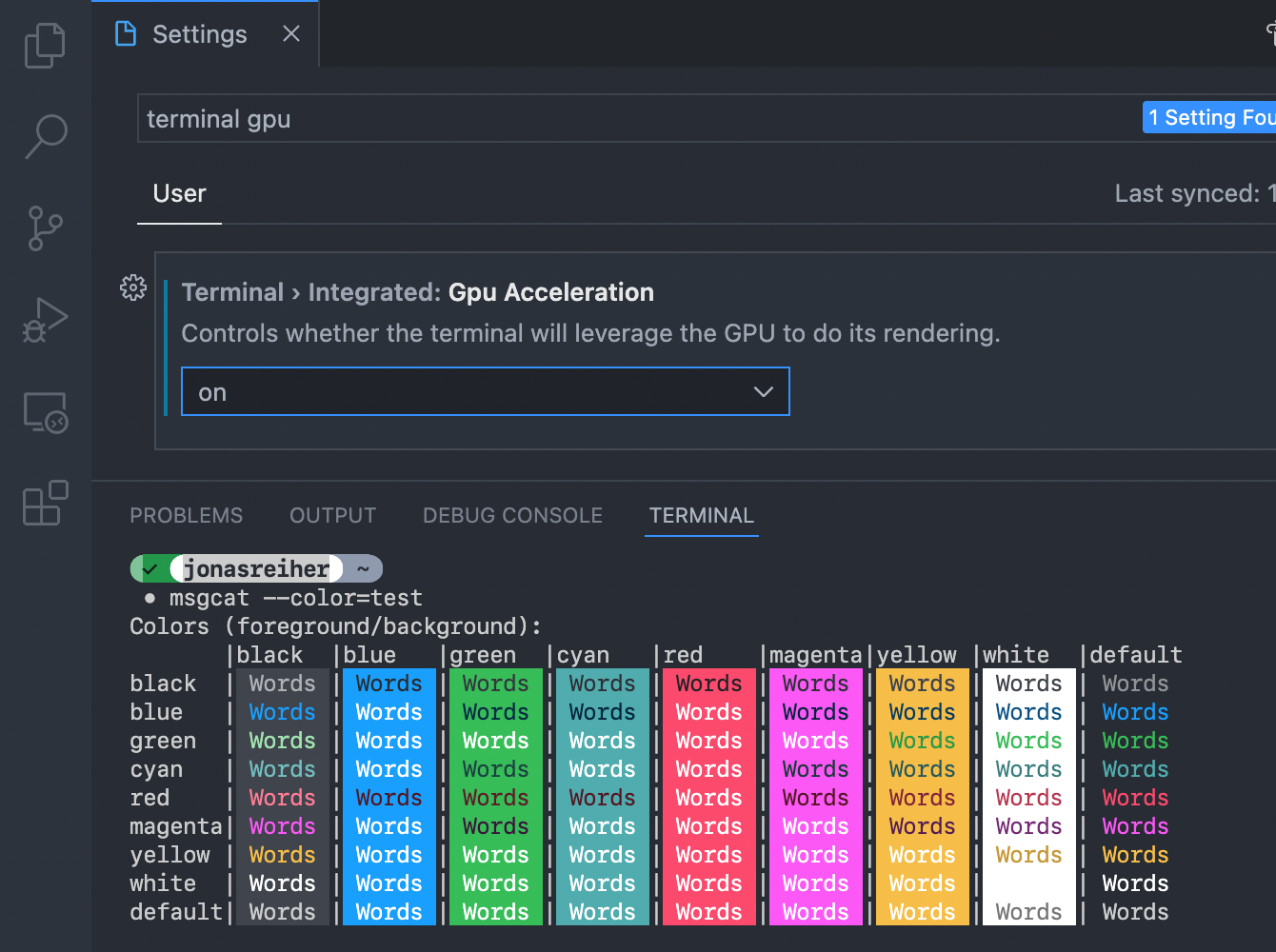
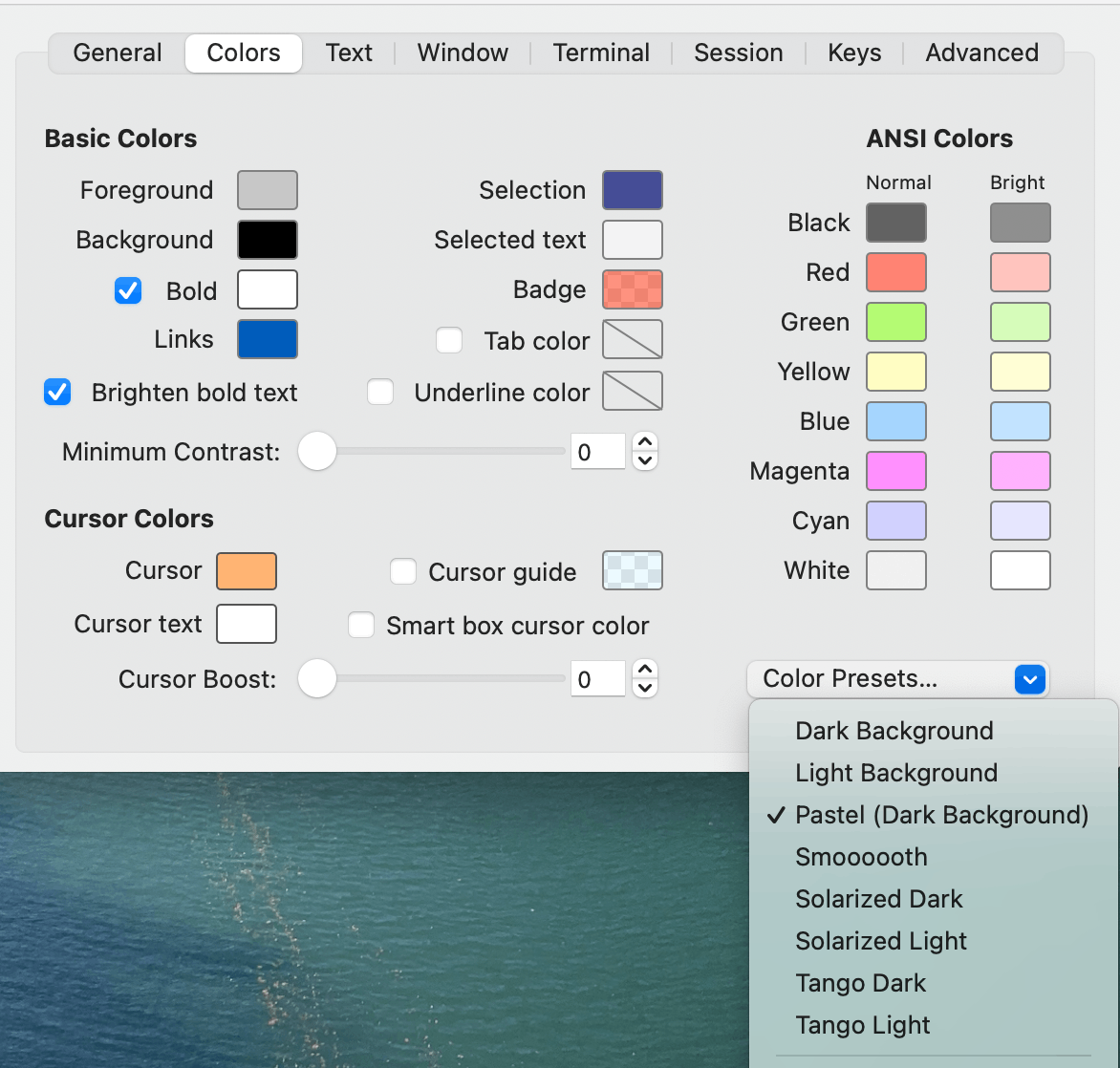
Web While the terminal is capable of displaying true color programs commonly use 8 ANSI colors black red green yellow blue magenta cyan and white and bright variants of each These ANSI colors are determined by the active color theme but they can also be configured independently from the theme with the workbench colorCustomizations setting
Web 0 Alternatively plugins now exist e g ANSI Colors that once installed enable you to select ANSI text as the file s quot language mode quot You can then use VS Code s Command Palette Ctl Sft P to preview the file ANSI Text Open Preview with escape sequences respected i e in color and etc Credit Web Your list is missing all the color codes for 256 color terminals e g 38 5 0 48 15 0m What is this meant to do If I m reading it correctly it would 38 5 0 set foreground color to 0 black 48 15 0 try to set a background color but fail since 15 isn t a valid option should be 2 for RGB 5 for 256 color and discard 0
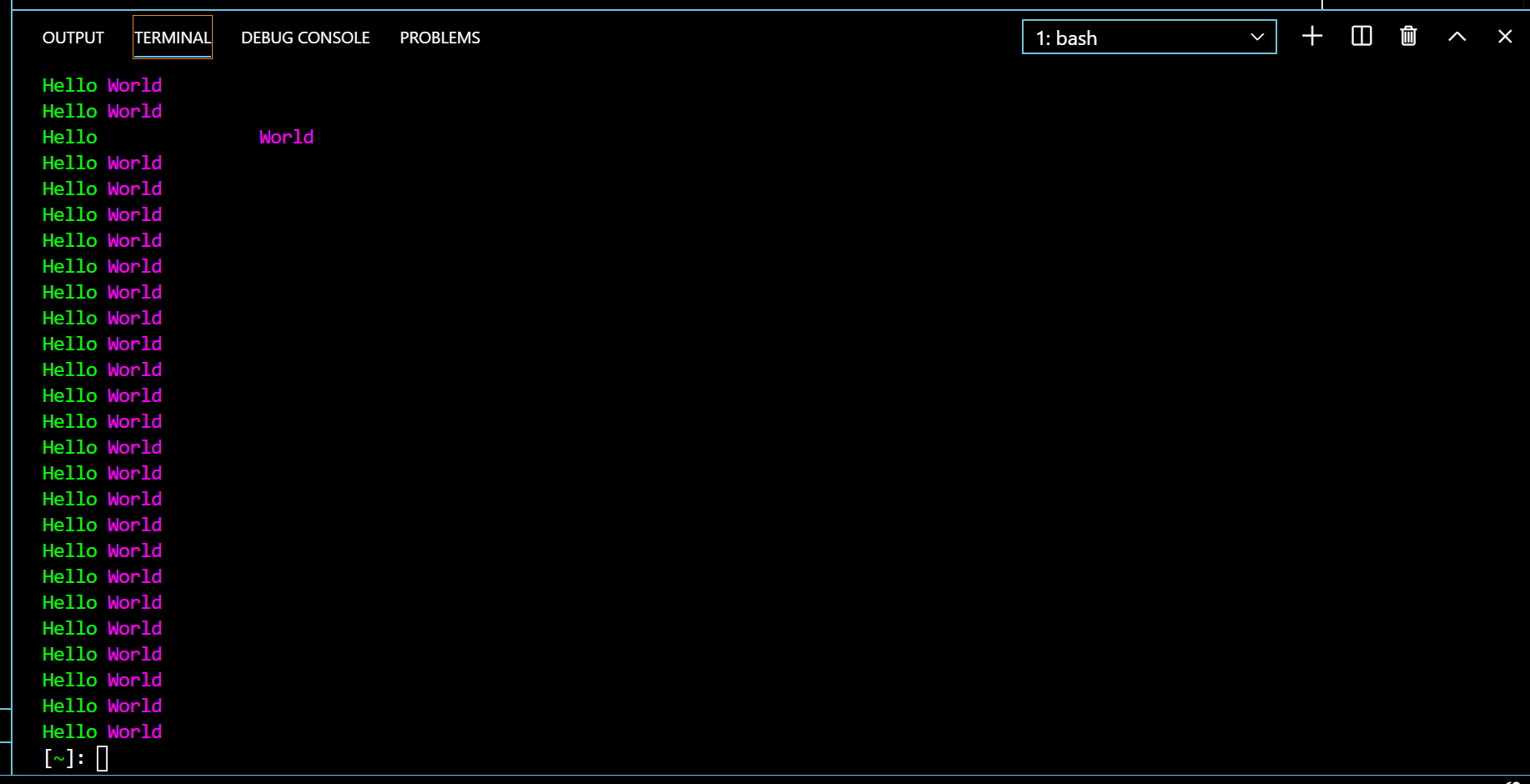
Web Feb 4 2024 nbsp 0183 32 To display ANSI colors correctly in the VS Code debug console you need to enable ANSI escape codes in the integrated terminal This can be done by adding the quot terminal integrated allowANSI quot true setting to your settings json file Testing ANSI colors in VS Code can be done using the echo e quot 033 31mHello World 033 0m quot command