Vs Code Tab Size Not Working Orata Pointer Furgone How To Open File In Visual Studio Code Buona Corsair MSI Or Alienware Who Makes The Best Gaming PCs TechRadar Visual Studio Code tab 4 2 Tabs Vs Spaces For Indentation In Coding Guwii Dynamic Tab Size Demo Using CSS Custom Properties In JavaScript New issue Tab Size not working 125889 Closed sleepreading opened this issue on Jun 9 2021 5 comments sleepreading commented on Jun 9 2021 vscode triage bot assigned bpasero on Jun 9 2021 gav mentioned this issue Editor Word Wrap User setting not persistent after app restart 125893 Closed bpasero alexdima bpasero
tab size 2 4 vscode prettier 2 format vscode Editor Detect Indentation You have enabled the Tab Moves Focus mode Press Ctrl M to disable the mode After that your Tab key indents your code again
Dynamic Tab Size Demo Using CSS Custom Properties In JavaScript Visual Studio Code Format Aytaia Normal Size Of Tab R LSD Download Git Bash For Vs Code How Do I Download Setup Git Bash For CSS Tab size Property How To Indent In Word And Use Tabs And Rulers Visual Studio Code Is There A Tabbed View For VSCode Stack Overflow Java How To Set The Tab Size Of JTextPane Stack Overflow After The Fall Of Roe Vs Wade Learn How To Protect Your Online Health
Vs Code Tab Size Not Working
 Vs Code Tab Size Not Working
https://www.alphr.com/wp-content/uploads/2021/01/vs.gif
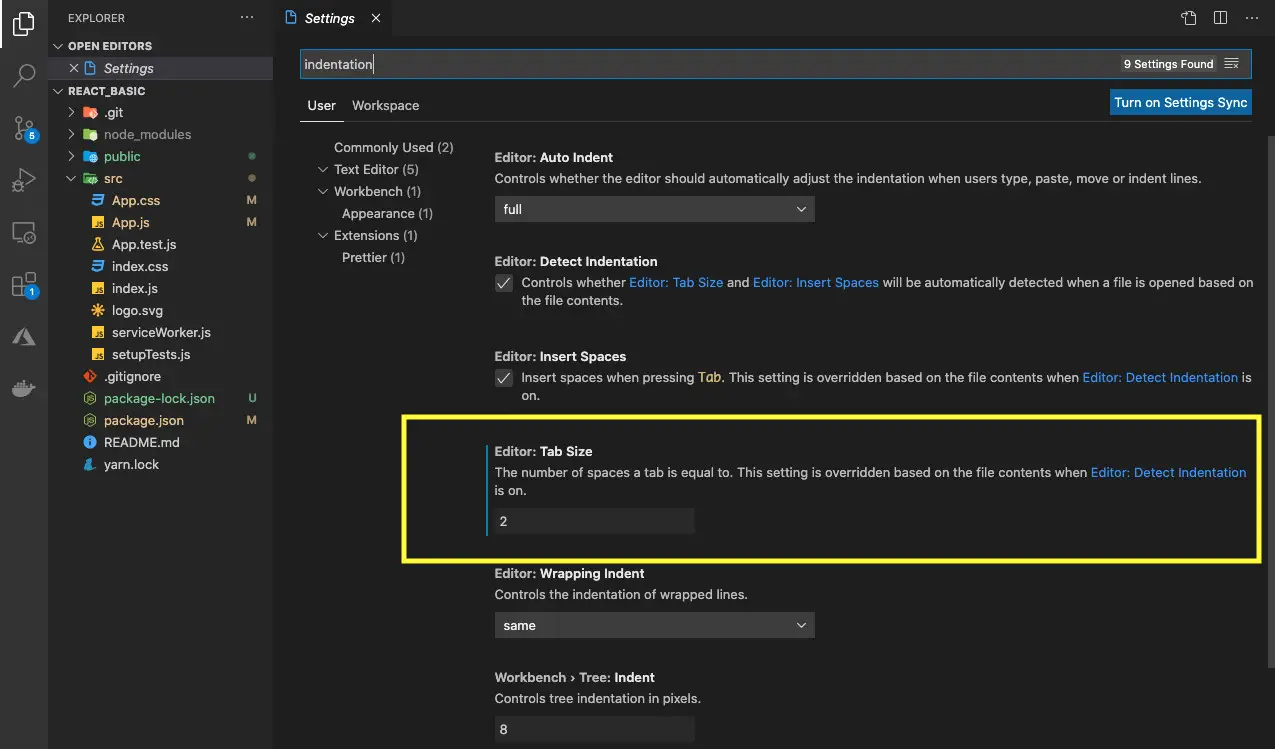
0 NOT JUST THE APPEARANCE OF TAB SIZE THE ACTUAL TAB SIZE I want to change how the file appears when I use Detect Indentation Right now it is formatted with 4 space tabs I want 2 space tabs visual studio code
Templates are pre-designed files or files that can be utilized for different functions. They can conserve effort and time by supplying a ready-made format and layout for creating different kinds of content. Templates can be used for individual or professional projects, such as resumes, invites, leaflets, newsletters, reports, discussions, and more.
Vs Code Tab Size Not Working
Tab Size And Space Tab Settings Annoying Behaviour Issue 24594
Visual Studio Code Format Aytaia

Normal Size Of Tab R LSD
Download Git Bash For Vs Code How Do I Download Setup Git Bash For

How To Indent In Word And Use Tabs And Rulers

Visual Studio Code Is There A Tabbed View For VSCode Stack Overflow

Issue Type Bug Tab size not working Tab size is set to 2 spaces but still be formatted in 4 spaces VS Code version Code 1 52 1 ea3859d 2020 12 16T16 32 10 090Z OS version Linux x64 5 4 0 6
If the file does not have sufficient hints e g the file is empty VS Code will use the values configured in editor tabSize and editor insertSpaces In both cases the status bar entry at the bottom will show what VS Code uses e g Spaces 4 or Tabs 4 etc
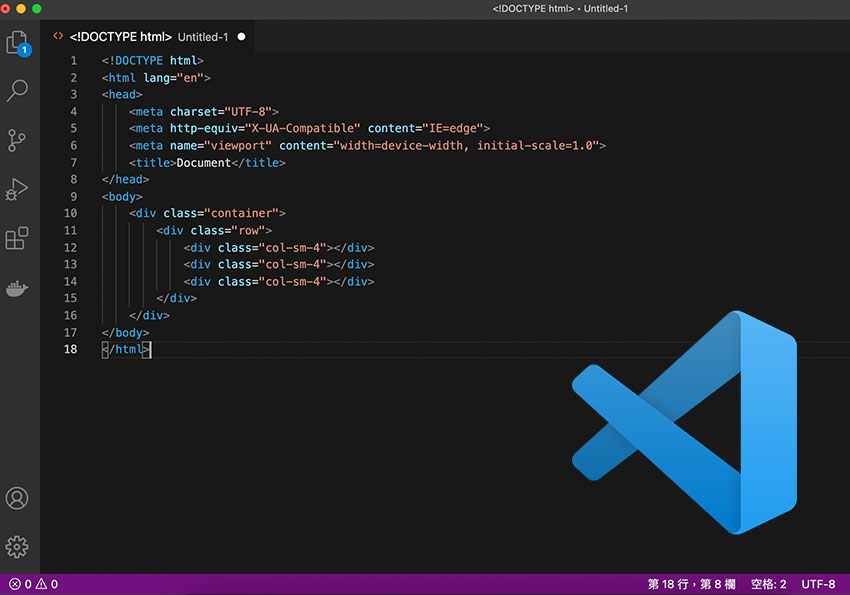
VS Code tab VS Code editor tabSize detectIndentation false

If you are trying to enable tab auto completions in VS Code you have to enable the setting Press Ctrl Shift P or Command Shift P on macOS Note you can also press F1 to open the Command Palette
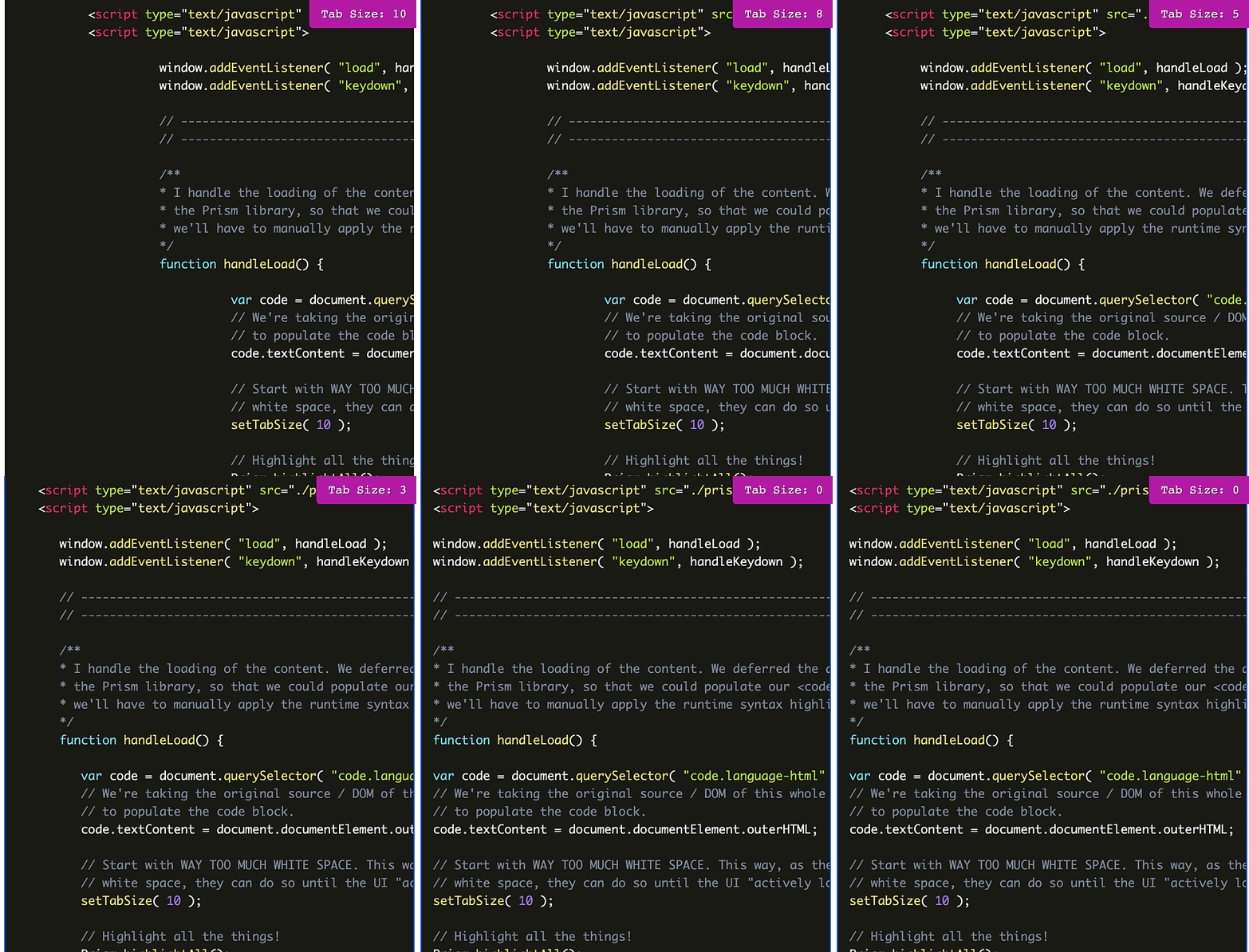
Type user settings and select Preferences Open User Settings You can also open the settings screen by pressing Ctrl on Windows and Linux or Cmd on macOS Search for tab size and set your preferred number of spaces in the Editor Tab Size field
See the section below to optimize VS Code when working without Tabs Tab ordering By default new Tabs are added to the right of the existing Tabs but you can control where you d like new Tabs to appear with the workbench editor openPositioning setting For example you might like new tabbed items to appear on the left User Settings Settings that apply globally to any instance of VS Code you open Workspace Settings Settings stored inside your workspace and only apply when the workspace is opened In this article we ll first describe user settings as these are your personal settings for customizing VS Code
In this article we will provide you with a step by step guide on how to change the tab size in VSCode Step 1 Open Settings To change the tab size in VSCode you ll need to access the settings You can do so by going to File Preferences Settings or by using the keyboard shortcut Ctrl