Vs Code See Installed Extensions Can You Sort Installed VS Code Extensions By Category Like The Built 04 PHP Course How To Install PHP Extensions In VS Code YouTube Top 5 VS Code Extensions In 2021 Best VS Code Extensions For A My Favorite VS Code Extensions YouTube Top 7 Best VS Code Extensions You Must Know In 2020 Coding Web WEB 5 days ago nbsp 0183 32 The VS Code extensions are located under the following directories depending on your operating system On Windows USERPROFILE vscode extensions The path resolves to C Users lt username gt vscode extensions Make sure to replace the lt username gt
WEB Apr 13 2020 nbsp 0183 32 When I start Visual Studio Code Win10 64bit click on extensions overview all my extensions disappeared The overview is empty I also can t load any new ones But I think all the extensions seem to work In Addition there is a clock on the extensions symbol and it seems quot loading quot but nothing happens Waiting a long time or WEB Find extensions to install using the Extensions view Install an extension from the VS Code Extension Marketplace See what features are added via the Features Contributions tab or Command Palette P Windows Linux Ctrl Shift P See recommendations for other extensions
Top 7 Best VS Code Extensions You Must Know In 2020 Coding Web Find Install Manage Extension Packages Visual Studio Windows Use Group Policies To Manage Microsoft Edge Extensions Microsoft Learn 10 Vs Code Extensions For Javascript Developers In 2020 Vs Codes Vrogue How To Show The Extensions Installed In Visual Studio Code Row Coding Solved Getting A List Of Installed Extensions And 9to5Answer Genshin FanWiki Extension Devpost VS Code How To Install Extensions How To Show All Installed Extensions In VS Code KindaCode
Vs Code See Installed Extensions
 Vs Code See Installed Extensions
https://i.stack.imgur.com/8H2bn.png
WEB Install an extension See what features are added via the Contributions tab or Command Palette See other recommendations for extensions Next video Personalize Visual Studio Code Make VS Code yours with custom themes and colors Learn more User Interface View the documentation for VS Code Setup overview Documentation for
Pre-crafted templates provide a time-saving service for producing a diverse range of files and files. These pre-designed formats and layouts can be utilized for various individual and professional jobs, consisting of resumes, invitations, flyers, newsletters, reports, discussions, and more, simplifying the material production process.
Vs Code See Installed Extensions
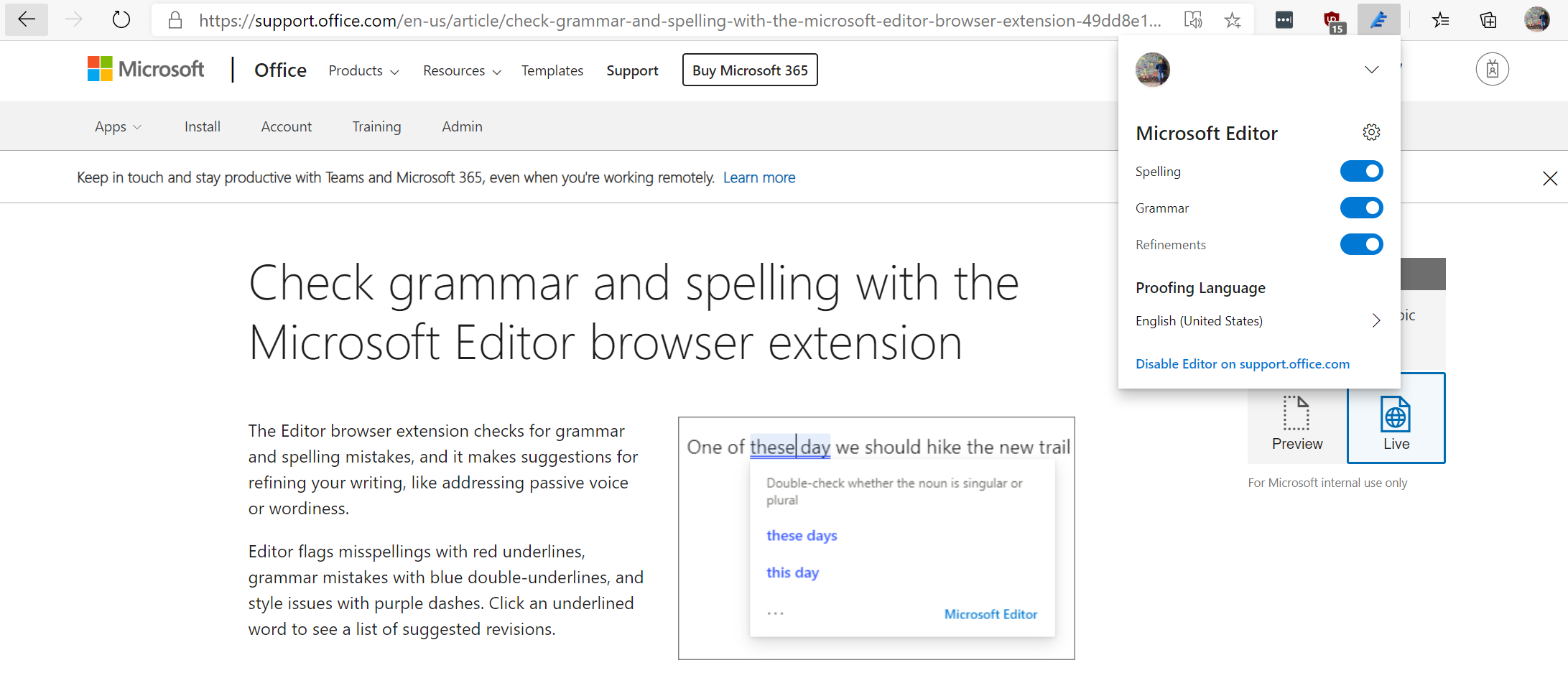
bersicht ber Microsoft Edge Erweiterungen Microsoft Edge
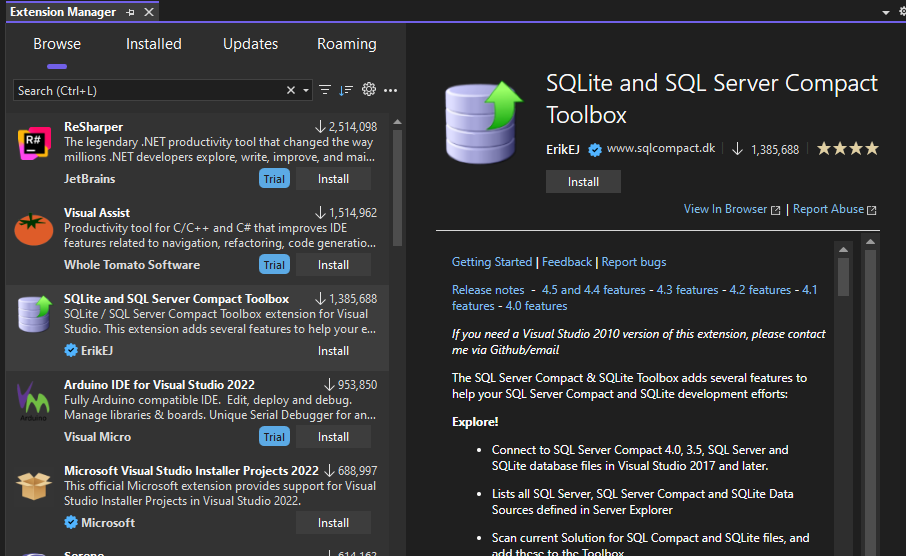
Find Install Manage Extension Packages Visual Studio Windows
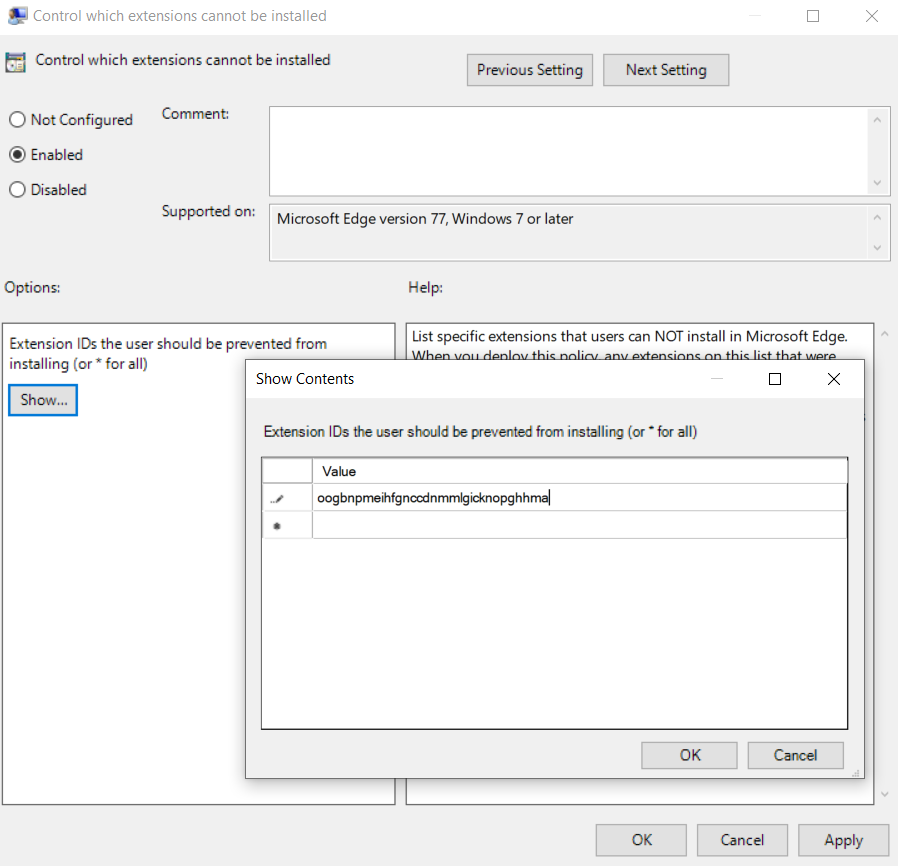
Use Group Policies To Manage Microsoft Edge Extensions Microsoft Learn
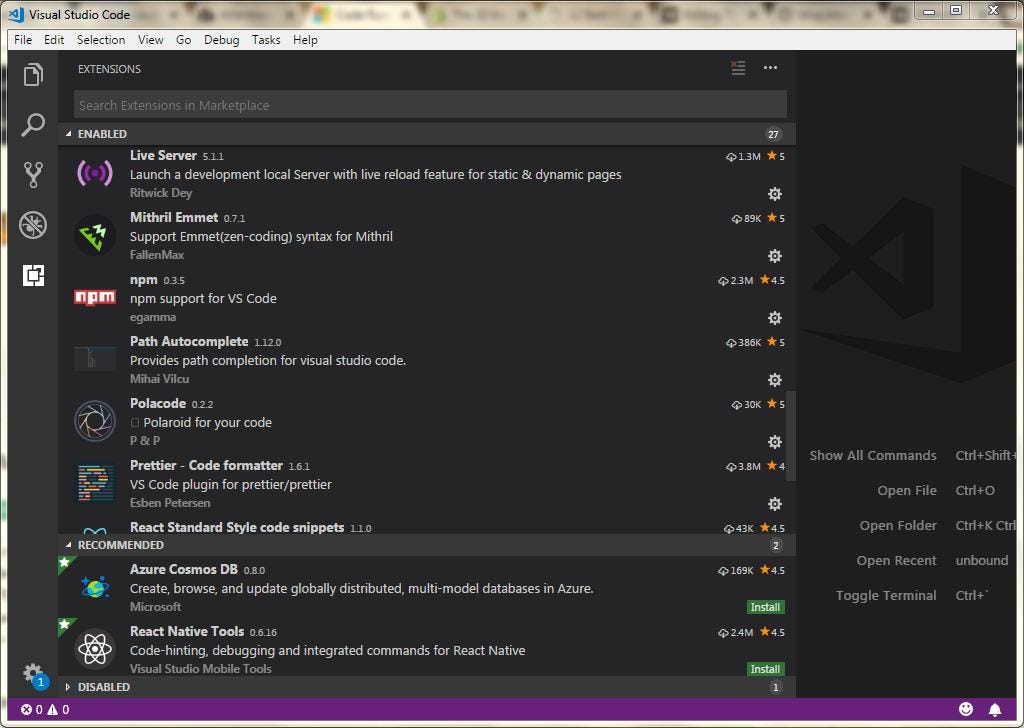
10 Vs Code Extensions For Javascript Developers In 2020 Vs Codes Vrogue

Solved Getting A List Of Installed Extensions And 9to5Answer
Genshin FanWiki Extension Devpost

WEB You can install disable update and uninstall extensions through the Extensions view the Command Palette commands have the Extensions prefix or command line switches List installed extensions By default the Extensions view will show the extensions you currently have installed and all extensions that are recommended for you

WEB Sep 7 2022 nbsp 0183 32 1 Click on the Extensions icon or hotkeys Ctrl Shift X on Windows Command Shift X on Mac 2 Click on the three dots icon 3 Finally select Views gt Installed from the drop down menu And you will see the list of installed extensions in the left hand sidebar of VS Code Further reading 2 ways to check your VS Code version

WEB Oct 16 2018 nbsp 0183 32 Where are extensions installed Extensions are installed in a per user extensions folder Depending on your platform the location is in the following folder Windows USERPROFILE vscode extensions macOS vscode extensions Linux vscode extensions https code visualstudio docs editor extension

WEB May 25 2016 nbsp 0183 32 Depending on your platform VS Code looks for your extensions folder vscode extensions on one of the following paths Windows USERPROFILE vscode extensions Mac vscode extensions Linux vscode extensions That should show you a list of the extensions

WEB This guide will show you how to simply view all installed extensions and their versions in Visual Studio Code VSCode Whether you re an experienced developer or new to coding
WEB One place for all extensions for Visual Studio Azure DevOps Services Azure DevOps Server and Visual Studio Code Discover and install extensions and subscriptions to create the dev environment you need WEB Dec 9 2023 nbsp 0183 32 To kick off your journey with extensions the very first step is to open the Extensions View in Visual Studio Code This is your command center for finding managing and installing all the extensions you need Accessing Via The Activity Bar Using The Command Palette Via The View Menu Accessing Via The Activity Bar
WEB Mar 21 2018 nbsp 0183 32 1 Answer Sorted by 8 The installation of extensions is indeed logged in files called sharedprocess log On Windows the location is C Users lt User gt AppData Roaming Code logs lt Timestamp gt Here s an example 2018 03 22 02 24 05 264 sharedprocess info Installing extension vscode table formatter