Vs Code Run Selected Line How To Solve R Error Attempt To Use Zero length Variable Name The Visual Studio Code Shortcuts Topbar Jaslike Debugging In Visual Studio Code In 2021 Coding Visual Studio How To Run C And C Programs On Vs Code Mrabouttech Vrogue How To Setup VS Code For JavaScript The Productive Engineer Web May 13 2023 nbsp 0183 32 The Shortcut to Run Code in VS Code In VS Code you only need to use a shortcut to run your code That shortcut is Ctrl Alt N There are a few more ways to run code Pressing F1 and then
Web It can also be run on selected text You can turn this feature on by clicking the hamburger icon on the Find Widget Integrated Terminal Learn about the integrated terminal for quickly performing command line tasks from within VS Code IntelliSense VS Code brings smart code completions Debugging This is where VS Code really shines Web Jul 19 2019 nbsp 0183 32 Keyboard Shortcuts gt type in run selection gt right click on both settings named Run Selection Line In Interactive Window and Run Selection Line In Python Terminal gt select Reset Keybinding for further help this is the when settings for each one Run Selection Line In Interactive Window
How To Setup VS Code For JavaScript The Productive Engineer How To Run C Code In Vs Code EroFound Running Python Script In Vscode Mobile Legends How To Select Python Interpreter In VS Code Stack Overflow 25 Most Used VS Code Shortcuts And More Cheat Sheet 2023 Visual Studio Code A Power User s Guide SitePoint How To Run Node js In VS Code From Scratch How To Run Sudo Command In Python Script Update Bmxracingthailand Compile Run Java Visual Studio Code Code Runner
Vs Code Run Selected Line
 Vs Code Run Selected Line
https://i0.wp.com/researchdatapod.com/wp-content/uploads/2022/05/Screenshot-2022-05-08-at-17.04.48.png?resize=766%2C506&ssl=1
Web Open Keyboard Shortcuts Change the keyboard shortcuts for Python Run Selection Line in Python Terminal and or Python Run Selection Line in Python Interactive Window Restart Visual Studio Code Open a Python file Select code in the file Hit the keyboard shortcut for Python Run Selection Line in Python Terminal The issue occurs
Templates are pre-designed documents or files that can be utilized for different purposes. They can save time and effort by providing a ready-made format and layout for producing various type of material. Templates can be utilized for individual or expert projects, such as resumes, invitations, leaflets, newsletters, reports, presentations, and more.
Vs Code Run Selected Line
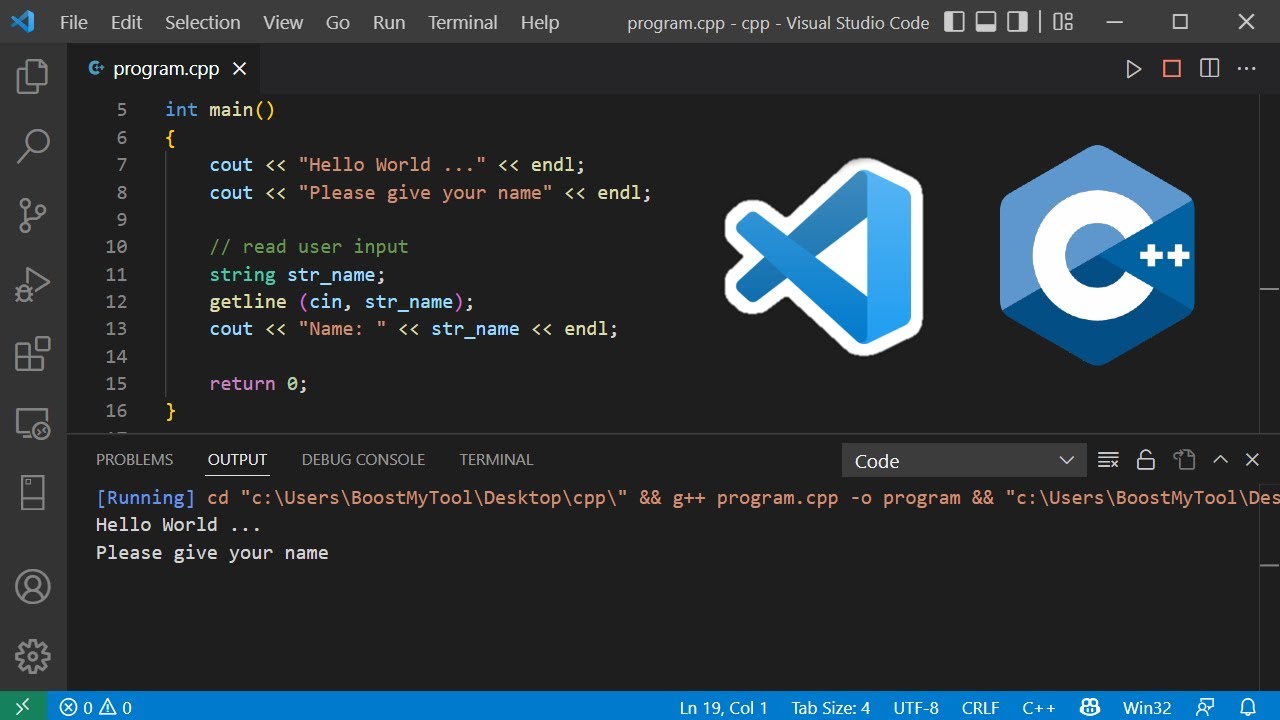
How To Run C Program In Vs Code Terminal Hot Sex Picture

How To Run C Code In Vs Code EroFound

Running Python Script In Vscode Mobile Legends

How To Select Python Interpreter In VS Code Stack Overflow
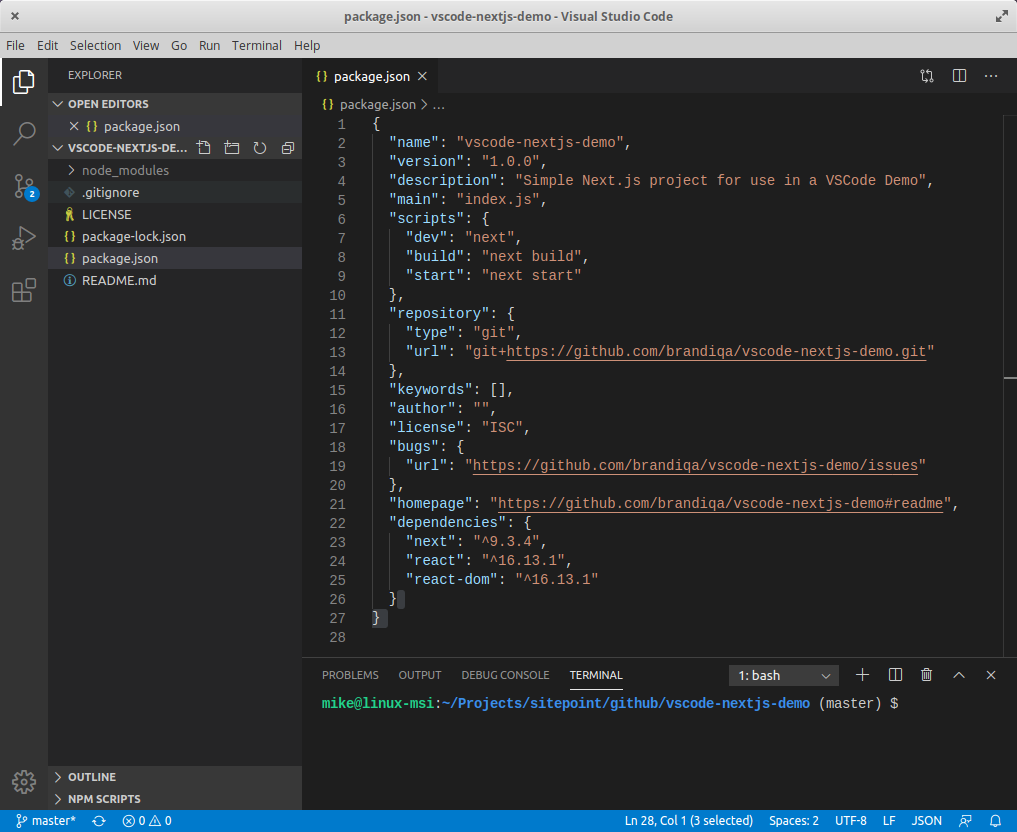
Visual Studio Code A Power User s Guide SitePoint
How To Run Node js In VS Code From Scratch

Web Nov 29 2021 nbsp 0183 32 107 30K views 2 years ago Visual Studio Code VS Code Tips This is one of the questions I get pretty often how do you run selected lines or selected code blocks in VS Code only

Web Aug 31 2023 nbsp 0183 32 yanachen this is now possible in VS Code All you need to do is 1 Ensure python is running in the VS Code terminal window 2 Select the text you wish to execute in python 3 Invoke the command workbench action terminal runSelectedText as defined in the following link https code visualstudio docs editor integrated

Web Apr 11 2018 nbsp 0183 32 One way you can do it is through the Integrated Terminal Here is the guide to open use it https code visualstudio docs editor integrated terminal After that type python3 or python since it is depending on what version you are using Then copy and paste the fraction of code you want to run into the terminal

Web Jul 21 2020 nbsp 0183 32 Run Partial or Selected Lines of Python Code in Visual Studio Lee Rock Senior Data Analyst at Google Published Jul 21 2020 Follow A handy shortcut I picked up to run partial or a

Web Apr 7 2022 nbsp 0183 32 Commenting out old code to test some newly written lines of code VS Code can make the whole process much simpler by allowing you to turn multiple lines into comments at once Use the following shortcut to comment the current line or multiple lines if they are selected Windows Ctrl K Ctrl C Mac Cmd K Cmd C
Web Nov 2 2019 nbsp 0183 32 Get Started Currently in VS code we can use the GUI to selected code using the following steps and as shown in the following image Select a code from the editor Click on Terminal from the top menu Click on Run Selected Text To configure F8 or another key to run a selected code Click on File From the File menu click on Web May 29 2020 nbsp 0183 32 When selecting some lines codes and pressing the F9 as default for running selection line in the python terminal no actions happened however pressing the same command manually yes Therefore i have tried to change the shortcut to ctrl enter accodring to 1349 also eliminating any duplicate shortcut however still no action was
Web Jun 25 2021 nbsp 0183 32 I can run the code on the remote server using a bash shell in VS Code But ideally I would like to run the code or bits of it in an interactive window using the jupyter kernel like I do locally How do I enable the usual right click quot Run quot options when I connect to the remote server