Vmware Workstation Start Vm From Command Line Linux Vmware Player Start Vm Command Line Linux Windows 11 Vmware Player Magazineser How To Open An Image From The Command Line In Linux Systran Box Vmware Player Start Vm Command Line Linux How To Remove A VMware ESXi Host From VCenter Server Command Line Virtual Machine Run Syntax This section documents the syntax of available commands in the vmrun utility NOTE On VMware Workstation and VMware Fusion starting powering on a virtual machine with the default gui option requires a window system user interface to be running on the host
Using the vmrun command The main command line program used to stop and start VMware Workstation Virtual machines is the vmrun command If you open the Windows cmd prompt and change directory to C Linux Command Line Installation Options Option Description console Enables you to use the terminal for installation custom Use this option to customize the following installation settings The locations of the installation directories The user who will initially connect to VMware Workstation Server
How To Remove A VMware ESXi Host From VCenter Server Command Line VMware Workstation 16 2 3 Build 19376536 Crack Key 2022 Free Arguments From Command Line Linux Logic Reach Workstation Start Herman Miller Como Abrir O Navegador Padr o Na Linha De Comando Do Linux De Outros Jefad Blog Building Our NEW Video Editing Workstation Start To Finish YouTube Bash Scripting Read Input From Command Line Linux Tutorials Learn Linux Configuration How To Open File In Python Text Editor Gagasko
Vmware Workstation Start Vm From Command Line Linux
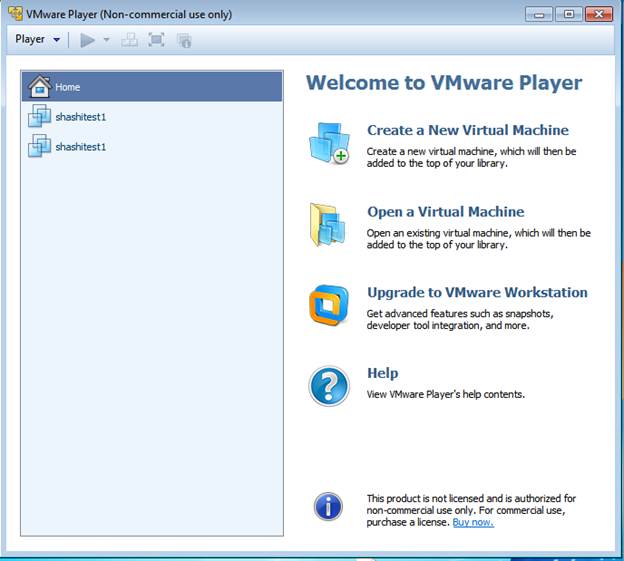 Vmware Workstation Start Vm From Command Line Linux
https://www.slac.stanford.edu/grp/cd/soft/unix/images/clip_image002_000.jpg
Start vm from command line vmware workstation cheatsheet is published by devram
Templates are pre-designed documents or files that can be used for various purposes. They can save effort and time by providing a ready-made format and layout for developing various type of content. Templates can be used for personal or professional tasks, such as resumes, invitations, flyers, newsletters, reports, discussions, and more.
Vmware Workstation Start Vm From Command Line Linux

How To Install Dmg File On Vmware Mathbrown

VMware Workstation 16 2 3 Build 19376536 Crack Key 2022 Free
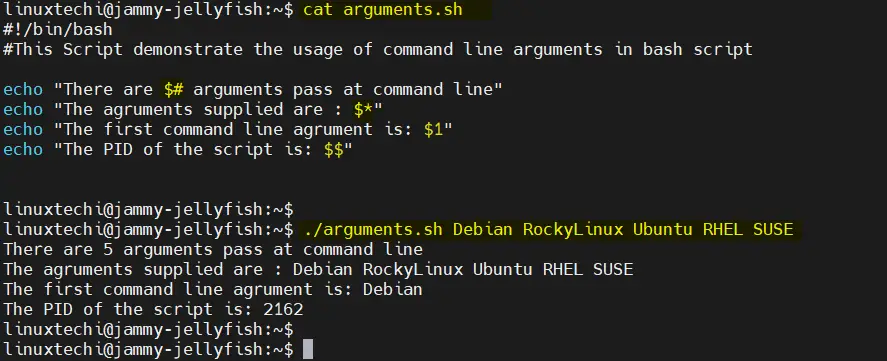
Arguments From Command Line Linux

Logic Reach Workstation Start Herman Miller

Jefad Blog

Building Our NEW Video Editing Workstation Start To Finish YouTube

To Shut down a VM C Program Files VMware VMware Workstation vmrun T ws stop C VMs Linux vmx 3 To reboot C Program Files VMware VMware Workstation vmrun T ws reset C VMs Linux vmx You can use these commands in the Option tab of BackupChain to start and stop VMs before and after backups if you don t want a live backup but a
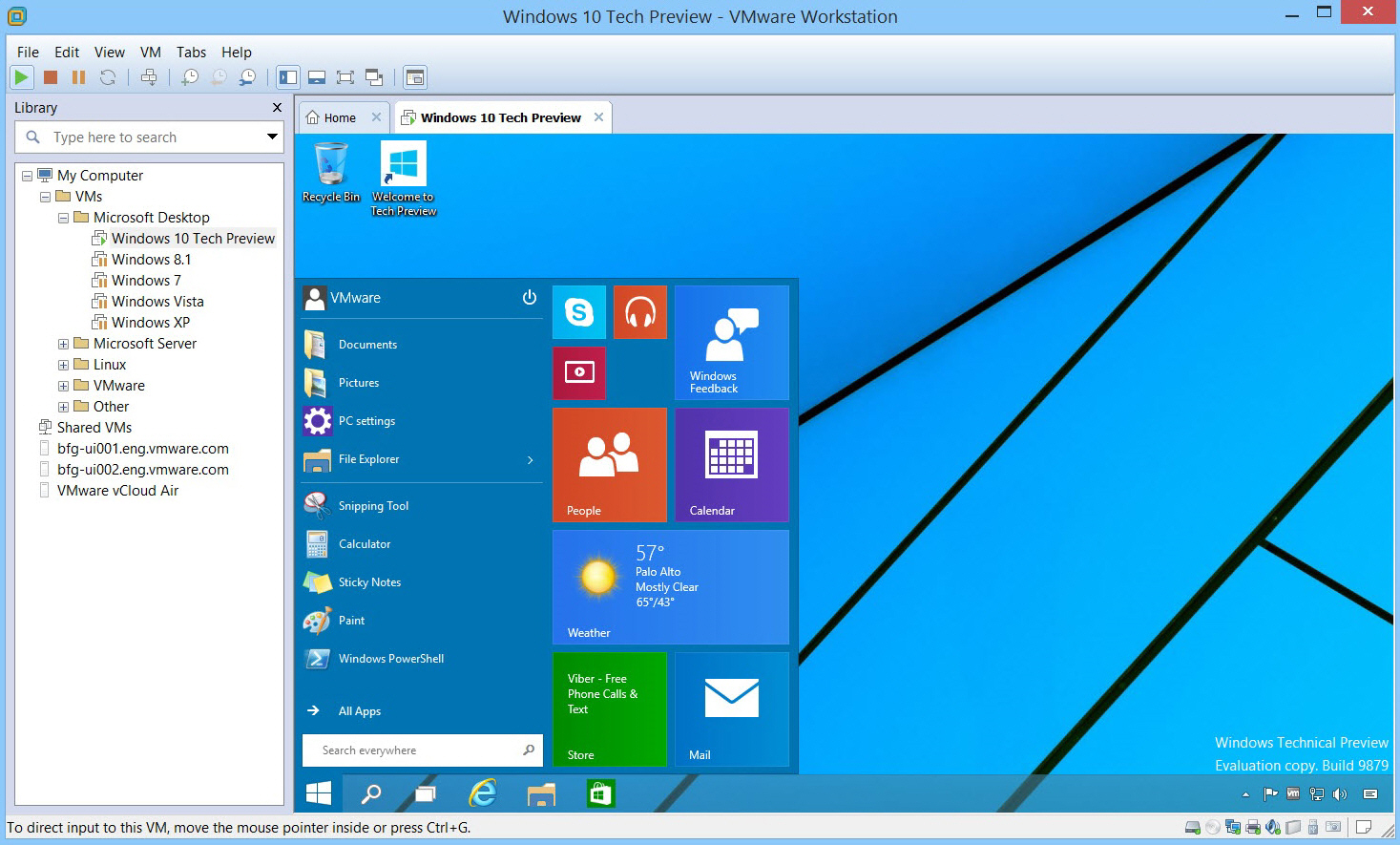
Starting Virtual Machines When you start a virtual machine the guest operating system starts and you can interact with the virtual machine You can use Workstation Pro to start virtual machines on the host system and on remote servers To start a virtual machine from the command line use the vmware command See Using the vmware Command

If you need to start shutdown or reboot a VMware Workstation virtual machine from the command line it s very easy to do and can even be used to start or st
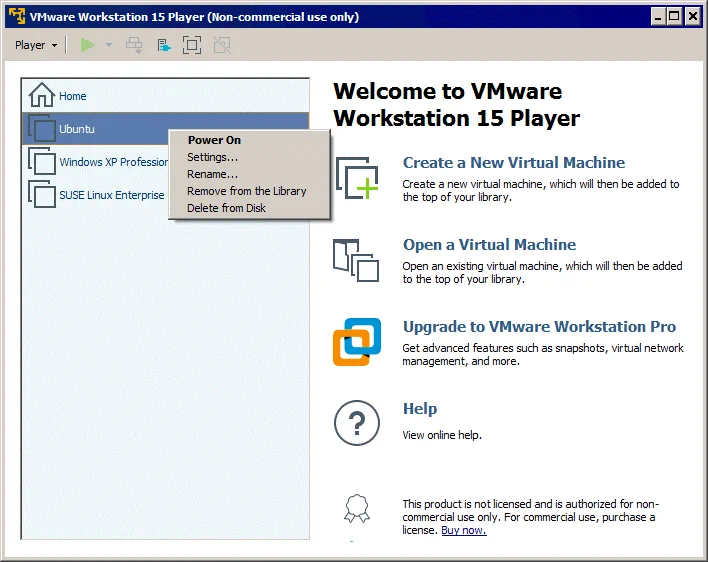
List the inventory ID of the virtual machine with the command vim cmd vmsvc getallvms grep vm name Note The first leftmost column of the output shows the vmid Check the power state of the virtual machine with the command vim cmd vmsvc power getstate vmid Power on the virtual machine with the command vim cmd vmsvc power on vmid
To run the vmware command on a Windows host system use the following syntax C Program Files x86 VMware VMware Workstation vmware exe n x X t q s variable name value v path to vm vmx http s path to vm vmx You can run the vmware command on a Linux or Windows host system You can type the command in a Linux
The key option that you want is the nogui option so that the VMware Workstation gui doesn t come up You should be able to use the vmrun command to start up VMs in the background from the command line and use it in etc rc local when your system boots You will need to use sudo e etc rc local to edit that file Method 1 Increase VM disk size in VMware workstation Step 1 Choose the hard disk you wish to expand by selecting Hard Disk under Devices Step 2 Select Expand next to the virtual hard disk on the right hand side Step 3 Enter your preferred maximum size for the virtual disk and select Expand again
To run the command you will need to open a command prompt and navigate to C Program Files x86 VMwareVMware Workstation These are the commands to start stop and restart your VM but you will need to change the path and VMX file name to match your environment vmrun T ws start D VMware VMsWindows 10Windows 10 vmx