Vmware Workstation Player Replicate Physical Network Connection State Turtlebot3 Matlab Vmware Workstation EC312 Practical Exercise 29 United States Naval Academy Technology In S F s Frozen Reduces Musicians In Live Performances Web Sep 19 2012 nbsp 0183 32 If your VMware Workstation is installed on a laptop or a mobile device then you may want to consider the Replicate physical network connection state under bridged network option If selected the IP address of the virtual machine is automatically renewed as you move from one wired or wireless network to another
Web Jan 31 2018 nbsp 0183 32 It has a sub option radio button entitled quot Replicate physical network connection state quot which defaults to off It also has a button quot Configure adapters quot which I first thought was going to do exactly what I wanted and allow me to assign one adapter to one port and the other to the other Web May 25 2013 nbsp 0183 32 The diagram below shows our scenario Windows XP is installed as virtual machine in VMware Workstation 9 At first configure static IP address in Windows XP machine as 192 168 50 102 and gateway of router s IP as 192 168 50 100 When testing servers static IP address will be mostly used
Infosys Metaverse Foundry Should You Choose Linux Or Windows For Your VPS Hosting Systran Box To Replicate Physical Objects For Virtual Reality Just Turn On Your Ethernet0 Doesn t Have A Valid IP Configuration VMware Workstation Workstation 16 Network Connectivity Issue VMware Technology Network VMTN Setting Up A Windows 10 Virtual Machine In VMware NIKUNJ BLOG Sweeten Exclude Invention Vmware Workstation Network Settings Link Vmware Workstation Player 12 Physical Disk Wwvlero
Vmware Workstation Player Replicate Physical Network Connection State
 Vmware Workstation Player Replicate Physical Network Connection State
http://images.ncnynl.com/ros/2021/turtlebot3-matlab10.png
Web Aug 15 2013 nbsp 0183 32 Workstation 9 NAT Replicating Host Physical State in Guest Issue My Workstation 9 0 2 guests using NAT are seeing the physical network connection state of the host where in Workstation 7 the guests always saw a quot live quot network connection regardless of whether the host was connected
Pre-crafted templates provide a time-saving solution for producing a varied range of documents and files. These pre-designed formats and layouts can be used for various individual and expert tasks, including resumes, invites, flyers, newsletters, reports, discussions, and more, simplifying the material creation process.
Vmware Workstation Player Replicate Physical Network Connection State
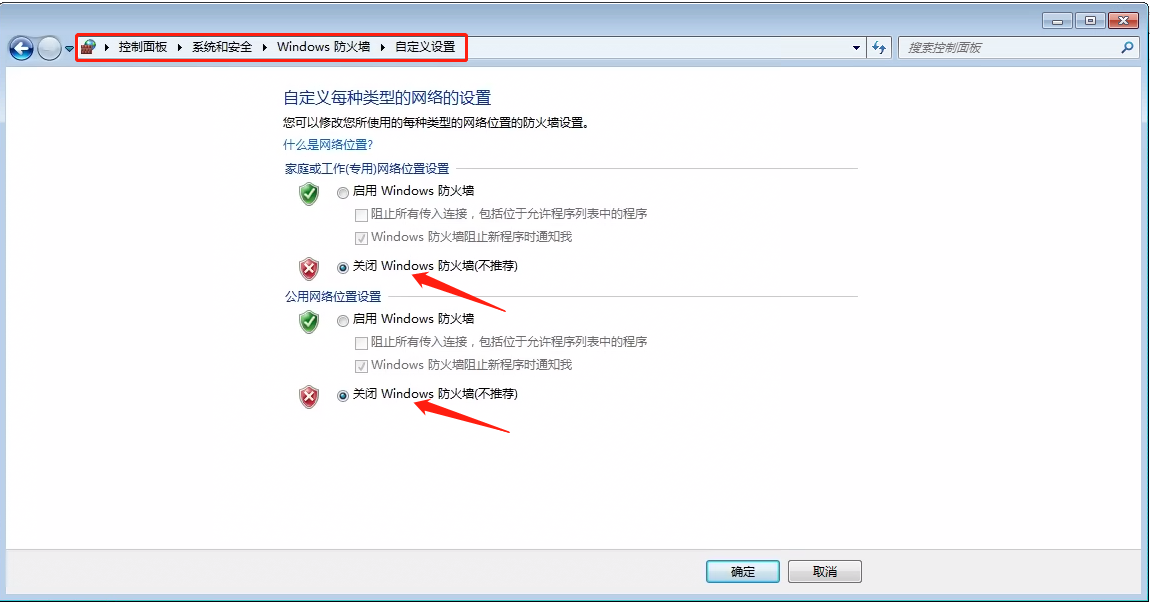
Turtlebot Matlab

Infosys Metaverse Foundry

Should You Choose Linux Or Windows For Your VPS Hosting Systran Box

To Replicate Physical Objects For Virtual Reality Just Turn On Your

Workstation 16 Network Connectivity Issue VMware Technology Network VMTN
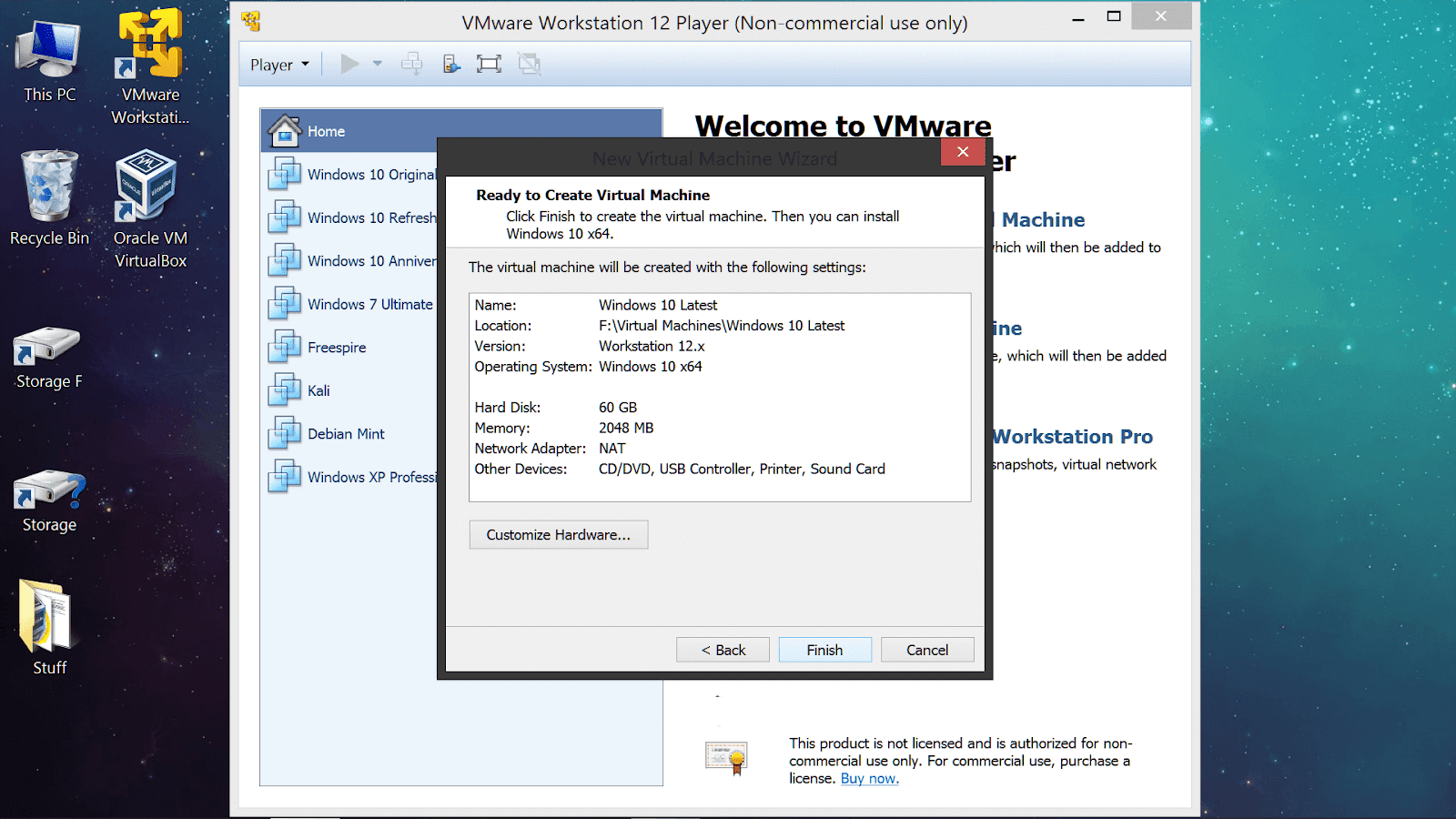
Setting Up A Windows 10 Virtual Machine In VMware NIKUNJ BLOG

Web Nov 15 2021 nbsp 0183 32 Have you tried to select quot Replicate physical network connection state quot Have you tried to change the network connection from Bridged to NAT or PC Only after removing the local IP address on VM
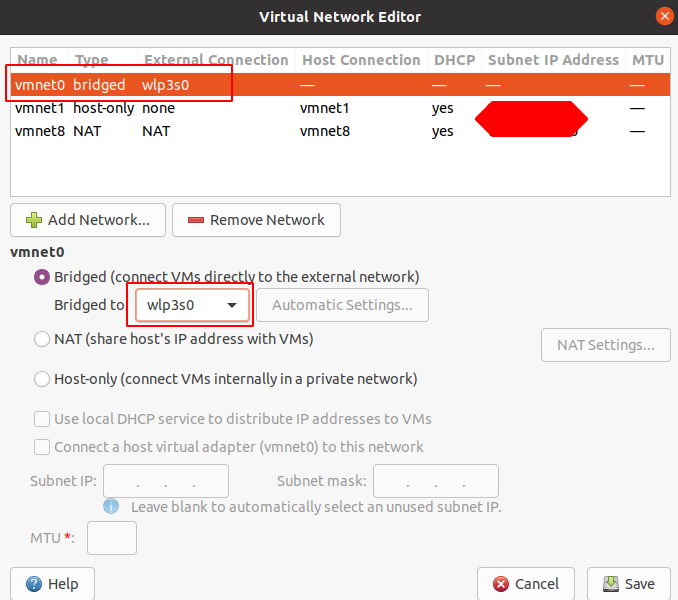
Web May 31 2019 nbsp 0183 32 Procedure Select the virtual machine and select Player gt Manage gt Virtual Machine Settings On the Hardware tab select Network Adapter Select Bridged Connected directly to the physical network If you use the virtual machine on a laptop or other mobile device select Replicate physical network connection state

Web Apr 28 2023 nbsp 0183 32 In other words the VMware bridged network replicate physical option allows VMs to connect to a physical network via a bridged network adapter According to our experts this configuration enables VMs to interact with other devices on the physical network How does the Replicate physical network connection configuration work

Web May 31 2019 nbsp 0183 32 When the Replicate physical connection state option is selected the IP address is automatically renewed when you move from one wired or wireless network to another This setting is useful for virtual machines than run on laptops or other mobile devices Parent topic Configuring a Network Connection Previous Page Next Page In

Web Jul 30 2010 nbsp 0183 32 VMware Player replicate physical network state mode It turns out that enabling the VMware Player replicate physical network state mode is only for use when running VMware Player on a device that has a WI Fi connection and means that as you move from one wired or wireless network to another the IP address is automatically
Web 1 Select the virtual machine from the library and go to Player gt Manage gt Virtual Machine Settings 2 On the Hardware tab select the network adapter you would like to modify Under Network connection select Bridged Connected directly to the physical network Web May 18 2016 nbsp 0183 32 VMware Workstation has a hidden NAT Bridged or Host virtual switch in addition VMware also states When the Replicate physical connection state option is selected the IP address is automatically renewed when you move from one wired or wireless network to another
Web May 10 2023 nbsp 0183 32 Fix 1 Select Correct Internet Connection Generally VMware shares the host s IP address via NAT and then the virtual machine can use the host s IP address when trying to create an internet connection As a result you can replicate the host computer s connection state by choosing the dedicated option Step 1