Vmware Workstation Mouse Click Not Working What To Do When Middle Mouse Click Not Working Techimperatives Mouse Click Not Working In Vysor App Redmi Mobile Method Only Mac Os X Vmware Workstation Mouse Not Working Metromertq Windows 7 Wont Recognize Usb Touchpad Keybaord Bopqespot Fix Left Mouse Click Not Working In Windows 11 Technipages Web Dec 2 2019 nbsp 0183 32 When using VMWare workstation use Ctrl Alt keys for enabling mouse input in virtual drive 1 I would verify it s not a mouse problem by first testing the mouse
Web Updated on 05 31 2019 Keyboard and mouse settings control how virtual machines that run in Workstation Pro capture input from the keyboard and mouse To configure keyboard Web Sep 15 2017 nbsp 0183 32 Resolution To resolve this issue download the most recent version of your product available at VMware Downloads VMware Workstation VMware View VMware
Fix Left Mouse Click Not Working In Windows 11 Technipages How To Fix Mouse Right Click Not Working Solved YouTube How To Fix The Left Click Mouse Button Not Working On Windows 10 Mouse Click Not Working In Turbo C YouTube Resolvido O Bot o Esquerdo Do Mouse N o Funciona Windows 10 Ok Mouse Right Click Not Working Windows 10 Here s How To Fix It Komunikasi Serial Dua Arduino Fasrshort Fix Left Mouse Click Not Working In Windows 11 Technipages Fix Left Mouse Click Not Working In Windows 11 Technipages
Vmware Workstation Mouse Click Not Working
 Vmware Workstation Mouse Click Not Working
https://techimperatives.net/wp-content/uploads/2021/08/mouse-click-not-working-1024x1024.jpg
Web Dec 24 2021 nbsp 0183 32 Resolution To resolve this issue edit the virtual machine configuration file and state that a USB mouse is not connected To edit the virtual machine configuration
Templates are pre-designed documents or files that can be utilized for numerous functions. They can conserve time and effort by providing a ready-made format and design for creating different sort of content. Templates can be utilized for personal or professional jobs, such as resumes, invitations, leaflets, newsletters, reports, discussions, and more.
Vmware Workstation Mouse Click Not Working

Left Mouse Click Not Working Here s How To Fix It
How To Fix Mouse Right Click Not Working Solved YouTube
How To Fix The Left Click Mouse Button Not Working On Windows 10

Mouse Click Not Working In Turbo C YouTube

Mouse Right Click Not Working Windows 10 Here s How To Fix It

Komunikasi Serial Dua Arduino Fasrshort

Mar 8 2018 nbsp 0183 32 Web Up to 4 cash back nbsp 0183 32 This is not bold because it is just my suspicion XSplit let me select the screen and or the VMware Workstation Pro window for screen capturing video

Web Aug 5 2020 nbsp 0183 32 If your mouse is slow to respond or working erratically change the optimization settings For more information see If your mouse moves in the virtual
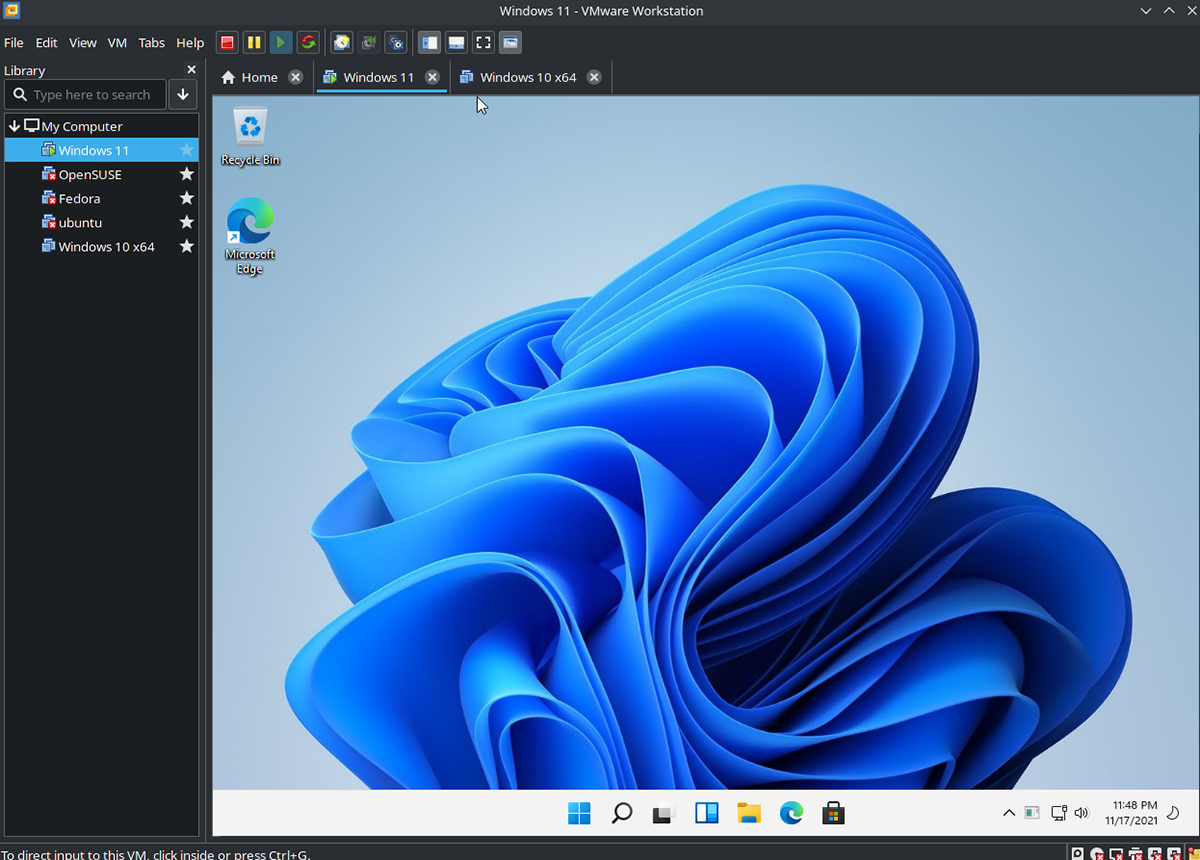
Web Sep 25 2018 nbsp 0183 32 To troubleshoot this issue Verify that your preferences are configured correctly Go to Edit gt Preferences click Hot Keys and confirm that Ctrl Alt is selected
Web Jun 18 2020 nbsp 0183 32 Symptoms After upgrading a host from ESXi ESX 4 0 to 4 1 the mouse fails to respond in the virtual machine console The mouse responds when accessed through

Web Updated on 05 31 2019 You might occasionally encounter problems when virtual machines capture input from the keyboard and mouse on the host system Parent topic
Web 10 Answers Sorted by 21 After adding usb generic allowHID TRUE to the vmx file just enable USB for that VM and then go to the Hardware Manager guest system and quot scan Dec 31 2017 nbsp 0183 32 Web Up to 4 cash back nbsp 0183 32 Hello I am facing issue with mouse click which partially works within my vmware workstation 12 some times mouse clicks properly sometime
Web Oct 21 2016 nbsp 0183 32 mouse stops working on VM Posted by Hubington on Oct 20th 2016 at 8 46 AM Solved Virtualization Hi so I ve had this happen a couple of times on a few boxes I m