Vmware Workstation Dhcp Not Working How To Assign A Static IP Address To A VMware Workstation VM Shehu Awwal VMware Dashboard VMware Workstation DHCP Client VMware Workstation 16 Pro Full Crack License Key Free Download Updated on 05 31 2019 If a DHCP server dhcpd utility was running on the Linux host system before you installed Workstation Pro it might have noticed that an additional network interface vmnet1 was marked up and available for use when host only networking was configured
DHCP Settings Setting Description Start IP address and End IP address The range of IP addresses that the virtual DHCP service provides on the selected virtual network Default lease time and Max lease time Select the duration of the DHCP leases that the DHCP service provides to clients on the virtual network Solution If you run a network packet sniffer or other application inside the guest operating system that puts the virtual network adapter into promiscuous mode your guest operating system may not receive multicast and broadcast frames if you do not have the virtual switch configured in promiscuous mode
VMware Workstation 16 Pro Full Crack License Key Free Download Dhcp Server Installation And Configuration In Linux RHCE Tech Arkit VMware Ile Ilgili K saltmalar VMware Workstation 17 Pro Net Lisans Windows Office Yaz l m VMWare ASPLOS 2024 VMware Workstation Pro Windows Installation And Commissioning Of Vmware Workstation Download VMware Workstation 16 Pro V16 2 2 19200509 Pre Activated VMware Workstation Pro 16
Vmware Workstation Dhcp Not Working
 Vmware Workstation Dhcp Not Working
https://cdn.shehuawwal.com/uploads/2019/07/658d2847.png
You cannot connect to the Internet A TCP IP connection fails to and from a single virtual machine You may see one or more of the following errors Destination Host Unreachable Network error Connection Refused Network cable is unplugged Ping request could not find host IP address hostname Please check the name and try again
Pre-crafted templates offer a time-saving service for developing a varied range of files and files. These pre-designed formats and designs can be made use of for various individual and professional projects, consisting of resumes, invites, flyers, newsletters, reports, discussions, and more, simplifying the content production procedure.
Vmware Workstation Dhcp Not Working

How To Install VMware Workstation Pro On A Windows 11 PC Vmware

Dhcp Server Installation And Configuration In Linux RHCE Tech Arkit
VMware Ile Ilgili K saltmalar

VMware Workstation 17 Pro Net Lisans Windows Office Yaz l m

VMware Workstation Pro Windows

Installation And Commissioning Of Vmware Workstation

Click on Change Settings Click on Yes in User Access Control window Click on Restore Defaults in left bottom VMware Network Editor Restore Default Wait for a min this will reset all the settings Now go to Guest machine and reset network connection That s All windows 10

To troubleshoot a lack of network connectivity in a virtual machine Verify that your virtual machine is using the right type of virtual networking either Bridged Host only or Network Address Translation NAT For more information see Understanding networking types in hosted products 1006480
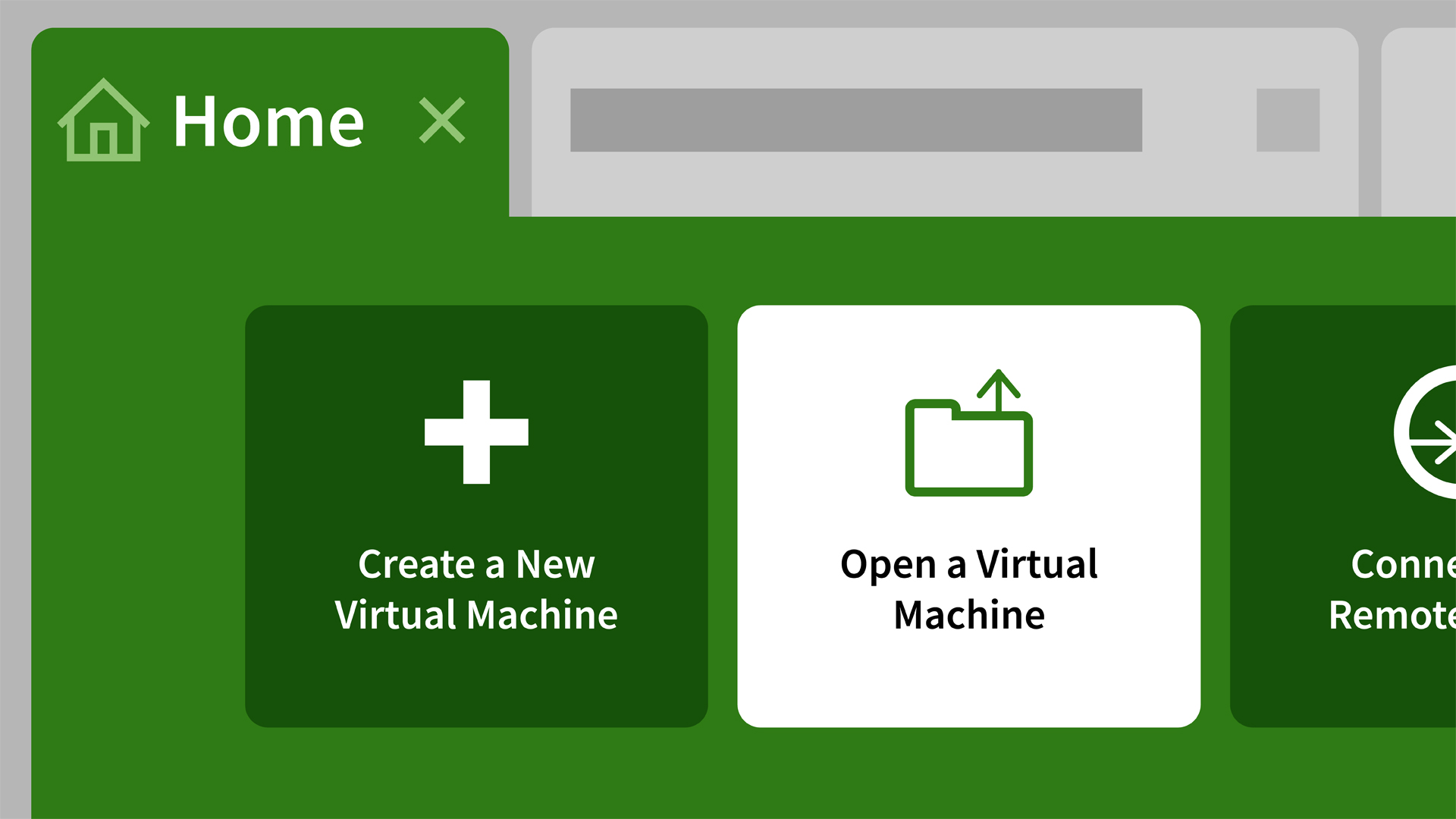
Select Edit Virtual Network Editor Select the host only or NAT network To use the virtual DHCP server to assign IP addresses to virtual machines on the network select Use local DHCP service to distribute IP addresses to VMs To change additional DHCP settings click DHCP Settings

Windows 7 host OS Ubuntu 12 guest OS VMWare workstation 10 0 2 I want my Ubuntu to use DHCP but to get a fixed IP Using the Virtual Network Editor I don t see how I can do that is there some Q A for work Connect and share knowledge within a single location that is structured and easy to search Learn more about Teams

Click Start Control Panel Networking Connection Right click Local Area Network Connection and select Enable Ensure that your Host machine has a working network connection Confirm that your virtual machine s firewall is not blocking the Internet access For information on turning off your firewall see
I m using VMWare Workstation 12 for both guests and windows 10 as the client machine and server 2012 R2 as the DHCP machine What is the easiest way to get the client windows 10 machine to DHCP from the Server 2012 R2 machine I m using the host only vmnet1 network on both machines I ve configured the DHCP machine with ADDS DNS DHCP and then Bridged Connection Not Working Dear All I am using Vmware Workstation V10 My host Os is Windows 7 and Guest Os is linux 5 4 when i open vmware workstation it show Vmnet0 is temporarily down I done all setting regarding network with Host Os and guest Os but i am not understand what wrong with Vmnet0 in workstation 10 Regards Rajdeep
3 Answers Sorted by 6 Host only networking in VMware Workstation creates a network between all virtual machines whose network type is set to host only as well and the host computer computer in your case your Windows 8 machine This link provides more information on the topic of host only networking