Vmware Tools Showing Not Installed Install VMware Tools Grayed Out Xybernetics How To Install VMware Tools On Windows 11 Virtual Machine VMWare Workstation 16 0 0 Windows 7 Install VMWare Tools Failure ITOnLife What Are VMWare Tools Benefits Installations Products How To Check The Version Of VMware Tools Installed In Linux Systran Box Web Sep 22 2016 nbsp 0183 32 It seems that any new Windows VM I create on ESXi 6 0 is reporting VMWare tools not installed after I install them I did check quot C Program Files VMware VMware Tools plugins vmsvc quot directory for 001 files but only could see dll If i try to reinstall the tools on the guest it s detecting a previous installation and wants to
Web Jan 15 2024 nbsp 0183 32 Note If you are installing a beta or RC version of VMware Tools and you see a warning that a package or driver is not signed click Install Anyway to complete the installation When prompted reboot the virtual machine Web Jan 11 2016 nbsp 0183 32 The following should work 1 End any existing VMtools install Right Click gt Guest gt End VMWare Tools install 2 Console SSH to device and run utils os secure permissive 3 Start VMTools install Right Click gt Guest gt Install Upgrade Vmware tools 4 Run utils vmtools refresh
How To Check The Version Of VMware Tools Installed In Linux Systran Box VMware Logo PNG Transparent Brands Logos 8 Best VMware Backup Tools For 2023 With Free Trials Where Does Vmware Workstation Player Download Vmware Tools Vendormas Install VMware Tools Grayed Out Fixed YouTube Vmware Tools Mac Guest Download Alarmyellow Use VMware Tools Client To Interact With A VM Without Network How To Install VMware Tools On Linux And Windows Virtual Machine H2S Guide Install Windows 8 On VMware Workstation With VMware Tools
Vmware Tools Showing Not Installed
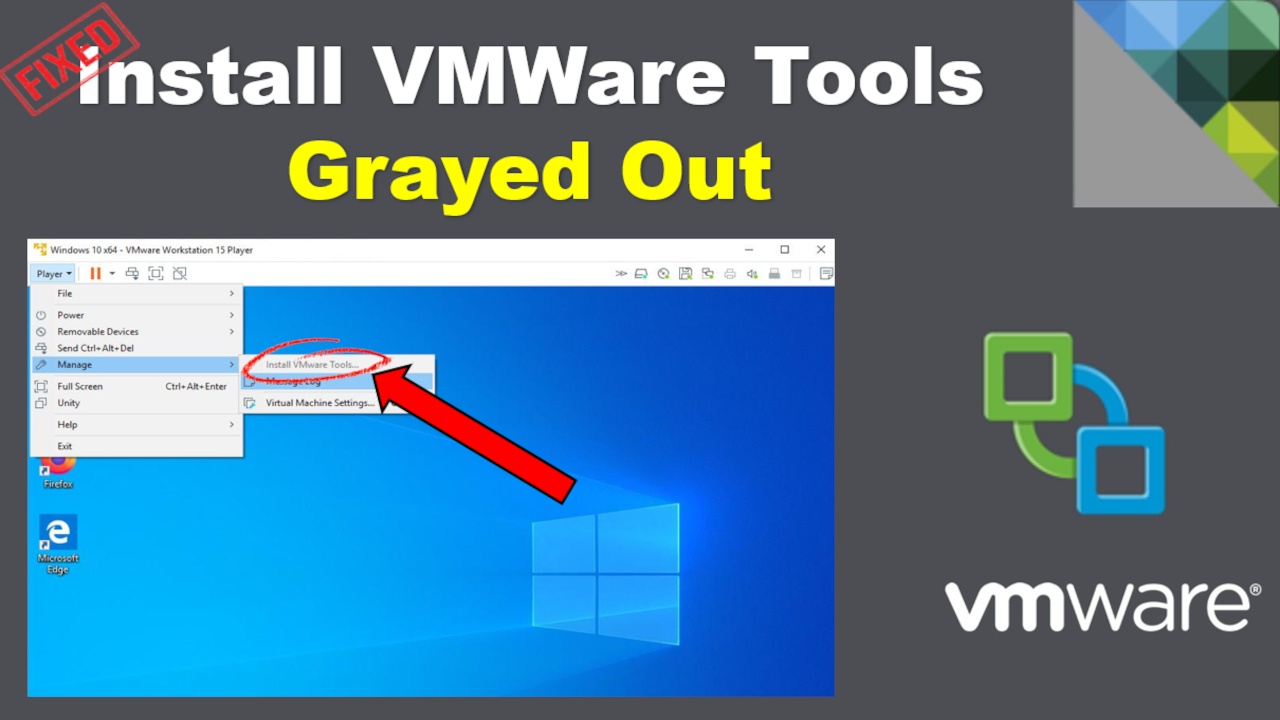 Vmware Tools Showing Not Installed
http://www.xybernetics.com/techtalk/VMWare-InstallVMwareToolsGrayedOut/images/title.png
Web Aug 25 2020 nbsp 0183 32 This issue occurs as the message is indicating that VMware Tools is not yet installed in the virtual machine and it is prompting you to install it Resolution Note This message does not affect the functionality of the virtual machine and can be safely ignored
Templates are pre-designed files or files that can be used for numerous functions. They can conserve time and effort by offering a ready-made format and design for producing different sort of content. Templates can be utilized for personal or expert projects, such as resumes, invites, leaflets, newsletters, reports, discussions, and more.
Vmware Tools Showing Not Installed

How To Install VMware Tools Mastering VMware

VMware Logo PNG Transparent Brands Logos
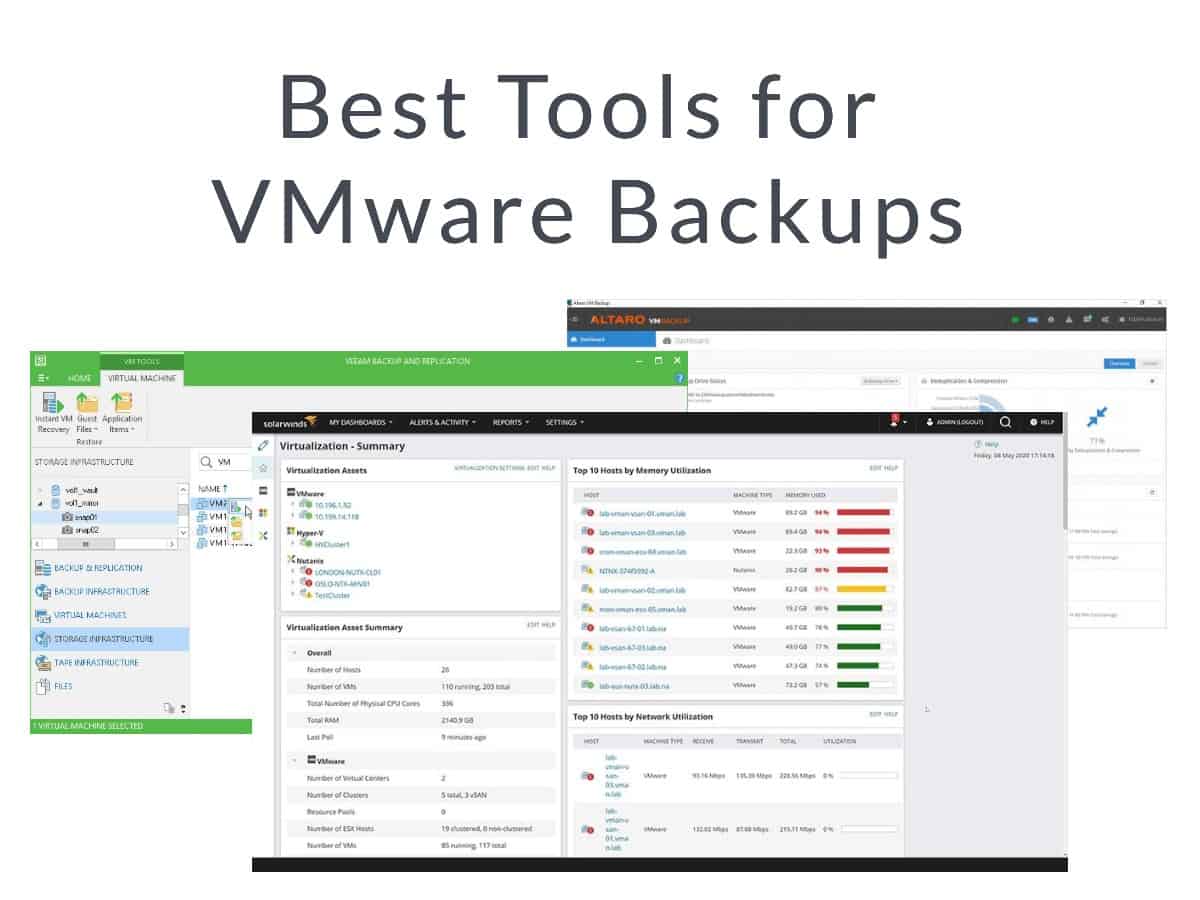
8 Best VMware Backup Tools For 2023 With Free Trials
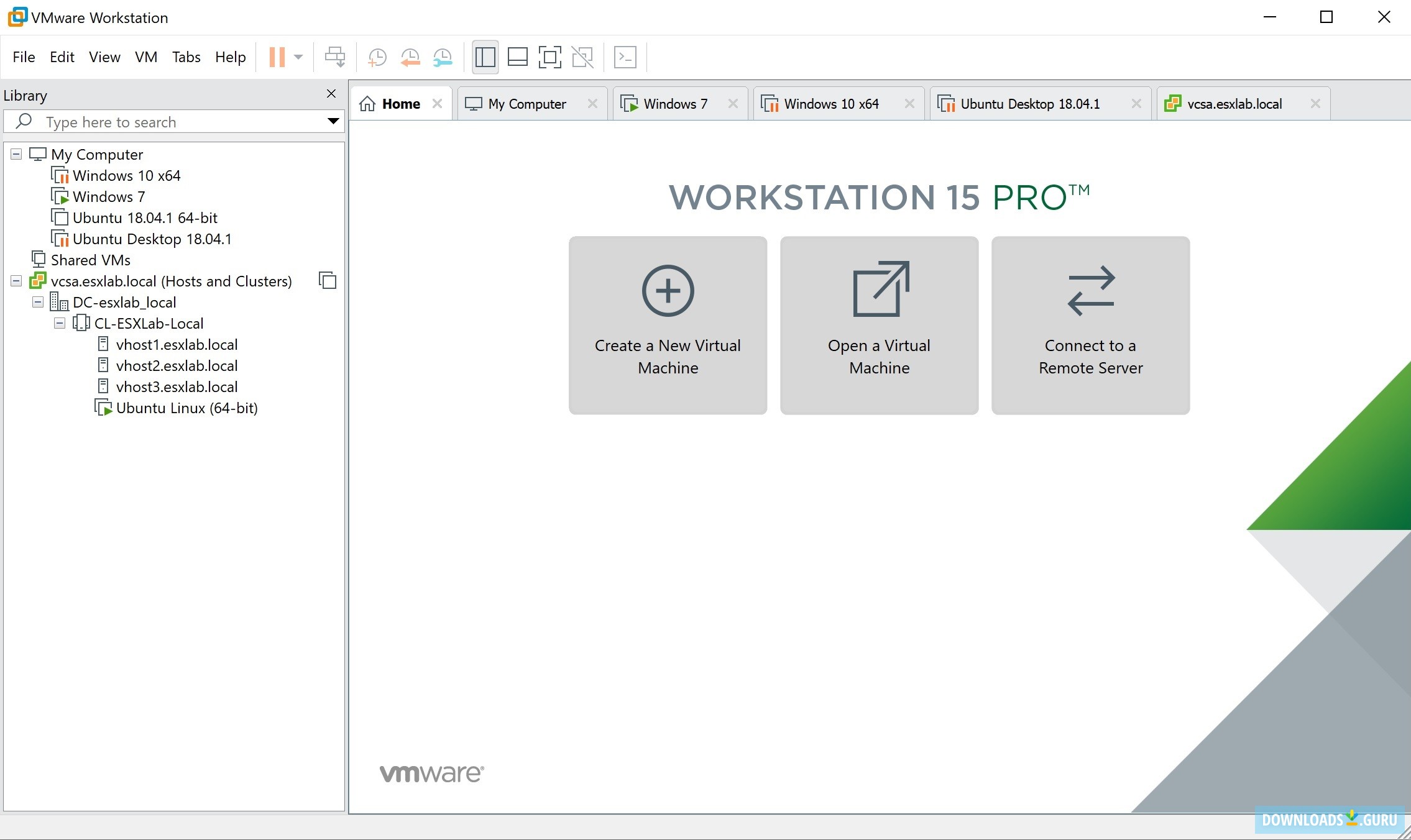
Where Does Vmware Workstation Player Download Vmware Tools Vendormas
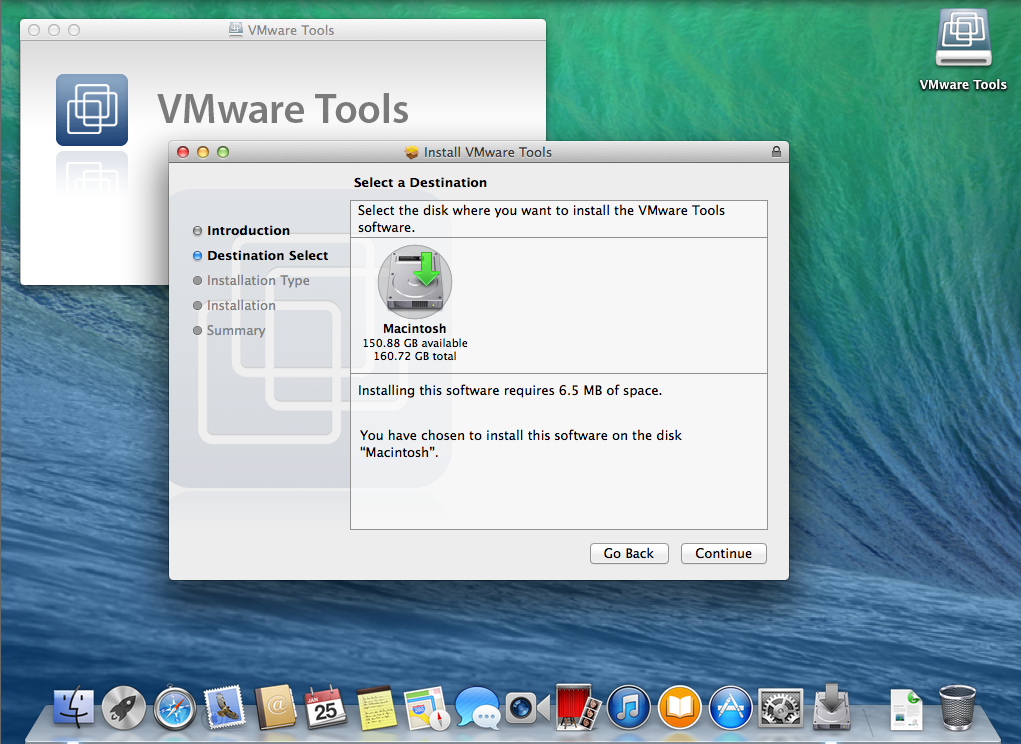
Vmware Tools Mac Guest Download Alarmyellow

Use VMware Tools Client To Interact With A VM Without Network
Web Sep 4 2021 nbsp 0183 32 There are a couple of ways to manually install the VMware Tools for Windows if you have usr lib vmware isoimages windows iso you could mount it in the VM and run setup from there this is the option I use you can install chocolately https chocolatey and install VMware Tools from powershell

Web Mar 13 2019 nbsp 0183 32 If the VMware Tools were never downloaded for VMware Workstation 7 when you click Install Upgrade VMware Tools you are prompted to download VMware Tools If you experience issues when installing VMware Tools see these articles for troubleshooting information

Web Apr 20 2021 nbsp 0183 32 Click Start gt Run Type D setup exe Where D is your first virtual CD ROM drive Click OK Follow the on screen instructions To install non default components select the Custom setup If the New Hardware wizard appears go

Web Apr 9 2020 nbsp 0183 32 Error 1706 Setup cannot find the required files The installation source for this resource is not available Verify that the source exists and that you can access it Cause This is an issue with Microsoft Windows Installer

Web May 13 2020 nbsp 0183 32 If your guest operating system is not listed the following steps may help to install VMware Tools but be aware that installation is not always possible in an uncertified guest operating system Verify that the correct guest operating system is
Web Ashwin Apr 25 2019 Updated Apr 25 2023 Tutorials Windows software 87 VMware is a set of tools that allows you to efficiently and effortlessly manage files programs and installations between your different virtual systems and allows you to control everything from your primary computer Web Jan 15 2023 nbsp 0183 32 It is possible that the VMware Tools iso is corrupted Try downloading the latest one and install that http www vmware go tools or it might be something completely different aka
Web Nov 22 2016 nbsp 0183 32 Looking at the Summary Tab of the VM it shows this for VMware tools quot Not running version 10246 Current quot If I remote desktop in the Server 2012 VM I see that the VMware tools icon is running in the task bar I ve tried uninstalling and re installing VMware tools for the VM and it doesn t fix the issue