Vmware Tools Not Running After Reboot How To Start A Service During A Server Restart On Linux Systran Box A Step by Step Guide On Installing VMware Tools On Linux Windows OpenSuse Leap 42 2 Guest On VMWare Player VMware Tools Not Working VMware Tools Not Running Current YouTube WINDOWS 10 Chkdsk Not Running After Reboot Microsoft Community WEB Apr 23 2013 nbsp 0183 32 As it happens today I was using VMware Workstation and the host to guest clipboard just wouldn t stay working more than a few seconds after run in background and restart I used my program to scan the host desktop for hooks and killed all programs that used WH CBT hooks
WEB Sep 29 2017 nbsp 0183 32 To resolve this issue you must reinstall VMware Tools after deleting the C Program Files VMware VMware Tools and C ProgramData VMware VMware Tools folders Uninstall VMware Tools from the virtual machine Reboot the virtual machine WEB You can upgrade VMware Tools manually or you can configure virtual machines to check for newer versions of VMware Tools and install them The guest operating system checks the version of VMware Tools when you power on a virtual machine
WINDOWS 10 Chkdsk Not Running After Reboot Microsoft Community How To Install VMware Tools Mastering VMware Solved VMware Tools Not Running LinuxSimply 8 Best VMware Backup Tools For 2023 With Free Trials Solved Ubuntu 18 04 On WSL Cron Daemon Not Running 9to5Answer Rapid Reboot Recovery Product Review The Foodie Runner VMware VSphere Client VM Console a Copy Paste Aktif Etme Makdos Blog Use VMware Tools Client To Interact With A VM Without Network Vmware Workstation 11 Tools Taiagenuine
Vmware Tools Not Running After Reboot
 Vmware Tools Not Running After Reboot
https://syscdn.systranbox.com/what_is_linux_reboot_command.jpg
WEB May 31 2019 nbsp 0183 32 VMware Tools 10 3 0 depends on and ships Microsoft Visual C 2017 Redistributable version 14 0 While preparing the system for VMware Tools 10 3 0 installation Microsoft Visual C 2017 Redistributable is installed on the system as
Templates are pre-designed documents or files that can be used for different functions. They can save time and effort by providing a ready-made format and layout for producing various type of material. Templates can be utilized for individual or expert jobs, such as resumes, invitations, leaflets, newsletters, reports, presentations, and more.
Vmware Tools Not Running After Reboot

Carrera Cristiandad Demon Play Imagenes De Salon De Belleza Animadas

How To Install VMware Tools Mastering VMware

Solved VMware Tools Not Running LinuxSimply
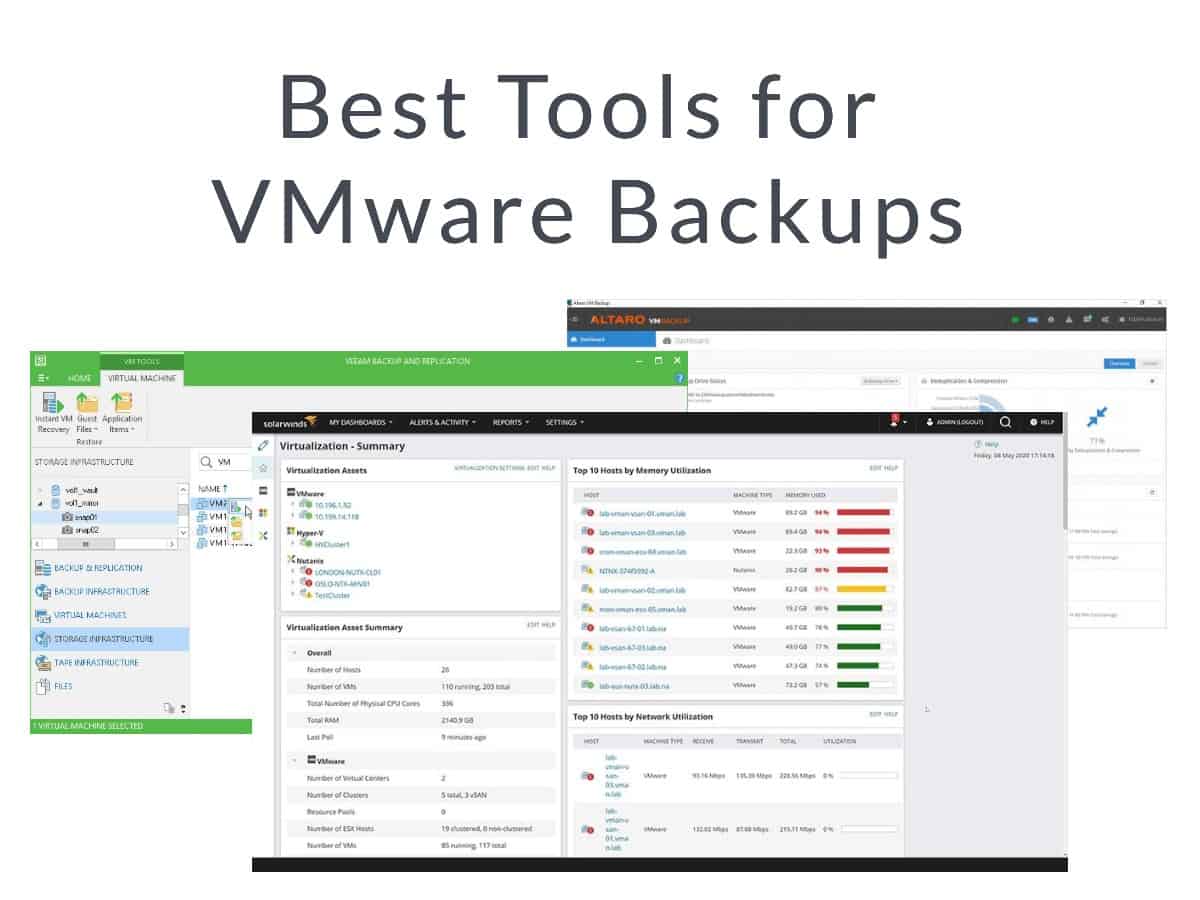
8 Best VMware Backup Tools For 2023 With Free Trials
Rapid Reboot Recovery Product Review The Foodie Runner

VMware VSphere Client VM Console a Copy Paste Aktif Etme Makdos Blog

WEB May 31 2019 nbsp 0183 32 The Shutdown VM action requires that VMware Tools is installed and running on the target virtual machines If you ran the action on more than one object then VMware Tools was not installed or installed but not running on at least one of the virtual machines Solution

WEB I ve found solutions to restart VM tools with sudo etc init d vmware tools start sudo etc init d vmware tools stop sudo etc init d vmware tools restart but I don t have any of that in my init d

WEB Nov 26 2022 nbsp 0183 32 I v installed open vm tools successfully on Ubuntu 20 04 guest in VMWare Workstation 15 on Windows 10 host Both full screen and shared folder work fine after the intallation But after reboot the VM both full screen and shared folder don t work anymore

WEB Sep 30 2017 nbsp 0183 32 To resolve this issue you must reinstall VMware Tools after deleting the C Program Files VMware VMware Tools and C ProgramData VMware VMware Tools folders Uninstall VMware Tools from the virtual machine Reboot the virtual machine

WEB Nov 21 2016 nbsp 0183 32 If I remote desktop in the Server 2012 VM I see that the VMware tools icon is running in the task bar I ve tried uninstalling and re installing VMware tools for the VM and it doesn t fix the issue
WEB Possible solutions control if VMware Tools are running on vCenter in the VM summary tab or directly on VM console through by the command service vmware tools status If the tools are stopped reboot VM or launch the command service vmware tools start on WEB After a few hours it took around 7 hours 30 minutes for my test the tools running status was changed to not running in the UI After investigation found that this is due to a bug fixed in latest linux kernel release in the upstreamed vsock driver
WEB Apr 30 2013 nbsp 0183 32 I m having some issues with newly deployed W2K12 machines regarding their VMWare Tools not running after a reboot I have to reset the VM to get it to reboot since all mouse keyboard and network connectivity is lost with the service stopped After the reset things work fine until the next reboot