Vmware Reset Password Windows 7 How To Reset Forgotten Windows Password With Ultimate My XXX Hot Girl Easily Reset Password For Forgotten User In Ubuntu VM In vmware esxi VMware Player Password Recovery VMware Workstation 11 License Key Crack Free Download Reset Windows Password With Password Reset Disk YouTube VMware does not provide tools or methods to recover the original root password of an ESX ESXi host In ESXi 3 5 and above Reinstalling the ESXi host is the only supported way to reset a password on ESXi From ESXi 4 1 onwards the host profile feature was introduced
While Setting up the group edit policy in a windows 7 OS running on vmware ESXI server I have enabled login via smart card authentication Now that Iam logged out of the system and the smart card Then run the password reset tools in the Hiren CD Share Improve this answer Follow answered May 15 2012 at 12 59 vidarak vidarak 46 3 3 Purpose This article provides information on how to change user password for a virtual desktop on VMware Horizon DaaS platform Resolution Any user can change their password after logging into the virtual desktop This is a basic Microsoft Windows function which is outside of VMware Horizon DaaS s platform
Reset Windows Password With Password Reset Disk YouTube How To Install Windows 10 On VMware SYSNETTECH Solutions Windows 7 Reset Password Without Disk YouTube Reset Windows 7 Forgotten Password How To Fix Laptop How To Reset Windows 7 Password Free Download And Information How To Reset Windows 10 Password Easily 100 Working YouTube Resetting The Administrator Password On A Windows 2012 R2 VM VMware How To Reset Windows 8 Password On VMware If Forgot It How To Find Your Wifi Password On A Windows 10 Pc Hellotech How Www
Vmware Reset Password Windows 7
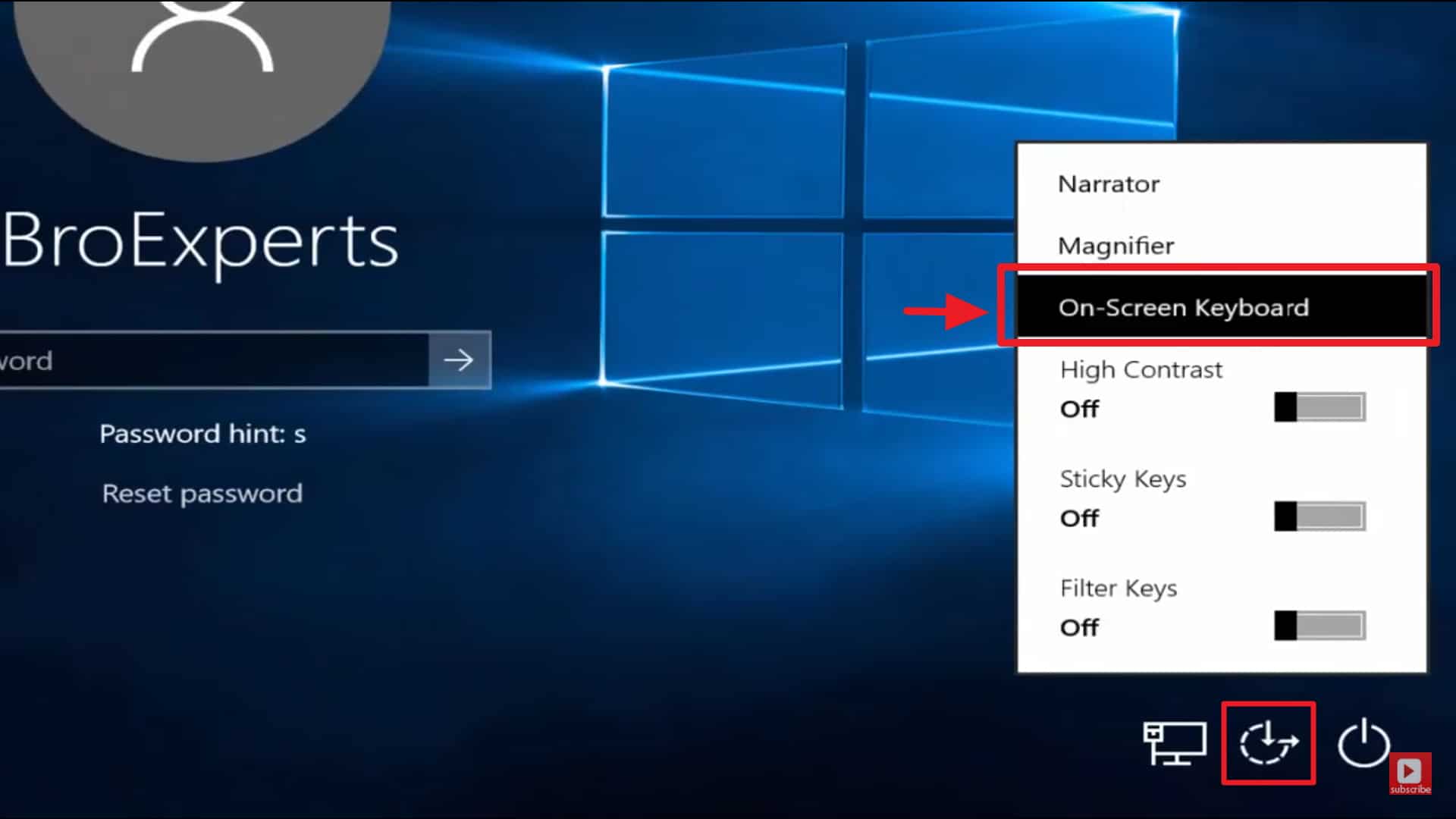 Vmware Reset Password Windows 7
http://broexperts.com/wp-content/uploads/2016/10/reset-windows-10-admin-password-guide.jpg
Forgot Windows password of a virtual machine running in VMware Workstation This video shows you how to reset lost Windows password so you can recover access
Pre-crafted templates use a time-saving service for producing a varied series of files and files. These pre-designed formats and designs can be utilized for various individual and expert projects, including resumes, invitations, flyers, newsletters, reports, discussions, and more, simplifying the material development process.
Vmware Reset Password Windows 7

Reset Windows 7 Password Without CD Or Software Racer lt
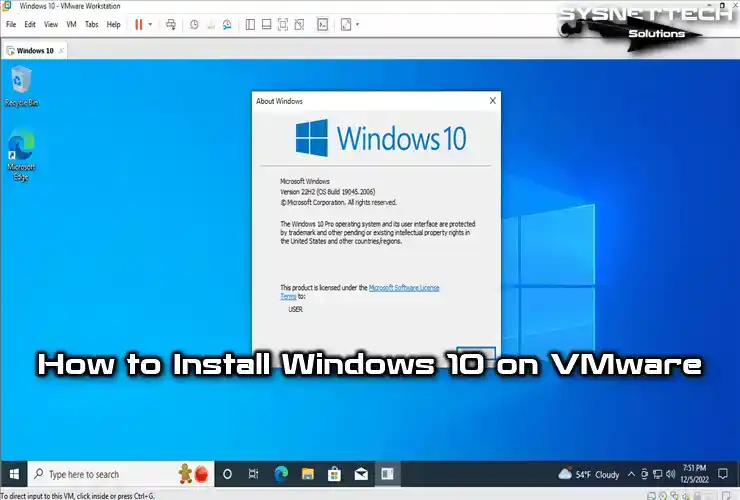
How To Install Windows 10 On VMware SYSNETTECH Solutions
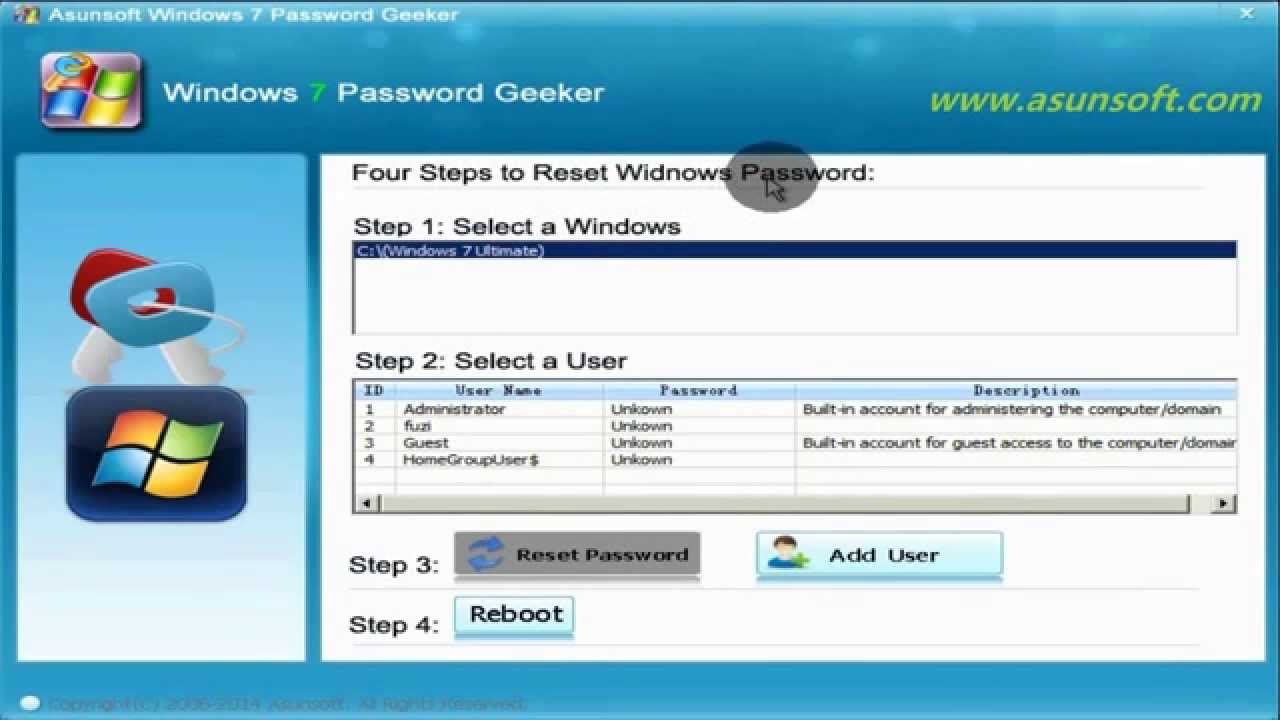
Windows 7 Reset Password Without Disk YouTube

Reset Windows 7 Forgotten Password How To Fix Laptop
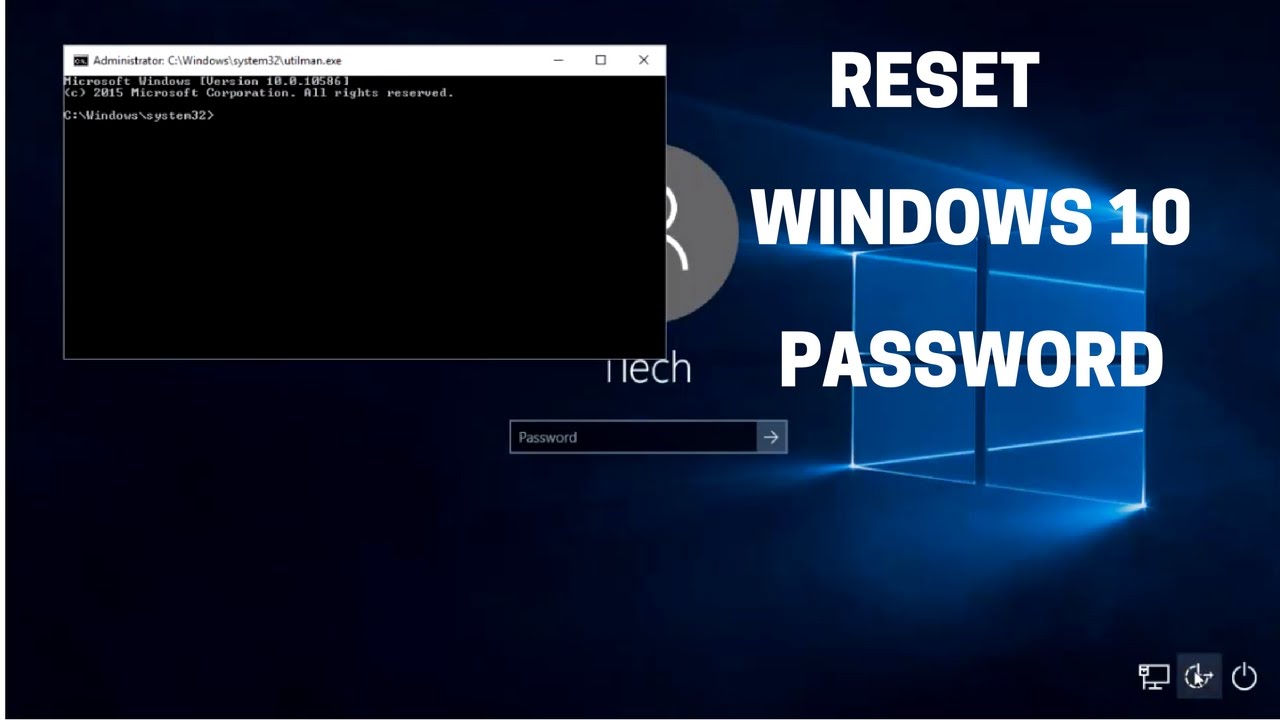
How To Reset Windows 10 Password Easily 100 Working YouTube
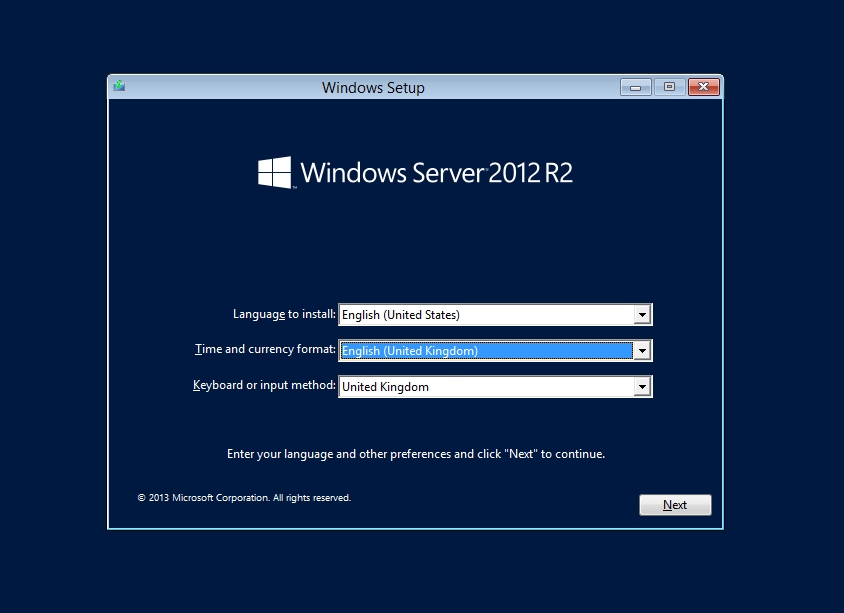
Resetting The Administrator Password On A Windows 2012 R2 VM VMware
Method 1 Reset VM Password using Change Password Option Using the change password option from VM settings you can reset the VMware VM password with following steps Power Off the Virtual Machine from VMware Workstation console Right Click the VM and select Settings On VM Properties window switch to Options tab

How to Reset Windows Password on a Virtual Machine VMWare Parallels and Hyper V Home FAQ Center Reset Windows Password on a Virtual Machine The Easiest Way to Reset Windows Password on a Virtual Machine Hello I purchased Parallels for my Windows 7 computer so I could run Windows 8 1 on it

Alternatively just open the Start Menu and type change password and hit Enter You ll find that many things you want to do in Windows are easily accessible by simply typing them within the start menu Try it tying things such as make words bigger or add a printer and you ll find it will show you the right option Share Improve this answer

Click Administration Click Single Sign On Users and Groups Click the Users tab Right click the affected user account such as administrator vsphere local and click Unlock In emergency situations or if the default policies are changed you can also reset the password to unlock the account To reset the administrator vsphere local password

Choose the administrator account and then click on Reset Password button it will remove your forgotten administrator password instantly In case the administrator account is locked out or disabled the program will also unlock enable the account in background
Process to Reset the Root Password in VCSA Note 6 7U1 and later has a simpler method to reset the password see How to reset the lost or forgotten root password in vCenter Server Appliance 6 7 U1 and later To reset the root password for the vCenter Server Appliance Take a snapshot or backup of the vCenter Server Appliance before proceeding Choose the administrator account and then click on Reset Password button It will reset your VM admin password instantly Revert the changes you ve made in the configuration vmx file of the virtual machine Turn on the virtual machine and you should now be able to log in to the administrator account with no password
In the Windows server open the Command Prompt window Navigate to the IDM INSTALL DIR usr local horizon bin folder where IDM INSTALL DIR is the VMware Identity Manager service installation directory Run the following command The admin user password must be at least 6 characters in length You can change the VMware Identity Manager service