Vmware Replication Appliance Reset Admin Password Building Disaster Recovery Solutions With VMware Site Recovery Manager Is Your VMware Replication Status Not Active Try This 2 Importing And Configuring VMware Replication Virtual Replication VMware VCenter 7 And 6 Appliance Root Password Reset And Secure VMware Replication Distributor Reseller Resmi Software Original WEB Apr 30 2017 nbsp 0183 32 VMware says that the only supported way to reset an ESXi password is by reinstalling the host This way you can preserve the local datastore with some VMs running there if you wish However you ll lose every other configuration setting such as networking storage and so on
WEB Oct 21 2019 nbsp 0183 32 In this article we ll look at how to reset the root password on VMware vSphere Replication There may be cases like where the replication appliance password is forgotten or the account is locked due to unsuccessful multiple account WEB Aug 10 2019 nbsp 0183 32 In this article we covered how to reset the VMware Site Recovery SRM Linux appliance root admin and database passwords All simple enough using standard Linux commands and knowing where to look to find PostgreSQL database passwords when you need them
VMware Replication Distributor Reseller Resmi Software Original How To Upgrade VMWare Replication Appliance Site Recovery Manager PDF Azure Site Recovery Azure Site Recovery Microsoft Learn How To Recover VM With VSphere Replication Detailed Steps Vmware Workstation Player Omnigraffle VMware VSphere Doubleclick Azure Site Recovery Azure VMware VM Azure Site Implementaci n Del Dispositivo De Replicaci n De Azure Site Recovery VSphere Replication al ma Mant VMware VIRTUALIZATION Dispositivo Con Azure Migrate Azure Migrate Microsoft Learn
Vmware Replication Appliance Reset Admin Password
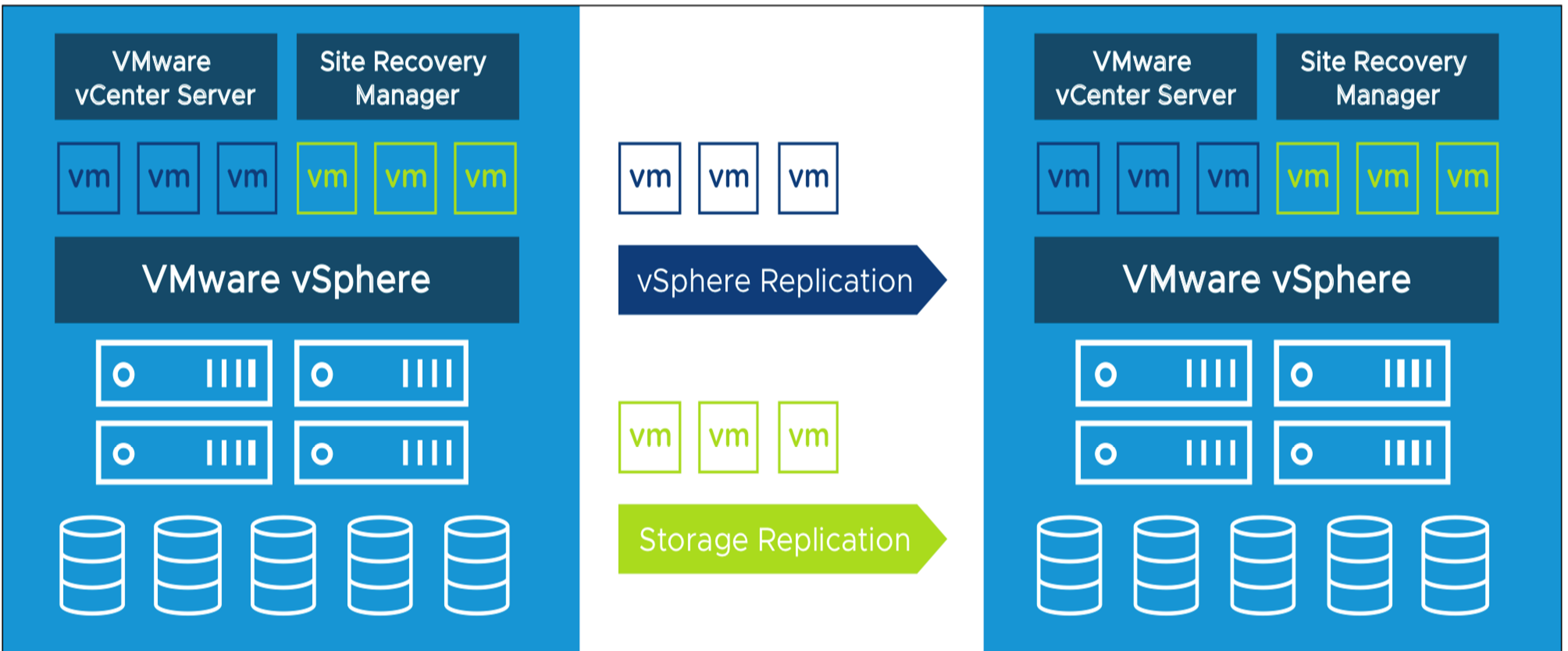 Vmware Replication Appliance Reset Admin Password
https://www.vmug.com/wp-content/uploads/2020/05/Fig2-Overview.png
WEB Jul 22 2022 nbsp 0183 32 Today I will show you how to recover passwords for administrator vsphere local NOTE This procedure is valid for VCSA 6 x and 7 0 Here is a run list SSH to your VCSA with root credentials If needed change to BASH shell Run the command usr lib vmware vmdir bin vdcadmintool Select option number 3 gt Reset
Pre-crafted templates offer a time-saving solution for creating a varied series of documents and files. These pre-designed formats and layouts can be utilized for numerous personal and expert tasks, including resumes, invitations, flyers, newsletters, reports, presentations, and more, streamlining the content development procedure.
Vmware Replication Appliance Reset Admin Password
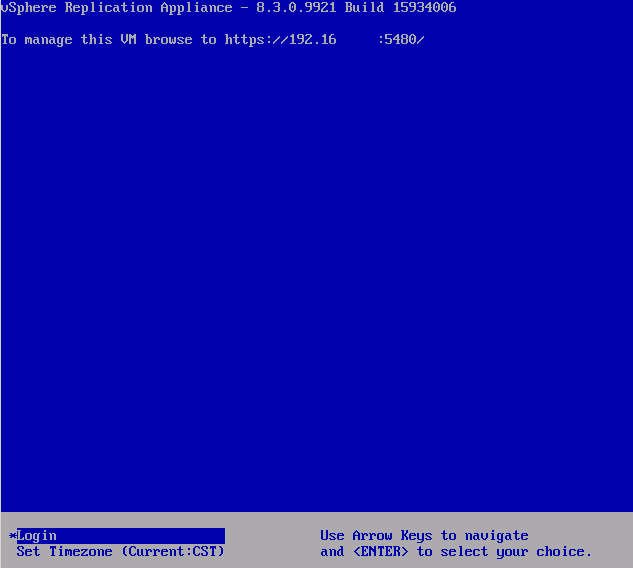
VMware VSphere Replication Virtual Appliance SSH 21

How To Upgrade VMWare Replication Appliance Site Recovery Manager PDF
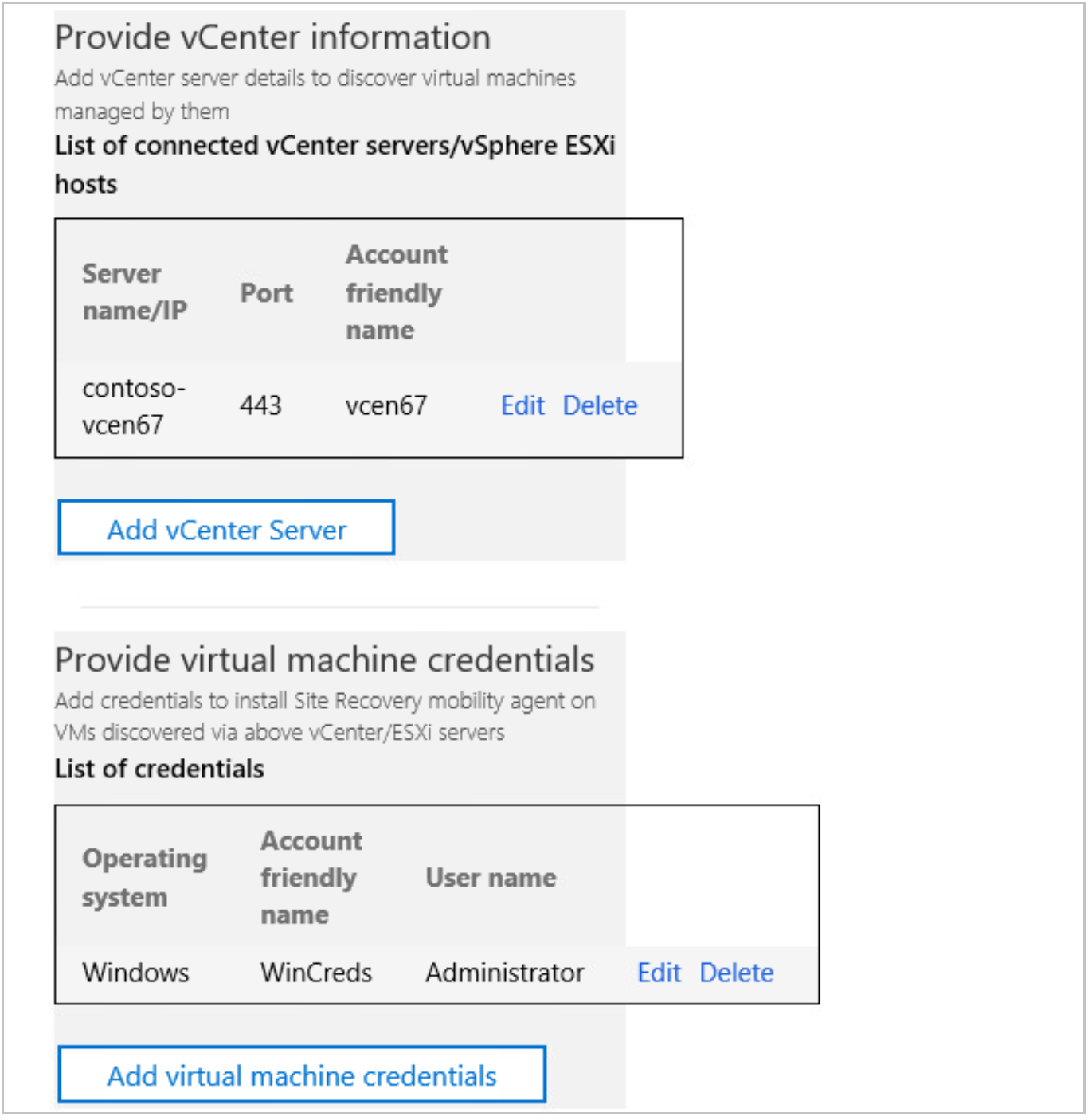
Azure Site Recovery Azure Site Recovery Microsoft Learn
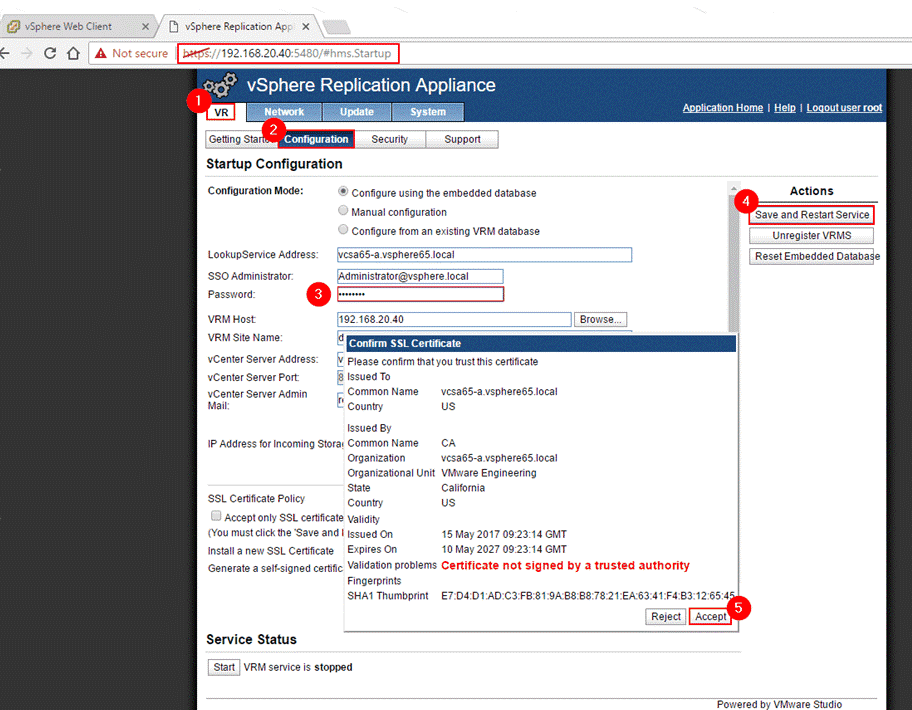
How To Recover VM With VSphere Replication Detailed Steps
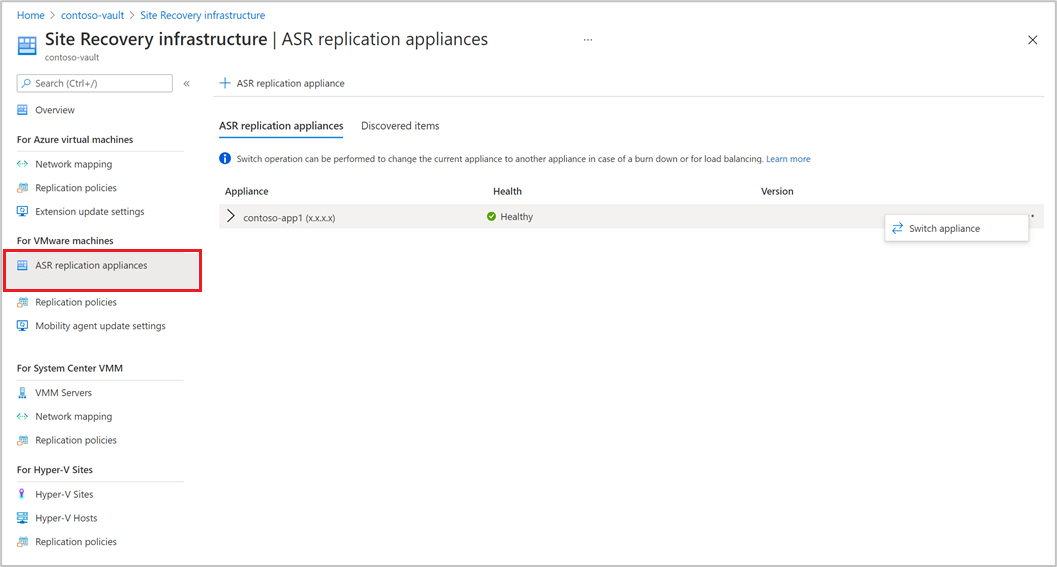
Azure Site Recovery Azure VMware VM Azure Site

Implementaci n Del Dispositivo De Replicaci n De Azure Site Recovery
WEB Jun 23 2024 nbsp 0183 32 This article provides steps to reset root password for vSphere Replication Appliance 8 1 Symptoms The root password for the vSphere Replication VR appliance is not known by the administrator

WEB Jul 24 2020 nbsp 0183 32 In this article we will see the process to reset root password for vSphere replication appliance

WEB Feb 24 2021 nbsp 0183 32 To increase security you can change the passwords of the vSphere Replication appliance keystore If you copy the keystores from the appliance to another machine you must change the passwords before the copy operation

WEB When you deploy the vSphere Replication virtual appliance you set the password for the root and admin accounts in the OVF Deployment wizard The root and admin passwords must be at least 8 characters long

WEB This article provides steps to reset admin password for vSphere Replication Appliance from 8 4 Site Recovery Manager Appliance Symptoms The admin password is not known for the vSphere Replication VR or for Site
WEB VMware vSphere Replication VMware vSphere Replication is a virtual machine data protection and disaster recovery solution which is fully integrated with vCenter Server and vSphere Web Client Protect Your Data with BDRSuiteCost Effective Backup Solution for VMs Servers Endpoints Cloud VMs amp SaaS applications Supports On Premise WEB Dec 2 2021 nbsp 0183 32 Configure a password for the admin account by using the virtual machine console in the vSphere UI a Login to the vSphere Replication console with the root user and the old password b Assign the admin user password from the console by using the passwd admin command
WEB Log in to the appliance as root To stop the server For NSX Edge run the command etc init d nsx edge api server stop Otherwise run the command etc init d nsx mp api server stop Optional To reset the password for admin run the command passwd admin Optional To reset the password for audit run the command passwd audit