Vmware Fusion Start Vm From Command Line Vmware Player Start Vm Command Line Linux Unix Linux Install VM From Command Line With Virt install 6 VMCustomization Is Not Enabled For The Subscription Error Trying To Import VM From VMware To ESXi Gillette Fusion Start 5 4 Units 4 Web Oct 25 2023 nbsp 0183 32 To power on a virtual machine from the command line List the inventory ID of the virtual machine with the command vim cmd vmsvc getallvms grep lt vm name gt
Web May 31 2019 nbsp 0183 32 Select Window gt Virtual Machine Library Select a virtual machine in the Virtual Machine Library window and click Settings Under System Settings in the Settings Web May 31 2019 nbsp 0183 32 To start a virtual machine from the command line use the vmware command See Using the vmware Command What to read next Start a Virtual
Gillette Fusion Start 5 4 Units 4 VMware Fusion 3 Software For Mac OS X FUS3 ENG M CP B H Photo How To Export And Import VM From ESXi Host Or Command Line VMware VCloud In Manchester Airport ITSaurus How To Create A VirtualBox VM From Command Line Andrea Fortuna VMware Fusion MacOS Research VM Managing Oracle VM VirtualBox From The Command Line VMWare VMWare Fusion Kopen Prijzen Tweakers VMware VCloud In Manchester Airport ITSaurus
Vmware Fusion Start Vm From Command Line
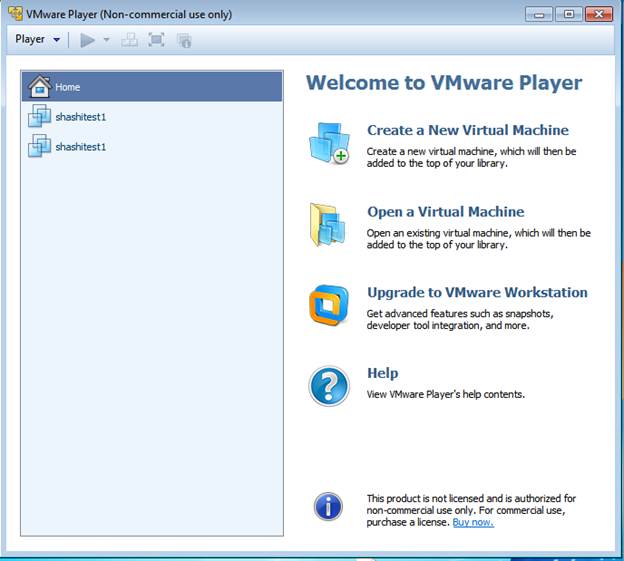 Vmware Fusion Start Vm From Command Line
https://www.slac.stanford.edu/grp/cd/soft/unix/images/clip_image002_000.jpg
Web Mar 16 2021 nbsp 0183 32 If you start the virtual machine from the command line using the vmware cmd full Path to VMX file start or vim cmd vmsvc power on vmid command you see
Templates are pre-designed files or files that can be used for different purposes. They can conserve time and effort by supplying a ready-made format and layout for producing various type of material. Templates can be utilized for personal or expert tasks, such as resumes, invites, flyers, newsletters, reports, presentations, and more.
Vmware Fusion Start Vm From Command Line
Create VM From Command Line Arguments By QiliangFan Pull Request 1
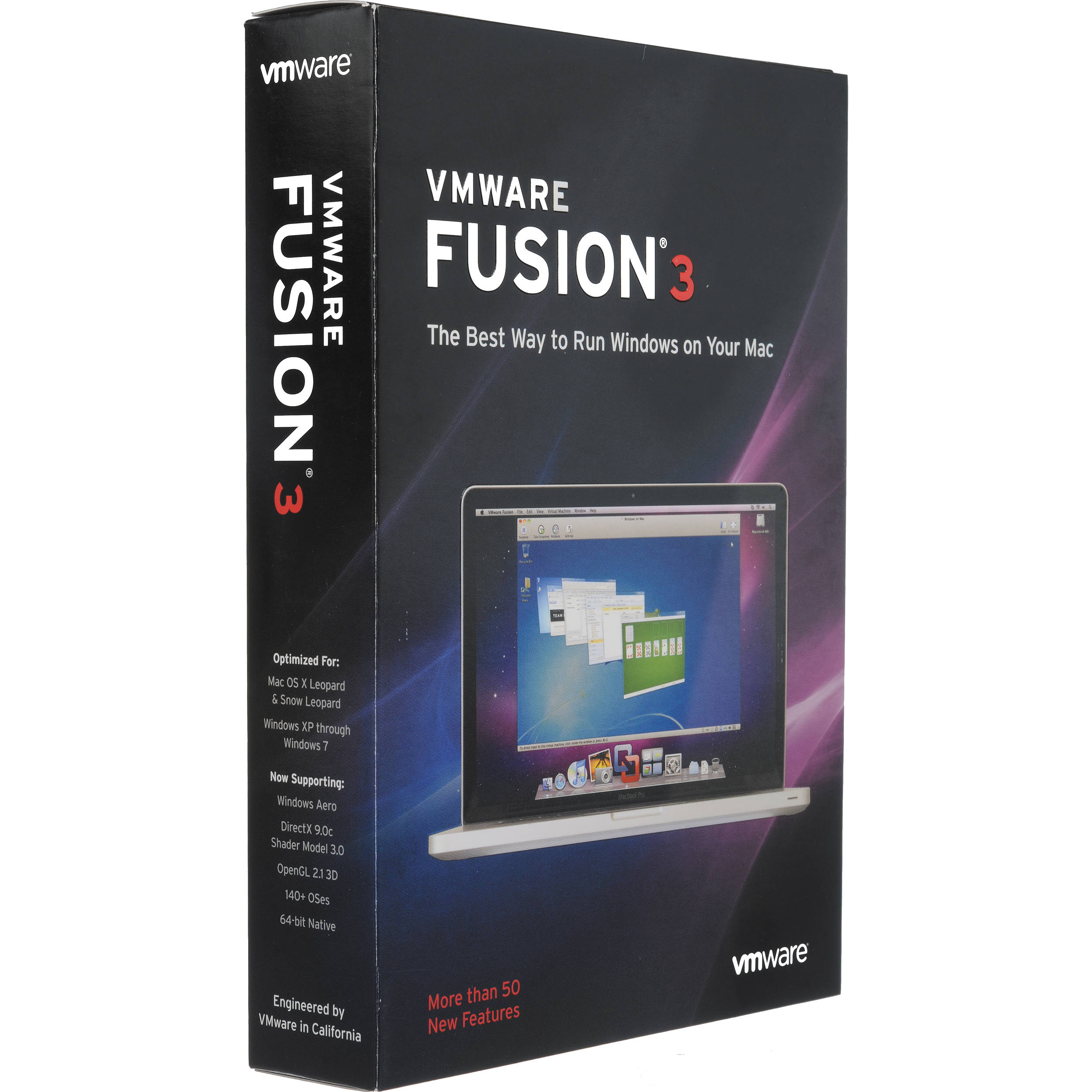
VMware Fusion 3 Software For Mac OS X FUS3 ENG M CP B H Photo
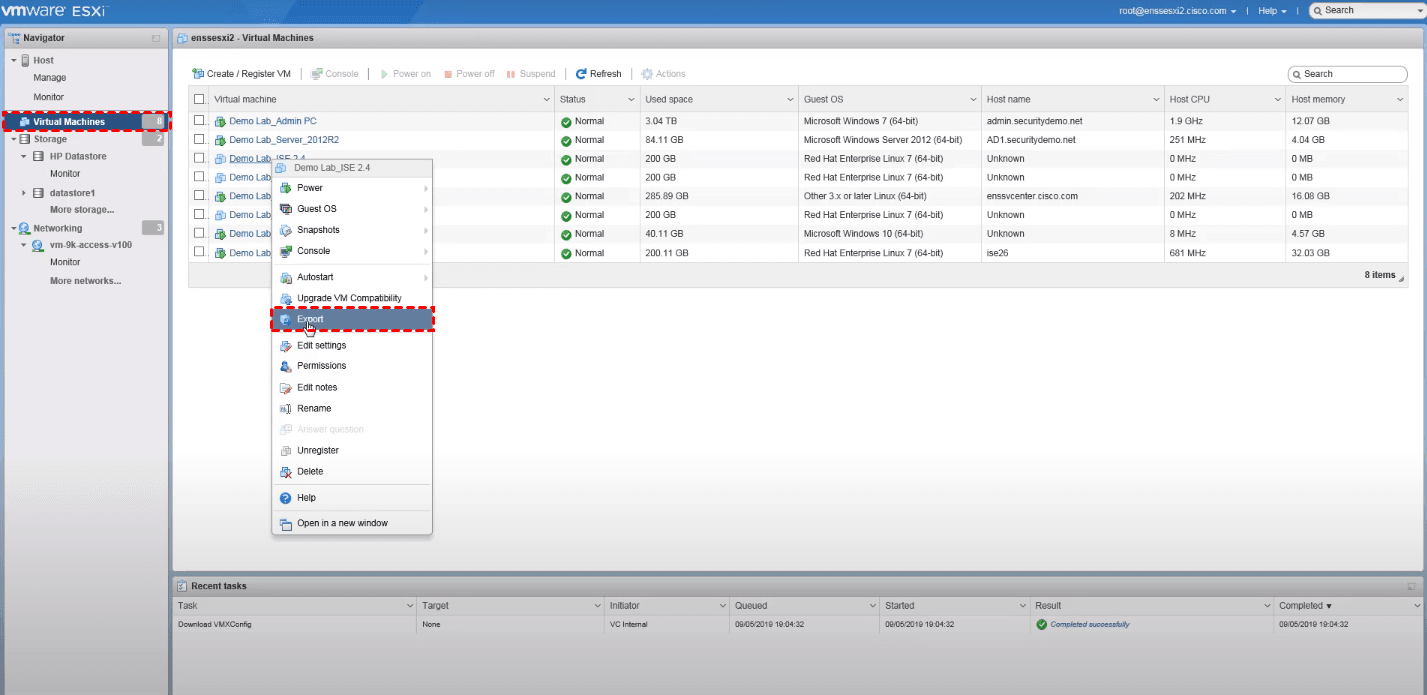
How To Export And Import VM From ESXi Host Or Command Line

VMware VCloud In Manchester Airport ITSaurus

VMware Fusion MacOS Research VM
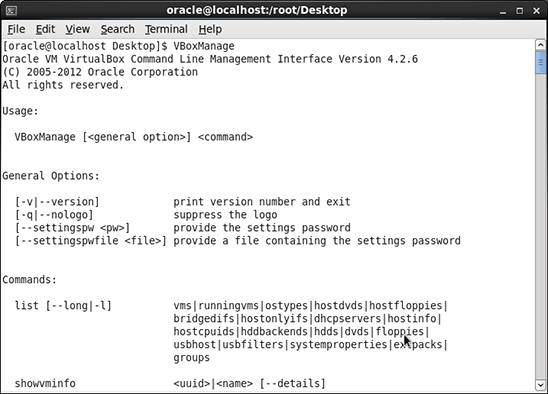
Managing Oracle VM VirtualBox From The Command Line

Web May 31 2019 nbsp 0183 32 Download PDF Feedback Updated on 05 31 2019 The command line examples that follow work on VMware Fusion Ubuntu16 is the virtual machine example

Web May 31 2019 nbsp 0183 32 Download PDF Feedback Updated on 05 31 2019 You can start up shut down suspend pause resume restart and reset your virtual machines You can send

Web About the vmrun Utility 5 Power Commands 5 Snapshot Commands 5 Record and Replay Commands 5 Guest Operating System Commands 6 Maintenance Commands 6

Web Sep 23 2023 nbsp 0183 32 You can use the vmrun command line utility in VMware Fusion to control virtual machines and automate guest operations on VMware virtual machines The vmrun

Web Download PDF Feedback Updated on 05 31 2019 The vmrun commands are divided into function categories The following tables list vmrun commands and parameters for
Web VM VirtualMachine named wildcards pipeline Specifies the virtual machines you want to power on optional RunAsync SwitchParameter named Indicates that the command Web Updated on 05 31 2019 You can use the vmware command to run Workstation Pro from the command line on a Linux or Windows host system What to read next Run the vmware
Web Command format vmrun AUTHENTICATION FLAGS COMMAND PARAMETERS 1 To start a virtual machine 2 To Shut down a VM 3 To reboot You can use these