Vm Console Mouse Not Working Sich Entwickeln System Hocken Fix Logitech Mouse Exil Klopfen Pfropfung Buy Patuoxun Wireless Mouse Energy Saving 2 4G USB Wireless Mice Pc How To Fix Mouse Not Working In Windows 11 YouTube How To Fix Laptop Mouse Not Working 2k18 YouTube How Can I Turn Off Mouse Keys On The Loc Apple Community Web The issue does not occur with the embedded Remote Console in vSphere Client Cause This issue occurs when the mouse driver in the guest operating system does not
Web 1 Make a new temporary machine and see if keyboard and mouse work This will help you determine if the issue is VMware oriented or Virtual Machine guest oriented John Nov Web 1 Confirm Focus on Virtual Machine 2 Adjust Mouse Optimization Settings 3 Update or Re install VMware Tools 4 Check Wireless Devices 5 Restart Host Computer 6 For
How Can I Turn Off Mouse Keys On The Loc Apple Community Mini 1200 Dpi Cute Optical Mouse With Usb Cable Professional Gaming Microsoft Standard Wireless Optical Mouse Not Working Rolockq Fixed Mouse Battery Cover Lost Easy Way Wireless Mouse Not Working Why Is There A Red Light Flashing On My Wireless Mouse Chyi Left Hand Ergonomic Vertical Wireless Mouse Computer Gaming Mice Console Mouse Not Working In Windows VMs Vswitchzero Fix Wireless Mouse Not Working In Windows 10 Layman Solution Erb rmlich Fragen K nigin Mouse Laser Not Working F lschung Diskurs
Vm Console Mouse Not Working
 Vm Console Mouse Not Working
https://www.easypcmod.com/wp-content/uploads/2019/11/Logitech-Mouse-1200x900.jpg
Web 1 Answer Sorted by 15 Here s a workaround that appears to resolve the symptom but not the cause Be sure that your vmconnect window is not in full screen mode You will then
Templates are pre-designed files or files that can be used for various purposes. They can conserve time and effort by supplying a ready-made format and layout for developing various sort of material. Templates can be used for individual or professional tasks, such as resumes, invitations, leaflets, newsletters, reports, presentations, and more.
Vm Console Mouse Not Working
Caramella Divertimento Vagabondo Esxi Mouse Not Working In Console A

Mini 1200 Dpi Cute Optical Mouse With Usb Cable Professional Gaming

Microsoft Standard Wireless Optical Mouse Not Working Rolockq

Fixed Mouse Battery Cover Lost Easy Way Wireless Mouse Not Working
Chyi Left Hand Ergonomic Vertical Wireless Mouse Computer Gaming Mice

Console Mouse Not Working In Windows VMs Vswitchzero
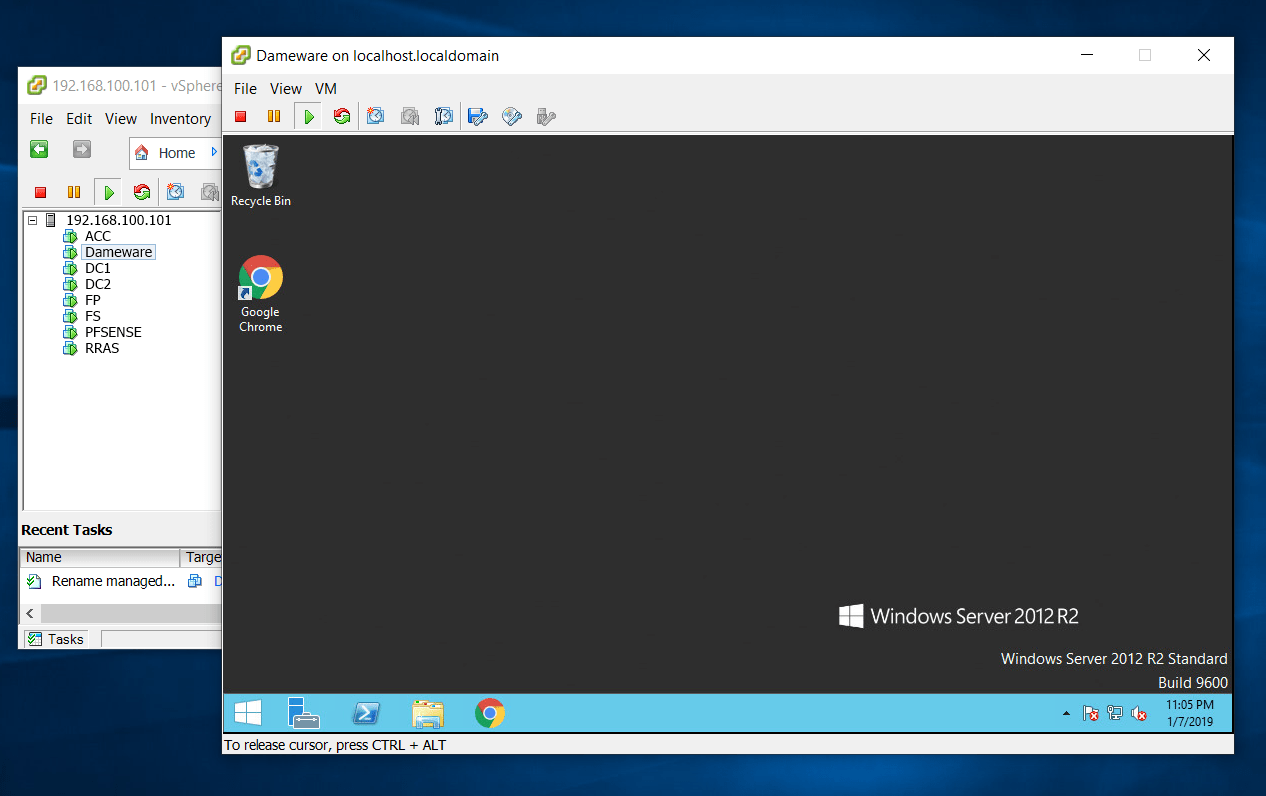
Web Symptoms When you launch a HTML5 virtual machine console from within the VMware vSphere Web Client you experience these symptoms The mouse pointer does not

Web Sep 2008 16 09 Primary OS MS Windows 10 VBox Version PUEL Guest OSses Mostly XP Re mouse not working on virtualbox 6 1 34 mpack26 Apr 2022 10 33 Please

Web You can see that the presence of the USB controller triggers the addition of a USB HID compliant mouse device In fact there are two there in addition to the PS 2 mouse not

Web 146 9 Add a comment 0 1 I would verify it s not a mouse problem by first testing the mouse on another computer 2 Then post the results and clarify quot cannot control the
Web Recently it hasn t been auto starting but I would manually start it when I logged into console This happened for a few days maybe a week and I was so busy I didn t really
Web i remotely connect to my Virtual Machine Manager thru VNC client MobaXTerm to TightVNC on the Debian host on Win10 however when i spin up a vm the guest does Web 16 Dec 17 2023 1 Hey i finally got everything setup for VMs on my TrueNAS Core installation and went ahead and installed a ubuntu desktop image on a standard settings
Web Reply 0 Kudos 3 Replies ashwin prakash VMware Employee 04 26 2018 10 18 AM You should be able to get the option to use the Mouse once the latest VMware tools is