Vivado Design Suite Tutorial Programming And Debugging How To Download And Install Xilinx Vivado Design Suite Xilinx FPGA Easy Tutorial On FPGA Coding By Using Vivado Verilog And Xilinx Tutorial 2 How To Create Testbench And Simulate Design In Xilinx Vivado FPGA User Guide Report cdc Vivado WEB These labs introduce the Vivado 174 Design Suite debug methodology recommended to debug your FPGA designs The labs describe the steps involved in taking as mall RTL design and the multiple ways of inserting the Integrated Logic Analyzer ILA core to help debug the design
WEB Describes debugging Xilinx FPGA designs using the Integrated Logic Analyzer ILA core in the Vivado Design Suite and the Vivado logic analyzer to debug common problems in FPGA logic designs Uses the Vivado logic analyzer in real time and a KC705 Evaluation Board featuring a Kintex 7 device WEB Mar 22 2021 nbsp 0183 32 Xilinx Vivado Design Suite Tutorial Programming and Debugging Bookreader Item Preview Xilinx Vivado Design Suite Tutorial Programming and Debugging Topics manualzilla manuals Collection manuals contributions manuals additional collections Addeddate 2021 03 22 21 36 53
Vivado Introduction To The Vivado Integrated Design Suite YouTube Vivado FPGA Vivado Vivado FPGA Vivado Programming And Debugging Design In Hardware YouTube FPGA UG945 Vivado Design Suite Tutorial Using Constraints Getting Started With The Vivado IDE YouTube Altera Max Plus 2 Free Download
Vivado Design Suite Tutorial Programming And Debugging
 Vivado Design Suite Tutorial Programming And Debugging
https://i.ytimg.com/vi/DIOll3P65hg/maxresdefault.jpg
WEB Nov 14 2022 nbsp 0183 32 After completing this tutorial you will be able to Validate and debug your design using the Vivado Integrated Design Environment IDE and the Integrated Logic Analyzer ILA core Understand how to create an RTL project probe your design insert an ILA core and implement the design in the Vivado IDE
Pre-crafted templates offer a time-saving solution for producing a diverse range of documents and files. These pre-designed formats and layouts can be used for numerous personal and professional tasks, consisting of resumes, invitations, flyers, newsletters, reports, discussions, and more, streamlining the content creation procedure.
Vivado Design Suite Tutorial Programming And Debugging

AMD Vivado Design Suite 2024 1

Introduction To The Vivado Integrated Design Suite YouTube
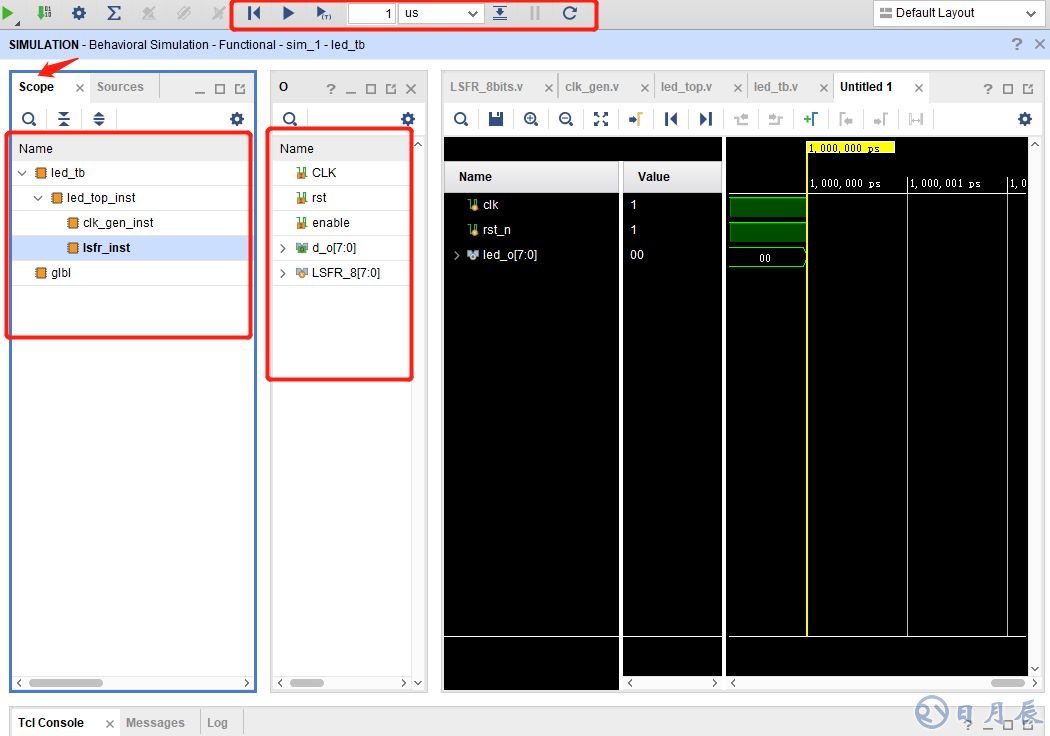
Vivado FPGA Vivado
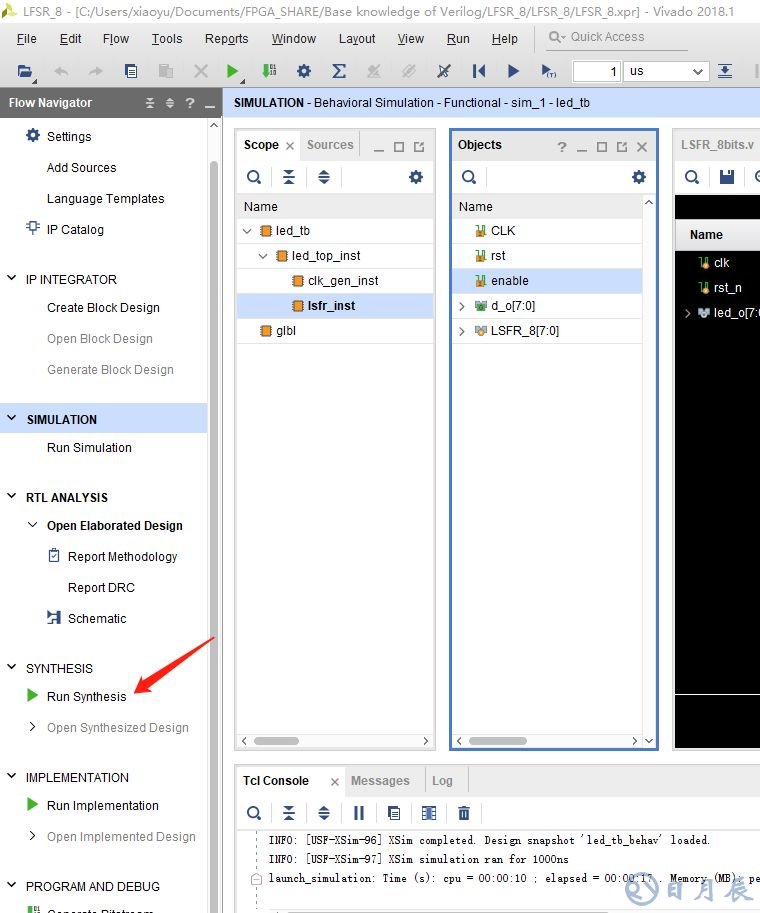
Vivado FPGA Vivado
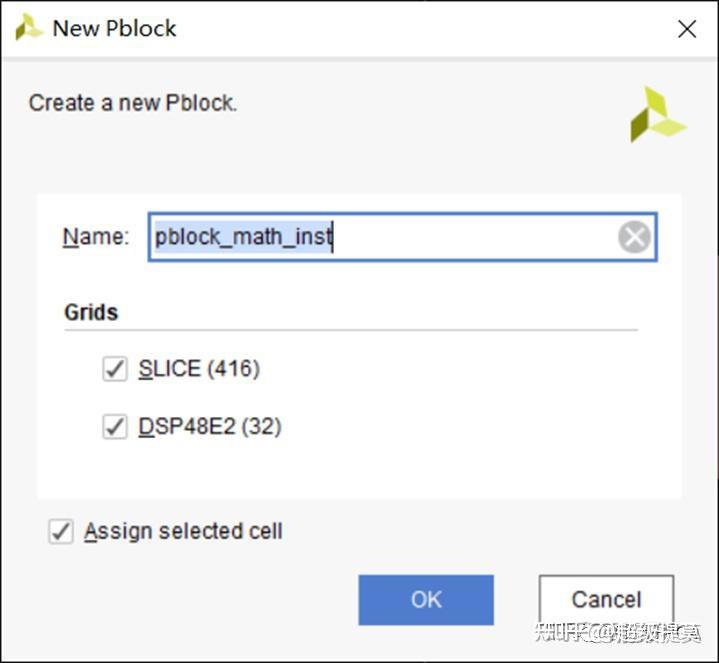
FPGA
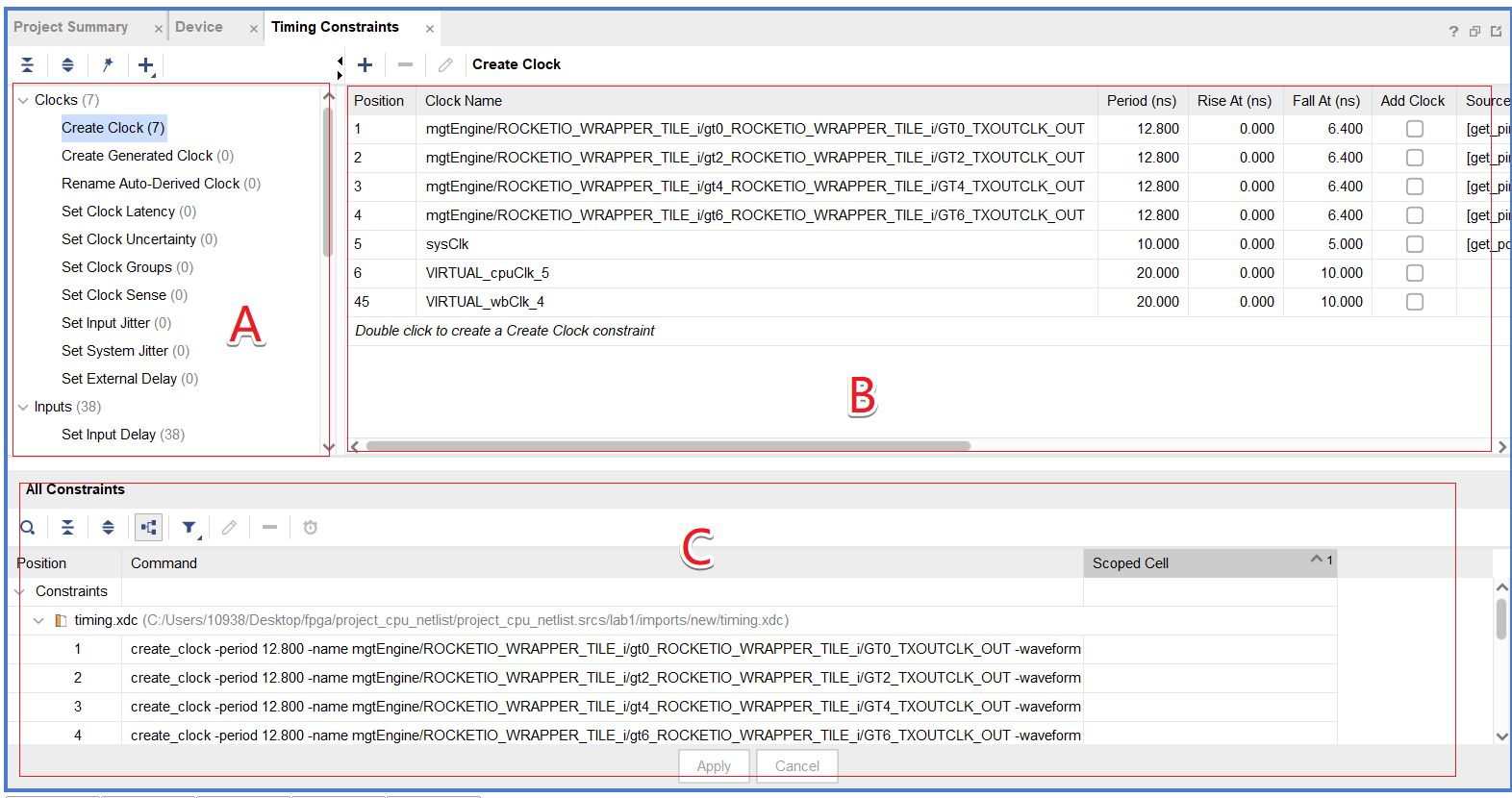
UG945 Vivado Design Suite Tutorial Using Constraints

WEB processor design using the Vivado 174 Integrated Development Environment IDE In this tutorial you use the Vivado IP Integrator to build a processor design and then debug the design with the Xilinx 174 Software Development Kit SDK and the Vivado Integrated Logic Analyzer IMPORTANT

WEB Validate and debug your design using the Vivado Integrated Design Environment IDE and the Integrated Logic Analyzer ILA core Understand how to create an RTL project probe your design insert an ILA core and implement

WEB The Vivado Design Suite implementation process transforms a logical netlist and constraints into a placed and routed design ready for bitstream generation The implementation process walks
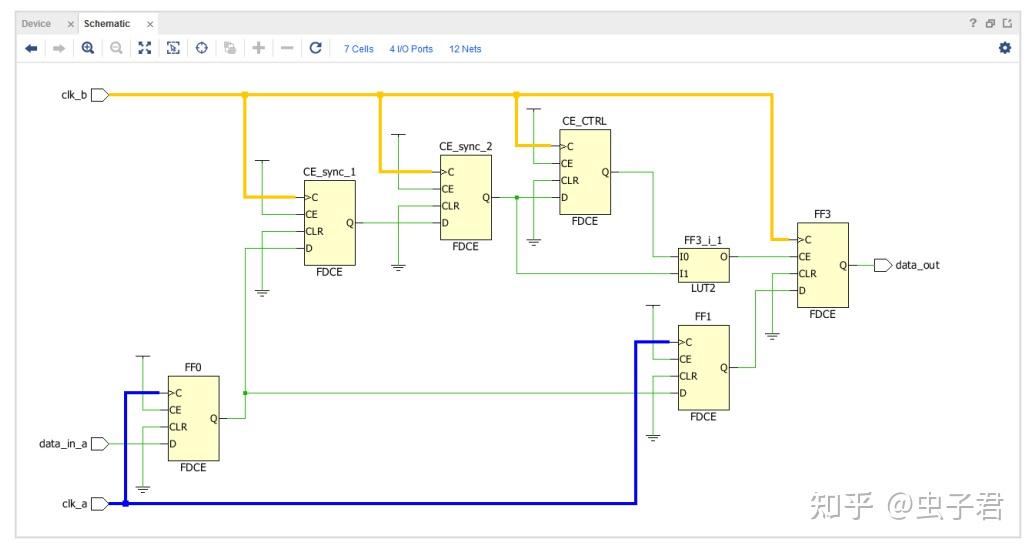
WEB Generate and customize an IP core netlist in the Vivado IDE Debug the design using Vivado logic analyzer in real time and iterate the design using the Vivado IDE and a KC705 Evaluation Kit Base Board that incorporates a Kintex 174 7 device Analyze high speed serial links using the Serial I O Analyzer G e t t i n g S t a r t e d
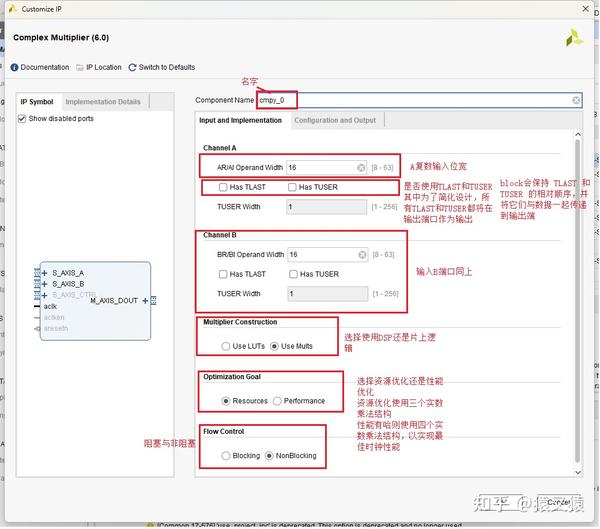
WEB programming the FPGA device and debugging the design in system All of the necessary commands to perform programming of FPGA devices and in system debugging of the design are in the Program and Debug section of the Flow Navigator window in the Vivado 174 Integrated Design Environment IDE see Figure 1 1 X Ref Target Figure 1 1
WEB For more information see the Vivado Design Suite User Guide Design Flows Overview UG892 In Project Mode the Vivado IDE supports several features that are not available in Non Project Mode Source file management and status Flow Navigator and Project Summary Consolidated Messages and automatically generated standard reports WEB Nov 1 2023 nbsp 0183 32 Vivado Design Suite Tutorial Programming and Debugging On page 23 Using the HDL Instantiation Method to Debug The tutorial supposed to provide steps of generating the ILA module using IP catalog but the instructions completely skips this and somehow ended up with the already generated ILA and instantiated in the top level code
WEB For a step by step tutorial that shows how to use Tcl in the Vivado tools see the Vivado Design Suite Tutorial Design Flows Overview UG888 For more information on using a Tcl based approach using either the Project Mode or Non Project Mode see Understanding Project Mode and Non Project Mode