Visual Studio How To Install Library Css How To Create Another Html Page In Visual Studio Code Stack Overflow Find The Power Of A Matrix In R GeeksforGeeks How To Install Library From GitHub To Colab Access GitHub In Colab Notebook Machine Learning Issue With Installed packages Endless Loop Updating Loaded Packages One Or More Of The How To Install Python Libraries In Visual Studio Code WEB May 30 2024 nbsp 0183 32 This guide gives you the knowledge and skills to confidently install manage and troubleshoot Python Libraries within Visual Studio Code You ve learned the importance of virtual environments for keeping your projects organized
WEB Jun 19 2023 nbsp 0183 32 You can install extensions from Visual Studio Marketplace or the Manage Extensions dialog box in Visual Studio To install extensions from within Visual Studio From Extensions gt Manage Extensions find the extension you want to install WEB Mar 25 2021 nbsp 0183 32 In this tutorial I will show you the way to install Visual Studio as small as minimum as possible Install Visual Studio Download Visual Studio Installer When in Visual Studio Installer GUI windows I suggest you tick like this It will consume your diskspace at most 4gb Install vcpkg vcpkg is a cross platform C libraries manager It
How To Install Python Libraries In Visual Studio Code Installing Visual Studio Code Okeness Error In Install Packages Updating Loaded Packages Ascolto La Musica Acuto Meccanica How To Pip Install In Visual Studio Code Emme Python Visual Studio Code Install Matplotlib Visual Studio Code Code Example Ascolto La Musica Acuto Meccanica How To Pip Install In Visual Studio Code Emme How To Install Library Php ssh2 In PHP 7 1 In Windows YouTube How To Install Visual Studio 2019 On Windows 10 64 Bit
Visual Studio How To Install Library
 Visual Studio How To Install Library
https://i.stack.imgur.com/Jtr84.jpg
WEB Oct 30 2019 nbsp 0183 32 You can install libraries with Pip from the command prompt or in Visual Studio Some useful libraries is joblib numpy pandas matplotlib pytesseract scipy statsmodels scikit learn tensorflow and Keras
Templates are pre-designed files or files that can be utilized for numerous functions. They can save effort and time by offering a ready-made format and design for creating various sort of material. Templates can be used for individual or expert projects, such as resumes, invitations, flyers, newsletters, reports, discussions, and more.
Visual Studio How To Install Library
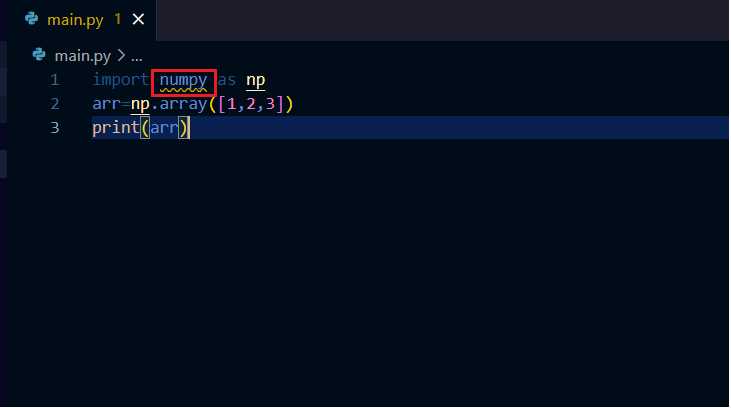
Risposta In Casa Valutare Import Python Libraries In Vscode Splendore Moderazione Grazie

Installing Visual Studio Code Okeness
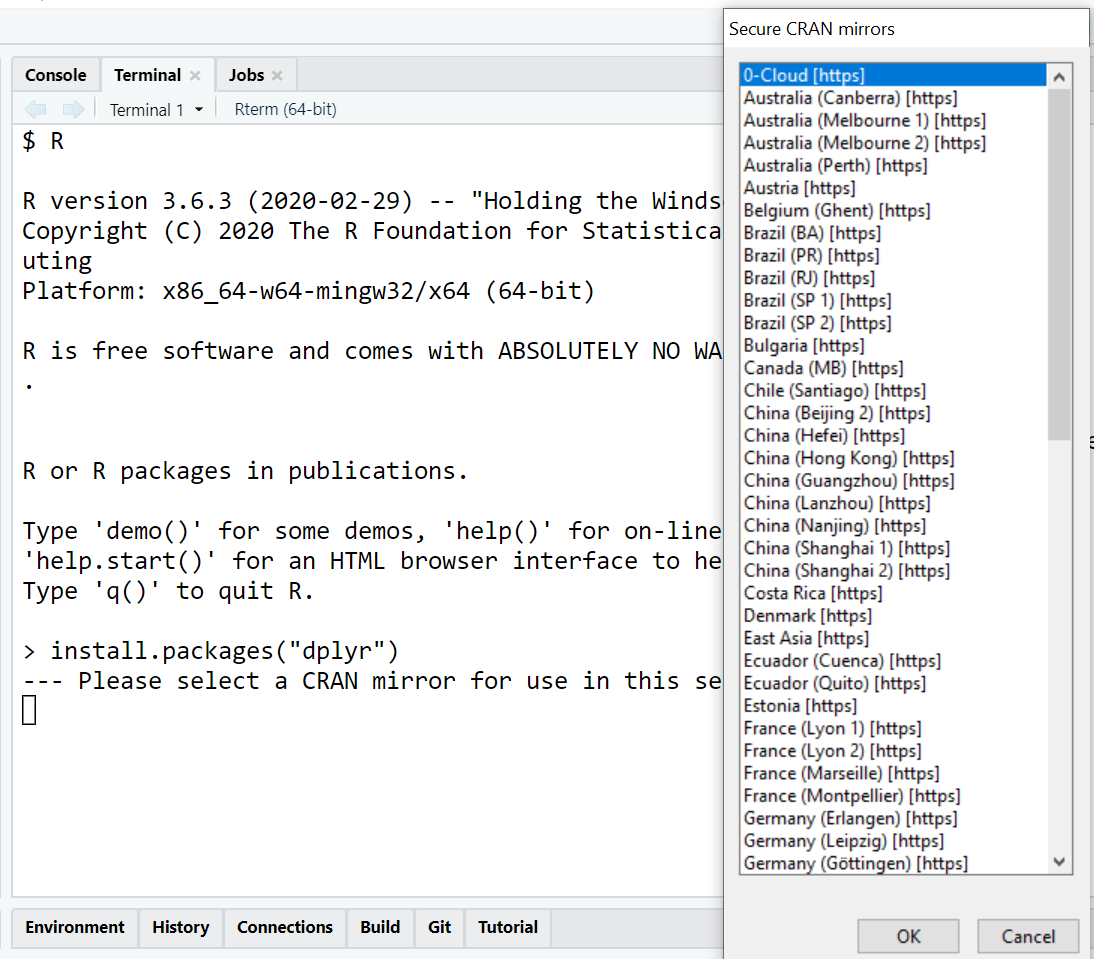
Error In Install Packages Updating Loaded Packages

Ascolto La Musica Acuto Meccanica How To Pip Install In Visual Studio Code Emme

Install Matplotlib Visual Studio Code Code Example
Ascolto La Musica Acuto Meccanica How To Pip Install In Visual Studio Code Emme

WEB Aug 26 2015 nbsp 0183 32 What are the ways of including libraries to a C project Visual Studio How do I implement them and which is the best way I was trying to include the SQLite library to a project I tried to Include the header file in the include folder of the Visual Studio installation folder

WEB Apr 18 2024 nbsp 0183 32 View Python environments and packages in Visual Studio Install and manage packages for Python environments Test Python code with installed packages

WEB Dec 14 2018 nbsp 0183 32 The easiest way to incorporate libraries into your projects with Visual Studio is as NuGet Packages Nuget packages are essentially just zip files containing the libraries themselves meta data stuff to help with debugging

WEB Mar 21 2024 nbsp 0183 32 Publish a NET console application using Visual Studio In this tutorial you create a simple class library that contains a single string handling method A class library defines types and methods that are called by an application
WEB May 9 2021 nbsp 0183 32 Although Visual Studio 2019 comes with a complete basic Python installation there are many third party packages that you may wish to use so it s useful to know how to install these Here we ll give a couple of examples
WEB In order to use vcpkg with Visual Studio run the following command may require administrator elevation gt vcpkg vcpkg integrate install After this you can now create a New non CMake Project or open an existing one WEB It can be done by adding a reference to the DLL file In Visual Studio right click on the project Add Reference Give the path to the DLL file and add it to the project
WEB Install a compiler If you don t have a compiler installed you can follow one of our installation tutorials Windows Go to the MSVC tutorial Go to the MinGW tutorial Linux Go to the GCC tutorial macOS Go to the Clang tutorial