Visual Studio How To Add Package Install And Manage Packages In Visual Studio Using The NuGet Package Visual Studio Windows Microsoft Learn How To Change Visual Studio Code Tag And Label Font Stack Overflow Visual Studio Code Ipad Pro Customizing Visual Studio How To Add A Stunning Visual Studio Installing NuGet Packages In Visual Studio Step 1 Step 2 Open NuGet Package Manager Step 3 Search and install your required NuGet
Simply right click the project and select Quick Install Package to pop open the installer dialog box Context menu Choose package manager In Visual Studio go to Tools Options and then select Package Sources under the NuGet Package Manager Choose the Add icon edit the Name
Customizing Visual Studio How To Add A Stunning Visual Studio Using Visual Studio Code To Create Power Bi External Tool Youtube Riset How To Format File In Visual Studio Code For Mac Bingerkr How To Call A Function In Microsoft Visual Basic Visual Studio 80 How To Install And Set Up Visual Studio 2022 On Windows 10 Usa News How To Add Text To Image In Google Slides 2023 Visual Studio Code Install Pack Java Greatestmeva Whats New In Visual Studio 2019 Version 168 Images
Visual Studio How To Add Package
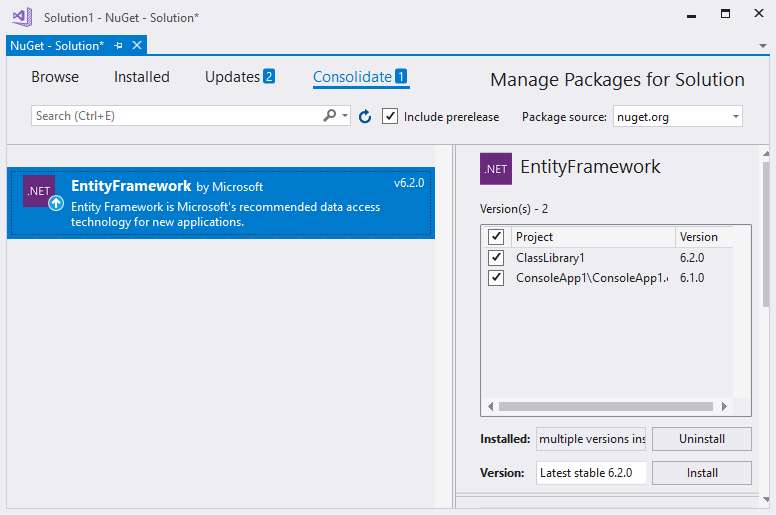 Visual Studio How To Add Package
https://learn.microsoft.com/en-us/nuget/consume-packages/media/consolidate-tab.png
Using Nuget GUI Go to Tools Nuget Package Manager Manage Nuget Packages for solution Search for nuget package Press OK All required files are
Pre-crafted templates use a time-saving service for creating a varied variety of documents and files. These pre-designed formats and layouts can be made use of for various individual and professional tasks, consisting of resumes, invites, leaflets, newsletters, reports, discussions, and more, simplifying the content development procedure.
Visual Studio How To Add Package
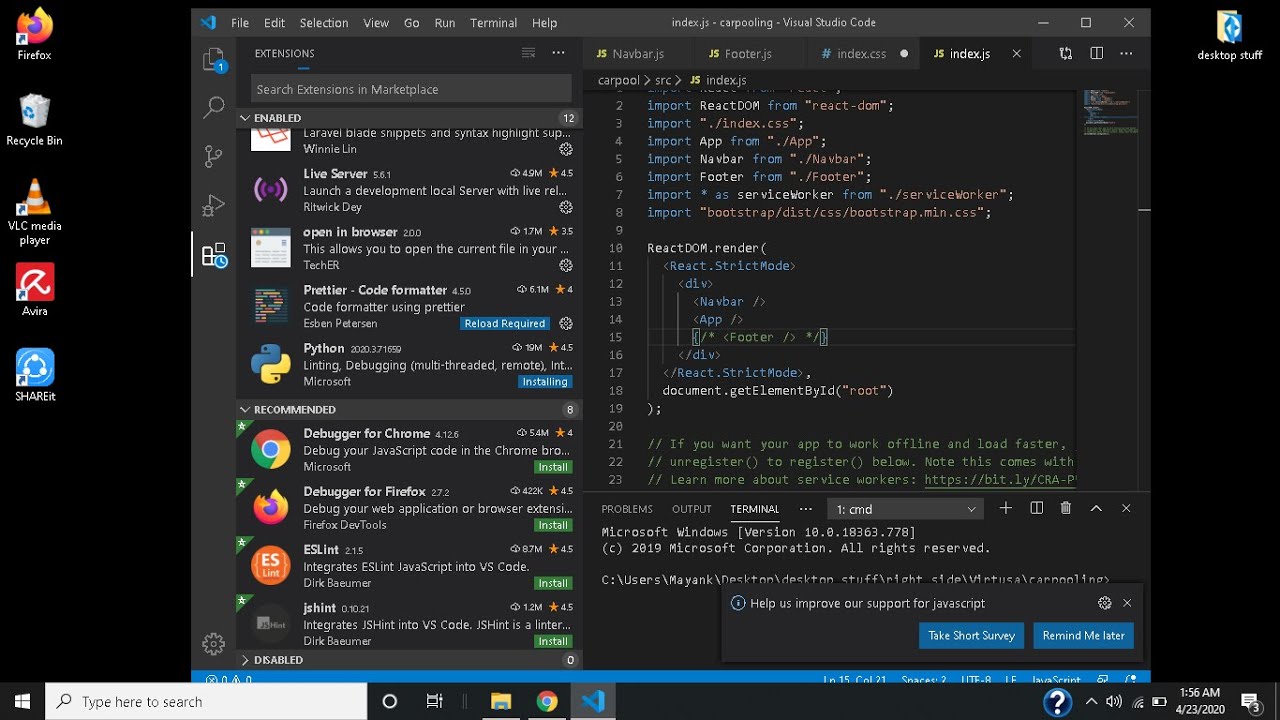
How To Download And Install Visual Studio Code YouTube
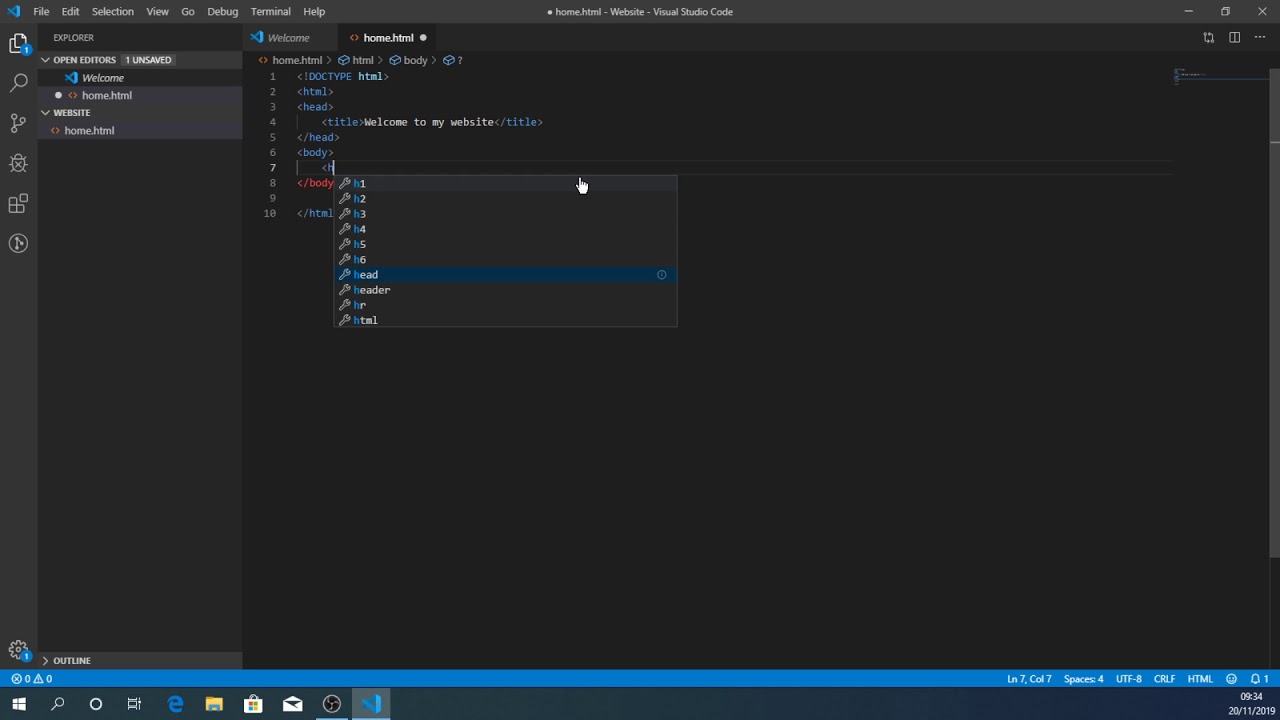
Using Visual Studio Code To Create Power Bi External Tool Youtube Riset
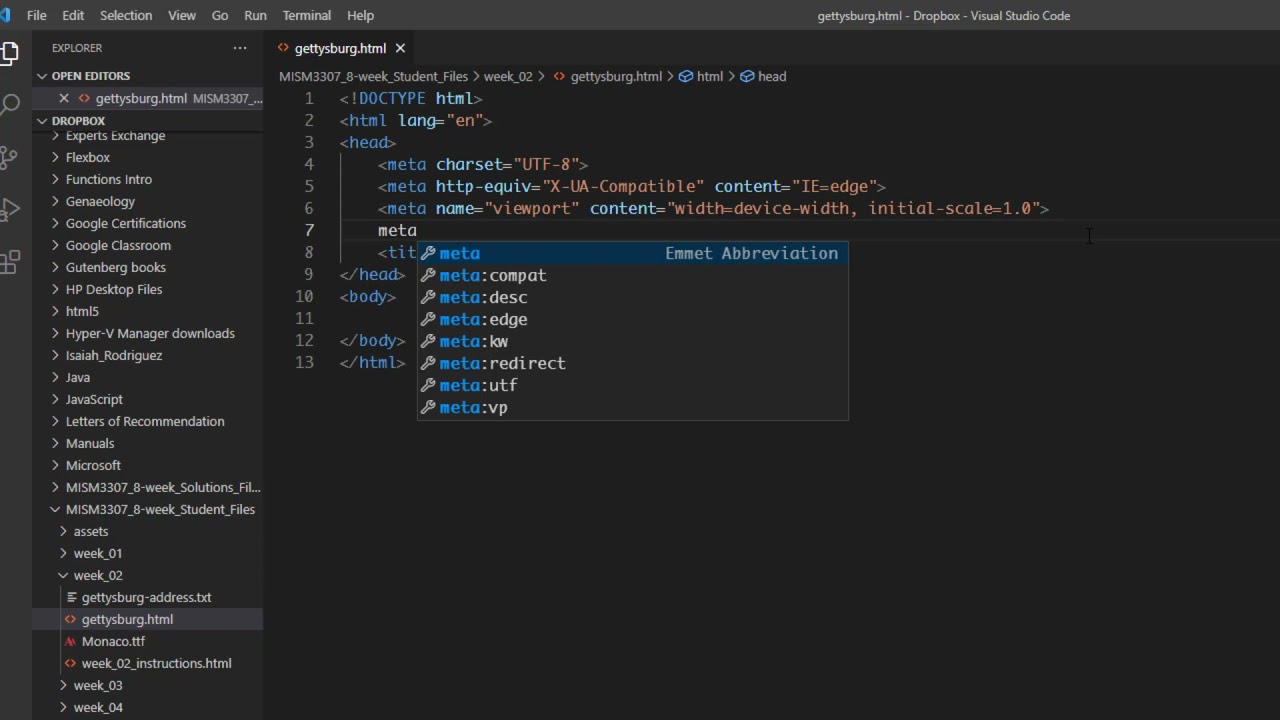
How To Format File In Visual Studio Code For Mac Bingerkr

How To Call A Function In Microsoft Visual Basic

How To Install And Set Up Visual Studio 2022 On Windows 10 Usa News
How To Add Text To Image In Google Slides 2023
Select Project Manage NuGet Packages In the NuGet Package Manager page choose nuget as the Package source From the Browse tab search
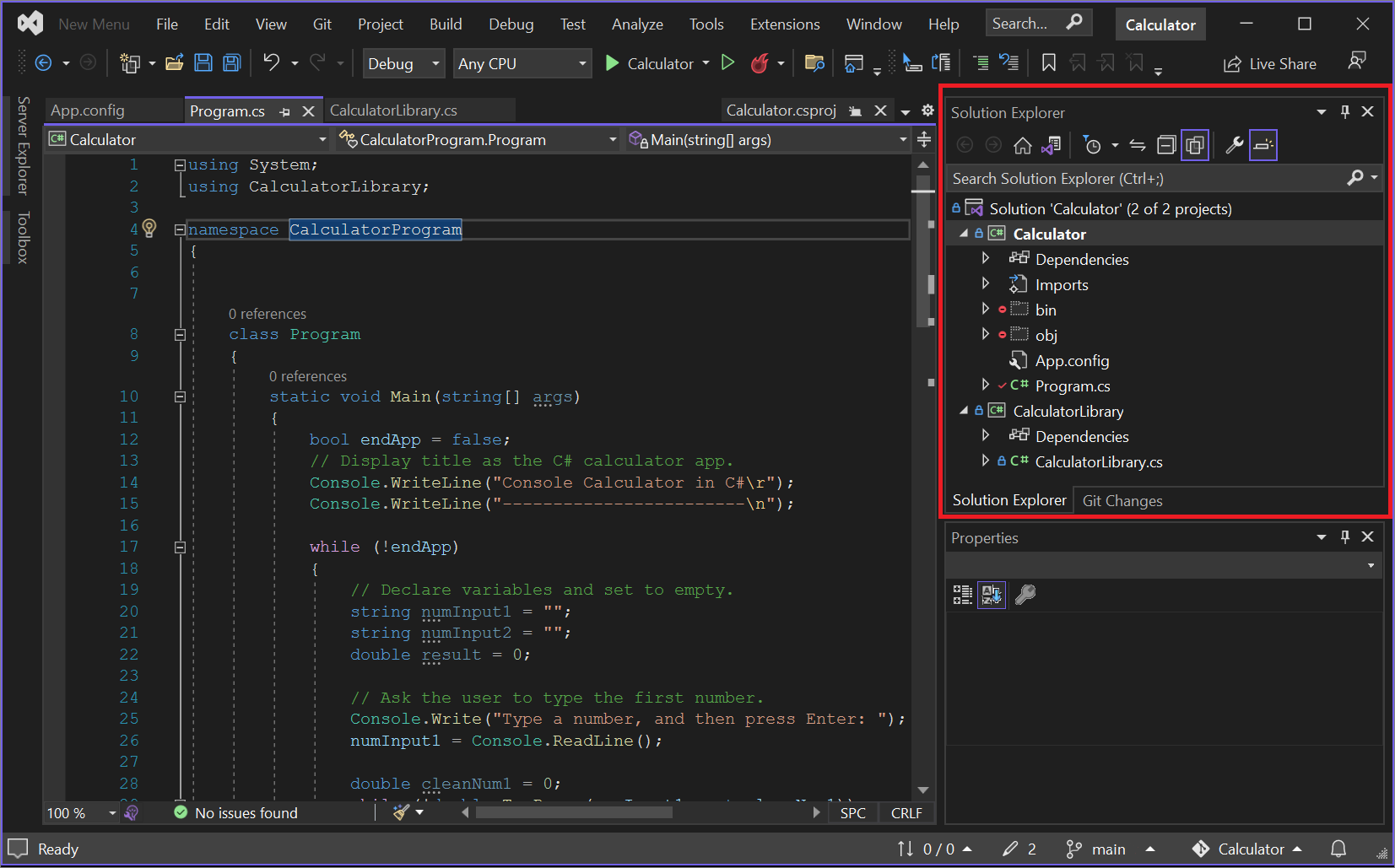
Set up Visual Studio Open Visual Studio and then select Tools Options Select NuGet Package Manager and then select Package Sources

An introduction to installing and using NuGet packages with the built in Visual Studio package

Visual Studio how to add nuget package Visual Studio 2022 how to add nuget packageOn

Using Package Manager GUI In the Visual Studio Solution Explorer window right click the project and select Manage NuGet Packages Make sure that Package
12 Answers 12 Press Ctrl P or Ctrl Shift P and skip 2 Type Then select Nuget Package Manager Add Package Enter package name Ex Dapper select ProGet acts as a NuGet Package Manager for Visual Studio as ProGet can detect package licenses scan packages for vulnerabilities and control
Step 3 Type the command for the package you want to install For example if you want to install the Seaborn library of python type pip3