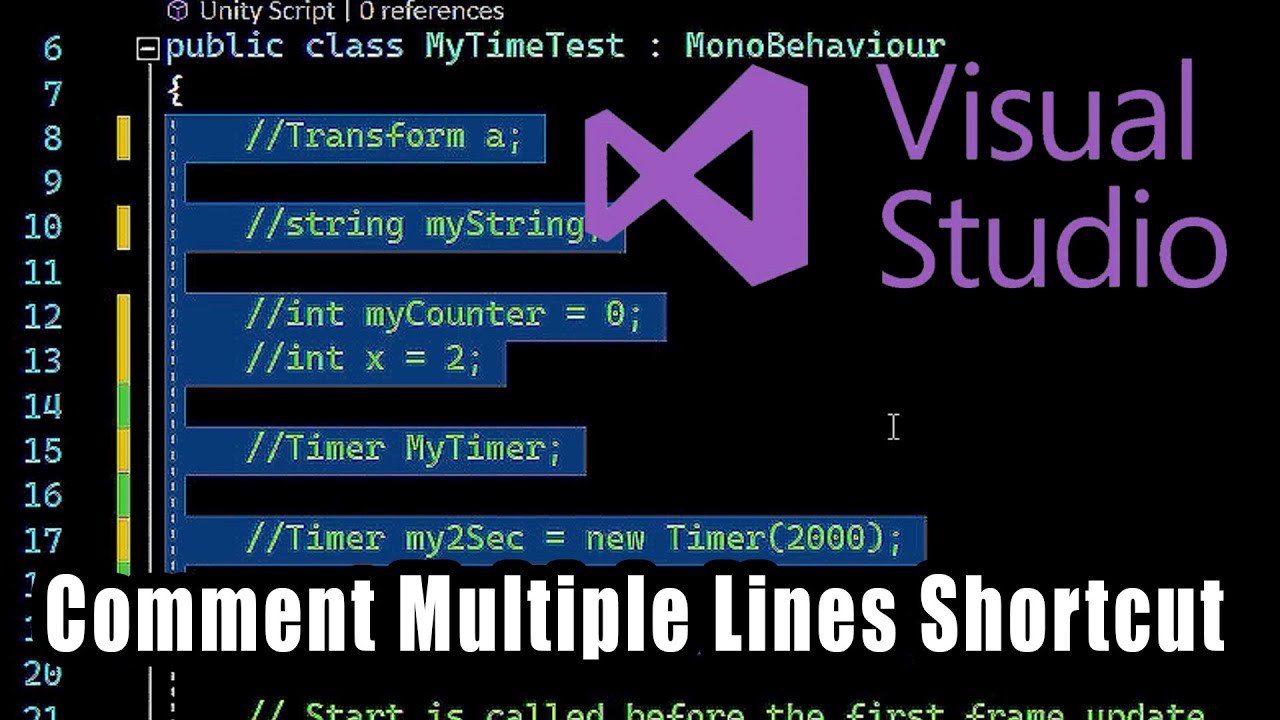
Visual Studio Code Uncomment Multiple Lines Shortcut Visual Studio Shortcuts Comment Ascsetheatre How To COMMENT Or UNCOMMENT MULTIPLE LINES In VS CODE Shortcut YouTube How To Comment Multiple Lines In Microsoft Visual Studio YouTube How To Uncomment Multiple Lines Visual Studio Code Tutorial YouTube Visual Studio Comment Shortcut Ludanz WEB Visual Studio Code has the possibility to comment and uncomment the single line code and multiple lines I want to share two shortcuts to do it in the Windows OS Both hotkeys
WEB Oct 1 2022 nbsp 0183 32 Select the desired lines of code and then use Ctrl to comment them out in VS Code Not clear yet Let me go in detail WEB You can access a variety of commands and windows in Visual Studio by choosing the appropriate keyboard shortcut This page lists the default command shortcuts for the
Visual Studio Comment Shortcut Ludanz Visual Studio Code Comment And Uncomment Code Shortcut Or Hotkeys Multiple Line Comment Python Visual Studio Code Comment And Uncomment Code Shortcut Or Hotkeys How To Comment Multiple Lines At Once In Vim DevsDay ru Uncomment Visual Studio Shortcut Mamadance Visual Studio Code Comment And Uncomment Code Shortcut Or Hotkeys Visual Studio Code Comment And Uncomment Code Shortcut Or Hotkeys Visual Studio Code Shortcuts Mac Mazport
Visual Studio Code Uncomment Multiple Lines Shortcut
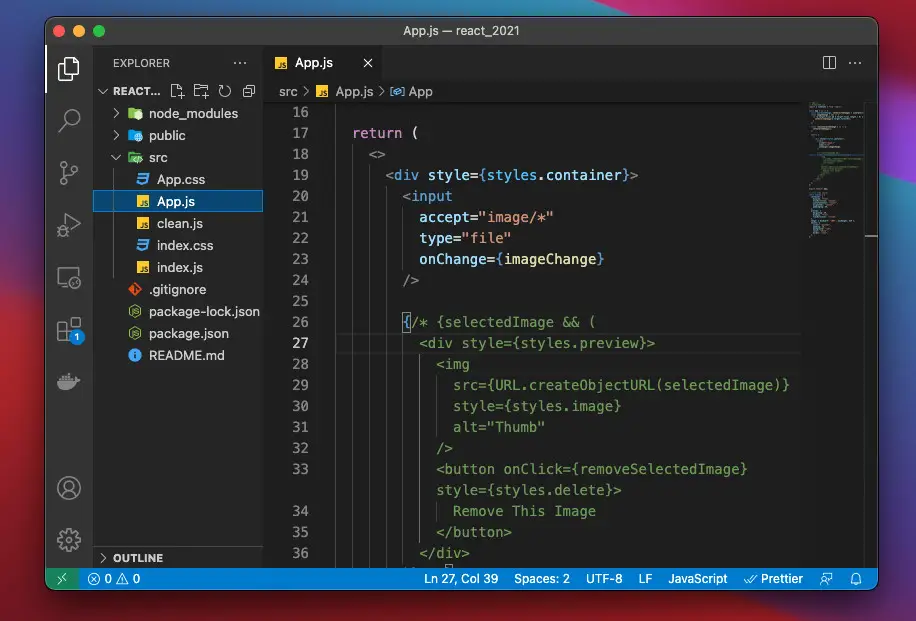 Visual Studio Code Uncomment Multiple Lines Shortcut
https://www.kindacode.com/wp-content/uploads/2021/08/Screen-Shot-2021-08-04-at-16.27.10.jpg
WEB Sep 3 2023 nbsp 0183 32 Ctrl K then Ctrl U if you re on Windows Command K then Command U if you re on a Mac You can also use the following Ctrl the slash key to comment
Templates are pre-designed documents or files that can be used for different purposes. They can conserve time and effort by offering a ready-made format and layout for developing different sort of material. Templates can be used for personal or expert jobs, such as resumes, invitations, leaflets, newsletters, reports, presentations, and more.
Visual Studio Code Uncomment Multiple Lines Shortcut
Tutorial How To Comment And Uncomment Multiple Lines In Visual Studio Code

Visual Studio Code Comment And Uncomment Code Shortcut Or Hotkeys
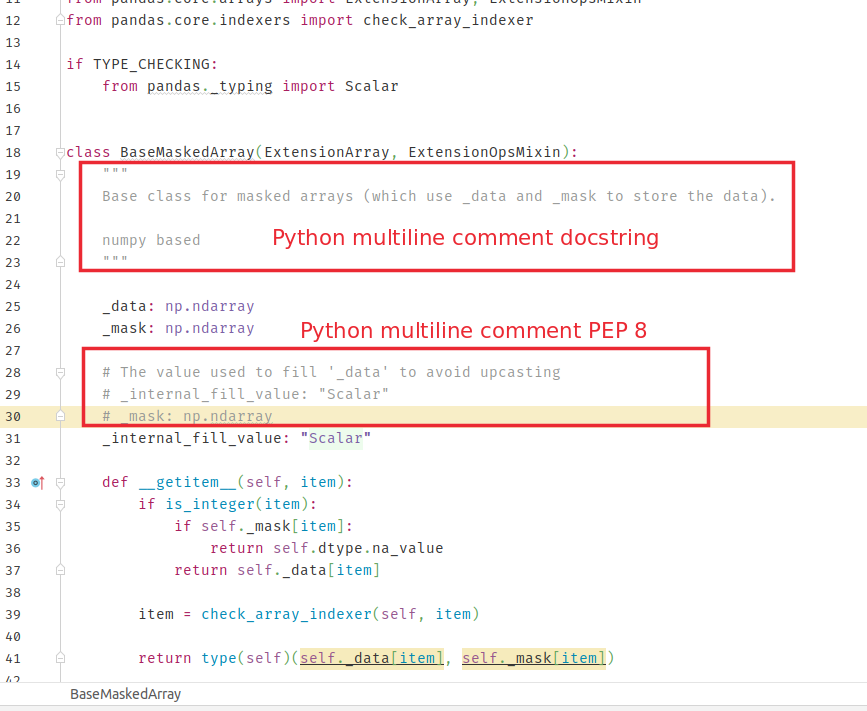
Multiple Line Comment Python

Visual Studio Code Comment And Uncomment Code Shortcut Or Hotkeys

Uncomment Visual Studio Shortcut Mamadance

Visual Studio Code Comment And Uncomment Code Shortcut Or Hotkeys

WEB Feb 4 2021 nbsp 0183 32 Shift Alt A works like charming Here you can find all the keyboard shortcuts All VSCode Shortcuts PS I prefer Ctrl Shift for toggling block comments
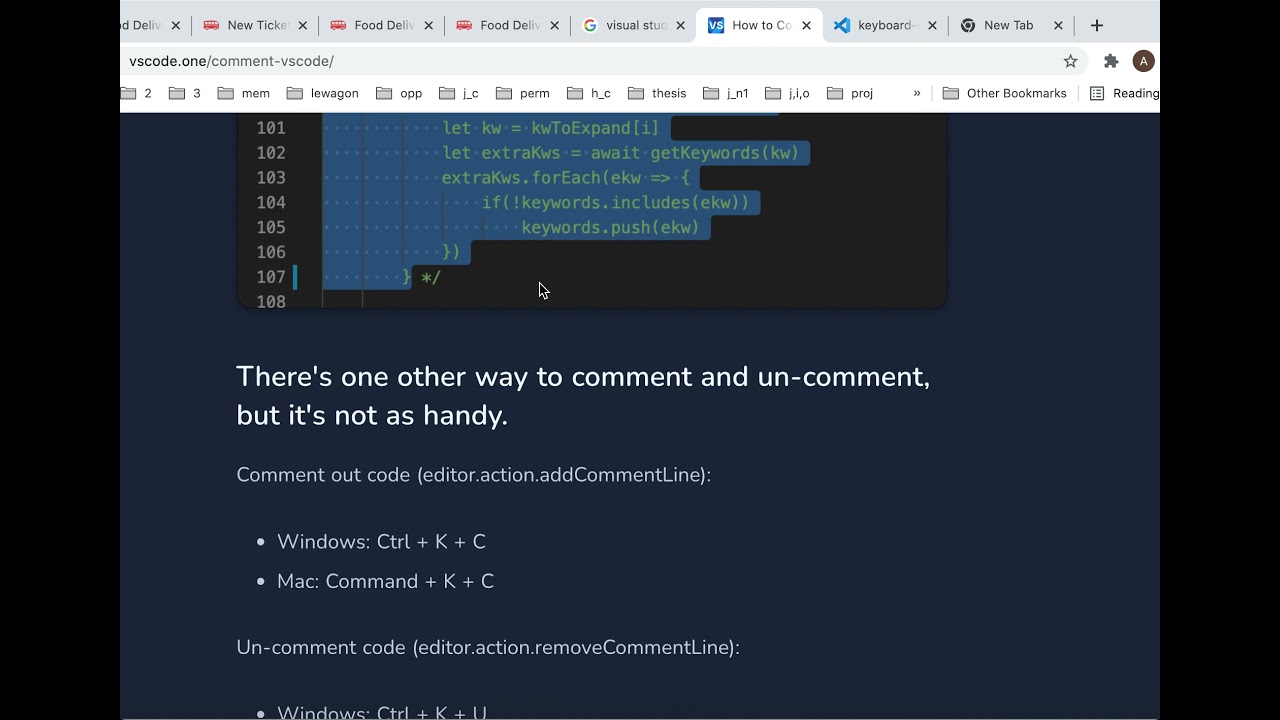
WEB Aug 27 2023 nbsp 0183 32 Open your file in VS Code and select the code block you d like to comment or uncomment Depending on your OS press the following keys Windows Alt Shift A
WEB Ctrl Shift PgUp PgDn Move editor left right Ctrl K Move active editor group Other operating systems keyboard shortcuts and additional unassigned shortcuts

WEB This quick guide will teach you the VSCode comment shortcut and everything else you need to know about commenting in VS Code including multi line comments
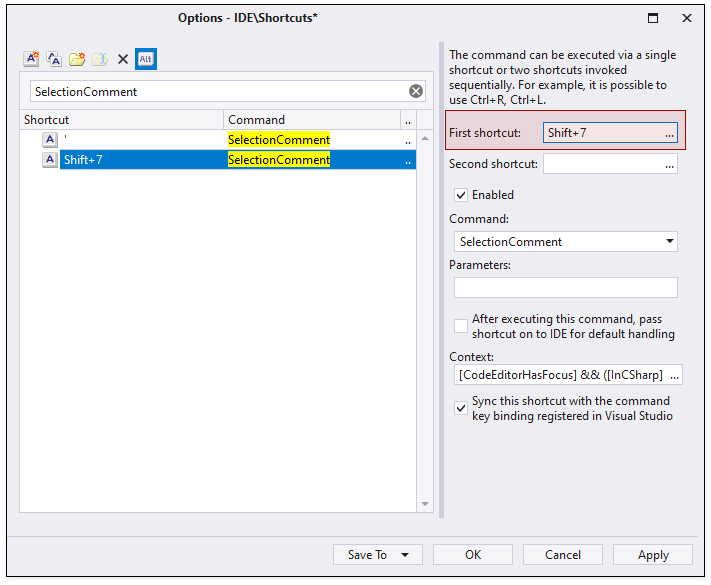
WEB You can change the shortcut of Edit ToggleBlockComment to CTRL by going to Tools gt Options gt Environment gt Keyboard where you can assign the shortcut You can leave
WEB The easiest way to uncomment multiple lines of code is to use the Ctrl Shift C keyboard shortcut This shortcut will uncomment all of the lines that are currently WEB Aug 29 2023 nbsp 0183 32 Commenting Multiple Lines If you need to mute a lengthy block of code or leave an extensive detailed comment you don t want to spend time arduously adding
WEB Visual Studio also provides an easy way to uncomment a commented line To do this place the cursor on the commented line and use the Ctrl K Ctrl U keyboard shortcut or