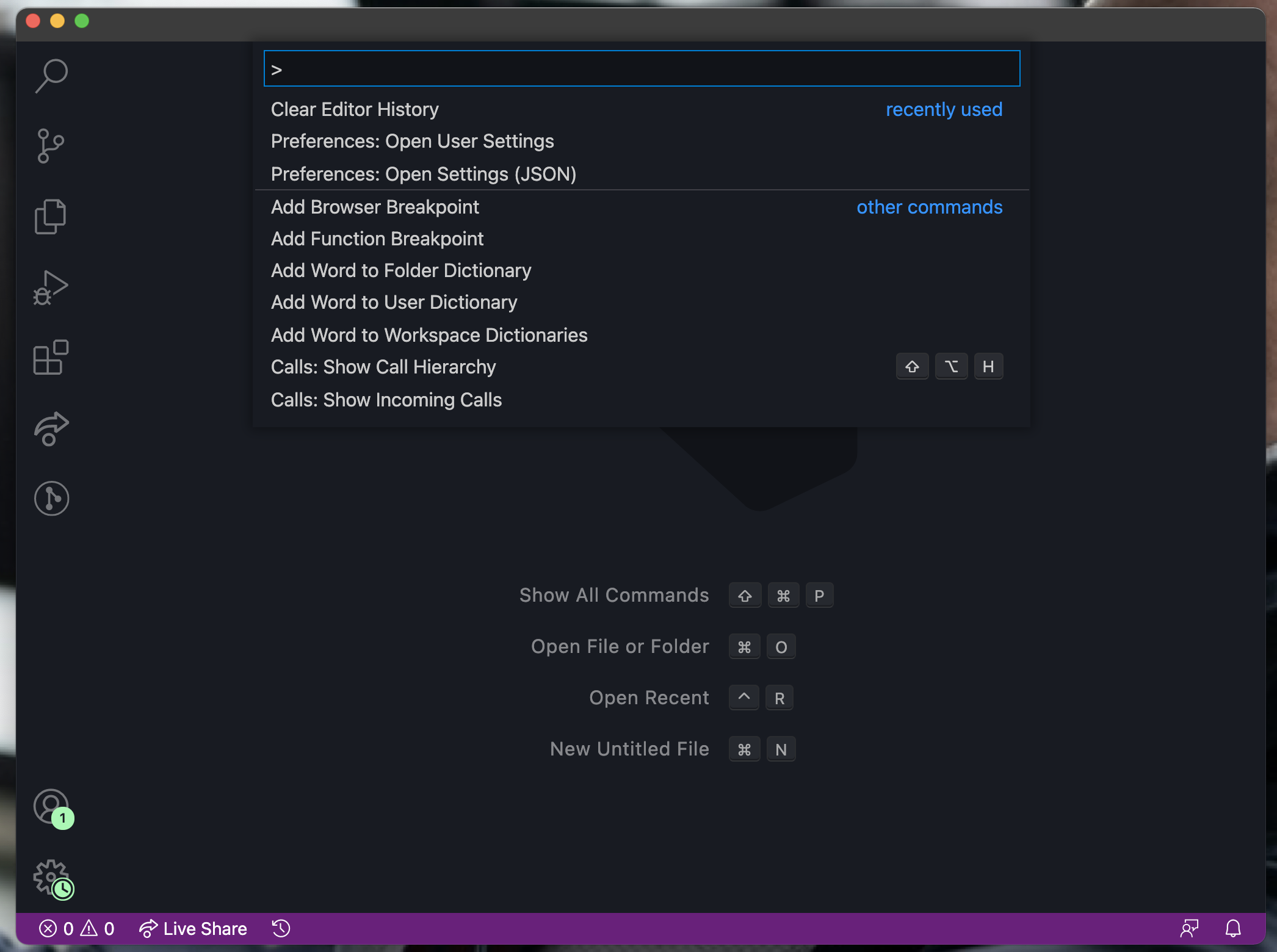
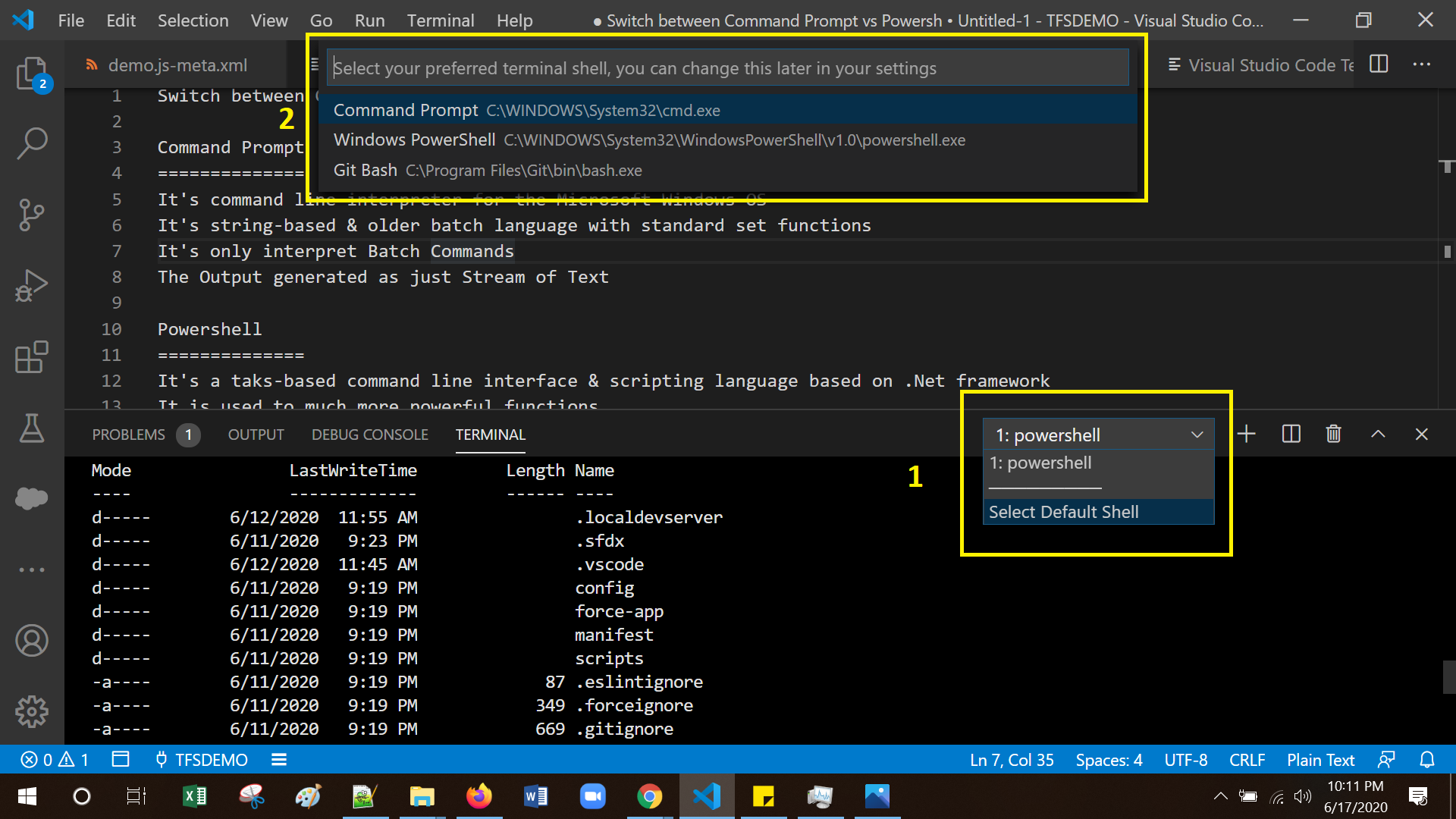
Visual Studio Code Terminal Default How To Open Visual Studio Code From Terminal Windows BEST GAMES How To Change The Integrated Terminal In Visual Studio Code Gang Of How To Open Terminal In Visual Studio Code Windows BEST GAMES WALKTHROUGH Visual Studio Code Tips Change Terminal Theme Color TheBlogReaders How To Open Visual Studio Code From Your Terminal Web Mar 9 2021 nbsp 0183 32 Steps Open VS Code Press CTRL Shift P P and search for terminal select default shell Make your selection and press enter In my case I chose Git Bash All of your new terminals will now default to your choice I hoped this helped you
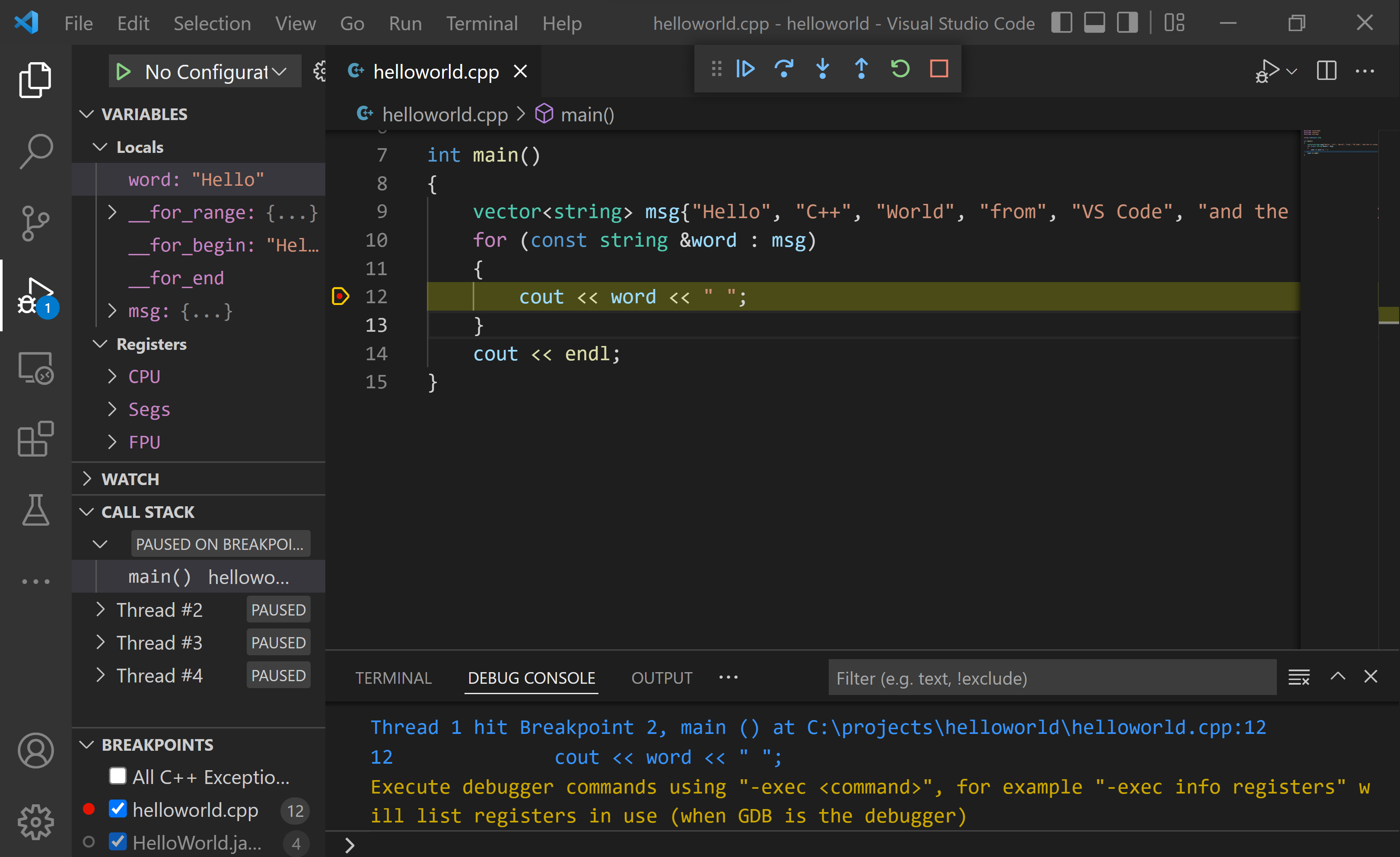
Web Configure your default profile by running the Terminal Select Default Profile command which is also accessible via the new terminal dropdown The default terminal profile shell defaults to SHELL on Linux and macOS and PowerShell on Windows VS Code will automatically detect most standard shells that can then be configured as the default Web Dec 24 2021 nbsp 0183 32 Open Visual Studio Code Press CTRL SHIFT P to open the Command Palette Search for Terminal Select Default Profile previously Terminal Select Default Shell Select your preferred shell In my case I selected Git Bash
How To Open Visual Studio Code From Your Terminal Use Terminal In Vs Code BEST GAMES WALKTHROUGH Configure Visual Studio Code For Microsoft C 2023 Visual Studio Compilation Output Is Different Between Command Line Integrated Terminal In Visual Studio Code 2023 Visual Studio Code How To Change Default Terminal Directory YouTube Integrated Terminal In Visual Studio Code How To Open Visual Studio Visual Studio Code How To Reset Vscode Teminal UI To Default Stack Python Di Visual Studio Code Tutorial Info TugaSoal 28764 Hot Sex Picture
Visual Studio Code Terminal Default
 Visual Studio Code Terminal Default
https://www.freecodecamp.org/news/content/images/2022/01/image-1.png
Web Look at the terminal integratedmandsToSkipShell setting details to see the complete list of default commands Tip terminal integrated sendKeybindingsToShell can be configured to override terminal integratedmandsToSkipShell and dispatch most keybindings to the shell Note that this will disable keybindings like Ctrl F to open find
Pre-crafted templates provide a time-saving option for developing a diverse variety of files and files. These pre-designed formats and designs can be made use of for numerous personal and expert tasks, consisting of resumes, invitations, flyers, newsletters, reports, discussions, and more, enhancing the content creation procedure.
Visual Studio Code Terminal Default

Open Cmd In The Visual Studio Code Terminal Stack Overflow Mobile Legends

Use Terminal In Vs Code BEST GAMES WALKTHROUGH
Configure Visual Studio Code For Microsoft C 2023
Visual Studio Compilation Output Is Different Between Command Line
Visual Studio Code How To Change Default Terminal Directory YouTube

Integrated Terminal In Visual Studio Code How To Open Visual Studio

Web How can I configure Cmd to map to Ctrl C like macOS built in terminal The macOS default terminal uses Cmd to perform the same as Ctrl C To get this behavior in VS Code add this custom keybinding quot key quot quot cmd quot quot command quot quot workbench action terminal sendSequence quot quot when quot quot terminalFocus quot quot args quot quot text quot quot
Web Sep 3 2021 nbsp 0183 32 Whenever I open terminal in VS Code it always opens it s default one and I always have to manually change it This is really annoying because I use terminal all the time every day I checked Terminal settings in the toolbar but I can not find the option to change default How can we do it

Web Selecting the Terminal Select Default Profile profile shows one more window as given below It shows a list of all terminals and changes it to the new terminal Changed to Command Prompt Here onwards opening a new terminal uses Command Prompt instead of Powershell Another way using the terminal window Go to Terminal Menu gt New

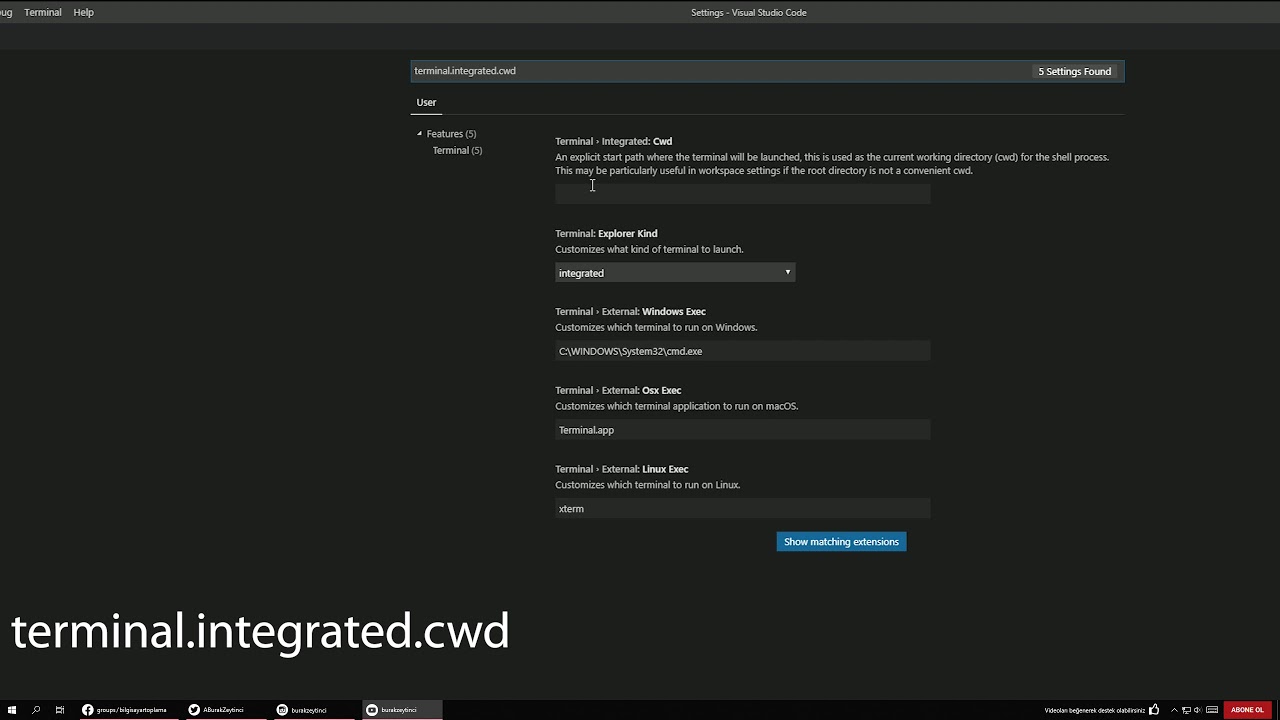
Web As others have already explained you can add a setting to change the default folder for your integrated terminal to start in This setting also accepts Visual Studio Code variables so to make a relative path from the root folder of your workspace you can use workspaceFolder

Web Mar 16 2023 nbsp 0183 32 Press Ctrl Shift P on Windows and Linux Command Shift P on macOS Note you can also press F1 to open the Command Palette Type terminal select default and click on the Terminal Select Default Profile command Select your preferred shell from the list e g Git Bash or PowerShell
Web June 8 2021 If you re using Windows Subsystem for Linux WSL in tandem with Visual Studio Code you might be wondering how to change your default integrated terminal from PowerShell to WSL Web May 6 2021 nbsp 0183 32 1 Answer Sorted by 6 It looks like you can use quot terminal integrated defaultProfile windows quot in the workspace settings now to override your user settings You can also override the quot terminal integrated profiles windows quot list if you want to pass additional workspace specific options to your terminal Share Improve this
Web Mar 24 2020 nbsp 0183 32 In this blog post I want to write down how you can set the new windows Terminal as the default external console when working with VSCode I like to have the console in an external window and NOT inside my vscode instance so I often use the combination Ctrl Shift C to start an external console window at the folder I am