Visual Studio Code Select End Of All Lines Getting Started With Visual Studio Code VS Code DigitalOcean Useful Extension In Visual Studio Code Figma Visual Studio Code Tips And Tricks Class Notes Cool Themes Javascript What Extensions Have You Installed On Visual Studio Code Hashnode Top 25 Best Visual Studio Code Extensions WEB The TL DR is Press CTRL A to select all of the text Press SHIFT ALT I to insert multiple cursors at the end of each line Press Home twice to jump to the start of every line That s it There s no Visual Studio Code
WEB Learn how to insert a cursor at the beginning or end of every line in VSCode to enable mass edit mode and save a lot of time Insert cursor at the beginning of every selected WEB Learn how to use the VS Code cursor to select all lines of code with this easy to follow guide With just a few clicks you can quickly and easily select all of the code in your
Top 25 Best Visual Studio Code Extensions GitHub Nordtheme visual studio code An Arctic North bluish Clean Visual Studio Code Python 2 And 3 Kdabytes Debug Node Js In Visual Studio Code Tutorial For Beginners Vrogue ESLint Setup And Configuration In Visual Studio Code VS Code JavaScript Visual Studio Code Auto Format When Save Raswaves Getting Started With Visual Studio Code For Mac Tikloquestions Chapter 2 How To Create A HTML File On Visual Studio Code YouTube Multiline Editing In Visual Studio Code Youtube Www vrogue co
Visual Studio Code Select End Of All Lines

https://community-cdn-digitalocean-com.global.ssl.fastly.net/Mh3E5U51gW5QGgEnZDXyFqTZ
WEB How to edit multiple lines simultaneously in a Visual Studio Code Select multiple lines using the built in VSCode s quot multiple cursors quot feature
Pre-crafted templates use a time-saving solution for producing a diverse series of files and files. These pre-designed formats and layouts can be used for various personal and expert projects, including resumes, invites, leaflets, newsletters, reports, discussions, and more, enhancing the material creation process.
Visual Studio Code Select End Of All Lines
Nord visual studio code A JavaScript Repository From Arcticicestudio
GitHub Nordtheme visual studio code An Arctic North bluish Clean

Visual Studio Code Python 2 And 3 Kdabytes

Debug Node Js In Visual Studio Code Tutorial For Beginners Vrogue
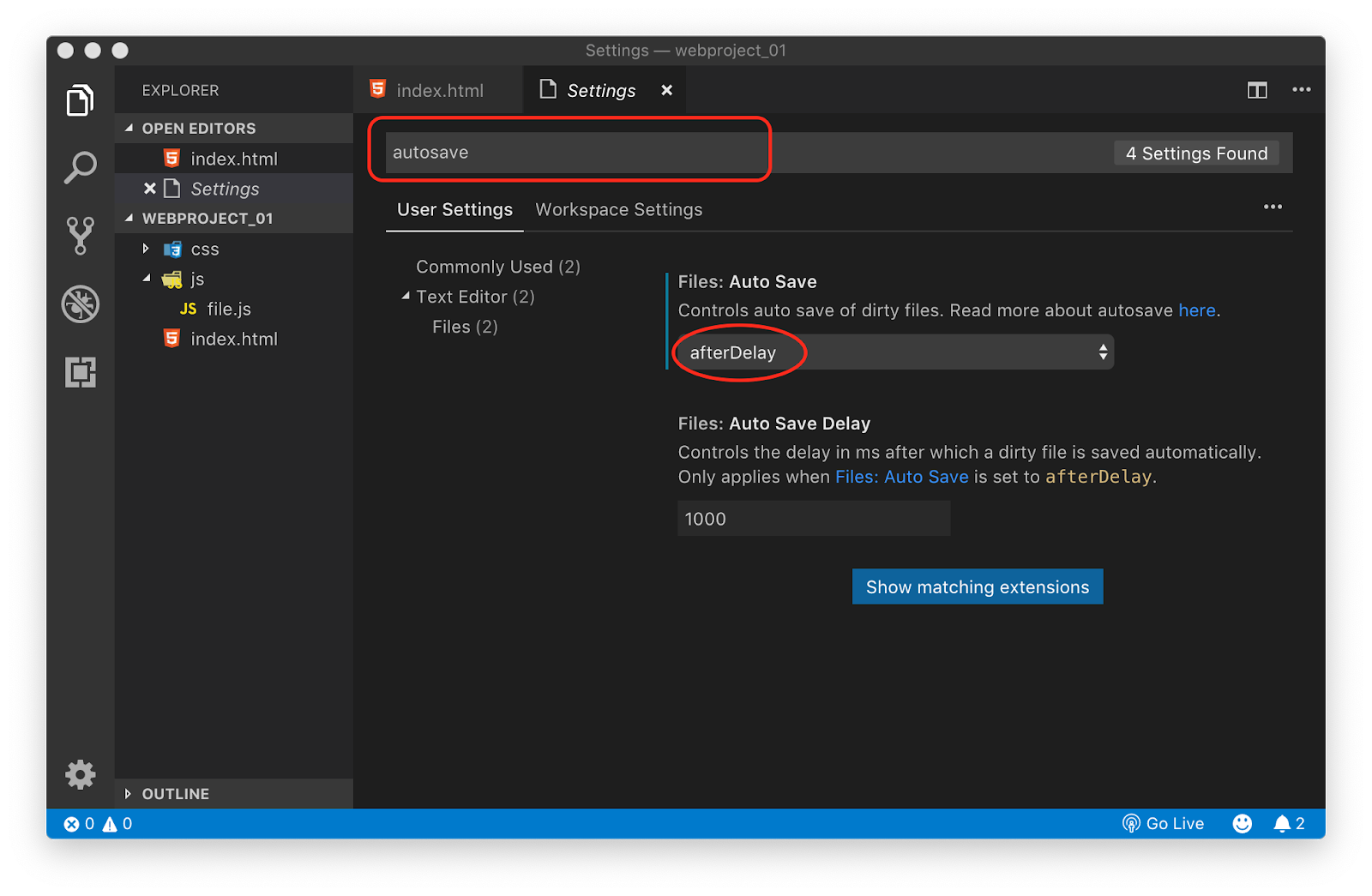
Visual Studio Code Auto Format When Save Raswaves
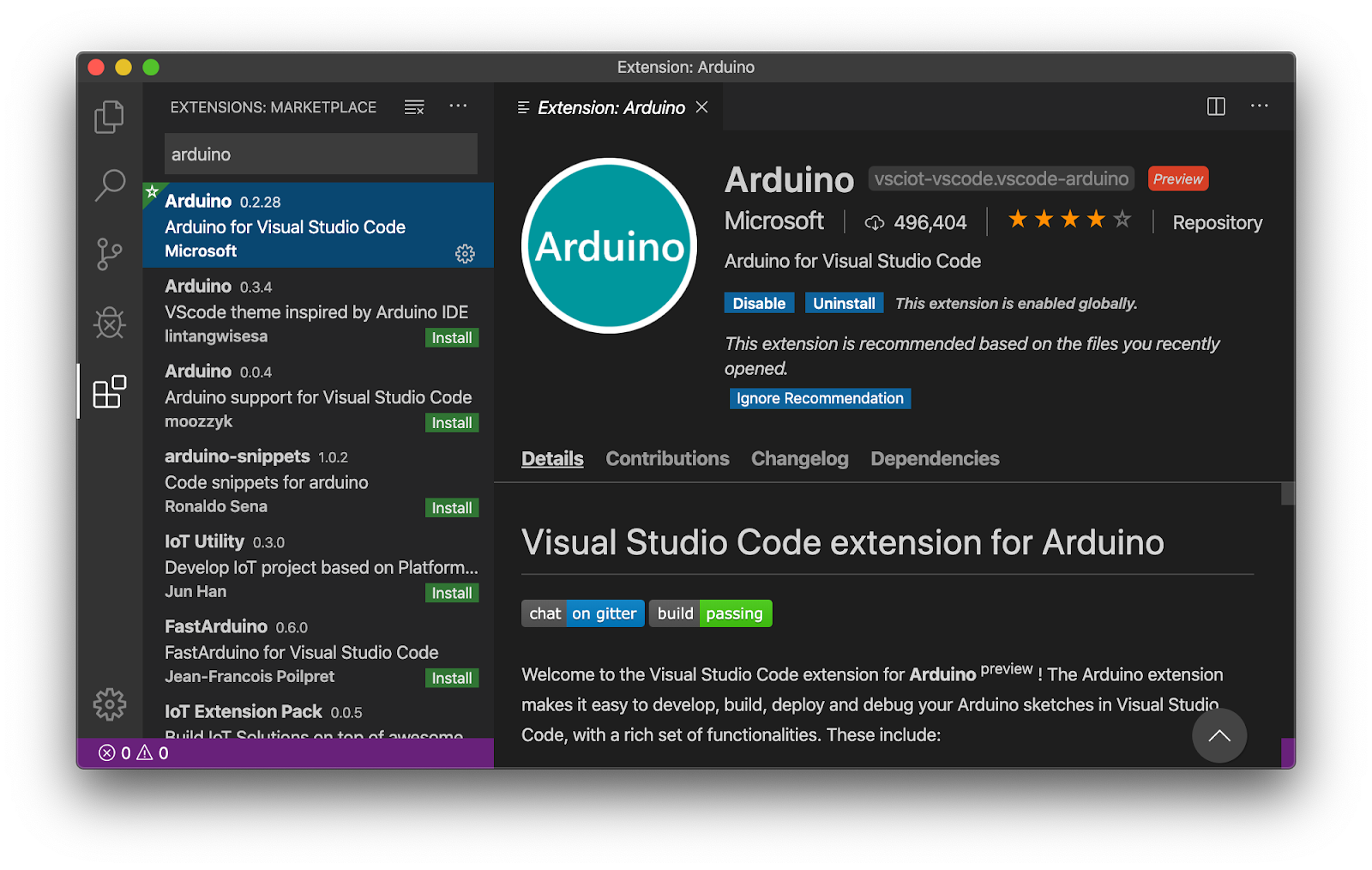
Getting Started With Visual Studio Code For Mac Tikloquestions

WEB On Windows 10 if I hit Shift Alt I all the cursors go to the beginning of each line To move the cursors to the end of each line simply hit the End key after that

WEB Learn how to insert a cursor at the end or beginning of every selected line in VSCode to enable mass edit mode and save a lot of time Insert cursor at the end of every selected

WEB Ctrl Shift P on Windows and Linux Command Shift P on macOS Note you can also press F1 to open the Command Palette Type end of line and select Change End of
WEB Solution Open the desired file and press CTRL A to select all lines Then press SHIFT ALT I to insert multiple cursors at the end of each line So all cursors are at the end

WEB It allows you to highlight a word then automatically edit all instances of that word in your file You can also select all lines in a column to edit many rows of data at the same time
WEB VSCode has the ability to start a multiline selection via shift alt mouse drag or ctrl shift alt arrow key The problem is that when I m working across lines of code with WEB Visual Studio Shortcuts Ctrl Home Ctrl End to the beginning and end of line Ctrl Shift Home End to the beginning and end of file Ctrl Home End can work with Integrated
WEB Use the tips and tricks in this article to jump right in and learn how to be productive with Visual Studio Code Become familiar with the powerful editing code intelligence and