Visual Studio Code Save Terminal Output To File Use Terminal In Vs Code BEST GAMES WALKTHROUGH Integrating Workflows With Visual Studio Code Integrating Workflows 7 Visual Studio Code Alternatives For Better Coding Programming Cube Visual Studio Code Introduction overview Youtube Seamless Teaching And Visual Studio Code Web Nov 18 2019 nbsp 0183 32 Is there a way to auto save the Terminal Commands in Visual Studio Code I would like to autosave the texts commands output in the Terminal window of Visual
Web Sep 3 2021 nbsp 0183 32 How To Save Terminal In VS Code Save Terminal Tabs To Saved Workspace VSCode Restore TerminalCode used in Video quot restoreTerminals terminals quot Web VSCode Extension to save and copy terminal commands Demo Placeholders Now you can add placeholders in your commands For eg you can add commands in this manner
Visual Studio Code Auto saving Files Upon Changes With Visual Studio Code Create Extensions For Visual Studio Code Vscode By Islem Maboud Vrogue Visual Studio Code Yaml File Formatting In Vscode Stack Overflow Manage Visual Studio Code How To Create And Init Vscode In Vscode 2022 Vrogue Visual Studio Code Keyboard Shortcuts Salesforce Blog Solved Where Is Getting Started With Visual Studio Code For Mac Tikloquestions C How Do I Display Clean Output In Visual Studio Code With Out Path Visual Studio Code Auto Format When Save Raswaves
Visual Studio Code Save Terminal Output To File
 Visual Studio Code Save Terminal Output To File
https://cdn.whatismarkdown.com/how_to_use_intergrated_terminal_in_visual_studio_code.png
Web Jul 22 2020 nbsp 0183 32 Go to the settings json File on VS Code If you don t already know how to you can get there by going to File gt Preferences gt Settings or hitting Ctrl Cmd if you re
Pre-crafted templates offer a time-saving option for developing a diverse range of files and files. These pre-designed formats and designs can be made use of for various personal and professional jobs, including resumes, invitations, leaflets, newsletters, reports, discussions, and more, enhancing the content development procedure.
Visual Studio Code Save Terminal Output To File

How To Sync Visual Studio Code Settings Images

Auto saving Files Upon Changes With Visual Studio Code
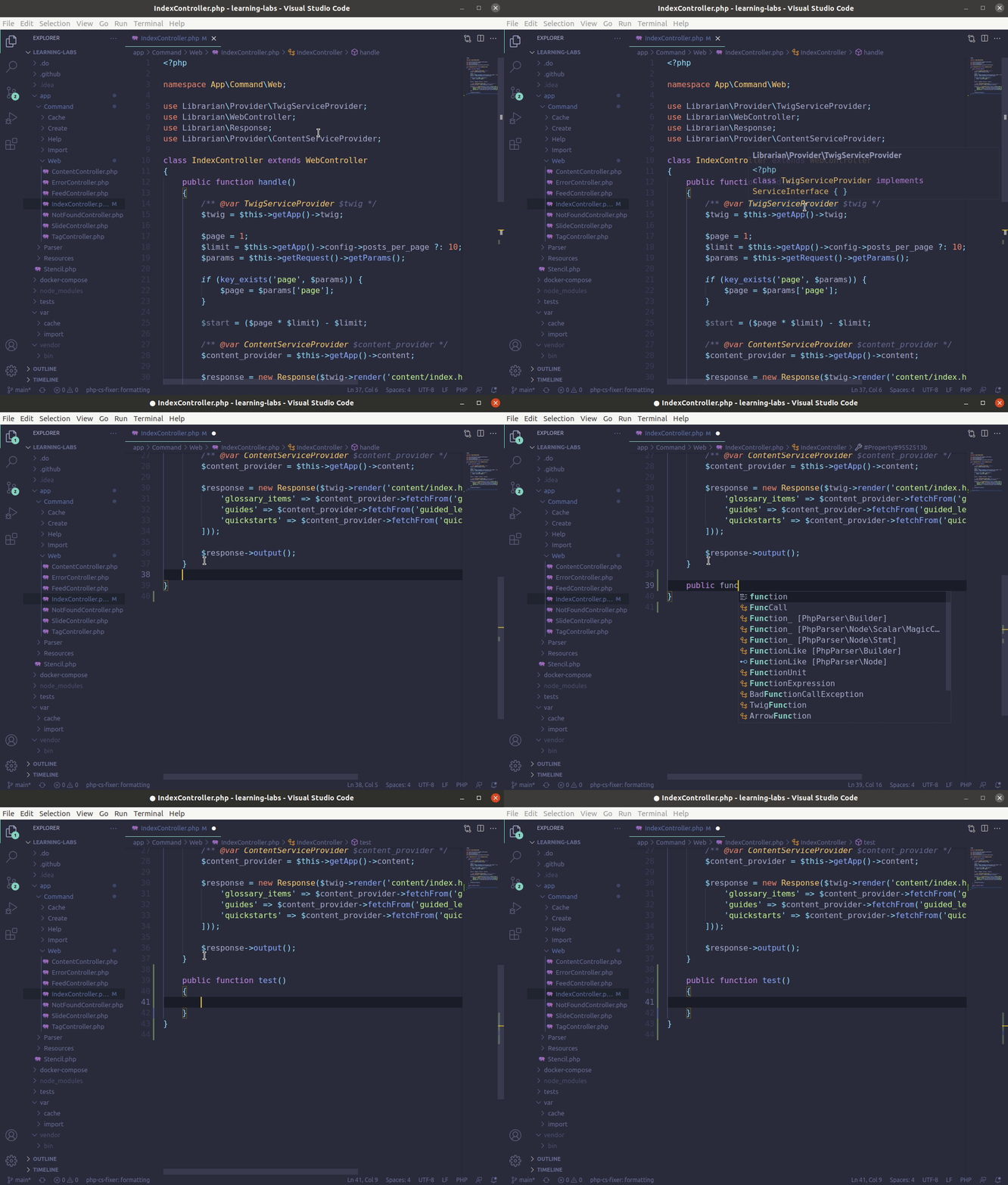
Create Extensions For Visual Studio Code Vscode By Islem Maboud Vrogue

Visual Studio Code Yaml File Formatting In Vscode Stack Overflow Manage

Visual Studio Code Keyboard Shortcuts Salesforce Blog Solved Where Is
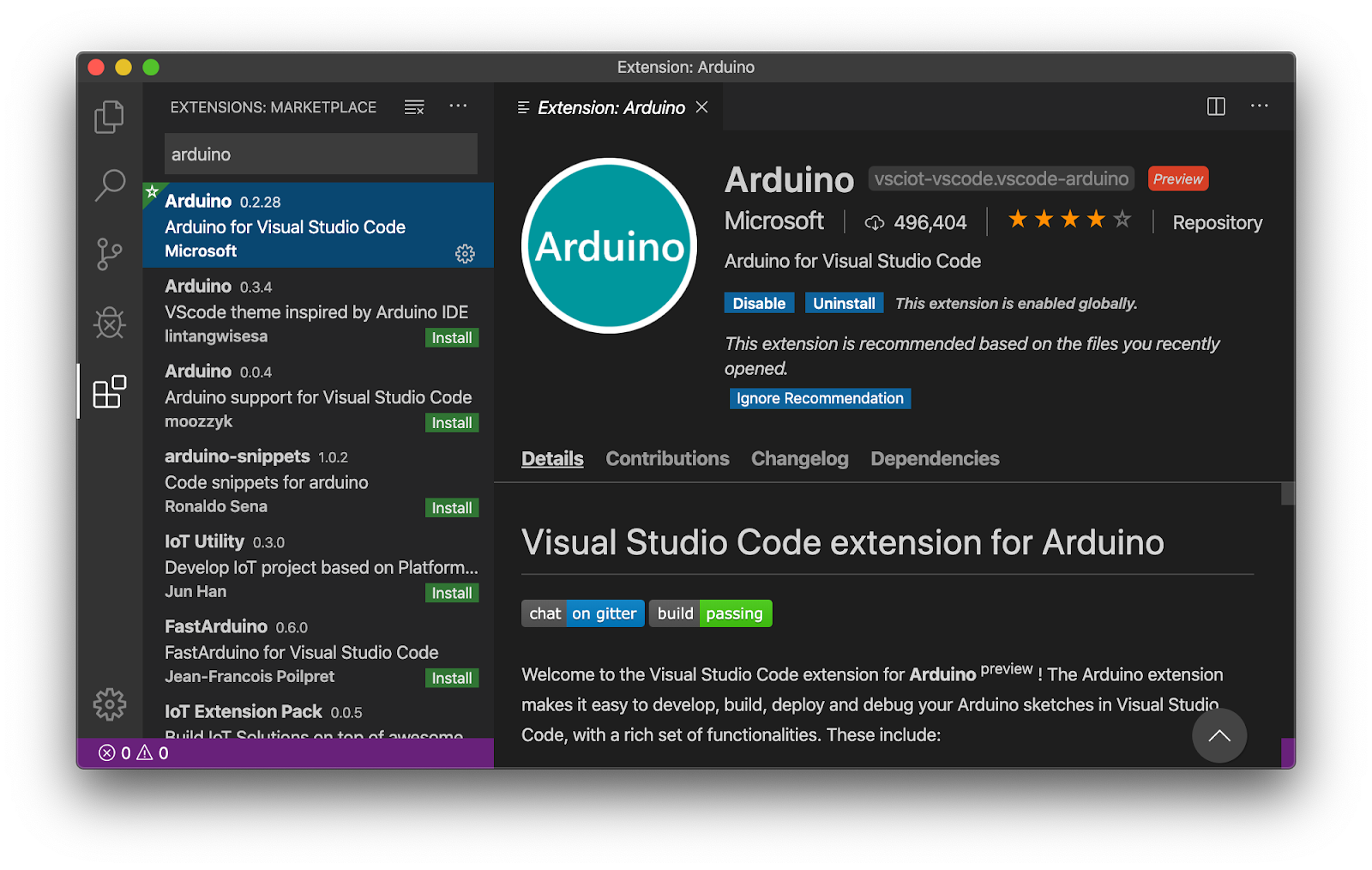
Getting Started With Visual Studio Code For Mac Tikloquestions

Web Data Science Edit Terminal Basics Visual Studio Code includes a full featured integrated terminal that starts at the root of your workspace It provides integration with the editor to

Web Save entire terminal session output to file is anyone aware of a way to save the entire terminal output both the terminal in the panel and in the editor to a file or better yet
Web Features Take the output from the last active terminal and dump it into a new file There are currently two modes that the extension can run in clipboard mode caching mode
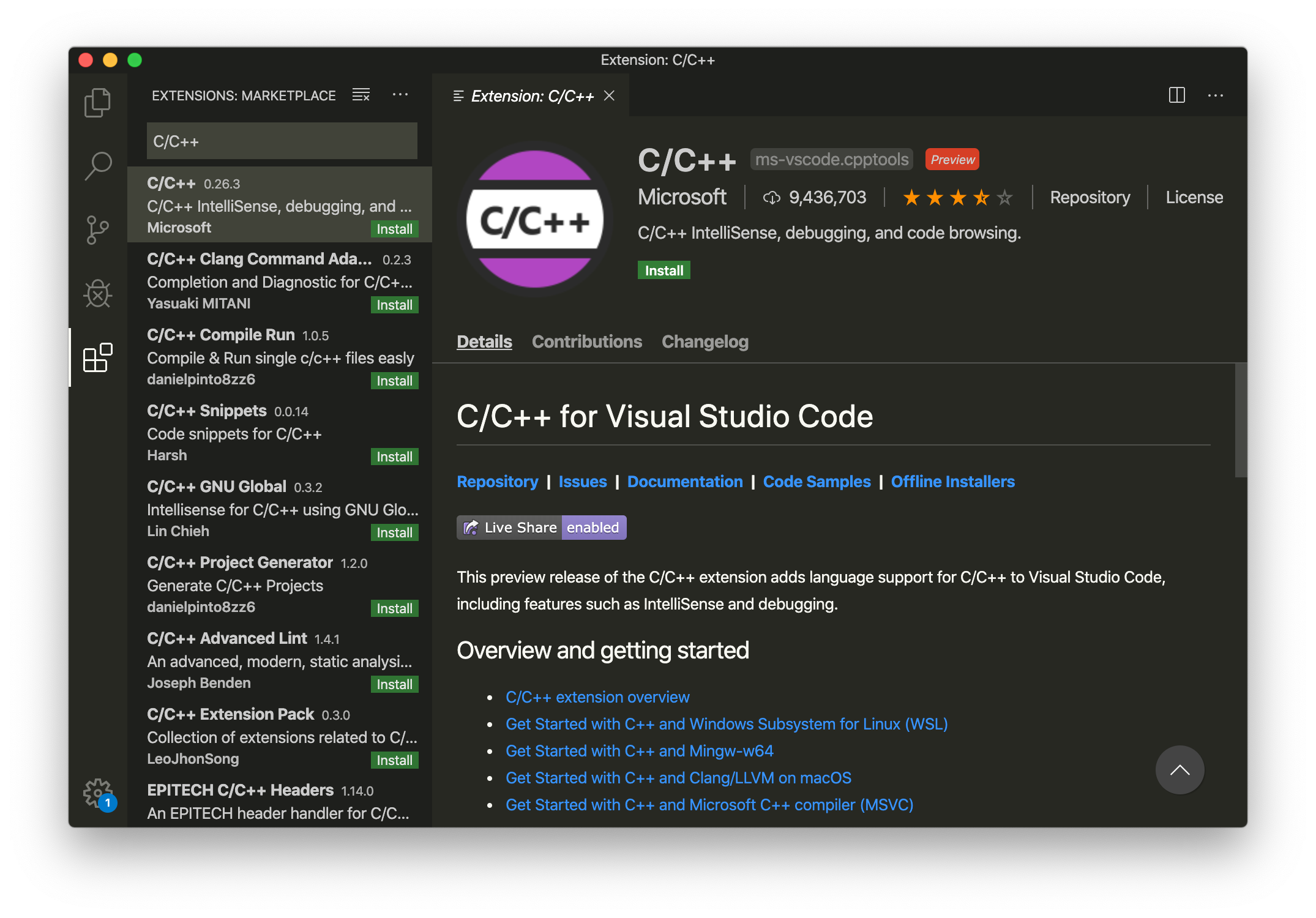
Web Visual Studio Code s integrated terminal has many advanced features and settings such as Unicode and emoji support custom keybindings and automatic replies This topic

Web Perform a three way merge by providing paths for two modified versions of a file the common origin of both modified versions and the output file to save merge results w or wait Wait for the files to be closed before
Web Create a tasks json file in your project folder and add the following and when you want to run the your python script using this task ctrl shift b In short you will be using the tee Web Apr 19 2018 nbsp 0183 32 The extension allows me to see messages from an Azure Event Hub within the VS Code Output There are a lot of messages and you have to scroll through them to
Web Jan 28 2016 nbsp 0183 32 Follow these steps Set the focus to the Output Window From the main menu navigate to File gt Save Selected Items Ctrl S or Save Output As To save the