Visual Studio Code Save Diff How To Save And Run Your Code In Visual Studio Code Run C Program In Visual Studio Code July 2019 2 ESP32 Development With Visual Studio Code Ineltek Docs How To Install Visual Studio Code On Ubuntu 22 04 ITzGeek 7 Visual Studio Code Alternatives For Better Coding Programming Cube VS Code has a very powerful diff tool This quick post is going to teach you how to perform diffs compare files in VS Code There s two primary types of diffs you can do with VS Code Compare two files in your project Compare git file versions Diff from Explorer Panel This is the quickest easiest way to bring up the diff panels 1
Get it now Overview Version History Q A Rating Review Diff Folders Compare two folders in Visual Studio Code What s new in Diff Folders 1 3 0 Added Export Favorites to export favorites and groups as a JSON file Added Import Favorites to import favorites and groups from a JSON file Index Available Commands Available Settings New in Visual Studio Compare Files with Solution Explorer Dalia Abo Sheasha August 21st 2023 16 11 Comparing code in different files is a common need for developers yet it often disrupts the flow of your work We ve heard your feedback and are excited to introduce a new compare feature in Visual Studio
7 Visual Studio Code Alternatives For Better Coding Programming Cube Top Visual Studio Code Extensions For Svelte Developers Things I Learned 2022 2 Same Stuff Different Day Visual Studio Code Tips And Tricks Class Notes Cool Themes Javascript Getting Started With Visual Studio Code For Mac Tikloquestions Visual Studio Code Introduction overview Youtube Seamless Teaching And Visual Studio Code Basics Of VS Code Visual studio code Tutorial Open Visual Studio Code Diff View In A Specific Editor Group Issue Visual Studio Code
Visual Studio Code Save Diff
 Visual Studio Code Save Diff
https://i.ytimg.com/vi/Hx0AljEXO1k/maxresdefault.jpg
Syntax shell devenv Diff SourceFile TargetFile SourceDisplayName TargetDisplayName Arguments SourceFile Required The full path and name of the first file to be compared TargetFile Required The full path and name of the second file to be compared SourceDisplayName Optional The display name of the first file TargetDisplayName Optional
Pre-crafted templates use a time-saving solution for developing a varied series of documents and files. These pre-designed formats and layouts can be utilized for numerous personal and expert projects, consisting of resumes, invites, flyers, newsletters, reports, presentations, and more, enhancing the content creation procedure.
Visual Studio Code Save Diff
Visual Studio Code Basics Of Vs Code Visual Studio Code Tutorial Gambaran
Top Visual Studio Code Extensions For Svelte Developers
Things I Learned 2022 2 Same Stuff Different Day

Visual Studio Code Tips And Tricks Class Notes Cool Themes Javascript
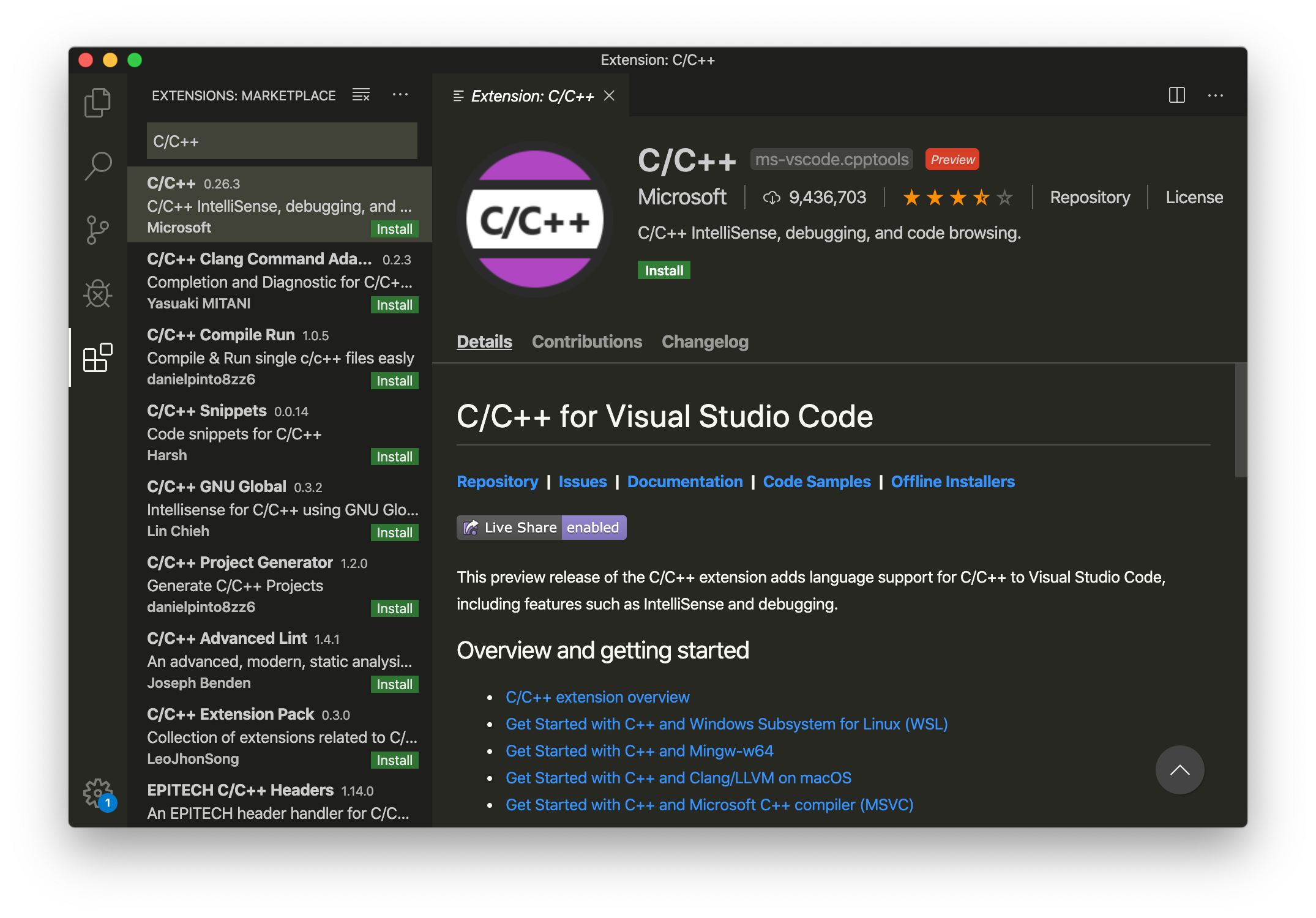
Visual Studio Code Introduction overview Youtube Seamless Teaching And
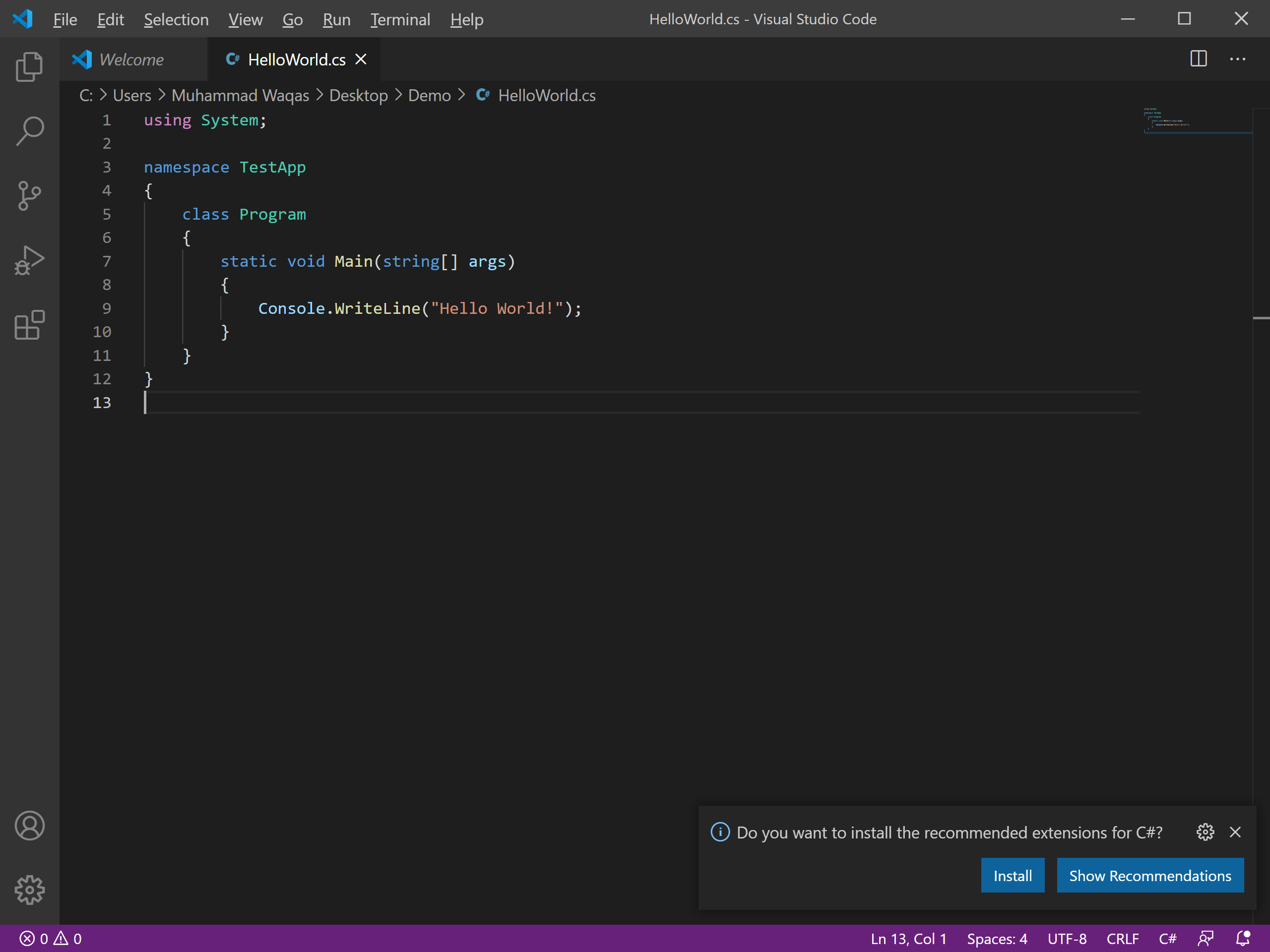
Visual Studio Code Basics Of VS Code Visual studio code Tutorial
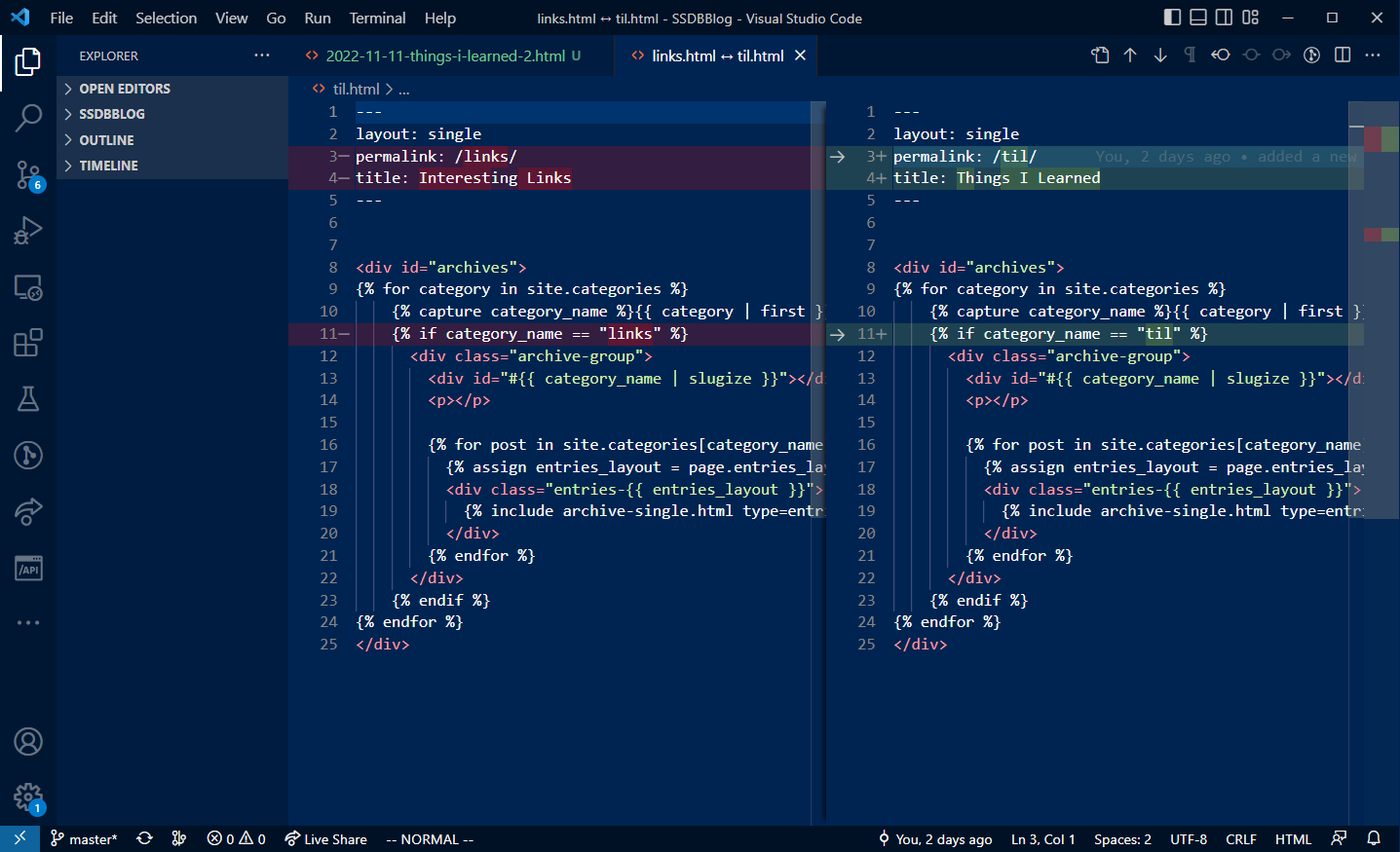
1 Hold the Ctrl key if you re using Windows or the Command key if you re on a Mac and select the two files you want to compare with your mouse right click then select Compare Selected from the drop down menu See the screenshot below to get a better understanding 2 The difference will be highlighted as follows

Basic Editing Visual Studio Code is an editor first and foremost and includes the features you need for highly productive source code editing This topic takes you through the basics of the editor and helps you get moving with your code Keyboard shortcuts

Quick Open Quickly open files Keyboard Shortcut P Windows Linux Ctrl P Tip Type to view commands suggestions Typing commands such as edt and term followed by a space will bring up dropdown lists Navigate between recently opened files Repeat the Quick Open keyboard shortcut to cycle quickly between recently opened files
Using Git source control in VS Code Visual Studio Code has integrated source control management SCM and includes Git support out of the box Many other source control providers are available through extensions on the VS Code Marketplace Using Git with Visual Studio Code Official Beginner Tutorial Watch on Working in a Git repository
Use the Compare active file with saved command in VS Code to view a diff of changes in unsaved text editors
Viewing a diff with our Visual Studio Code extension is quite simple Just follow these two steps Open a regular diff in VS Code If you don t know how to do this check out our tutorial on comparing files in VS Code Click on the SemanticDiff icon in the top right corner to switch between the standard diff viewer and SemanticDiff 14 1 4K views 10 months ago Visual Studio Code This video talks about how can you compare any two files in VS Code Visual Studio Code using command prompt Blog
Visual Studio Code to the rescue Code has a built in diffing feature From the file explorer right click on the first file to compare A context menu will open Click on Select for Compare Now right click on the second file and choose Compare with Selected Boom You ve got a beautiful side by side comparison of the two files