Visual Studio Code Python Interpreter How To Set Default Python Interpreter In Vs Code Www vrogue co How To Correctly Set Pythonpath For Visual Studio Code Stack Overflow Www vrogue co Vscode Python SR C Visual Studio Code Python Interpreter Not Found VSCode Stack Overflow Visual Studio Code Python Interpreter Not Found VSCode Stack Overflow Learn Visual Studio Python Create and manage Python environments in Visual Studio Article 06 22 2023 21 contributors Feedback In this article The Python Environments window Manually identify an existing environment Fix
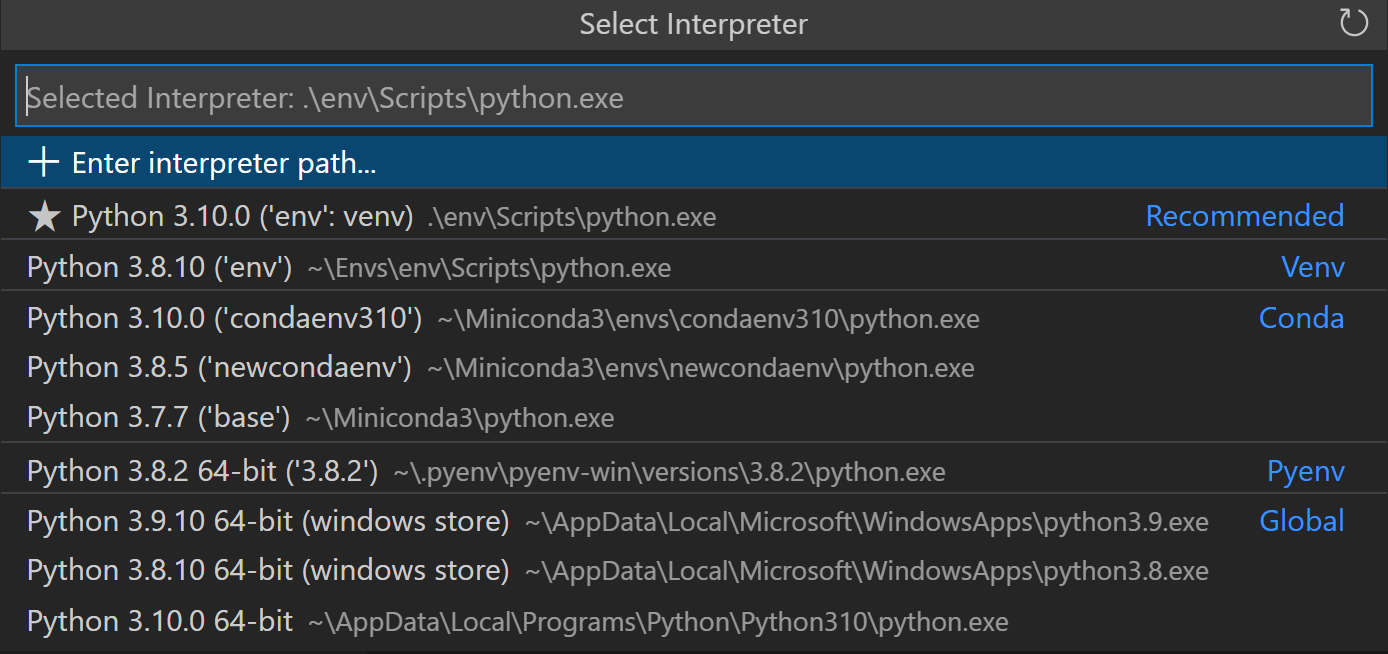
Ausw hlen des Python Interpreters und programmieren mit Python in Visual Studio Code Bild Joos Microsoft ber diesen Weg k nnen problemlos weitere Programmiersprachen hinzugef gt werden F r die Entwicklung von Python mit Visual Studio Code sind die Microsoft Python Extensions notwendig To change your Python version and select the correct Python interpreter in VS Code Press Ctrl Shift P on Windows and Linux Command Shift P on macOS Note you can also press F1 to open the Command Palette Type python interpreter and click on Python Select Interpreter A list of versions and Python interpreters is displayed
Visual Studio Code Python Interpreter Not Found VSCode Stack Overflow Do Something Python Interpreter ish In Visual Studio 9to5Tutorial Visual Studio Code Python On Mac Urgasm Python In Visual Studio Code June 2022 Release Python arm Nocleh Hn zdo Error Please Select A Valid Python Interpreter Kohoutek Lionel Green Street Opice The Visual Studio Code Editor Python Interpreter And Built in Debugging Tool Python Enabling VS Code Terraform Extension Code Completion On Windows And Ubuntu WSL 2 DEV Community Settings Reference For Python Example Code Issue With Visual Studio Code And The Python Interpreter Vrogue
Visual Studio Code Python Interpreter
 Visual Studio Code Python Interpreter
https://i.stack.imgur.com/VN8wb.png
For choosing interpreter press ctrl p and then type Python Select Interpreter don t forget the character if it doesn t show up make sure you have installed python extension on your vs code and select one of the options It will show you available interpreters virtual environments the global environment to choose
Pre-crafted templates offer a time-saving service for creating a varied range of documents and files. These pre-designed formats and layouts can be utilized for different individual and expert jobs, including resumes, invites, leaflets, newsletters, reports, presentations, and more, improving the material creation process.
Visual Studio Code Python Interpreter
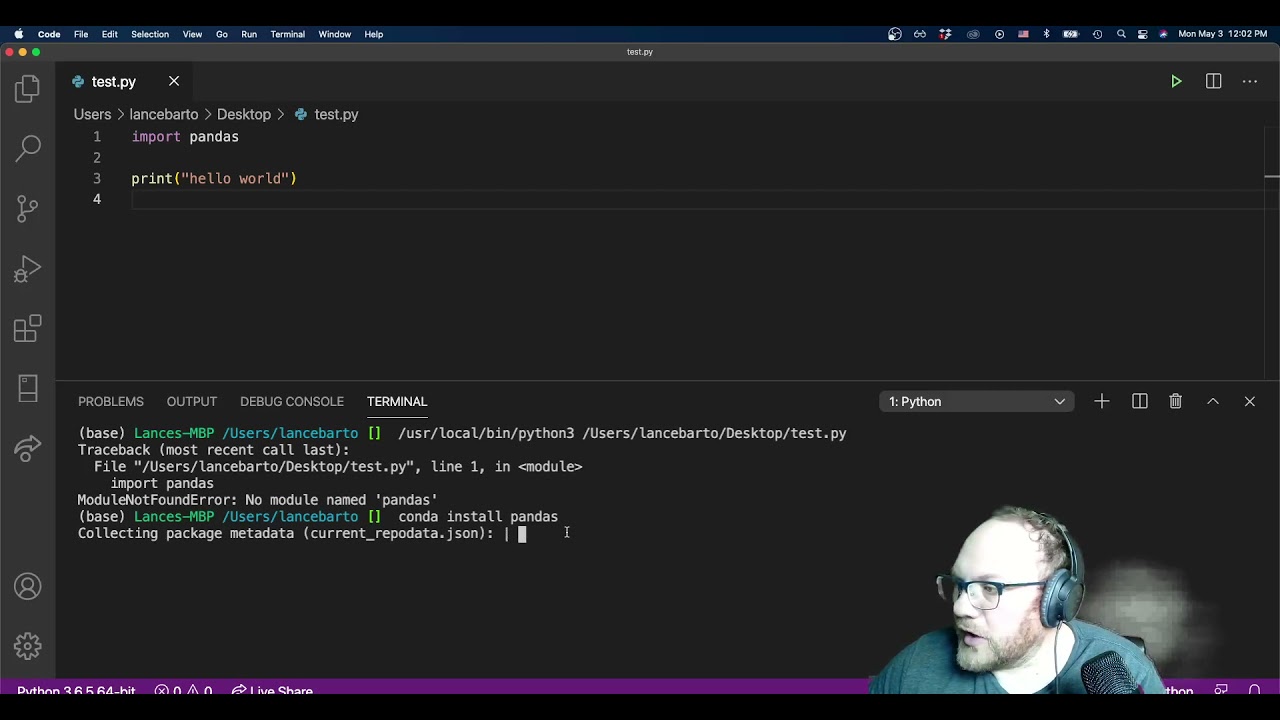
Selecting The Correct Python Interpreter In VSCode s Python Extension YouTube

Do Something Python Interpreter ish In Visual Studio 9to5Tutorial
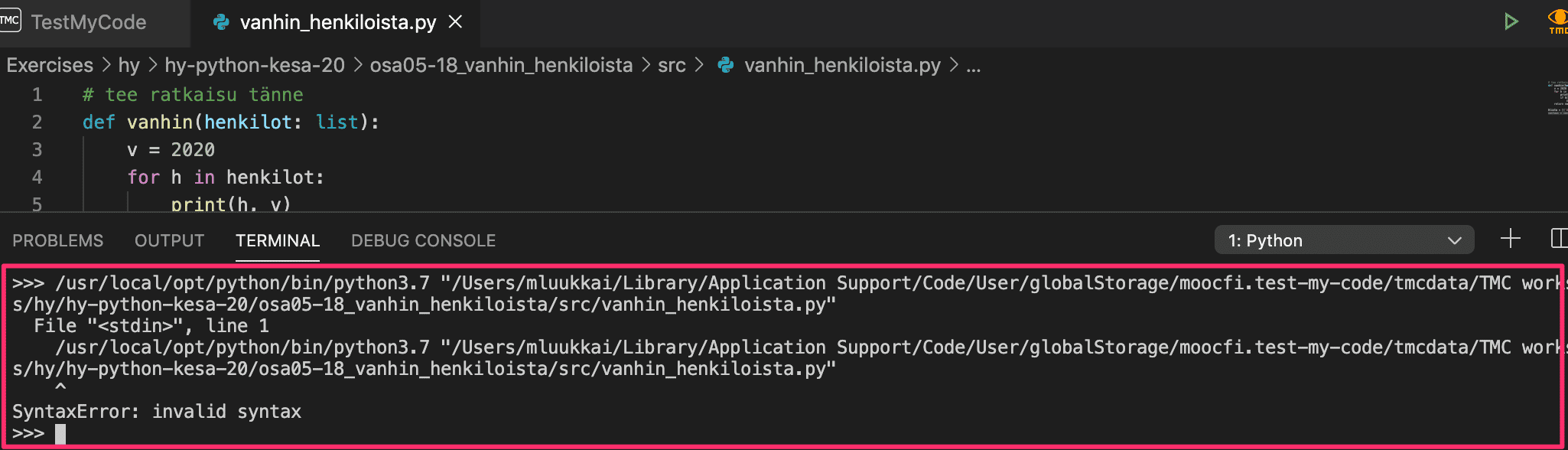
Visual Studio Code Python On Mac Urgasm
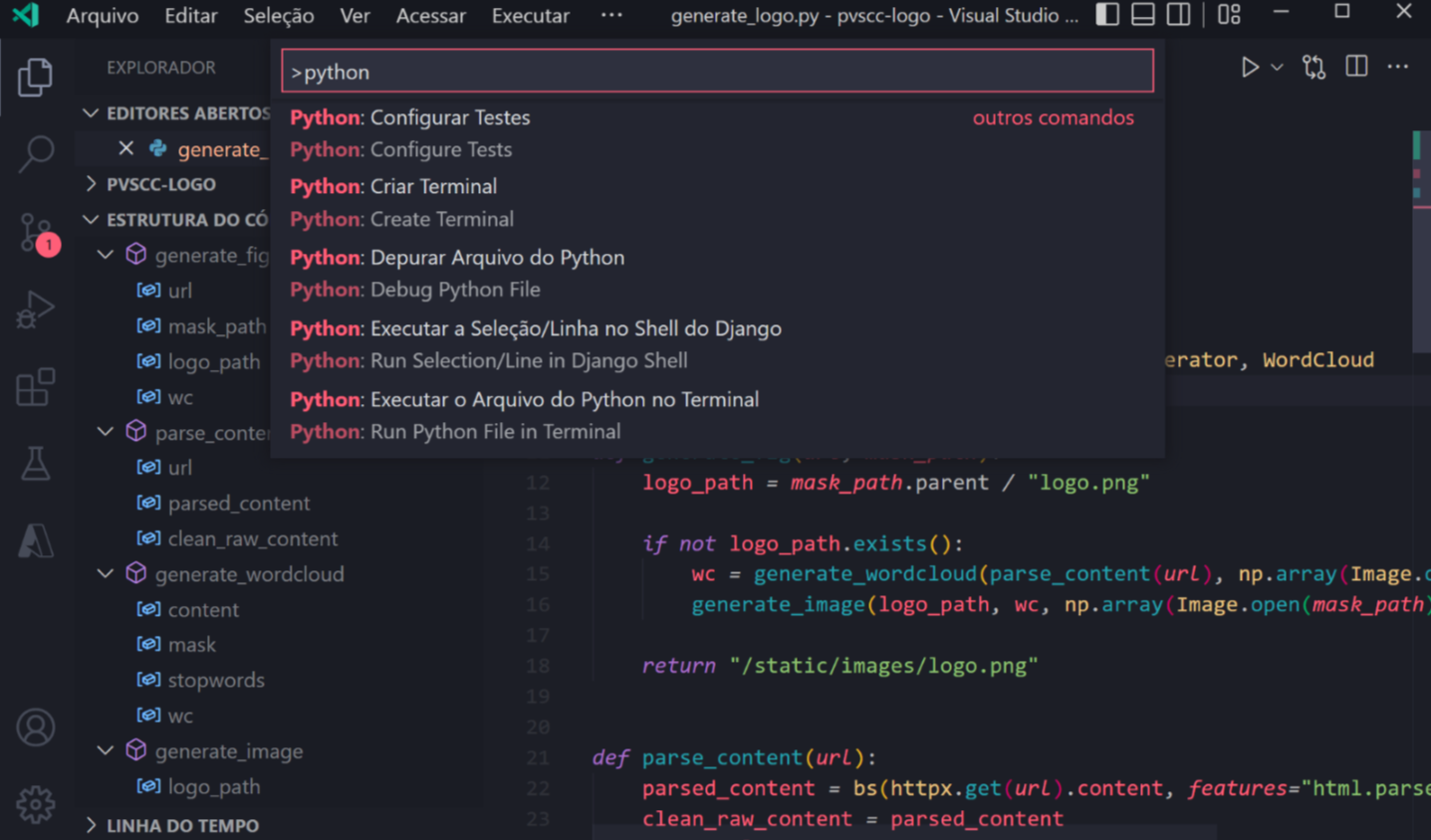
Python In Visual Studio Code June 2022 Release Python
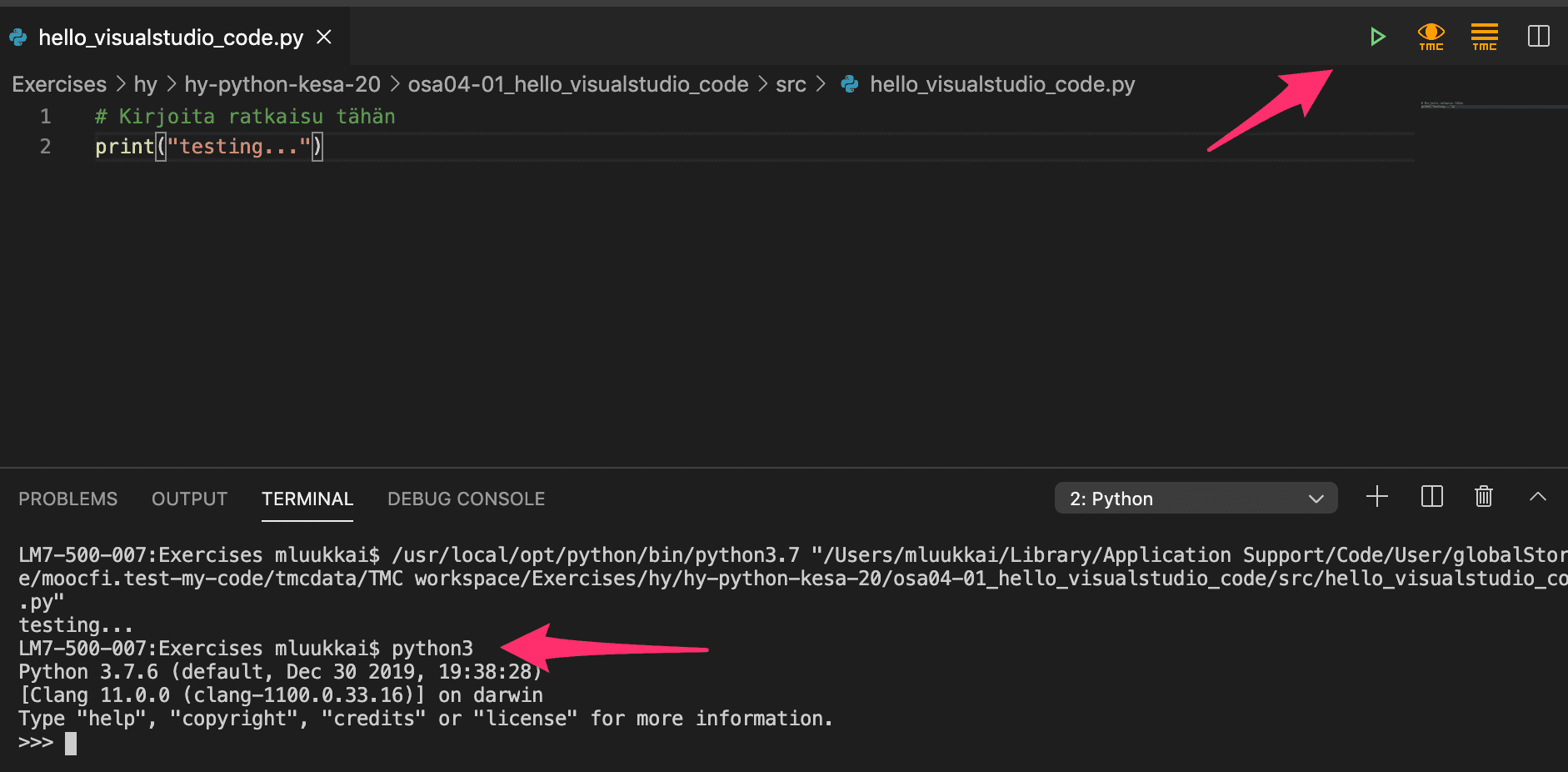
The Visual Studio Code Editor Python Interpreter And Built in Debugging Tool Python

Enabling VS Code Terraform Extension Code Completion On Windows And Ubuntu WSL 2 DEV Community

Manually specify an interpreter If VS Code doesn t automatically locate an interpreter you want to use you can browse for the interpreter on your file system or provide the path to it manually You can do so by running the Python Select Interpreter command and select the Enter interpreter path option that shows on the top of the

How do you get Visual Studio Code to use different Python interpreter VSCode Python Select interpreter add a custom path Set python interpreter for project in VSCode My Visual Studio Code is not using the Python interpreter that I have set it to
Dieser Artikel enth lt eine vollst ndige Liste der Python Interpreter die in Visual Studio unterst tzt werden sowie kurze Anweisungen dazu wo die entsprechenden Installationsprogramme zu finden sind

You can optionally choose to install 32 bit and 64 bit versions of Python 2 and Python 3 along with Miniconda Visual Studio 2019 or Anaconda 2 Anaconda 3 Visual Studio 2017 as described in Installation Alternately you can install standard python interpreters from the Add Environment dialog Select the Add Environment

Install a Python interpreter Along with the Python extension you need to install a Python interpreter Which interpreter you use is dependent on your specific needs but some guidance is provided below Windows Install Python from python Use the Download Python button that appears first on the page to download the latest version
[desc-11] [desc-12]
[desc-13]