Visual Studio Code Not Show Special Characters Visual Studio Code Not Helping With Autofill Ask GameDev tv Bluish Symbols Pre V2 Archive Of Affinity On Desktop Questions macOS Mx Player Beta For Ios Vertical Emoji Blackberry Q10 Show Special Our Guide To Mickey s Very Merry Christmas Party Tickets On Sale Now How Can I Access Terminal In Visual Studio Code Which Is Not Working That extension is useless it doesn t actually display whether characters are carriage returns or line feeds it just makes glyphs at the end of the lines which match what vscode says the file is It doesn t help pinpoint files with mixed end of line styles
Responsive code completion Selected by default this option enables the editor to suggest possible completions for your code based on its context and language semantics Toggle to turn off auto complete mode Click to peek in margin The Single click setting is selected by default In the case of Western European Latin languages ANSI encoding means the code page Windows 1252 1 1a Make VS Code use the correct encoding In VS Code instead of looking for ANSI encoding look for Windows 1252 I clicked UTF 8 Reopen with Encoding and VS Code displayed Western Windows 1252 Guessed from content as its top suggestion
How Can I Access Terminal In Visual Studio Code Which Is Not Working Azure Function Plugin For Visual Studio Code Not Working mac Exercise Wann wenn als Flutter Vs Code Linux Posetke Visual Studio Code Not Displaying Docker Files After Attaching To A ICT IGCSE CIE Chapter 17 Document Production Diagram Quizlet Flutter Setup Run With Visual Studio Code On Macos Youtube Photos Visual Studio Visual Studio Code Java Gui Sandiegolew
Visual Studio Code Not Show Special Characters
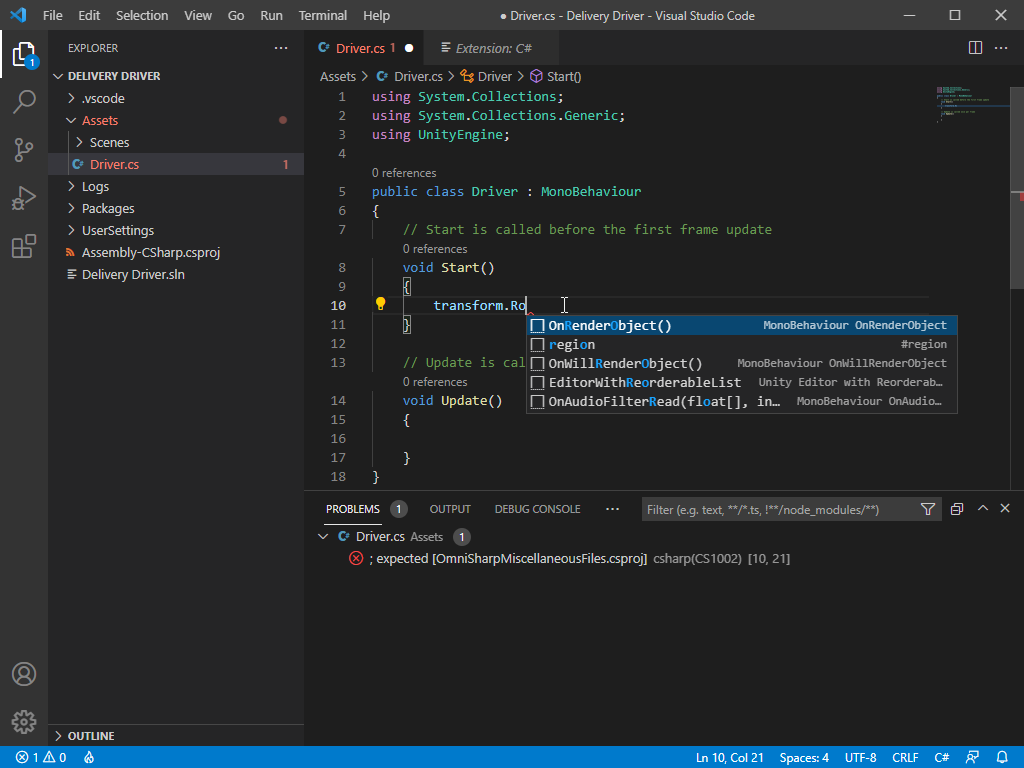 Visual Studio Code Not Show Special Characters
https://community.gamedev.tv/uploads/db2322/original/3X/6/4/6434f0d0f31bea02b78c2157490a0380038054df.png
1 Go to the Settings page of VS Code Mac Code Preferences Settings hotkeys Command Windows File Preferences Settings hotkeys Ctrl 2 Type render whitespace into the search field then head to the Editor Render Whitespace section Click on the dropdown then select all from the menu as follows
Templates are pre-designed files or files that can be used for various purposes. They can save effort and time by offering a ready-made format and design for creating different kinds of material. Templates can be utilized for individual or expert projects, such as resumes, invites, leaflets, newsletters, reports, discussions, and more.
Visual Studio Code Not Show Special Characters

VS Code Plugin For FlutterFlow Code Download FlutterFlow

Azure Function Plugin For Visual Studio Code Not Working mac

Exercise Wann wenn als
Flutter Vs Code Linux Posetke

ICT IGCSE CIE Chapter 17 Document Production Diagram Quizlet

Flutter Setup Run With Visual Studio Code On Macos Youtube Photos
1 minute read 207 words Web Dev By default VScode doesn t display invisible or whitespace characters It is easy to turn on should you need it You can enable it from inside the application and it persists between sessions and projects By default whitespace characters will only show when text is selected or highlighted
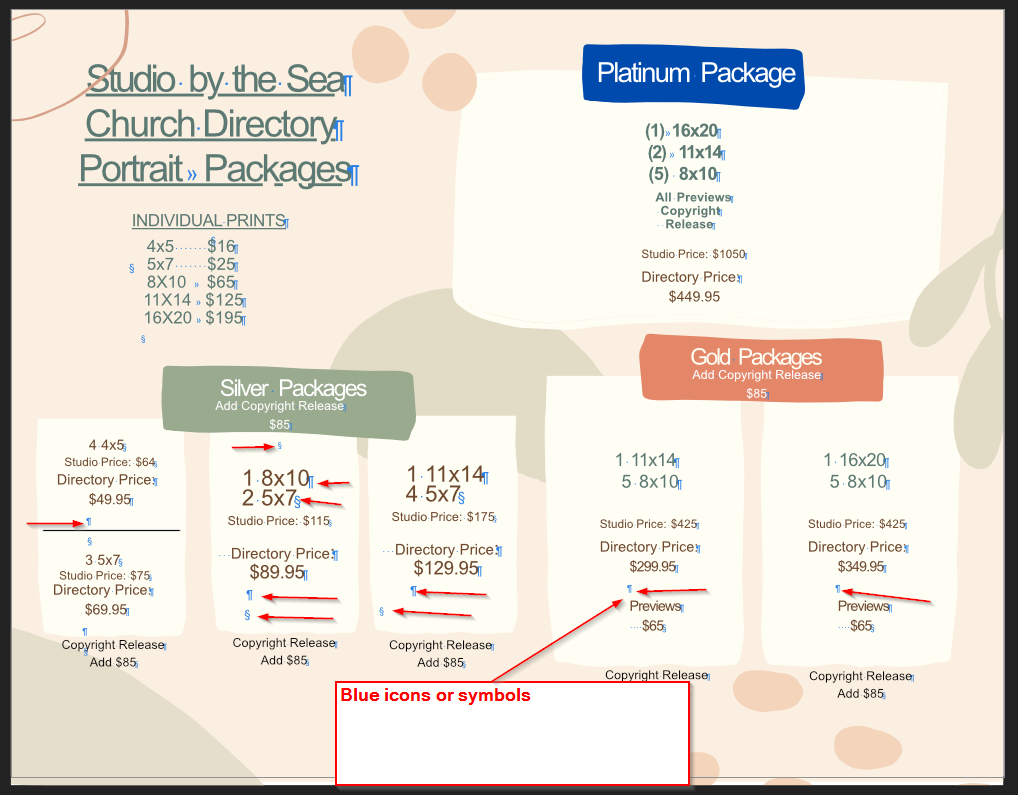
33 I have Unicode characters that I can t see that are not UTF 8 and I need to spot them I used the extension Highlight Bad Chars Kevin Wenger but it s not sufficient In particular I don t know which these characters are and I don t want to have to define them in advance How can I do this with Visual Studio Code visual studio code Share
Special characters not displaying on vscode Ask Question Asked 2 years 6 months ago Modified 1 year 7 months ago Viewed 1k times 0 Last week I Show escape characters in Visual Studio Code 7 Typing Unicode Symbols in VS Code 2 How to show Unicode characters in Visual Studio

4 Answers Sorted by 4 On Windows entering special characters including letters with accents can be done with ALT Codes Pressing down the Alt key and then a specific series of numbers on the num pad will type the corresponding character e g Alt 0233 Alt 0225

JULY 6 2022 In Visual Studio Code s menu bar go to Code Preferences Settings or press Search for Render Whitespace in the Search settings search bar Set the value to all You can also set this value to none to hide hidden characters throughout Visual Studio Code or set it to be displayed for boundary selection or trailing
Go to the File menu and select Advanced Save Options In the Encoding drop down menu choose the appropriate encoding for your project Save the file 2 Handling Escape Sequences Escape sequences are special characters that are represented by a backslash followed by a specific character The extension offers the following settings for customization render special chars include An array of UTFx codes or characters that will be prominently displayed render special chars except An array of characters specified in UTFx or as individual characters that will not be prominently displayed regardless of whether they are included in
This is an extension for Visual Studio Code which adds commands for inserting Unicode characters codes and Emoji The commands can be executed via the command palette View Command Palette Ctrl Shift P or bound to keyboard shortcuts No keys are bound by default