Visual Studio Code Import Settings How Do I Restore The Default Visual Studio Code Settings Visual Studio Code User And Workspace Settings 2023 Code Hen Philadelphia Open Settings Vscode Library Sovereign Exhibition Integrating Workflows With Visual Studio Code Integrating Workflows 7 Visual Studio Code Alternatives For Better Coding Programming Cube Plugin matching best effort matches JetBrains Rider s Import Settings Dialog showing keymaps and plugins for Visual Studio Code installation For VS Code users the import process will make a best effort attempt to find plugins in the JetBrains marketplace For example some plug ins include VIM Team City NodeJS Source control and Docker
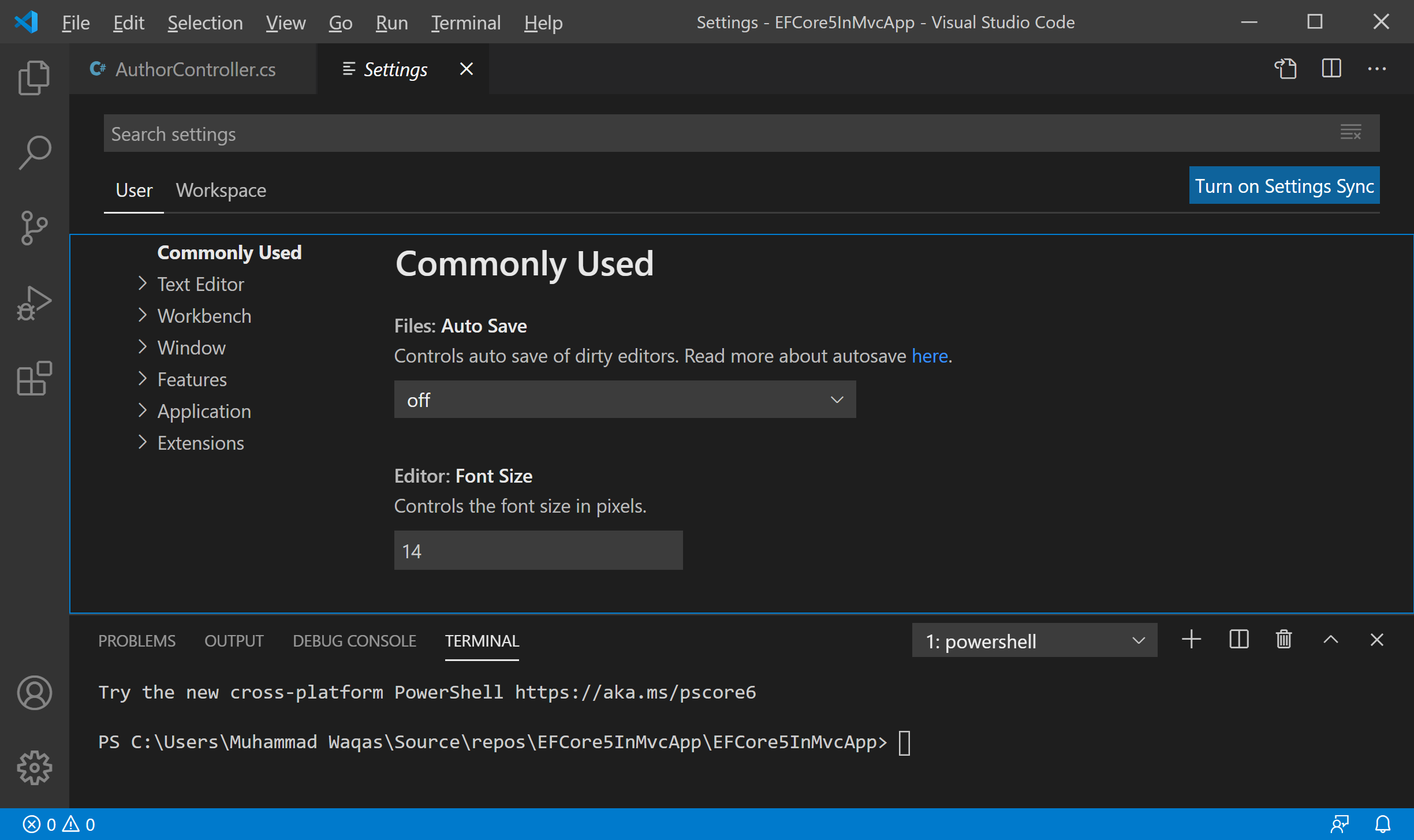
Default environment settings for Visual Studio In Visual Studio you can optimize your development environment for the type of development work you do by selecting Tools Import and Export Settings Wizard You can use the wizard to import or export specific categories of setting or to reset the environment to one of the default collections of settings Settings Sync in Visual Studio Code The feature was added in VS Code s July 2020 release or version 1 48 0 As of November 1 it s still in preview but I ve been using it for around a month without encountering any issue Make sure that your Visual Studio Code is up to date Step 1 Search for Settings Sync in the Command Palette
7 Visual Studio Code Alternatives For Better Coding Programming Cube Visual Studio Code Introduction overview Youtube Seamless Teaching And Unlock The Power Of Visual Studio Code Step By Step Guide To Adding Visual Studio Code User And Workspace Settings V s Vs Code Ide Or Best Ways To Optimizing Your Visual Studio Code In 2022 CodingSutra Create Extensions For Visual Studio Code Vscode By Islem Maboud Vrogue Getting Started With Visual Studio Code For Mac Tikloquestions Visual Studio Code Yaml File Formatting In Vscode Stack Overflow Manage 2 Steps To Install Visual Studio Code On Windows 10 Techomoro Riset
Visual Studio Code Import Settings
 Visual Studio Code Import Settings
https://i.ibb.co/1YgDbf2/settings-json-file-vscode.jpg
Step 1 Install Settings Sync in VS Code This is the official plugin you ll see in your own VS Code marketplace The obvious first step is to install Settings Sync into your VS Code terminal from the marketplace This is the icon you ll see when you search for it Next up you ll need to head to your Github account
Templates are pre-designed files or files that can be utilized for various functions. They can save time and effort by providing a ready-made format and layout for developing different type of material. Templates can be used for personal or expert tasks, such as resumes, invites, leaflets, newsletters, reports, presentations, and more.
Visual Studio Code Import Settings

Configurar Visual Studio Code Java Mobile Legends
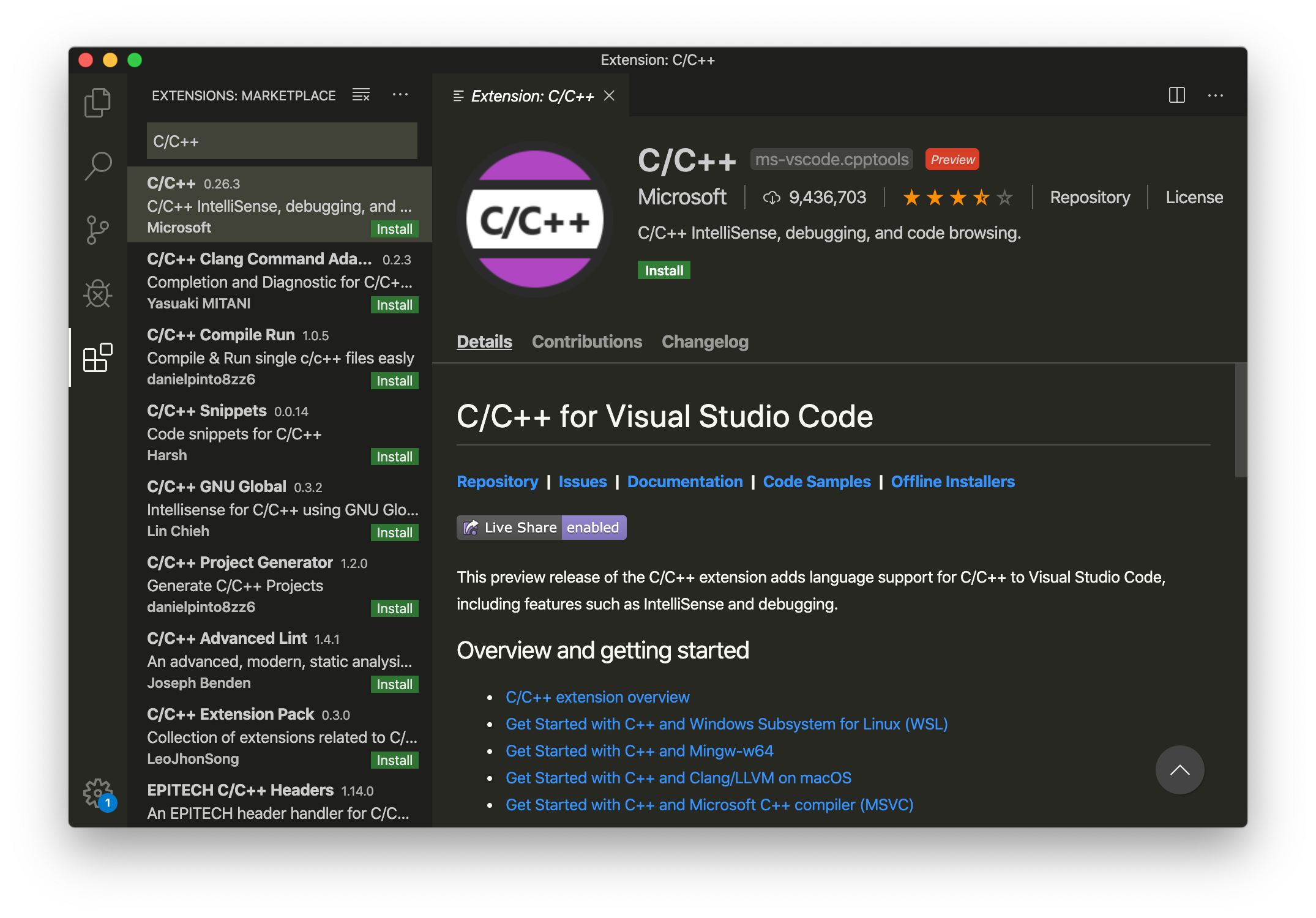
Visual Studio Code Introduction overview Youtube Seamless Teaching And

Unlock The Power Of Visual Studio Code Step By Step Guide To Adding
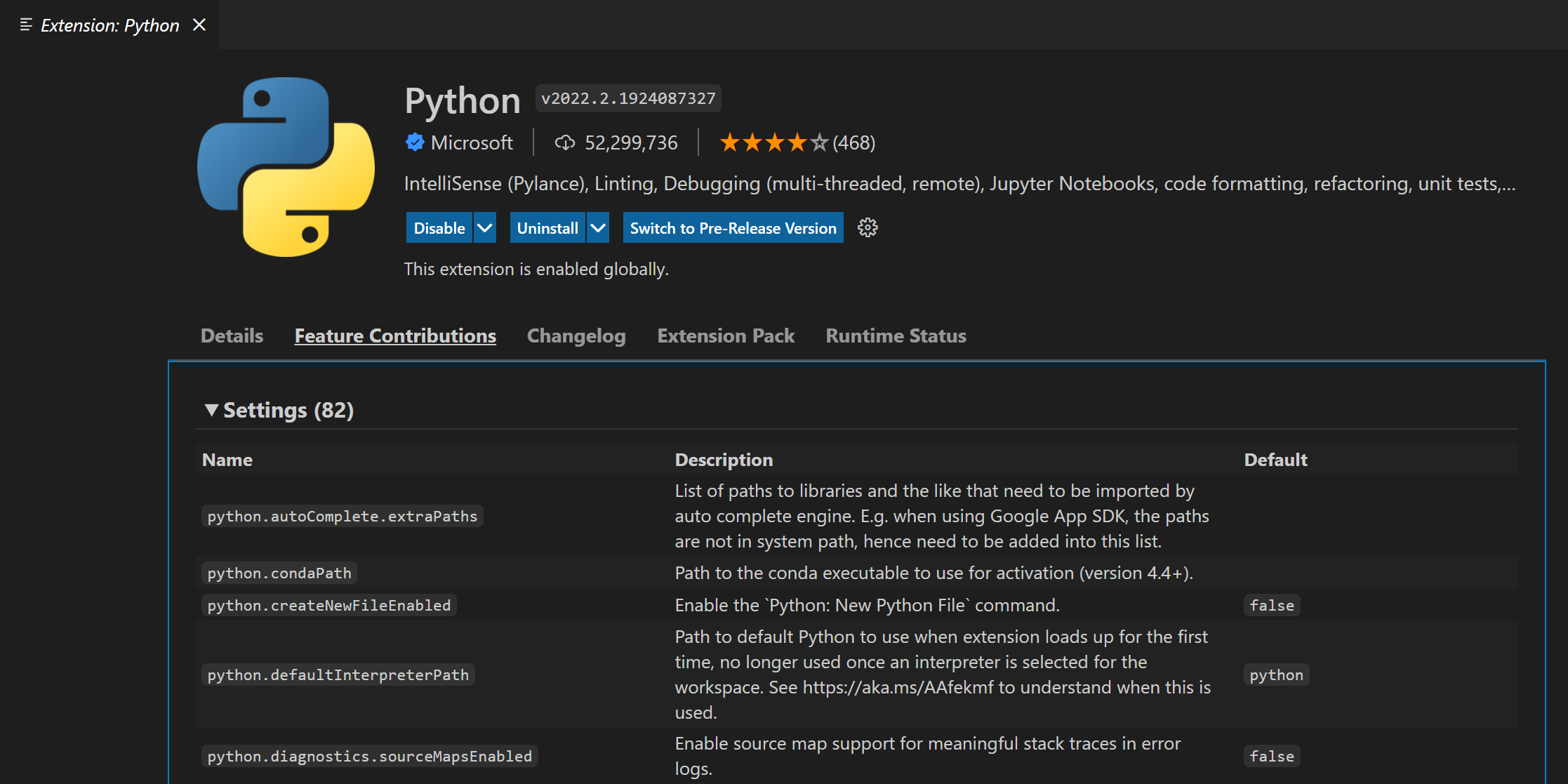
Visual Studio Code User And Workspace Settings V s Vs Code Ide Or
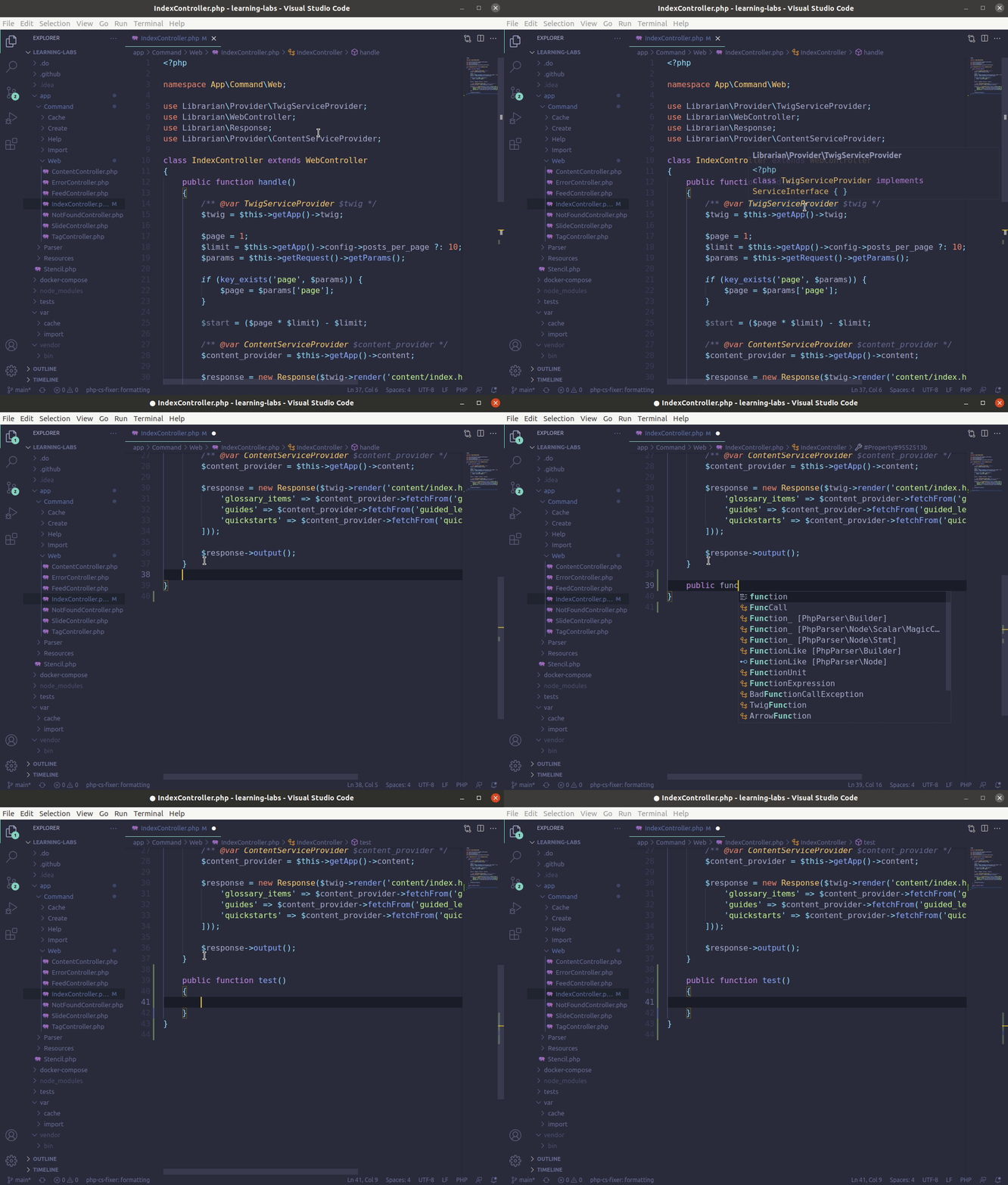
Create Extensions For Visual Studio Code Vscode By Islem Maboud Vrogue
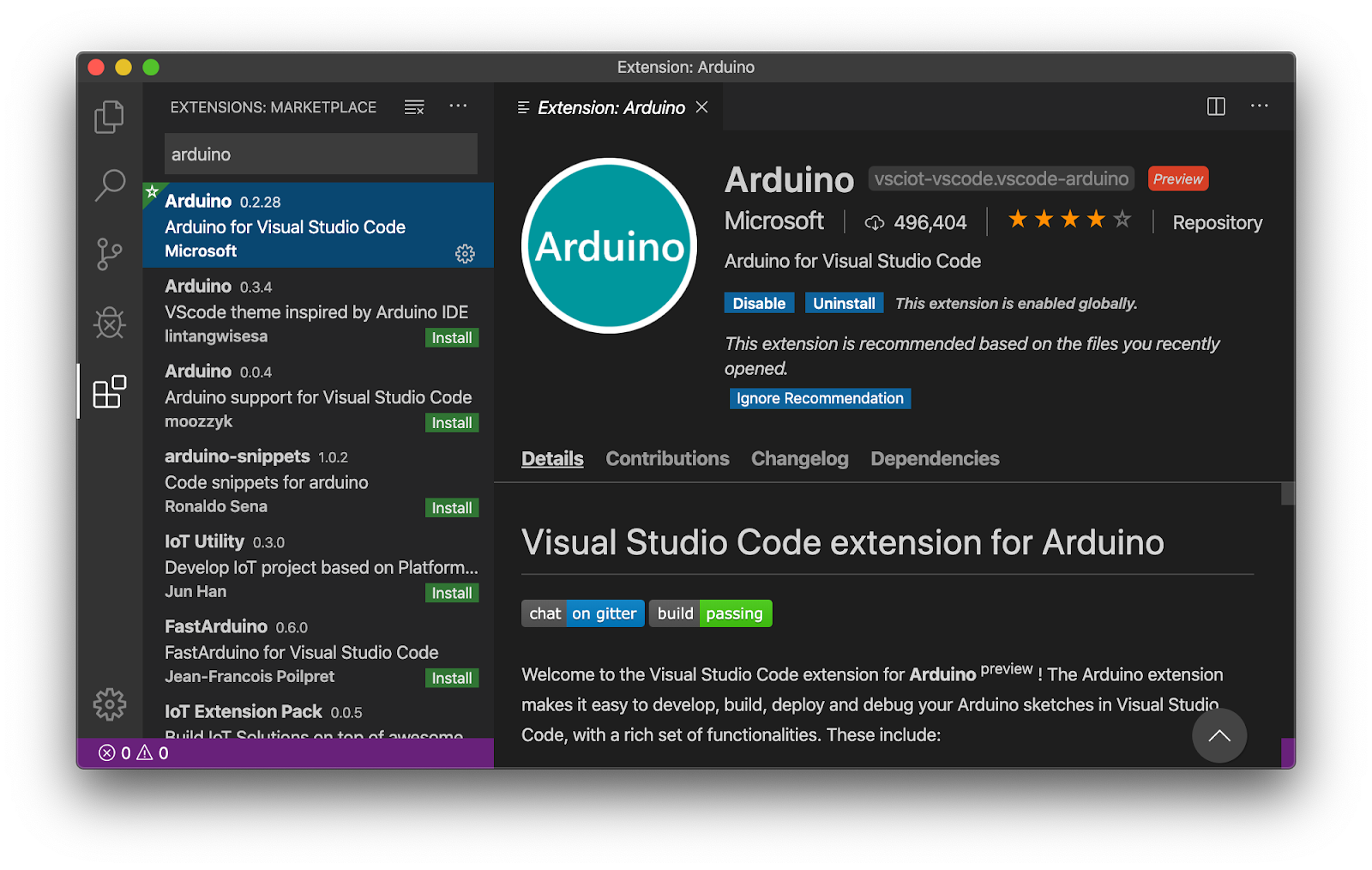
Getting Started With Visual Studio Code For Mac Tikloquestions

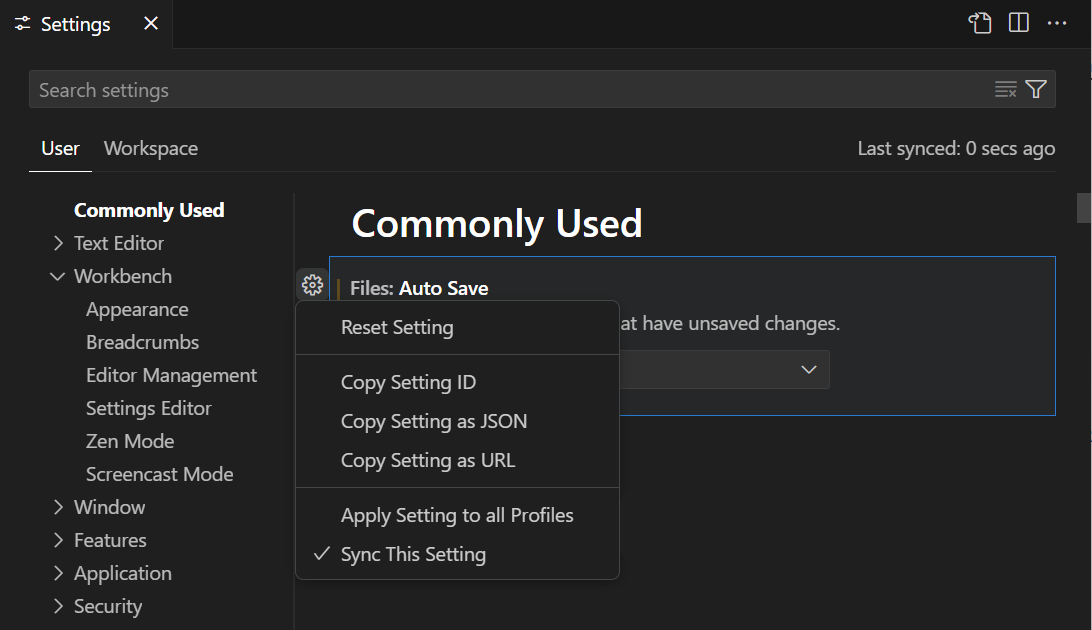
Settings Sync lets you share your Visual Studio Code configurations such as settings keybindings and installed extensions across your machines so you are always working with your favorite setup VS Code Settings Sync supports signing in with either a Microsoft account for example Outlook or Azure accounts or a GitHub account
Imports exports or resets Visual Studio settings file vssettings The file s schema is open Most commonly the schema follows an XML structure where each category is a tag which can itself contain subcategory tags Running this command with no switches opens the Import and Export Settings wizard For more information see
First things first open Visual Studio Code and either open an existing Java folder file or create a new Java file in Visual Studio Code Then look at the lower right corner of Visual Studio Code on the blue command bar The Visual Studio Code should be displaying an icon showing the version of the Java Standard Edition Java SE being used

Profiles in Visual Studio Code Visual Studio Code has hundreds of settings thousands of extensions and innumerable ways to adjust the UI layout to customize the editor VS Code Profiles let you create sets of customizations and quickly switch between them or share them with others This topic explains how to create modify export and import profiles
When you re ready to import an installation configuration file follow these steps Open the Visual Studio Installer On either the Installed tab or the Available tab select More Import configuration on the product card Locate the vsconfig file that you want to import and then choose Review details Make sure you ve got the workloads and
The best way to export settings and extensions in Visual Studio Code is to use the built in Settings Sync functionality To turn on settings sync Click on the gear icon at the bottom left part of the Activity Bar Click on the Turn on Settings Sync option You will be prompted to select which settings you want to sync In this article Use this page to specify where your user settings file is saved For more information about settings see Personalize the Visual Studio IDE
A quick Visual Studio tip on how to move your settings to a different instance of Visual Studio This can be a handy method of sharing your settings with a c