Visual Studio Code Change Background Color Colorize Visual Studio Marketplace Visual Studio Code Tip Set Color Theme TheBlogReaders Visual Studio Code Tips Change Terminal Theme Color Theblogreaders Com Visual Studio Code How To Change Color Of Editor Indent In Vscode Vrogue Visual Studio Code Change Background Color Of Indent In Vscode Images Web You can customize your active Visual Studio Code color theme with the workbench colorCustomizations user setting quot workbench colorCustomizations quot quot activityBar background quot quot 00AA00 quot Note If you want to use an existing color theme see Color Themes where you ll learn how to set the active color theme through the
Web Feb 3 2016 nbsp 0183 32 15 Answers Sorted by 126 In VS code User Settings you can edit visible colours using the following tags this is a sample and there are much more tags Web Themes Change your Color Theme to customize VS Code s background text and language syntax colorization Was this documentation helpful 10 5 2021 Learn how to personalize Visual Studio Code with themes
Visual Studio Code Change Background Color Of Indent In Vscode Images Visual Studio Code Change Background Color Of Indent In Vscode Images Visual Studio Code Change Background Color Of Indent In Vscode Images How To Change Background Color In Visual Studio Code EnjoySharePoint Visual Studio Code How To Change Language In Warnings In VSCode How To Change Background Theme In Visual Studio Code ThemeBin How To Change Default Theme Colors In Visual Studio Code VSCode DevColor Visual Studio Marketplace visual studio code Change Highlight Text Color In Visual Studio Code
Visual Studio Code Change Background Color
 Visual Studio Code Change Background Color
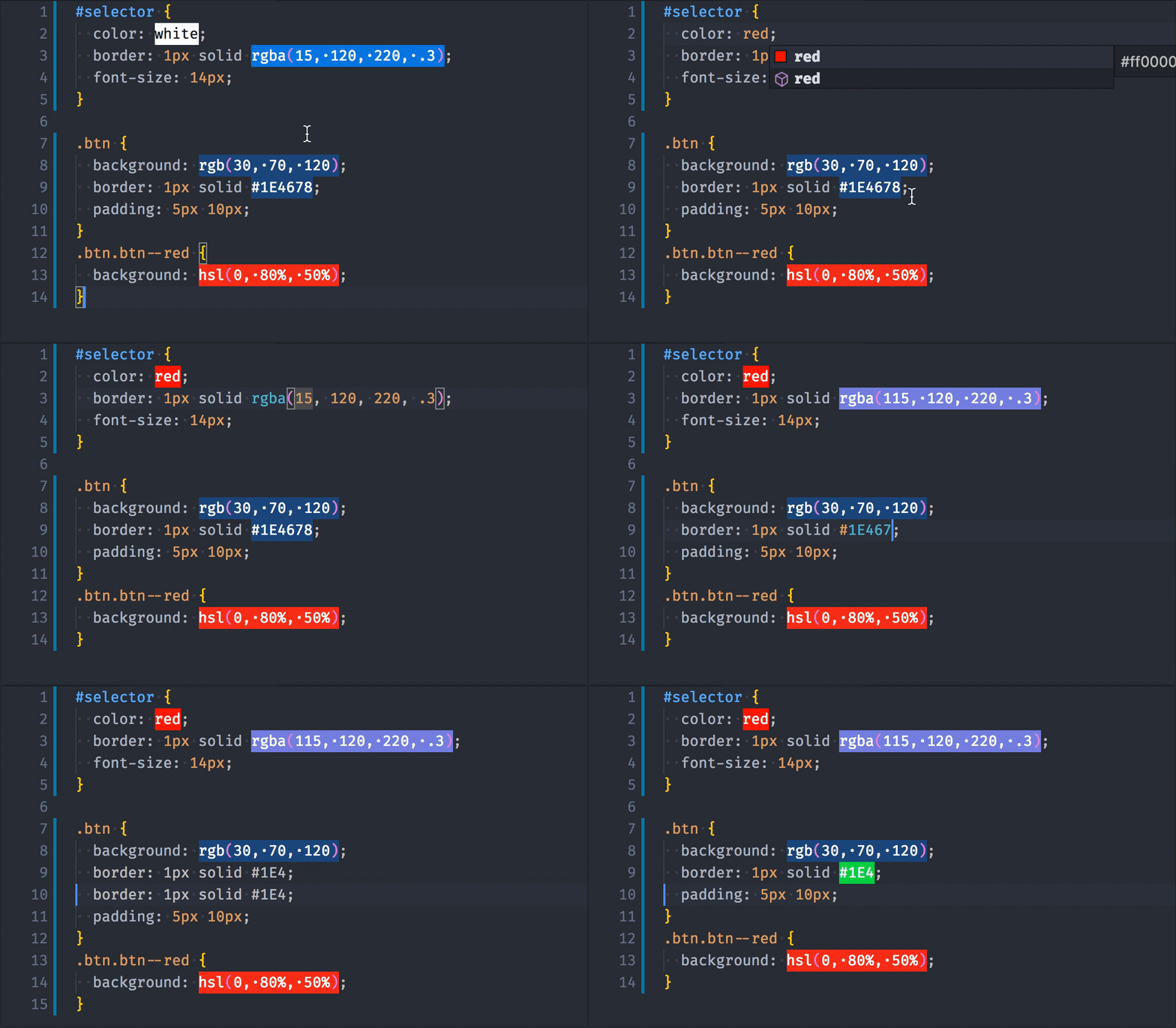
https://raw.githubusercontent.com/kamikillerto/vscode-colorize/master/assets/demo.gif
Web Perhaps one or more of the foreground colors to change the text color will help you The Custom CSS and JS Loader may allow you to change the color of the settings page You can inspect vscode s elements by Help Toggle Developer Tools to find out what element you need to target with that extension
Templates are pre-designed files or files that can be used for different purposes. They can save time and effort by offering a ready-made format and layout for developing various sort of material. Templates can be used for individual or expert projects, such as resumes, invitations, leaflets, newsletters, reports, discussions, and more.
Visual Studio Code Change Background Color
Visual Studio Code Change Background Color Of Indent In Vscode Images

Visual Studio Code Change Background Color Of Indent In Vscode Images

Visual Studio Code Change Background Color Of Indent In Vscode Images

How To Change Background Color In Visual Studio Code EnjoySharePoint

How To Change Background Theme In Visual Studio Code ThemeBin
How To Change Default Theme Colors In Visual Studio Code VSCode
Web Go to the Color Theme guide for more information Again to customize specific themes you can do this in one of the following ways quot editor tokenColorCustomizations quot quot Monokai quot quot comments quot quot 229977 quot quot Dark quot quot variables quot quot 229977 quot quot Abyss Red quot quot keywords quot quot f00 quot

Web In VS Code open the Color Theme picker with File gt Preferences Code gt Preferences or Code gt Settings on macOS gt Theme gt Color Theme You can also use the keyboard shortcut Ctrl K Ctrl T to display the picker Use the cursor keys to preview the colors of the theme Select the theme you want and press Enter

Web Mar 2 2022 nbsp 0183 32 I have changed the json code with this quot editor bracketPairColorization enabled quot true quot editor guides bracketPairs quot quot active quot quot background enabled quot true quot background loop quot false quot background useDefault quot false quot background useFront quot false quot background style quot quot content quot quot quot quot pointer events quot

Web Feb 22 2020 nbsp 0183 32 1 Answer Sorted by 13 Writing quot workbench colorCustomizations quot quot editor background quot quot 2B1B17 quot In your user settings json should work You can find this file in config Code User settings json if you use vscode on Linux Share Improve this answer Follow answered May 11 2020 at 11 22 yopes 131 1 3 Add a comment Your Answer

Web Aug 4 2023 nbsp 0183 32 Set the color theme for the IDE The default color theme for the Visual Studio user interface is Dark Here s how to change it to a different color theme On the menu bar select Tools gt Options In the options list select Environment gt General
Web You can customize your active Visual Studio Code color theme with the workbench colorCustomizations user setting quot workbench colorCustomizations quot quot activityBar background quot quot 00AA00 quot Web Mar 9 2023 nbsp 0183 32 Users are prompted to select a theme during their first use of Visual Studio and are able to switch themes later by going to Tools gt Options gt Environment gt General and choosing a new theme from the quot color theme quot drop down menu Users can also use Control Panel to switch their entire systems into one of several High Contrast themes
Web May 10 2023 nbsp 0183 32 Change Visual Studio Code Background Color Follow the below steps to change the background color Open Visual Studio Code Click on File gt Preference gt Color Theme You can use visual studio code shortcut keys as Ctrl K Ctrl T which will open the theme directly in vs code