Visual Studio Code Auto Add Import Visual Studio Code Auto Format Command Fteneuro Visual Studio Code Auto Format Xml Daxtxt Visual Studio Code Tomcat Auto completion For Workflows JSON And YAML On Visual Studio Code Visual Studio Code Auto Format Angular Ksenj How can VSCode be configured such that we can select the unimported variable either press a shortcut or select something from the right click menu and select the appropriate module to be imported Similar to the Ctrl auto import shortcut when dealing with Rust files javascript typescript visual studio code Share Improve this question Follow
To define a basic JavaScript project add a jsconfig json at the root of your workspace compilerOptions module CommonJS target ES6 exclude node modules See Working with JavaScript for more advanced jsconfig json configuration There s a VS Code setting that enables automatic organizing of imports on file saves It primarily does two things sorts imports based on ESLint settings removes any unused imports Aside from being a timesaver this also avoids linting errors which is especially useful in CI CD codebases where linting errors will stop a job from completing
Visual Studio Code Auto Format Angular Ksenj Visual Studio Code Auto Format Angular Littlebxa Enable Visual Studio CODE Mouse Scroll Wheel Zoom In And Out and GUI Vscode vscode Code Map i CSDN Visual Studio Code Auto Indent Gaineed Angular Visual Studio Code Auto Formatting Not Working Stack Overflow Visual Studio Code Auto Format Command Fteneuro Visual Studio Code Auto Format Angular Littlebxa Visual Studio Code Auto Format When Save Raswaves
Visual Studio Code Auto Add Import
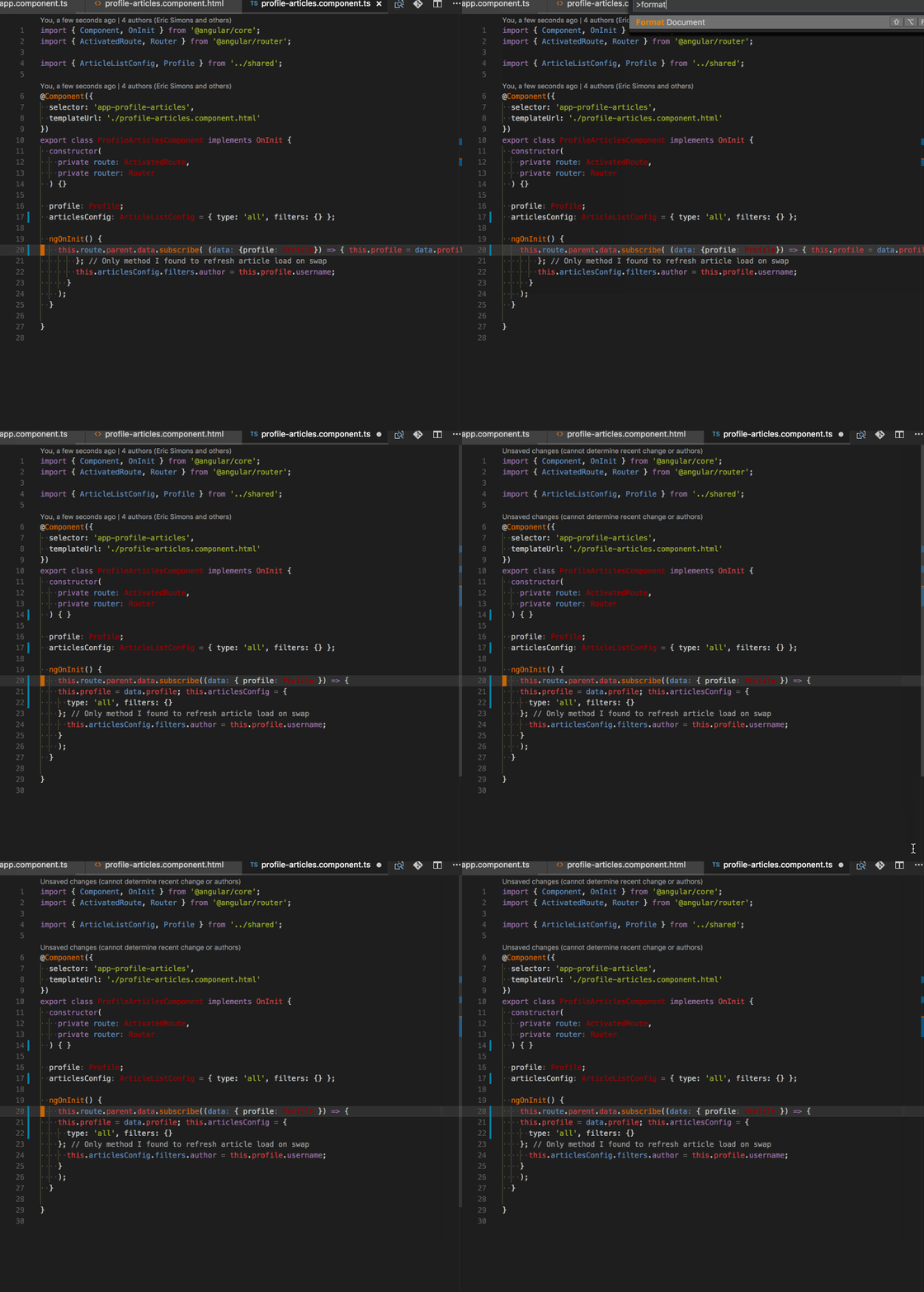 Visual Studio Code Auto Add Import
https://miro.medium.com/max/1400/1*_Zj3xogeMyFAUmUq_V95oQ.gif
Visual Studio Code Extension Auto ImportIn this video we take a look at the Auto Import extension within Visual Studio Code Prefer written content or wan
Templates are pre-designed documents or files that can be utilized for numerous purposes. They can save time and effort by supplying a ready-made format and layout for creating different sort of content. Templates can be used for individual or professional projects, such as resumes, invites, leaflets, newsletters, reports, presentations, and more.
Visual Studio Code Auto Add Import

How To Edit Visual Studio Code Auto complete In JavaScript Stack

Visual Studio Code Auto Format Angular Littlebxa
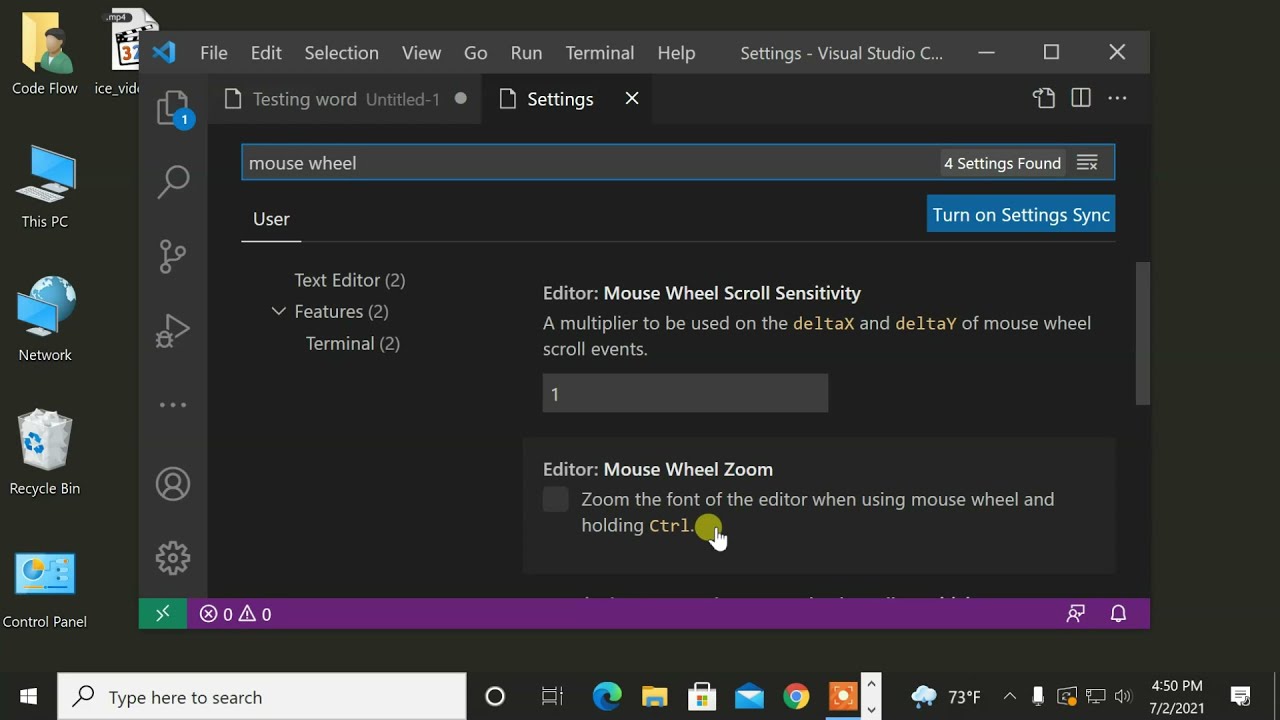
Enable Visual Studio CODE Mouse Scroll Wheel Zoom In And Out and GUI
Vscode vscode Code Map i CSDN

Angular Visual Studio Code Auto Formatting Not Working Stack Overflow
Visual Studio Code Auto Format Command Fteneuro

4 Answers Sorted by 14 It appears that until recently before TypeScript 4 release the only way to make auto imports work was to import each library you need at least once in your project does not matter where After that VS Code supposed to start auto import stuff from them

Using the Command Palette CMD SHIFT P open the option Preferences Open User Settings JSON Then add the following settings to your opened User settings json editor codeActionsOnSave sourceanizeImports true source addMissingImports true
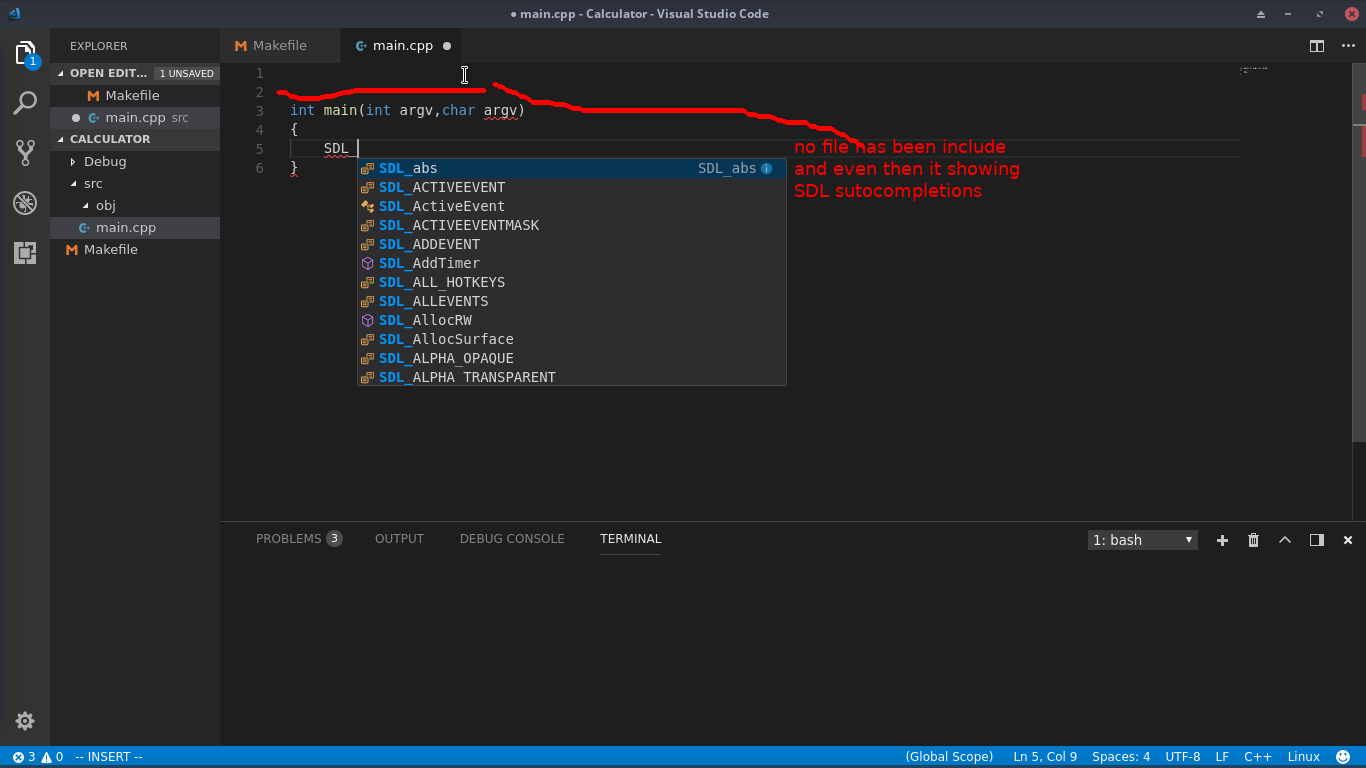
Universal More Info Extension for Visual Studio Code Automatically finds parses and provides code actions and code completion for all available imports Works with Typescript and TSX
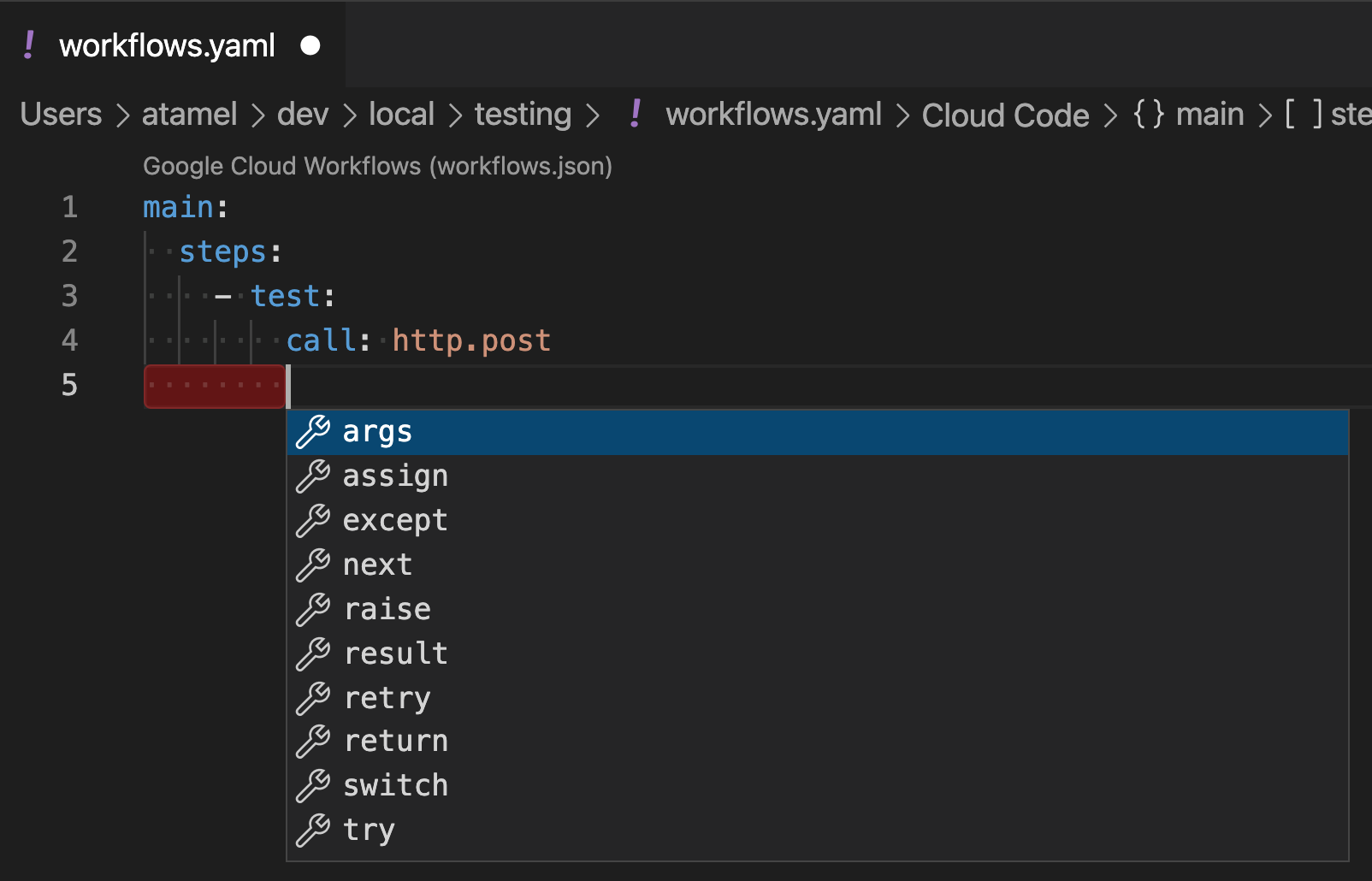
03 09 2023 8 contributors Feedback In this article Add missing usings refactoring See also Applies to Visual Studio Visual Studio for Mac Visual Studio Code This code generation applies to C Visual Basic What Lets you immediately add the necessary imports or using directives for copy and pasted code
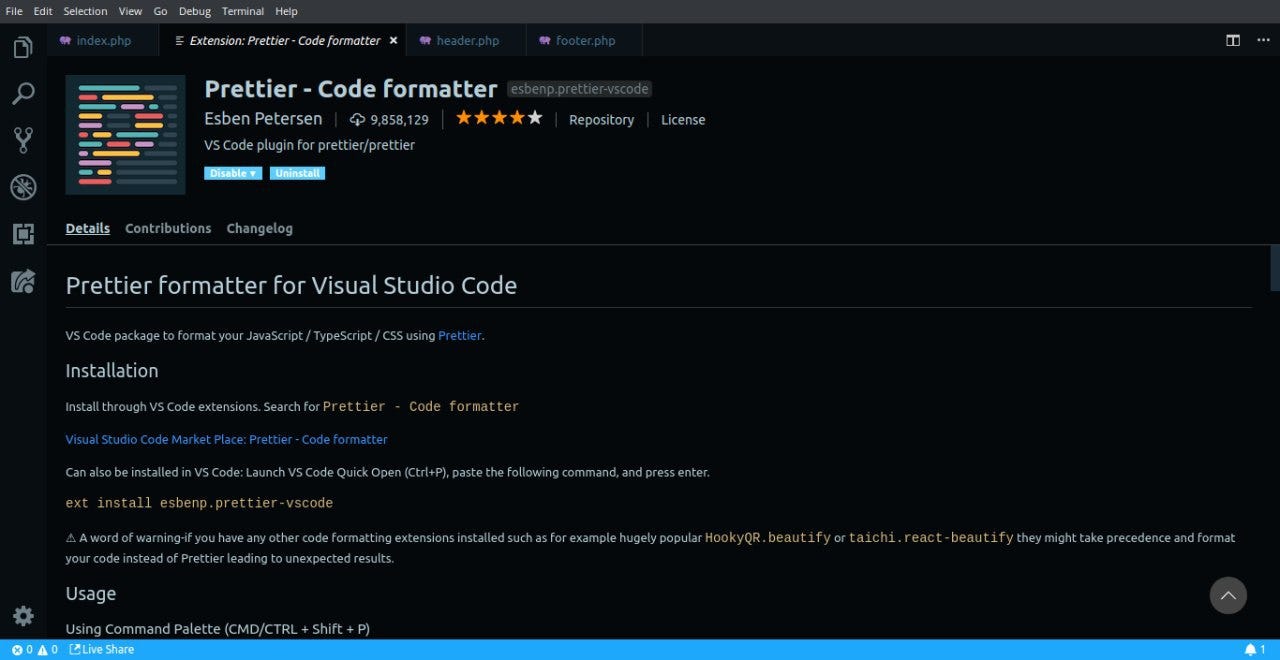
Overview Version History Q A Rating Review Auto Import ES6 TS JSX TSX VSCode Extension Automatically finds parses and provides code actions and code completion for all available imports Works with JavaScript ES6 and TypeScript TS Forker from old repo vscode extension auto import Contributors lukeautry martinoppitz zhaoshengjun
General settings preferences importStatementPlacement Choose where you want your import statements to be placed in your code with this setting You can choose to place them at the top of the import list at the bottom or on the current position of the mouse cursor with the Cursor option Import statements The auto import extension in Visual Studio Code is a great tool for developers to quickly and easily import packages classes and modules into their projects This extension helps developers save time by automatically detecting prompting and adding missing imports to their code
Visual Studio Code Programming Languages Auto Using for C New to Visual Studio Code Get it now Version History Auto Using for C Auto imports and provides intellisense for references that were not yet imported in a C file Works for extension methods No more being confused that linq methods don t exist