Virtualbox Vm Network Not Working Ubuntu I Can t Resize My Oracle VirtualBox Virtual Machine Vmbox SOLVED Vmware Bridged Network Not Working MiniTool How To Fix VirtualBox VM Launch Error On Linux Building An Internal Network In VirtualBox By Kapil Verma Medium VirtualBox 2023 Latest Version Download For Windows 10 8 7 WEB Aug 4 2021 nbsp 0183 32 It can work couple of weeks without any issues but sometimes VM completely looses network It is not available to connect to using ssh like putty and services which are running in VM also cannot connect to
WEB Oct 20 2017 nbsp 0183 32 2 Answers Sorted by 1 Here is How I fixed the exact problem by manually updating the virtualbox bridge driver Update VirtualBox to the Newest version Network and Sharing Center Change adapter settings Right Click the Main Adapter Properties Uninstall quot VirtualBox NDI56 Bridge Network Driver quot WEB Dec 6 2018 nbsp 0183 32 1 In Virtual Box Machine Settings Set the WIFI as the first adapter MTDesktop AllowALL Set the LAN WIRED MTServer AllowAll as the second adapter In the Guest machine disable the First Adapter which is bound to the wifi in Adapter Settings Set your IP Address on the Guests Second Adapter
VirtualBox 2023 Latest Version Download For Windows 10 8 7 Virtualbox Vbox Virtualbox DNS NAT Network Mode NOT Working Rtt IT Resource Establish Communication Between Virtual Machines Set Up Virtual Virtualbox Host Only Network Westjapanese Download Oracle VM VirtualBox 6 1 14 How To Emulate A Network Using VirtualBox Open Source Routing And VirtualBox For Mac Review Unpolished Virtualization That s Not For VirtualBox Tutorial 10 Create Shared Folder Between Windows Host And
Virtualbox Vm Network Not Working
 Virtualbox Vm Network Not Working
https://i.stack.imgur.com/3tvX2.png
WEB Nov 9 2021 nbsp 0183 32 Issue is First ping to internet works good and then it just fails and I am not able to connect to internet I get Destination Host Unrechable root tvmpundb1 C Firewall is already off on OS I am able to ping my default gateway tplink router quot 192 168 0 1 quot root tvmpundb1 network scripts cat ifcfg Auto eth1 TYPE Ethernet
Pre-crafted templates use a time-saving option for developing a varied series of files and files. These pre-designed formats and designs can be used for various personal and professional projects, including resumes, invites, flyers, newsletters, reports, discussions, and more, improving the content creation procedure.
Virtualbox Vm Network Not Working
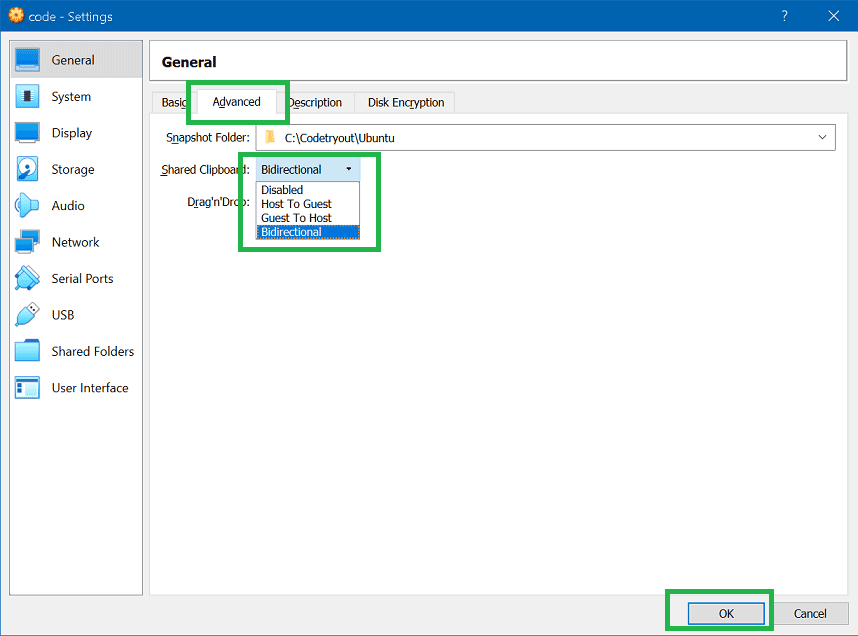
How To Enable Copy And Paste In A VirtualBox Running Ubuntu Linux

Virtualbox
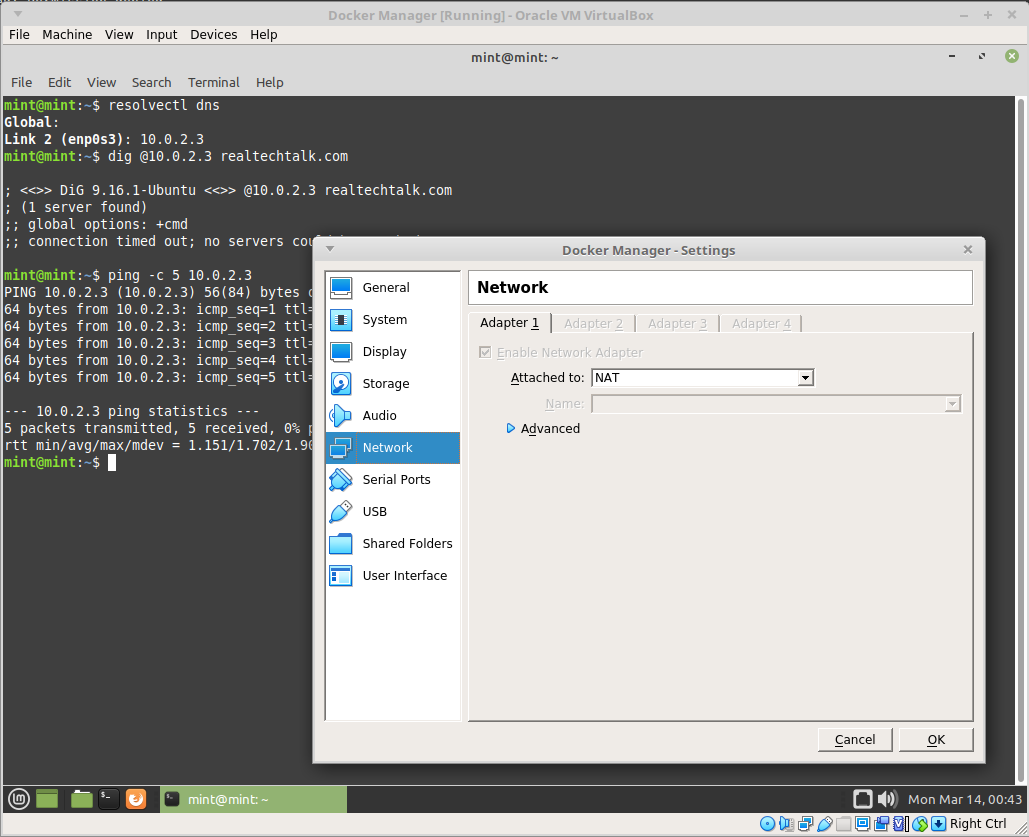
Vbox Virtualbox DNS NAT Network Mode NOT Working Rtt IT Resource
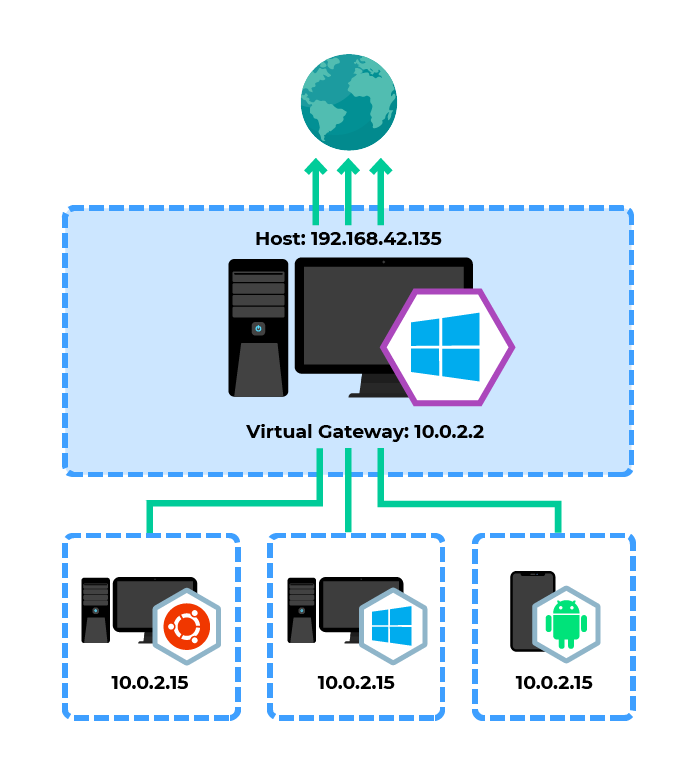
Establish Communication Between Virtual Machines Set Up Virtual
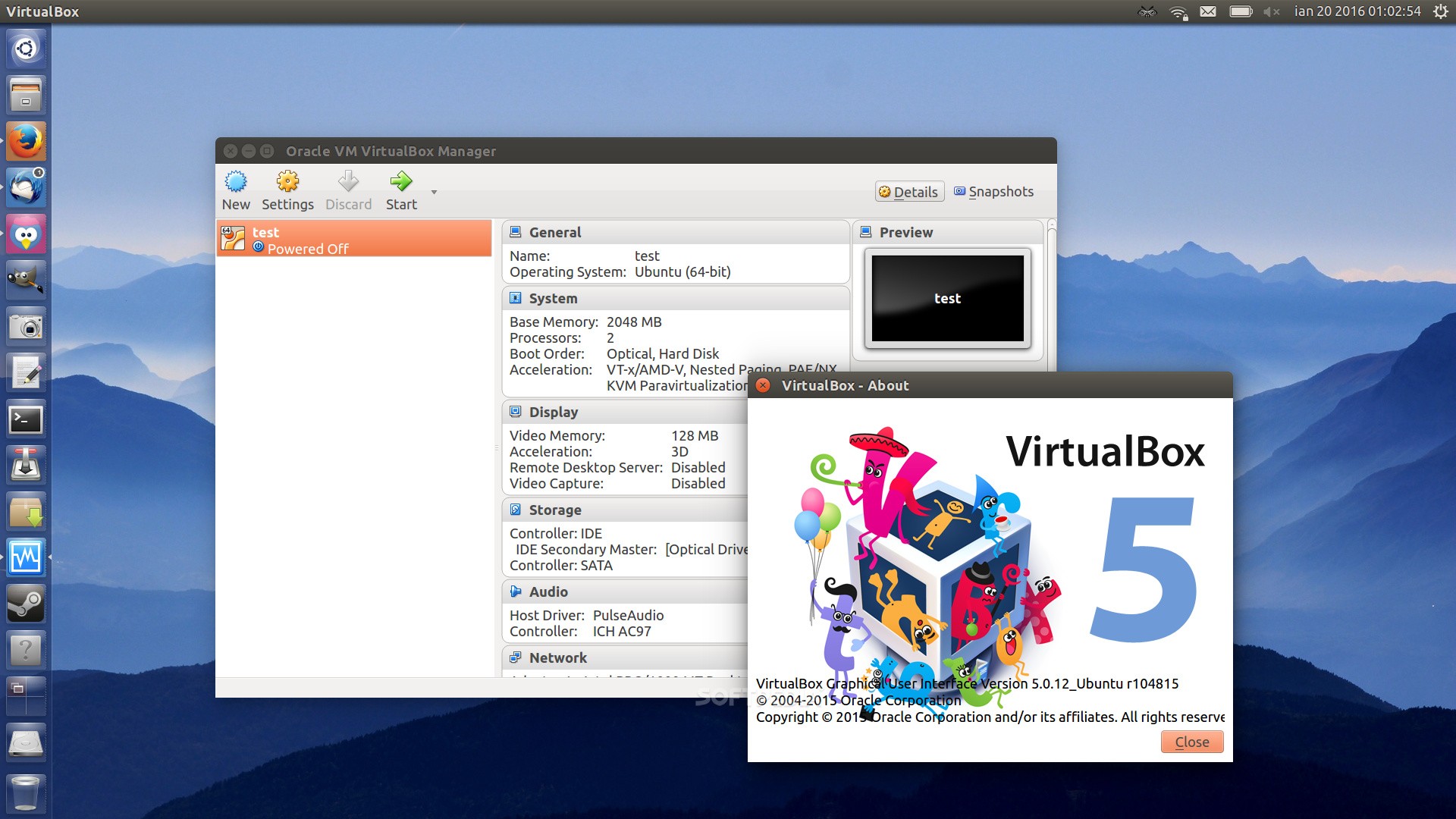
Download Oracle VM VirtualBox 6 1 14

How To Emulate A Network Using VirtualBox Open Source Routing And

WEB Mar 16 2021 nbsp 0183 32 1 Start the VM from full normal shutdown not save state Run until you see the problem happen then shut down the VM from within the VM s OS if possible If not possible close the Virtualbox window for the VM with the Power Off option set Right click the VM in the main Virtualbox window s VM list choose Show in Explorer Finder File

WEB Jul 23 2019 nbsp 0183 32 The fix Here goes Unfortunately you must fix this on a per VM basis there is no global fix for the problem Open VirtualBox select one of the virtual machines and click Settings Click
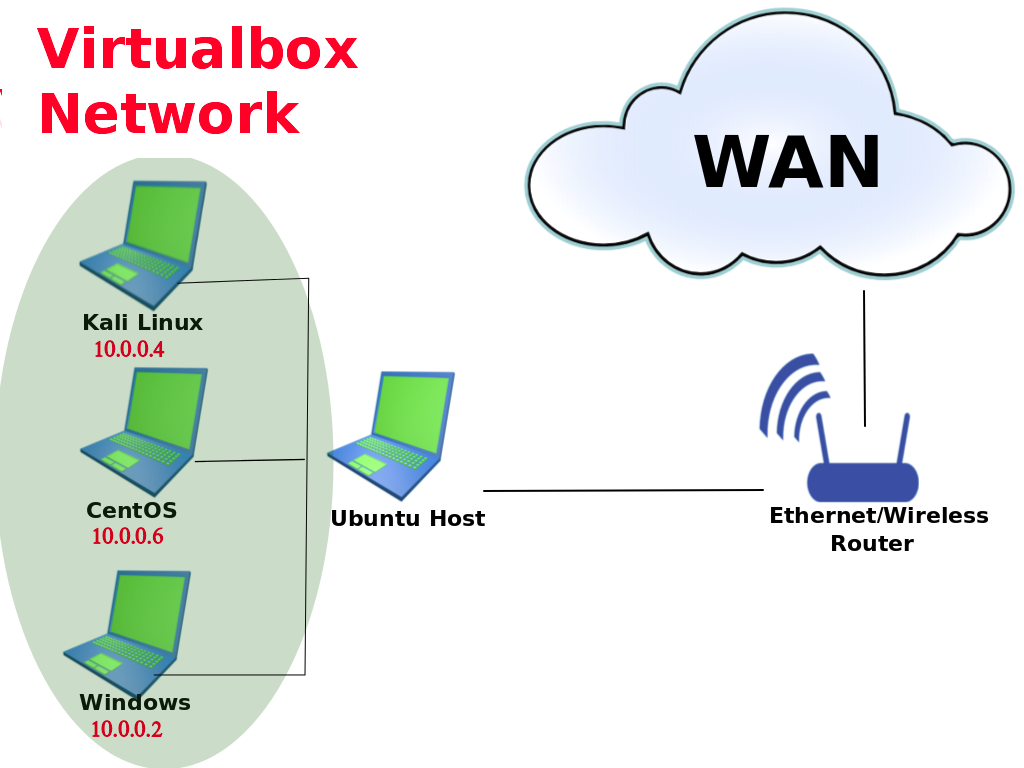
WEB May 27 2017 nbsp 0183 32 6 6 Internal networking wrote Unless you configure the virtual network cards in the guest operating systems that are participating in the internal network to use static IP addresses you may want to use the DHCP server that is built into VirtualBox to manage IP addresses for the internal network
WEB What you need to check On Windows 10 host go to Control Panel Network and Internet Network Connections right click the physical device that you are trying to bridge to on your guest OS VM and make sure that quot VirtualBox NDIS6 Bridged Networking Driver quot and quot Brdige Driver quot are enabled

WEB The router in this case is the Oracle VM VirtualBox networking engine which maps traffic from and to the virtual machine transparently In Oracle VM VirtualBox this router is placed between each virtual machine and the host As a consequence NetBios name resolution based on broadcasts does not always work but WINS always works As a
WEB May 17 2017 nbsp 0183 32 Note that not even the Host is a member of the internal network but this mode allows vm s to function even when the Host is not connected to a network e g on a plane Note that in this mode VirtualBox provides no quot convenience quot services such as DHCP so your machines must be statically configured or one of the vm s needs to WEB Oct 23 2017 nbsp 0183 32 You can do this via the GUI but I ll include command line examples for concreteness First let s remove all of network interface cards for n in 1 2 3 4 5 6 7 8 do vboxmanage modifyvm quot VMNAME quot nic n none done Now let s add a single NAT interface vboxmanage modifyvm quot VMNAME quot nic1 NAT
WEB Service networking restart reload or etc init d networking restart reload What i expect is my vm got the ip from my network ip for example like this address 192 168 8 101 105 netmask 255 255 255 0 gateway 192 168 8 1