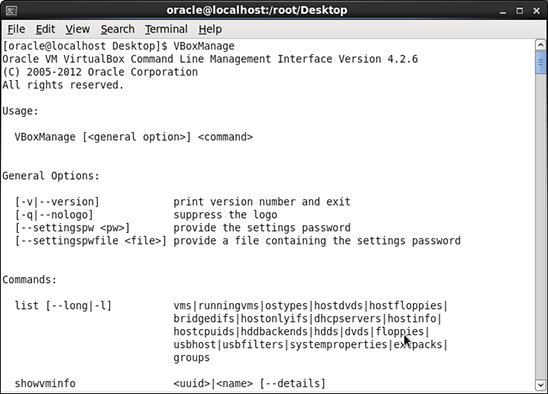
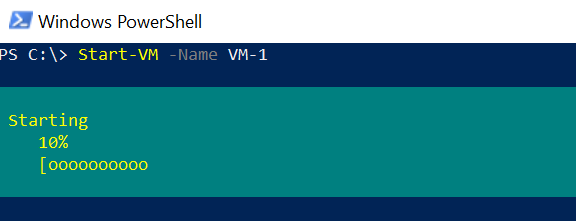
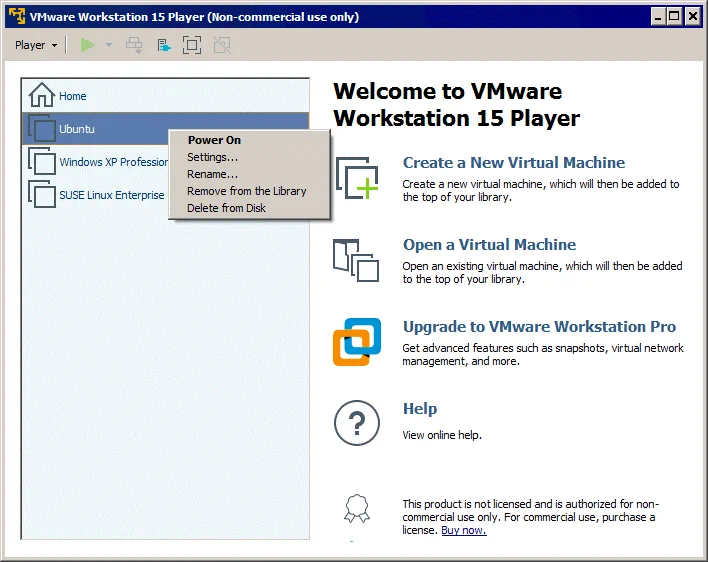
Virtualbox Start Vm Command Line Linux How To Start Shutdown Or Reboot A VM From The Command Line In Oracle VirtualBox YouTube Vmware Player Start Vm Command Line Linux Managing Oracle VM VirtualBox From The Command Line Start VM Start Virtual Machine ShellGeek Vmware Player Start Vm Command Line Linux Feb 22 2021 nbsp 0183 32 I m a bit new to VirtualBox and testing a VM on Linux Mint I ve click on the VM and now I can get the mouse out of the VM session Is there a key combination or something
Re Windows 11 Hyper V 24h2 Virtualbox 7 1 4 Extrension by Karlstens 187 12 Nov 2024 10 58 I too have recently updated from Windows 11 23H2 to Windows 11 24H2 where previously Jun 25 2020 nbsp 0183 32 VirtualBox uses an emulated graphics card not your actual hardware so there is no need nor are you able to install the host machine driver but in this forum I see a lot of
Vmware Player Start Vm Command Line Linux How To Install VirtualBox Guest Additions On Ubuntu 22 04 VM Command Line Windows VirtualBox 5 VBox Manage Start VM Command Exiting Non 0 Issue 1576 Docker Game Like Parasite In City Kawevqbase Install CentOS 8 Server On Virtualbox Only Command Line Interface jvm jvm CSDN How To Start A VirtualBox VM Headless In Windows 10 Jez me How To List And Start VirtualBox VMs In Command Line In Linux SysTutorials Your Default Target On Your Linux System Is Set To Multi user Captions Ideas
Virtualbox Start Vm Command Line Linux
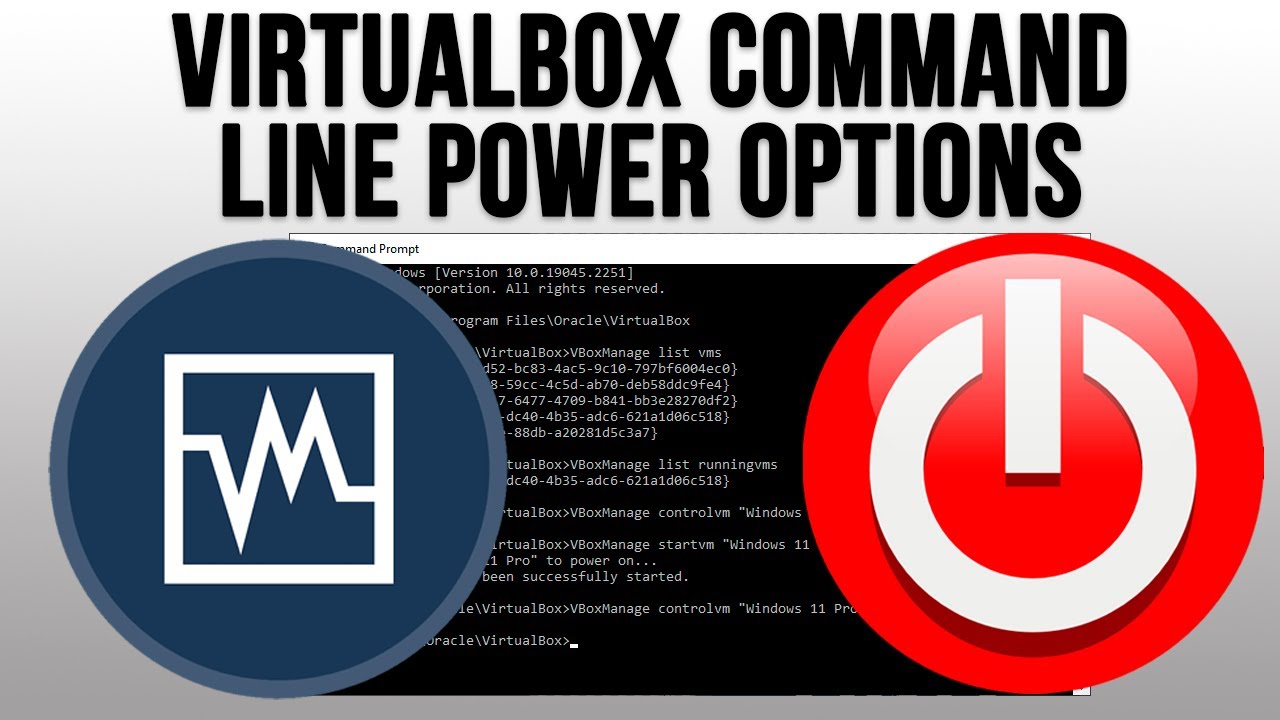 Virtualbox Start Vm Command Line Linux
https://i.ytimg.com/vi/bGb07qf-Qkk/maxresdefault.jpg
Feb 25 2015 nbsp 0183 32 Instruction at 0x00007FFB355C278E referenced memory at 0x10 The memory could not be read These events seem to come at random times although they may be
Pre-crafted templates offer a time-saving solution for creating a diverse series of files and files. These pre-designed formats and layouts can be used for different individual and expert tasks, including resumes, invitations, leaflets, newsletters, reports, discussions, and more, simplifying the content development process.
Virtualbox Start Vm Command Line Linux

Cloud Foundry Tutorial Guy Tel Zur
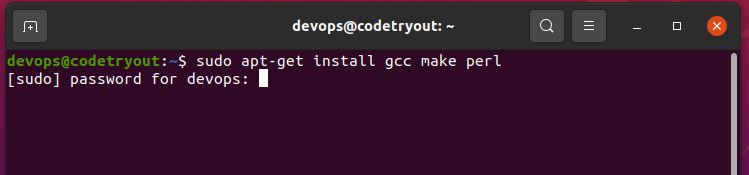
How To Install VirtualBox Guest Additions On Ubuntu 22 04 VM Command Line
Windows VirtualBox 5 VBox Manage Start VM Command Exiting Non 0 Issue 1576 Docker

Game Like Parasite In City Kawevqbase
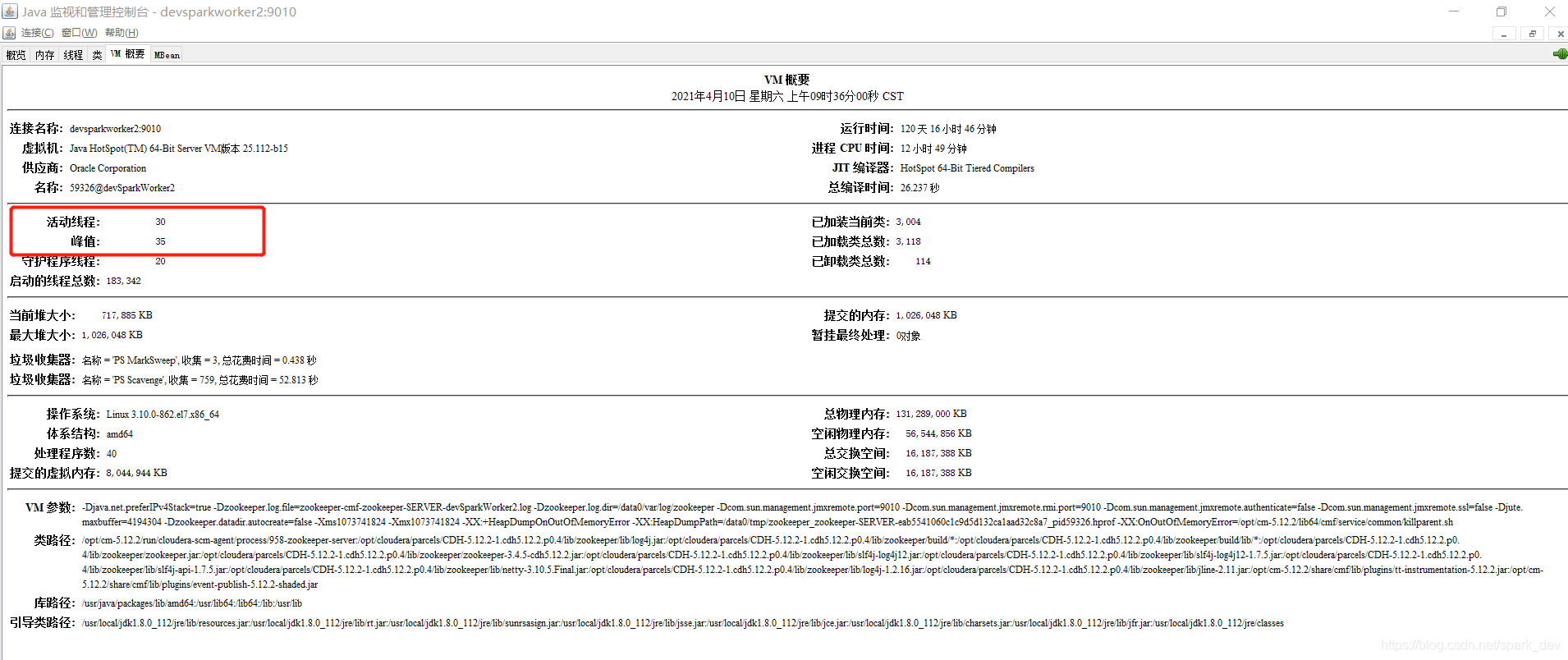
jvm jvm CSDN
How To Start A VirtualBox VM Headless In Windows 10 Jez me

Jul 4 2012 nbsp 0183 32 Arm VMs Note that the saved state of Arm VMs from VirtualBox 7 1 is incompatible with VirtualBox 7 2 so please shut down such VMs in saved state before upgrading to 7 2

Jun 26 2025 nbsp 0183 32 VirtualBox 7 2 0 BETA2 released by galitsyn 187 26 Jun 2025 20 35 This is a preview release of VirtualBox 7 2 The following items were fixed and or added VMM
Nov 1 2024 nbsp 0183 32 Then I installed Vbox 7 1 6 I was having issues everytime I installed Vbox while it was already installed Uninstalling it first then installing is what fixed my prior issues If I were
Mar 6 2023 nbsp 0183 32 Uninstalling Virtualbox and reinstalling it in admin mode Changing the VM configuration and giving it 64MB to the screen disabling diskette and cd drives
May 2 2018 nbsp 0183 32 1st time I installed VirtualBox VirtualBox 5 0 16 105871 Win and later on I came to know via one of the thread that it s no longer supported so decided to go with other version
[desc-11] [desc-12]
[desc-13]