Virtualbox Not Working After Kernel Update Kernel Panic Not Syncing Attempted To Kill Init VIRTUALBOX FIX Must Try Os Virtualbox Nawes Virtualbox Not Working Please Help Software Operating Systems Linux Adding New Kernel To VirtualBox To Solve Kernel Panic Unix How To Fix VirtualBox Errors 0x80040154 And 0x80004005 YouTube The easiest way to start an Oracle VirtualBox program is by running the program of your choice VirtualBox VBoxManage or VBoxHeadless from a terminal These are symbolic links to
With Oracle VM VirtualBox such a complex setup often called an appliance can be packed into a virtual machine Installing and running a mail server becomes as easy as importing such an Name Last modified Size Parent Directory MD5SUMS 03 Jun 2025 17 32 1 8K Oracle VirtualBox Extension Pack 7 1 8 168469 vbox extpack 11 Apr 2025 18 52 22M Oracle
How To Fix VirtualBox Errors 0x80040154 And 0x80004005 YouTube Login Incorrect Message Repeating On VM Console After Kernel Update Vbox Virtualbox DNS NAT Network Mode NOT Working Rtt IT Resource Install VirtualBox CityU TA Center How To Fix VirtualBox Kernel Driver Not Installed rc 1908 MiniTool Unable To Enable WSL 2 WSL 2 Requires An Update To Its Kernel Oracle Releases VirtualBox 5 0 18 Adds Initial Support For Linux Oracle Releases VirtualBox 6 1 2 With Initial Support For Linux Kernel 5 5 Virtualbox Stopped Working In 12 04 LTS After I Upgraded Kernel Using
Virtualbox Not Working After Kernel Update
 Virtualbox Not Working After Kernel Update
https://i.ytimg.com/vi/HzWUpJAzp6s/maxresdefault.jpg
Jul 1 2012 nbsp 0183 32 Download VirtualBox for Linux Hosts Note The package architecture has to match the Linux kernel architecture that is if you are running a 64 bit kernel install the appropriate
Pre-crafted templates use a time-saving option for producing a diverse series of documents and files. These pre-designed formats and layouts can be utilized for different personal and expert jobs, including resumes, invites, leaflets, newsletters, reports, discussions, and more, simplifying the content production procedure.
Virtualbox Not Working After Kernel Update
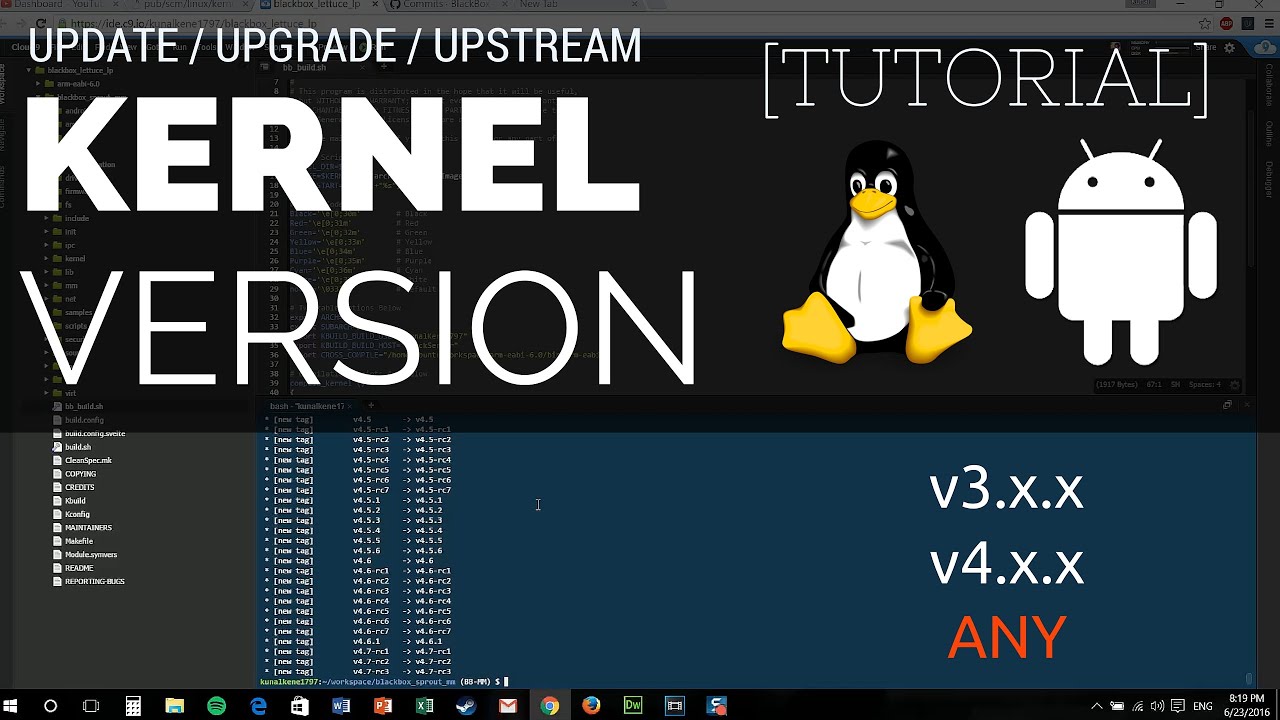
Tutorial Upgrade Upstream Update Kernel Version Kernel Compilation

Login Incorrect Message Repeating On VM Console After Kernel Update
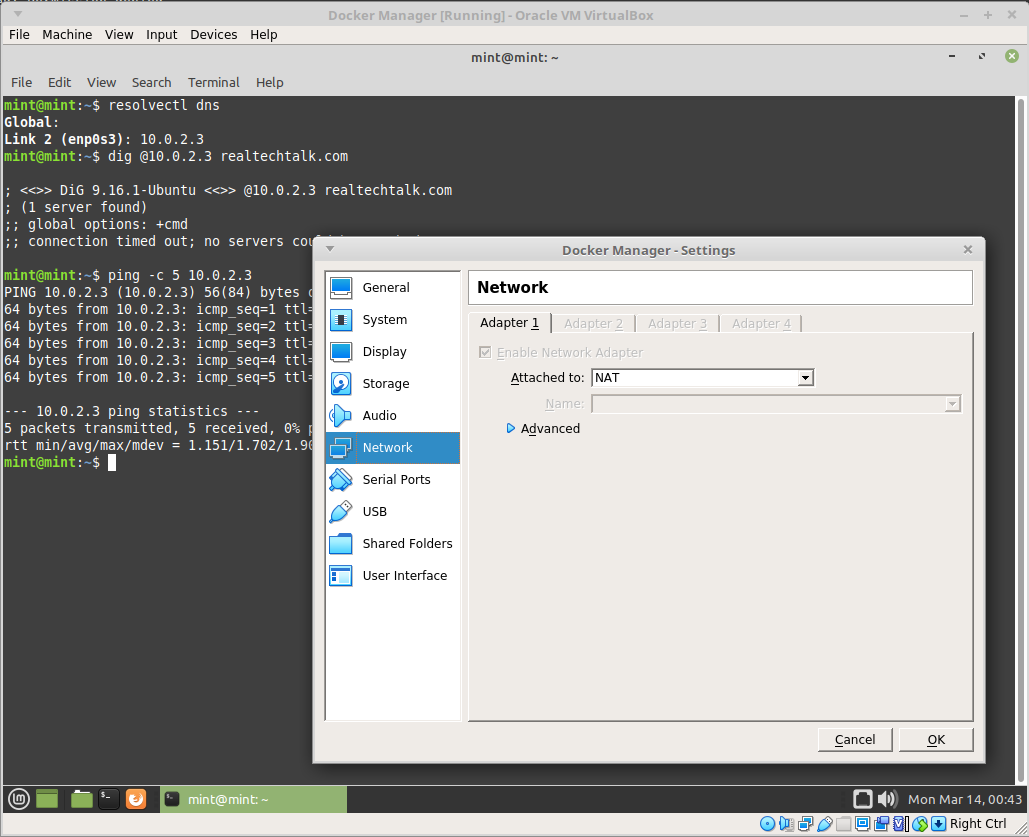
Vbox Virtualbox DNS NAT Network Mode NOT Working Rtt IT Resource
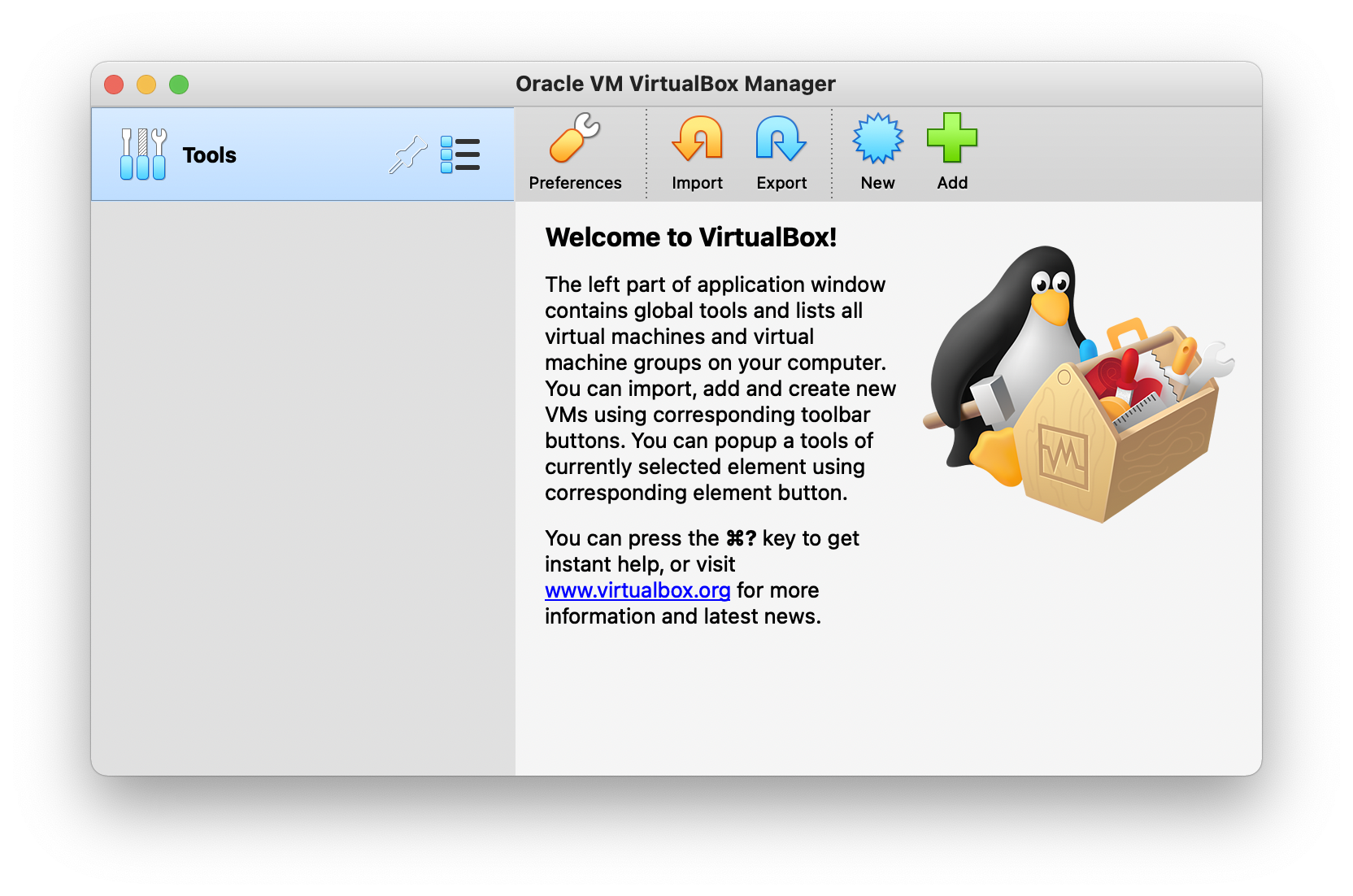
Install VirtualBox CityU TA Center
Unable To Enable WSL 2 WSL 2 Requires An Update To Its Kernel
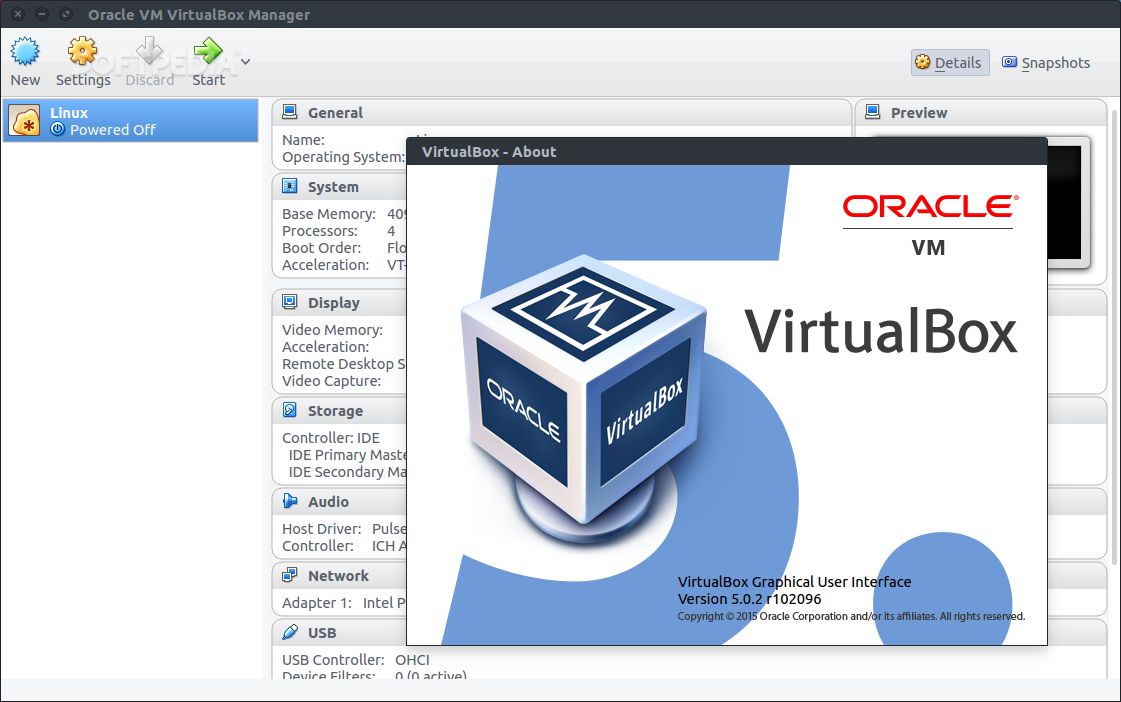
Oracle Releases VirtualBox 5 0 18 Adds Initial Support For Linux

Jul 1 2012 nbsp 0183 32 VirtualBox is a general purpose full virtualizer for x86 hardware targeted at server desktop and embedded use For a thorough introduction to virtualization and VirtualBox
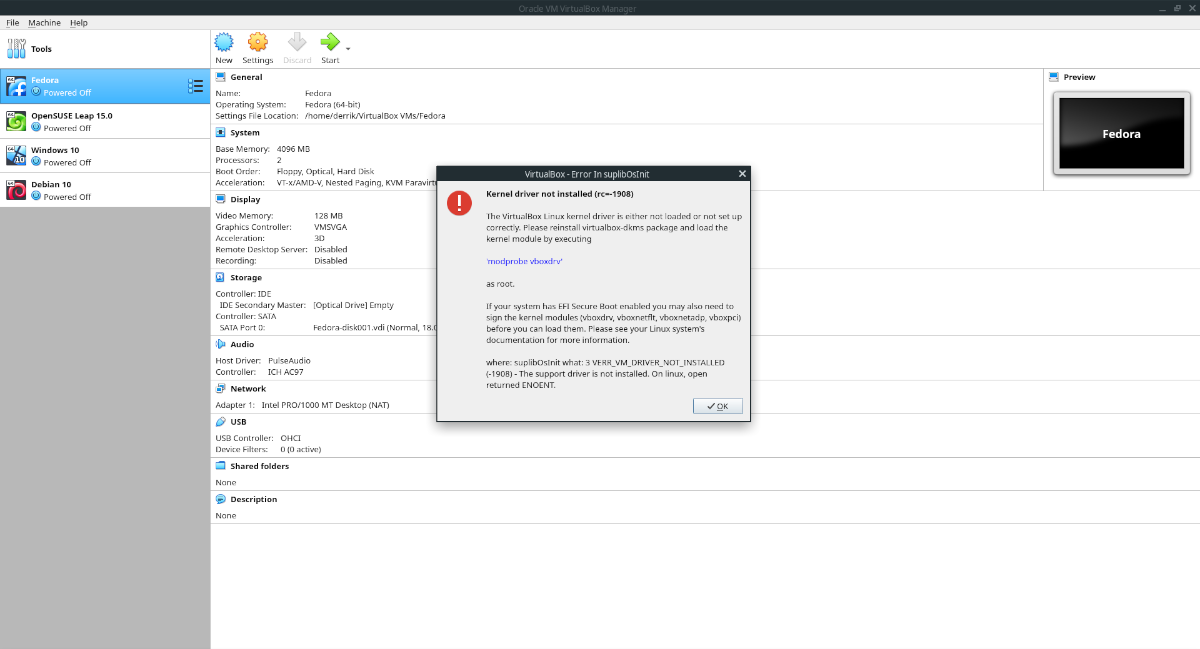
The easiest way to start an Oracle VM VirtualBox program is by running the program of your choice VirtualBox VBoxManage or VBoxHeadless from a terminal These are symbolic links

Oracle VirtualBox Base Package Licensing Information Third Party Notices and or Licenses Open Source or Other Separately Licensed Software Software Licenses alsa lib Bochs ROM BIOS

Apr 22 2014 nbsp 0183 32 VirtualBox is a general purpose full virtualizer for x86 hardware targeted at server desktop and embedded use For a thorough introduction to virtualization and VirtualBox

See Section 1 8 Creating Your First Virtual Machine During this step Oracle VM VirtualBox scans the installation medium and changes certain parameters to ensure a seamless
[desc-11] [desc-12]
[desc-13]