Virtualbox Linux Guest Network Not Working Mount Virtualbox Guest Additions Ubuntu Litkda How To Mount Windows Partitions In A VirtualBox Linux Guest Systran Box Vbox Virtualbox DNS NAT Network Mode NOT Working Rtt IT Resource Install Guest Additions In Linux Mint The Linux User Virtualbox 64 Bit Linux Guest Immotide Oct 4 2024 nbsp 0183 32 I have a physical machine with Windows 10 22H2 that is running Virtual Box 7 1 4
Jun 25 2020 nbsp 0183 32 VirtualBox uses an emulated graphics card not your actual hardware so there is no need nor are you able to install the host machine driver but in this forum I see a lot of Feb 25 2015 nbsp 0183 32 Instruction at 0x00007FFB355C278E referenced memory at 0x10 The memory could not be read These events seem to come at random times although they may be
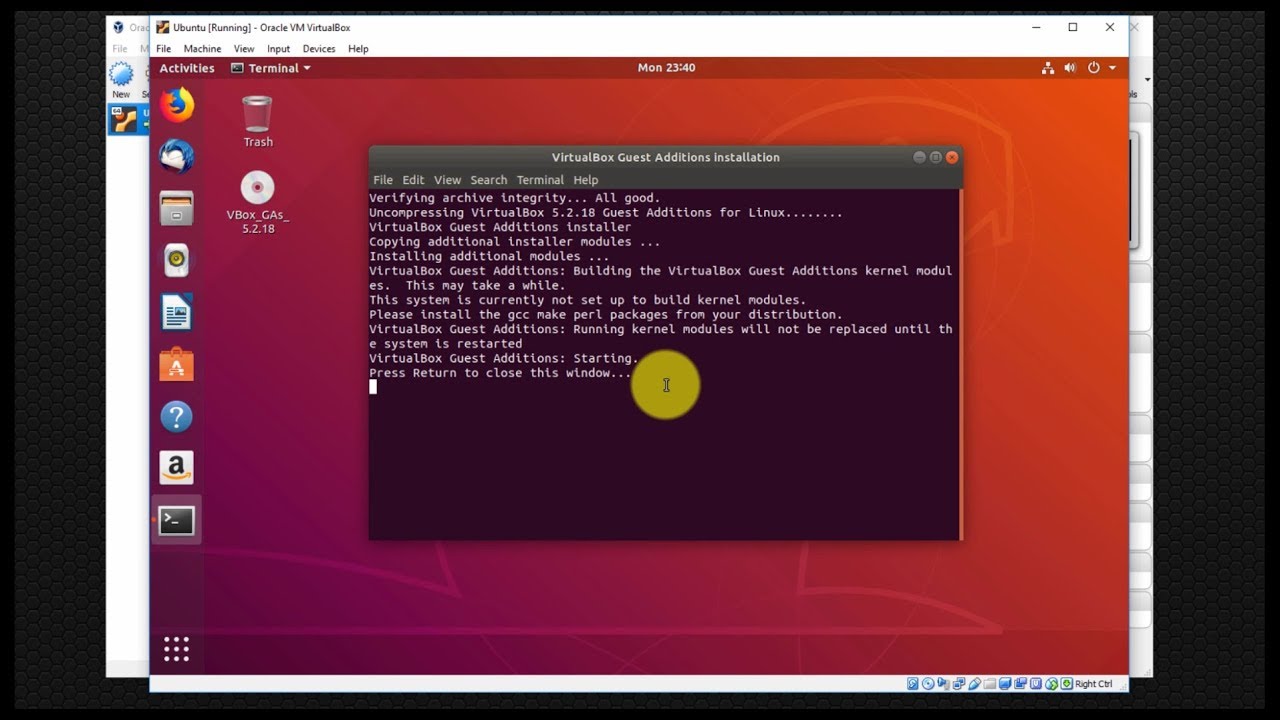
Virtualbox 64 Bit Linux Guest Immotide How To Install VirtualBox Guest Additions Linux YouTube Virtualbox Guest Additions Wizardsilope Uninstall Software Guides How To Completely Remove Programs With Virtualbox Linux Guest Draws Incorrect Time From Windows Host VirtualBox Tutorial 10 Create Shared Folder Between Windows Host And Virtualbox Host Only Network Westjapanese How To Install VirtualBox On Ubuntu 20 04 Linuxize VirtualBox Network Topology Back To The Basics
Virtualbox Linux Guest Network Not Working
 Virtualbox Linux Guest Network Not Working
https://benisnous.com/wp-content/uploads/2020/10/VirtualBox-Tutorial-09-Install-Guest-Additions-Software-on-Ubuntu.jpg
Feb 22 2021 nbsp 0183 32 I m a bit new to VirtualBox and testing a VM on Linux Mint I ve click on the VM and now I can get the mouse out of the VM session Is there a key combination or something
Templates are pre-designed documents or files that can be utilized for different purposes. They can conserve time and effort by providing a ready-made format and design for producing various sort of content. Templates can be used for individual or professional tasks, such as resumes, invites, leaflets, newsletters, reports, presentations, and more.
Virtualbox Linux Guest Network Not Working

How To Install VirtualBox Guest Additions On Linux

How To Install VirtualBox Guest Additions Linux YouTube

Virtualbox Guest Additions Wizardsilope
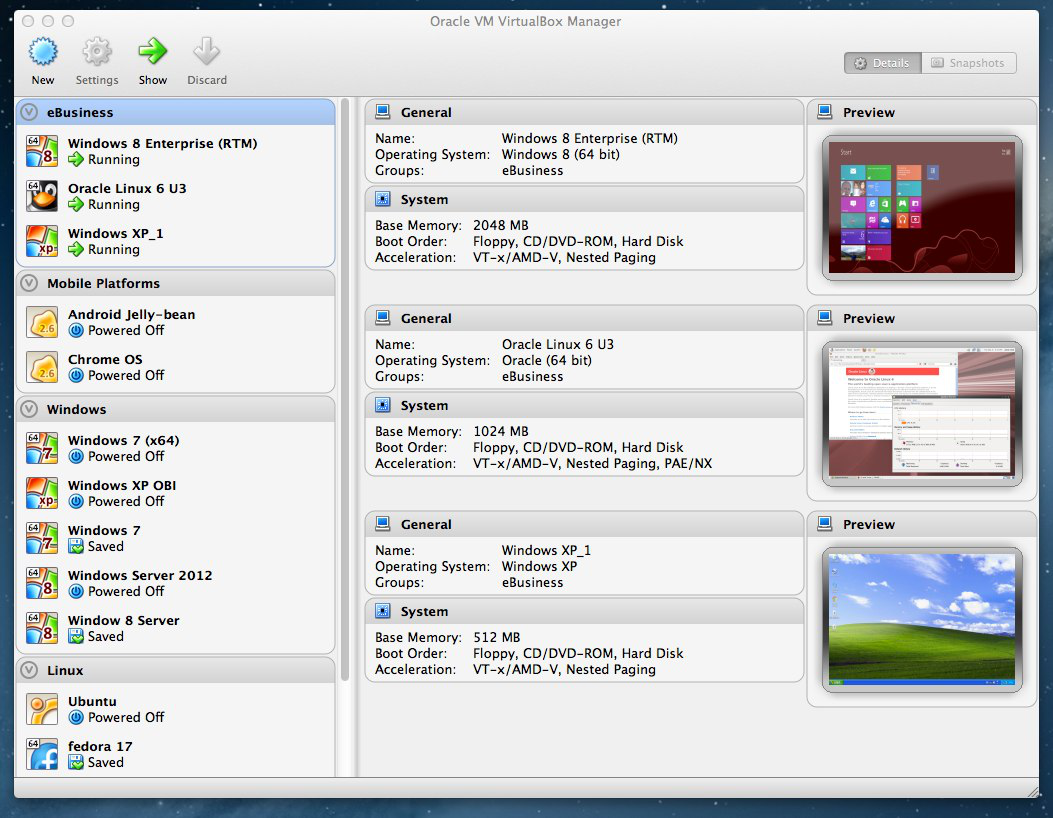
Uninstall Software Guides How To Completely Remove Programs With
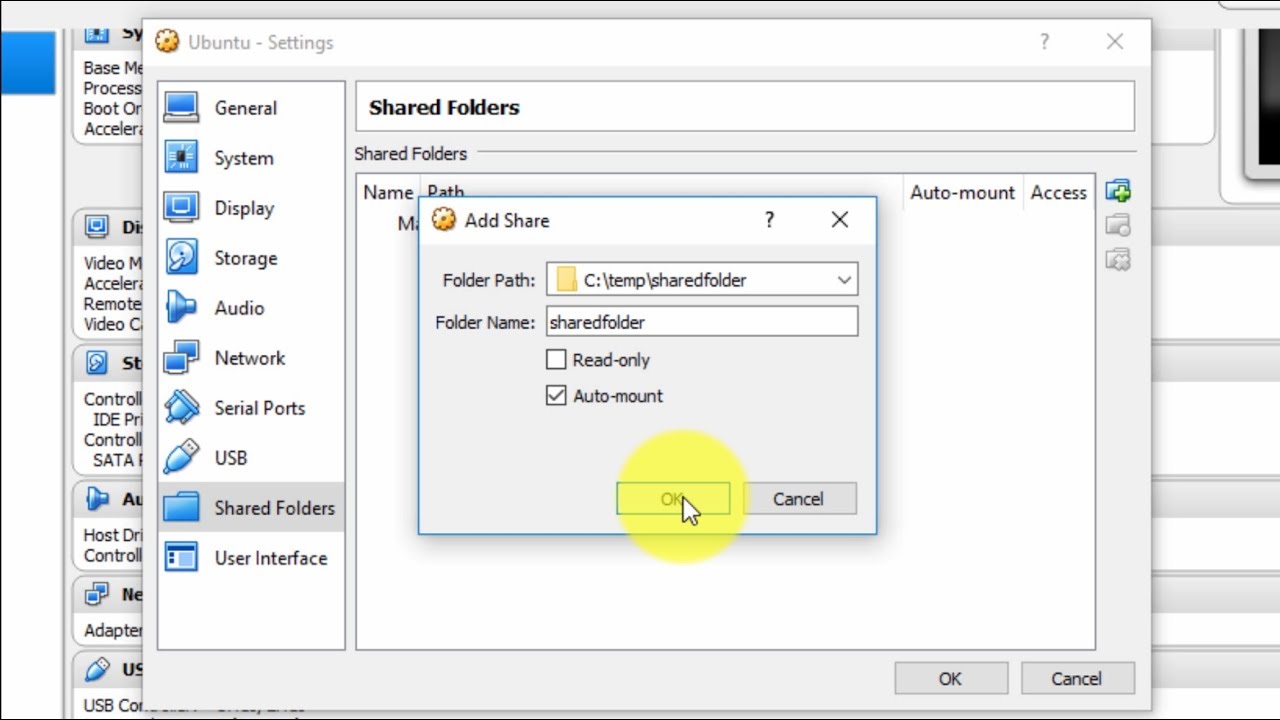
VirtualBox Tutorial 10 Create Shared Folder Between Windows Host And

Virtualbox Host Only Network Westjapanese
Jan 27 2025 nbsp 0183 32 During the installation process the screen went black and then reappeared on only 1 monitor with the 2nd monitor still black it looks similar as if it crashed the display driver

Re Windows 11 Hyper V 24h2 Virtualbox 7 1 4 Extrension by Karlstens 187 12 Nov 2024 10 58 I too have recently updated from Windows 11 23H2 to Windows 11 24H2 where previously

VirtualBox VMware VMware VirtualBox VMware

May 2 2018 nbsp 0183 32 1st time I installed VirtualBox VirtualBox 5 0 16 105871 Win and later on I came to know via one of the thread that it s no longer supported so decided to go with other version

May 10 2007 nbsp 0183 32 Respectable Forum i have installed on my computer Virtualbox 6 1 34 without any proiblem When I have tried to update to the last version 7 1 0 the installation program tells
[desc-11] [desc-12]
[desc-13]