Virtualbox Guest Internet Not Working How To Install Guest Additions For Windows 10 On VirtualBox Pureinfotech Download And Use Windows 7 Pre Installed VirtualBox Image Sysprobs VirtualBox s Guest Additions What They Are And How To Install Them Vbox Virtualbox DNS NAT Network Mode NOT Working Rtt IT Resource Po ta Skazen Spo iatku Virtual Box Motherboard Zranenia Raketa Va ok Web Mar 25 2021 nbsp 0183 32 Shut down the virtual machine then restart your Host Machine After your Host machine reboots reopen Workstation Download and reinstall VMware Workstation This ensures that you have the most recent version and that any missing or corrupted virtual network settings are replaced repaired
Web Oct 21 2013 nbsp 0183 32 Here are the steps I took to solve my problem Open Virtualbox Manager Select the machine you cannot get internet on in the left pane Click the Settings button in the top menu Click Network in the left pane in the settings window Switched to Bridged Adapter in the Attached to drop down menu Select Web Change Virtualbox settings to bridged and use VB s recommended settings In the Linux guest via the command line as root sudo run nmtui which will bring up a user interface Of the 3 options select quot Activate a connection quot and choose the name of the network adapter that VB assigned to the guest
Po ta Skazen Spo iatku Virtual Box Motherboard Zranenia Raketa Va ok Pin On Anbox How To Install Latest VirtualBox And Extension Pack In Arch Linux Virtualbox Host Only Network Westjapanese VirtualBox DenTNT trmw ru Copy Paste Virtualbox Enable Between Linux Host And Guest Virtual How To Fix VirtualBox Failed To Open Session Fixing E Fail VirtualBox 5 2 8 System Utilities FileEagle How To Install Windows 10 On A Virtual Machine Using VirtualBox
Virtualbox Guest Internet Not Working
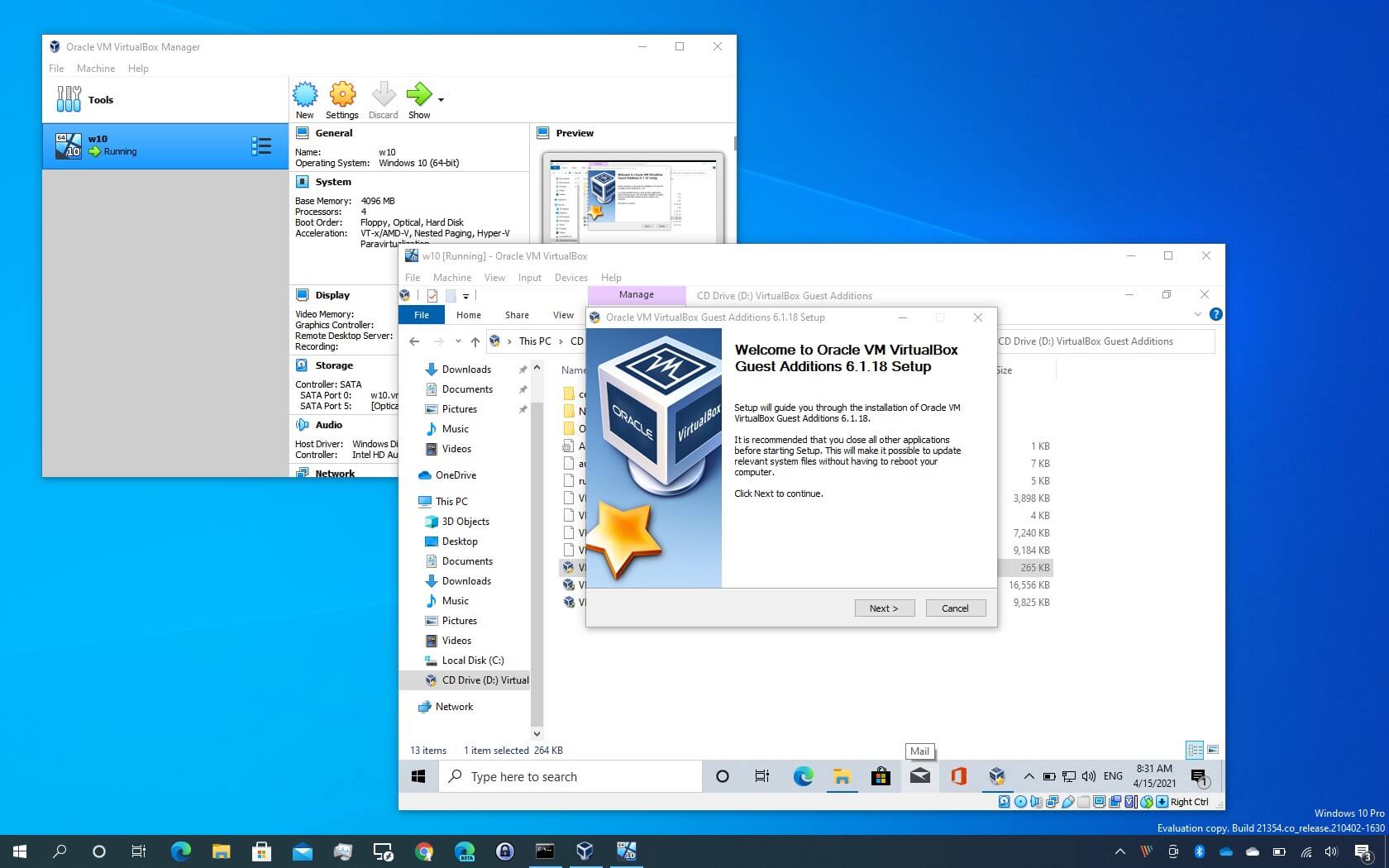 Virtualbox Guest Internet Not Working
https://pureinfotech.com/wp-content/uploads/2021/04/virtualbox-guest-additions-windows-10_hero.jpg
Web Oct 23 2017 nbsp 0183 32 There are several reasons for this You aren t able to copy text from the guest in your current situation It is often helpful in debugging to start from a situation in which everything is working and then work your way back In my experience is the NAT interface is the most painless and least
Templates are pre-designed files or files that can be utilized for various functions. They can conserve time and effort by supplying a ready-made format and layout for creating various sort of material. Templates can be utilized for personal or professional tasks, such as resumes, invitations, leaflets, newsletters, reports, discussions, and more.
Virtualbox Guest Internet Not Working
The 3 Best Sites To Download Virtual Disk Images For VirtualBox

Pin On Anbox

How To Install Latest VirtualBox And Extension Pack In Arch Linux

Virtualbox Host Only Network Westjapanese

Copy Paste Virtualbox Enable Between Linux Host And Guest Virtual

How To Fix VirtualBox Failed To Open Session Fixing E Fail
Web Jan 21 2020 nbsp 0183 32 If this is on your network at work it is possible that the machine is being blocked You may have to work with your administrator to get the device whitelisted Most likely you will have to give them the MAC address of the VM

Web Apr 8 2020 nbsp 0183 32 Approach 1 Identifying the IP detail and DNS details PFA screenshot which has ifconfig and dns details Approach 2 Internet works when adapter is changed manually to quot Bridged Adapter quot mode But my Virtual Box is managed by Kitchen amp Vagrant Hence VBox needs internet connectivity with NAT default adapter

Web Apr 6 2018 nbsp 0183 32 My host system is Windows 7 When I installed everything the VirtualBox Ubuntu seem to have configured the network connection correctly by themselves I am working on my company s computer and the company changed the firewall After that the connection on my guest Ubuntu system is not working anymore

Web The fact is that from the host internet works perfectly But from the guest I can t access Internet nor ping the network hosts My home network is behind a NAT so from what I read on the internet the VM guest should appear with the same host s IP address on the gateway page in fact
Web Mar 11 2020 nbsp 0183 32 Does it depend on different softwares TonyY Jan 5 2018 at 7 33 1 Overmind I just curious about I always use default mode NAT at VMware and Parallels and I can use HOST to connect GUEST When I change to use Virtualbox it didn t work then I must change to Bridged or Host only mode
Web Jan 9 2013 nbsp 0183 32 I installed VirtualBox and then a few Linux and Windows 7 Pro guests on it all with default VirtualBox options NAT I reboot them every day Yesterday all had network access PROBLEM Today all the Windows guests says quot No Internet access quot Linux guests still have network As an experiment I created a new guest VM installed Web In the virtualized Windows XP system that is mysteriously not connecting to the Internet install the VirtualBox guest additions by clicking Devices gt Install Guest Additions see the manual for more information Reboot and see if you can connect to the Internet
Web Nov 9 2021 nbsp 0183 32 Internet not working in Virtual Box VM by vinodp 187 9 Nov 2021 14 37 Hello All I am new to VirtualBox and work as full time DBA I am facing issue where I cannot enable internet on my Virtual Box