Virtualbox Display Settings For Ubuntu Increase Storage Space On Virtualbox Os X Vm Stashokje Virtualbox Ubuntu VM Display Not Loading Correctly On IMac 5k Ask VirtualBox Display Settings For Compositing Window Managers YouTube Virtualbox 64 Bit Windows Download Workslikos Windows 11 Upgrade No Longer Blocked For VirtualBox Users Pureinfotech Web Using VirtualBox and Ubuntu 10 04 the screen of the Ubuntu can only be 800 x 600 or 640 x 480 Is there a way to change that I resized the VirtualBox window and Ubuntu still thinks the max is 800 x 600
Web Dec 3 2019 nbsp 0183 32 Click in Devices gt Insert Guest Additions CD image You ll see a CD icon in your Favorites left side Double click on it Here s what you ll see In the top right there s a button saying quot Run Software quot Click on it Then without touching anything else once the software finished running the screen goes bigger Web Unix amp Linux Stack Exchange How to achieve higher display resolution for Ubuntu under VirtualBox Ask Question Asked 9 years 6 months ago Modified 8 years 9 months ago Viewed 3k times 0 In this setup Ubuntu under VM only achieves low resolution at 640 480 while host is 1920 1024
Windows 11 Upgrade No Longer Blocked For VirtualBox Users Pureinfotech How To Use VirtualBox User s Guide Ubuntu Ubuntu VirtualBox Display Driver YouTube How To Install Ubuntu 20 04 In Windows 10 Using Virtualbox Windows10 VirtualBox Tutorial 06 VM Configuration Settings Explained YouTube VirtualBox Tutorial 10 Create Shared Folder Between Windows Host And Virtualbox On Slackware Rise Of The Leviathan Tips And Tricks Fixing VirtualBox Kali Linux Black Screen HaXeZ How To Configure DisplayLink Displays On Ubuntu DisplayLink Support
Virtualbox Display Settings For Ubuntu
 Virtualbox Display Settings For Ubuntu
https://i.pcmag.com/imagery/reviews/02sejh3pchkvzzNtx0dhTKO-15..v1643146561.png
Web Feb 8 2023 nbsp 0183 32 Change the Ubuntu display settings Want to set your Ubuntu Virtualbox resolution to exactly what you want The easiest and fastest way is to change it in the display settings of your Ubuntu 22 04 OS Read How to share clipboard between Ubuntu VirtualBox and host First open up the settings section by using the Activities screen as
Pre-crafted templates provide a time-saving option for creating a varied range of files and files. These pre-designed formats and designs can be utilized for different personal and professional tasks, consisting of resumes, invitations, flyers, newsletters, reports, discussions, and more, improving the material production procedure.
Virtualbox Display Settings For Ubuntu

Increase Virtualbox Screen Resolution Virtualbox Display Resolution

How To Use VirtualBox User s Guide

Ubuntu Ubuntu VirtualBox Display Driver YouTube

How To Install Ubuntu 20 04 In Windows 10 Using Virtualbox Windows10
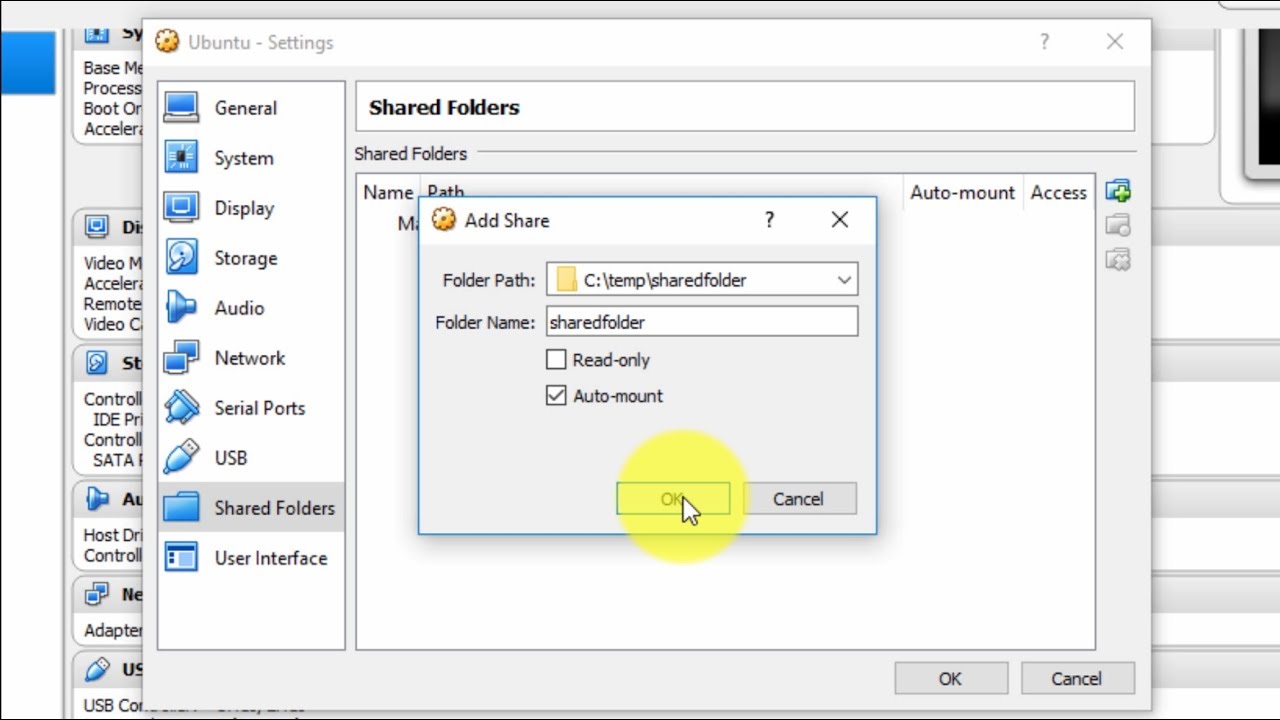
VirtualBox Tutorial 10 Create Shared Folder Between Windows Host And
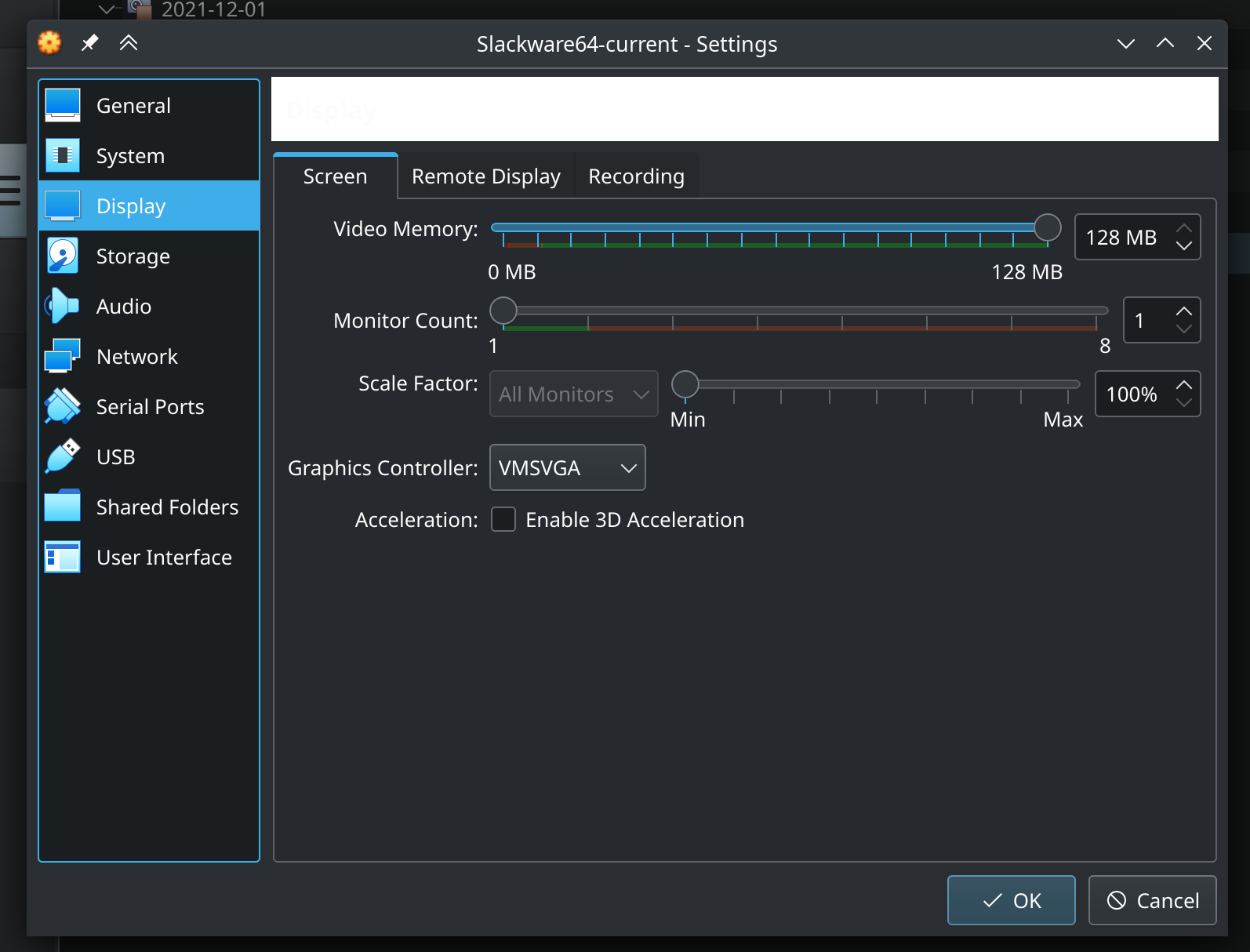
Virtualbox On Slackware Rise Of The Leviathan

Web 23 Oct 2020 In this post we ll explore Oracle s VirtualBox and some optimal settings for running Linux distributions on it Content Creating a virtual machine Optimal Settings Boot VirtualBox Guest Additions Conclusion VirtualBox is a

Web Open a terminal and Acquire root rights sudo su Update the repo apt get update Install the VirtualBox Guest Additions apt get install virtualbox guest dkms Restart the system The resolution should now change automatically but if it doesn t just go to the control panel and screen settings the dropdown will now be enabled

Web Go to the File menu and activate Environment setting or in more recent versions Preferences Select Display and change the setting for Maximum guest screen size to hint which allows you to set an arbitrary size for both width and height e g 1920 and 1200 Reboot the virtual machine and enjoy it Share Improve this answer Follow
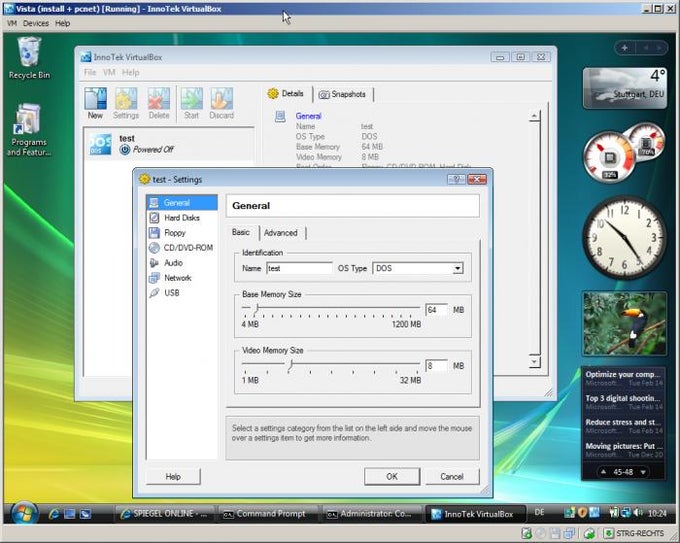
Web Dec 8 2023 nbsp 0183 32 Afterward we open the display settings right click on Desktop gt Display Settings to view all the available resolution options Image 7 VirtualBox Ubuntu VM Display Settings 800 x 60 The default Ubuntu VM screen resolution is 800 x 600 identical to the CentOS VM
Web 1 Ran VirtualBox Got the Oracle VM VirtualBox Manger 2 Made a new VM Virtual Mate Type Linux Version Ubuntu 64 bit 3 Gave it 8192 GB memory 4 Virtual hard disk VDI Dynamically allocated 20 GB 5 Settings Display gave it 128 MB 3D acceleration for the VMSVGA 6 Settings Storage attached the Mate iso 7 Ran it
Web In this tutorial we ll walk you through one of the easiest ways to try out Ubuntu Desktop on a virtual machine VirtualBox is a general purpose virtualiser that is available across Linux Mac OS and Windows It s a great way to experience Ubuntu regardless of your current operating system Web May 20 2020 nbsp 0183 32 To correctly enable 3D acceleration on VirtualBox virtual machines running Ubuntu or other GNU Linux distribution go to Settings gt Display and select VMSVGA as the Graphic Controller and check the Enable 3D Acceleration box under Acceleration Like this
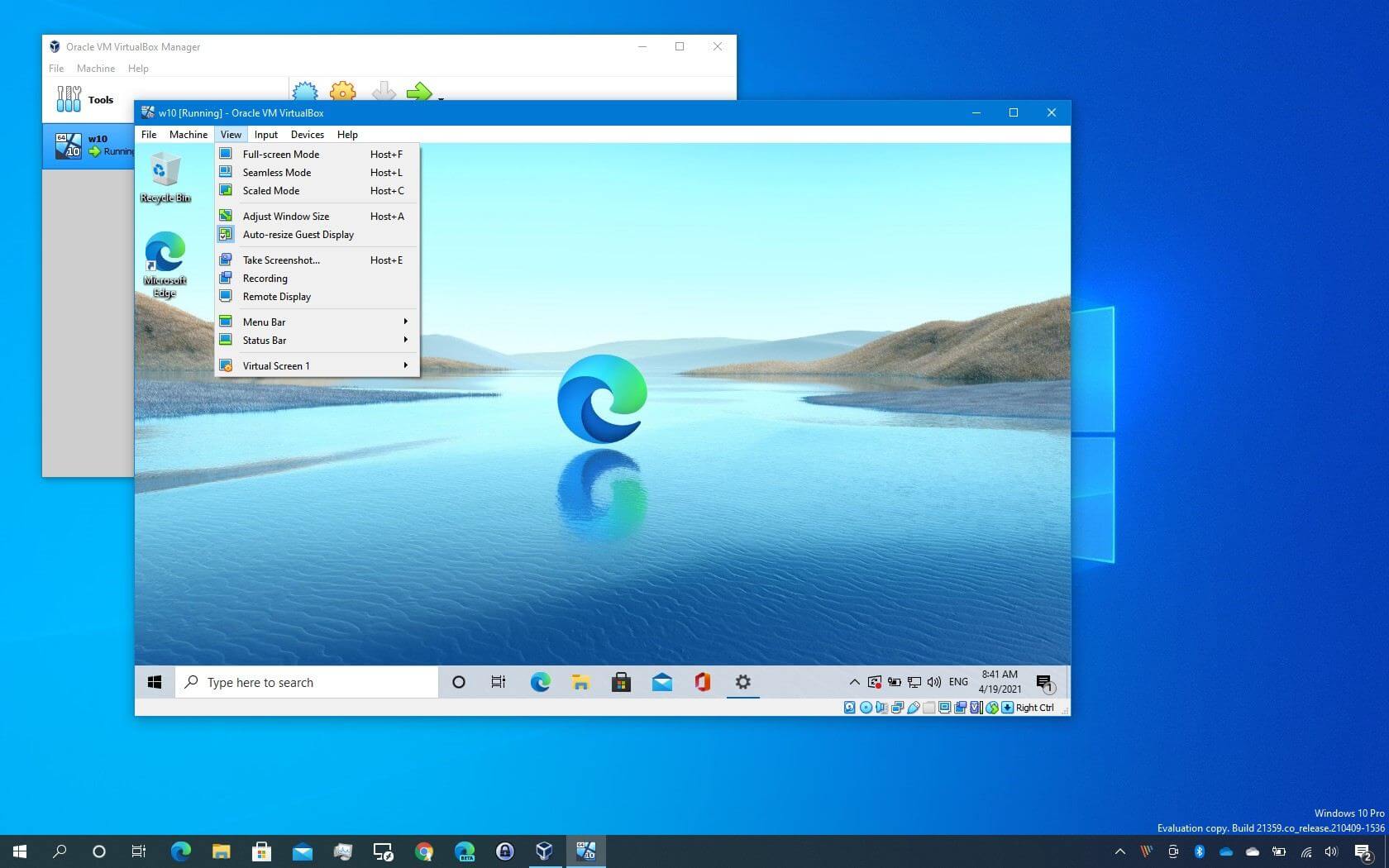
Web For multiple monitor displays you can set the scale factor for individual monitors or globally for all of the monitors Use the slider to select a scaling factor up to 200 You can set a default scale factor for all VMs Use the Display tab in the Global Settings dialogs