Virtual Machine Network Adapter Not Working Setting The Network Configuration For A Virtual Machine Network Adapter Thepcn3rd Passion For Infosec Myhouse7 Vulnerable Virtual Machine Identify And Solve Network Adapter Not Working Issues PC Maintenance PowerCLI Virtual Machine Network Adapter Get Info Set Config Bridged Network Adapter Not Working Issue 1254 Mborgerson xemu 6 If the VM is not running and is in a saved state you need to start it then from the VirtualBox Manager right click and select Close Power off You can t add a network adapter in the saved state Also if required remember to setup your proxy details in VirtualBox Manager Power on the VM then setup proxy details for IE
Open VirtualBox select one of the virtual machines and click Settings Click on the Network tab and you should see your adapter is still set to Bridged Figure A Notice the Name After all the bridge network was no longer available In device management the network drivers VMnet0 1 and have an exclamation sign I tried to update but to no avail In the Virtual Network Editor when I try to change VMnet0 to Bridged I received the message Cannot change network to bridged There are no un bridged host network
Bridged Network Adapter Not Working Issue 1254 Mborgerson xemu Zerquetschen Zentimeter Korrupt Usb To Hdmi Driver H fte Beschleunigen Png Azure Virtual Machine Network Throughput Microsoft Learn Advance Features Of HYPER V Virtual Network Adapter Part 7 Askme4Tech Setting The Network Configuration For A Virtual Machine Network Adapter Chapter 16 Configuring Virtual Machine Network Connections Red Hat Configure Virtual Machine Network Adapters Using VirtualBox YouTube Power Adapter Not Working As Expected Apple Community
Virtual Machine Network Adapter Not Working
 Virtual Machine Network Adapter Not Working
https://techhub.hpe.com/eginfolib/networking/docs/IMC/v7_3/5200-2882/content/images/image358.png
Most of you notice that VMware bridged network not working when using a virtual machine and if you are trying to connect your virtual machine to a local area network computer it is not working too This issue is pretty common if you are a VMware Workstation user Luckily you come to the right place
Pre-crafted templates provide a time-saving service for developing a diverse variety of files and files. These pre-designed formats and layouts can be made use of for different personal and professional projects, including resumes, invitations, leaflets, newsletters, reports, discussions, and more, enhancing the content development procedure.
Virtual Machine Network Adapter Not Working
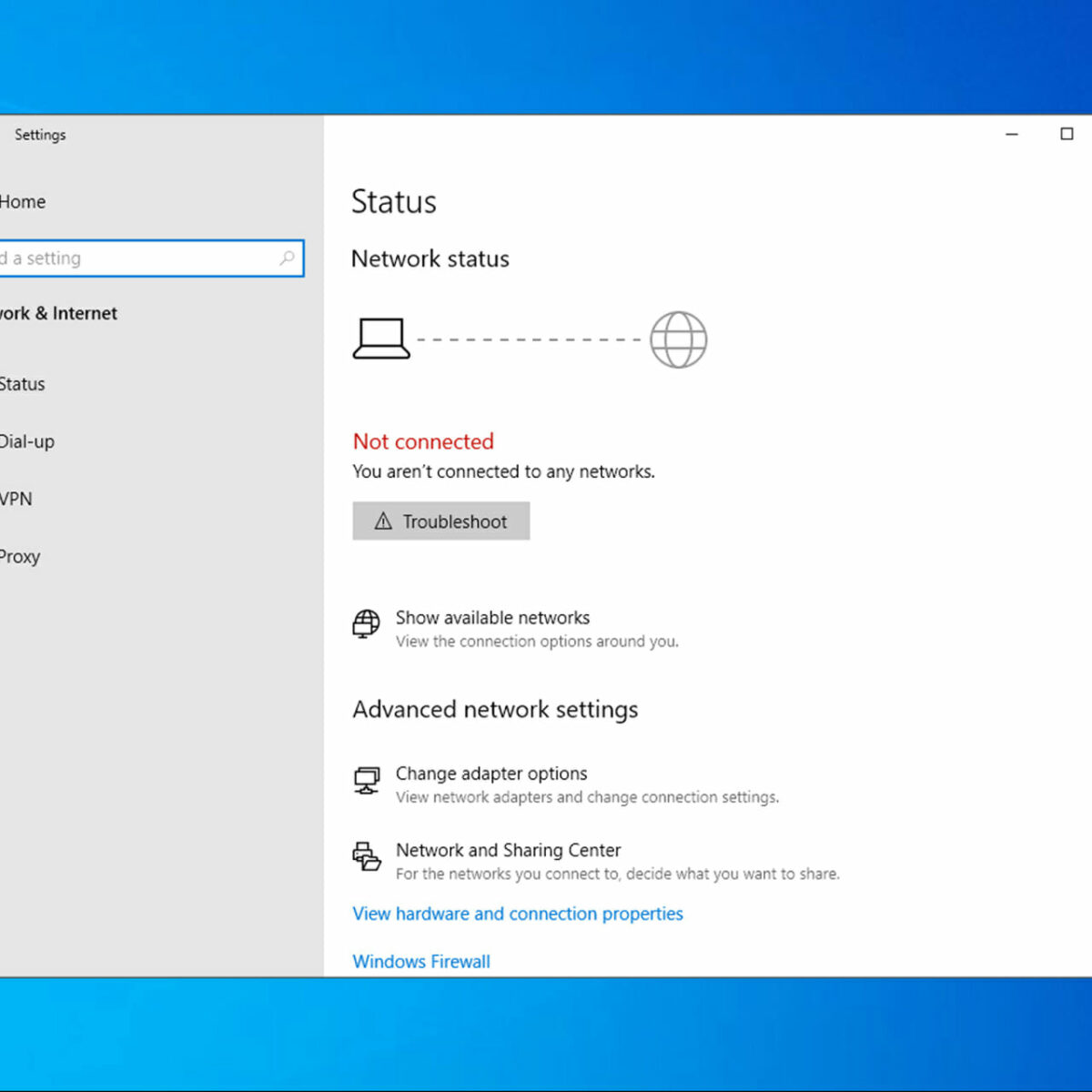
How To Repair Network Adapter Treatbeyond2
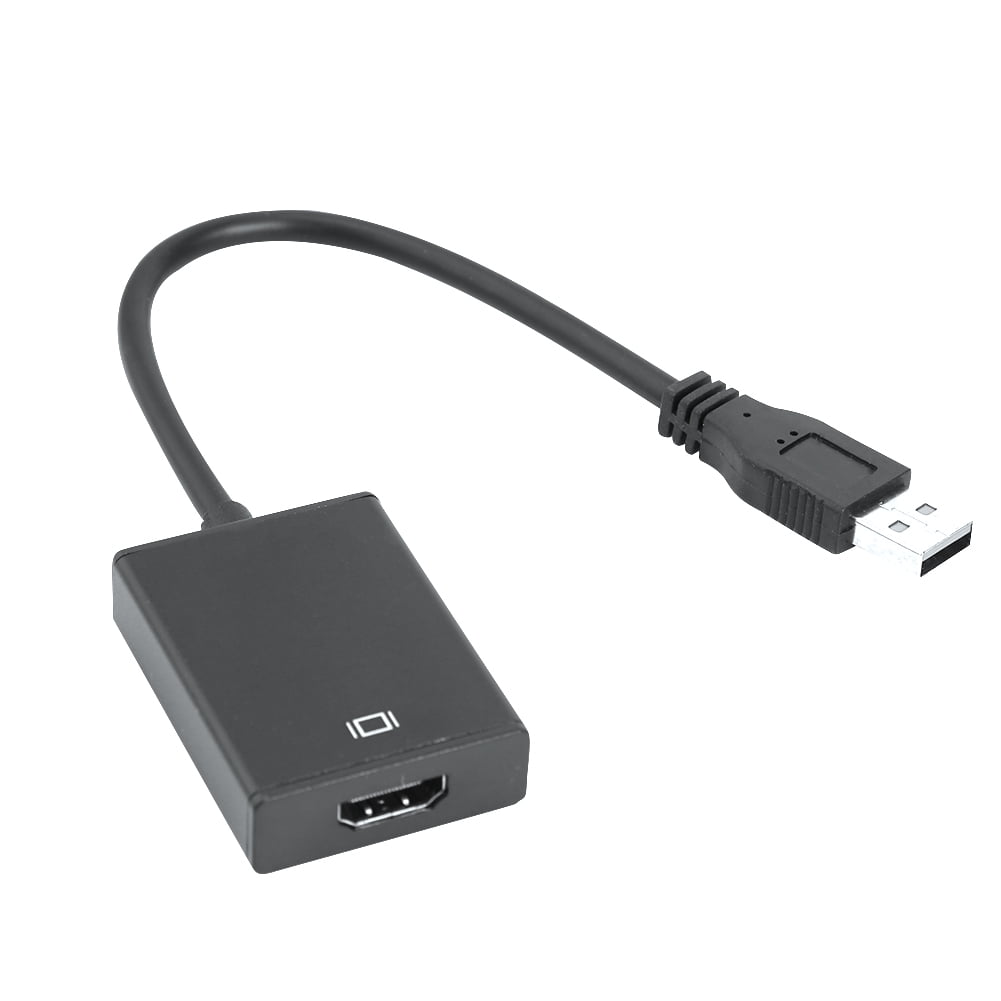
Zerquetschen Zentimeter Korrupt Usb To Hdmi Driver H fte Beschleunigen

Png
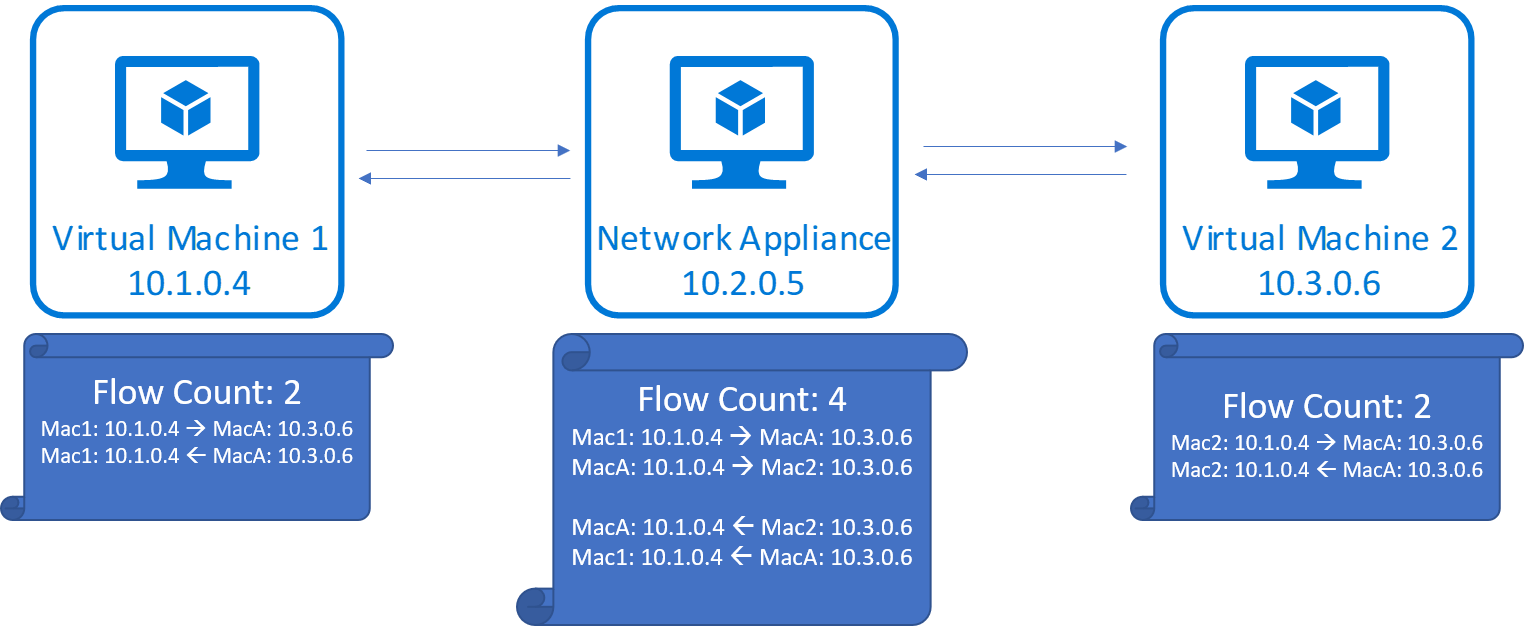
Azure Virtual Machine Network Throughput Microsoft Learn

Setting The Network Configuration For A Virtual Machine Network Adapter
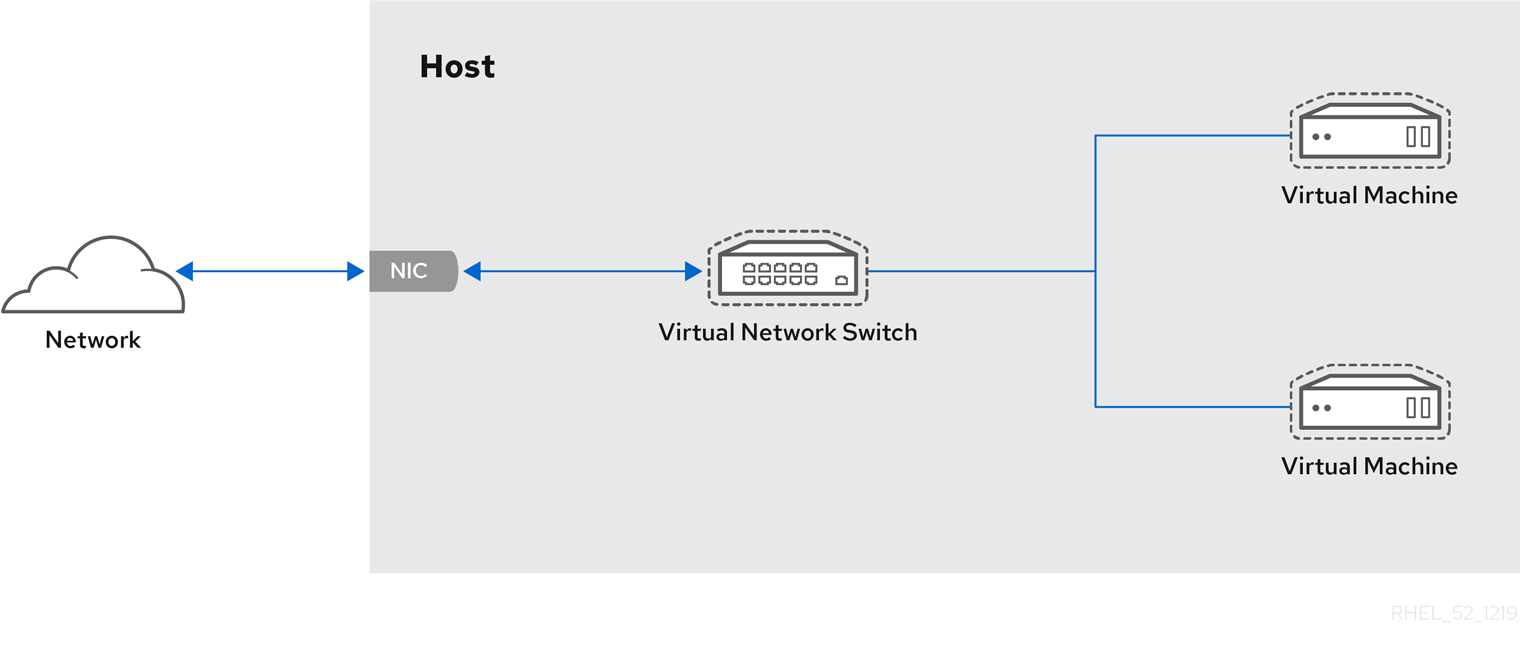
Chapter 16 Configuring Virtual Machine Network Connections Red Hat

99 Closed This question does not meet Stack Overflow guidelines It is not currently accepting answers This question does not appear to be about a specific programming problem a software algorithm or software tools primarily used by programmers

Verify that the virtual network adapter is present and connected For more information see Verifying virtual network adapter is present and connected to the virtual machine 1003786 Verify that the networking within the virtual machine s guest operating system is correct

Dec 2009 19 14 Primary OS MS Windows 10 VBox Version PUEL Guest OSses Windows Linux Re Not seeing network in bridged adapter scottgus1 21 Apr 2023 19 36

If Hyper V Network adapter is not connected you see No internet accessmessage then it is caused due to misconfiguration of the Virtual Machine Some people are reporting that they are
In Windows 8 10 Click Start Control Panel Network and Sharing Center Change adapter settings In Windows Vista 7 Click Start Control Panel Network and Internet View Network status and tasks Change adapter settings Right click any network adapter icon and click Properties
Jump to solution internet not working in virtual machines problem set 1 of experiments I am trying to play with various kind of scenarios and configurations to understand VMware Workstation networking So here is one setting of virtual network editor Virtual machine network adapter configuration Windows IP Configuration in Virtual Machine Problems An Azure VM that s deployed by using Resource Manager can t connect to another Azure VM in same virtual network An Azure VM can t connect to the second network adapter of an Azure VM in same virtual network An Azure VM can t connect to the internet To resolve these problems follow the steps in the following section Resolution
5 I m using VMWare My host machine has internet connection I have selected NAT in the virtual machine settings What else do I need to do to get internet connection in virtual machine networking vmware virtualization Share Improve this question Follow edited Aug 21 2009 at 16 15 Chris W Rea 10 8k 16 76 95 asked Aug 12 2009 at 21 28