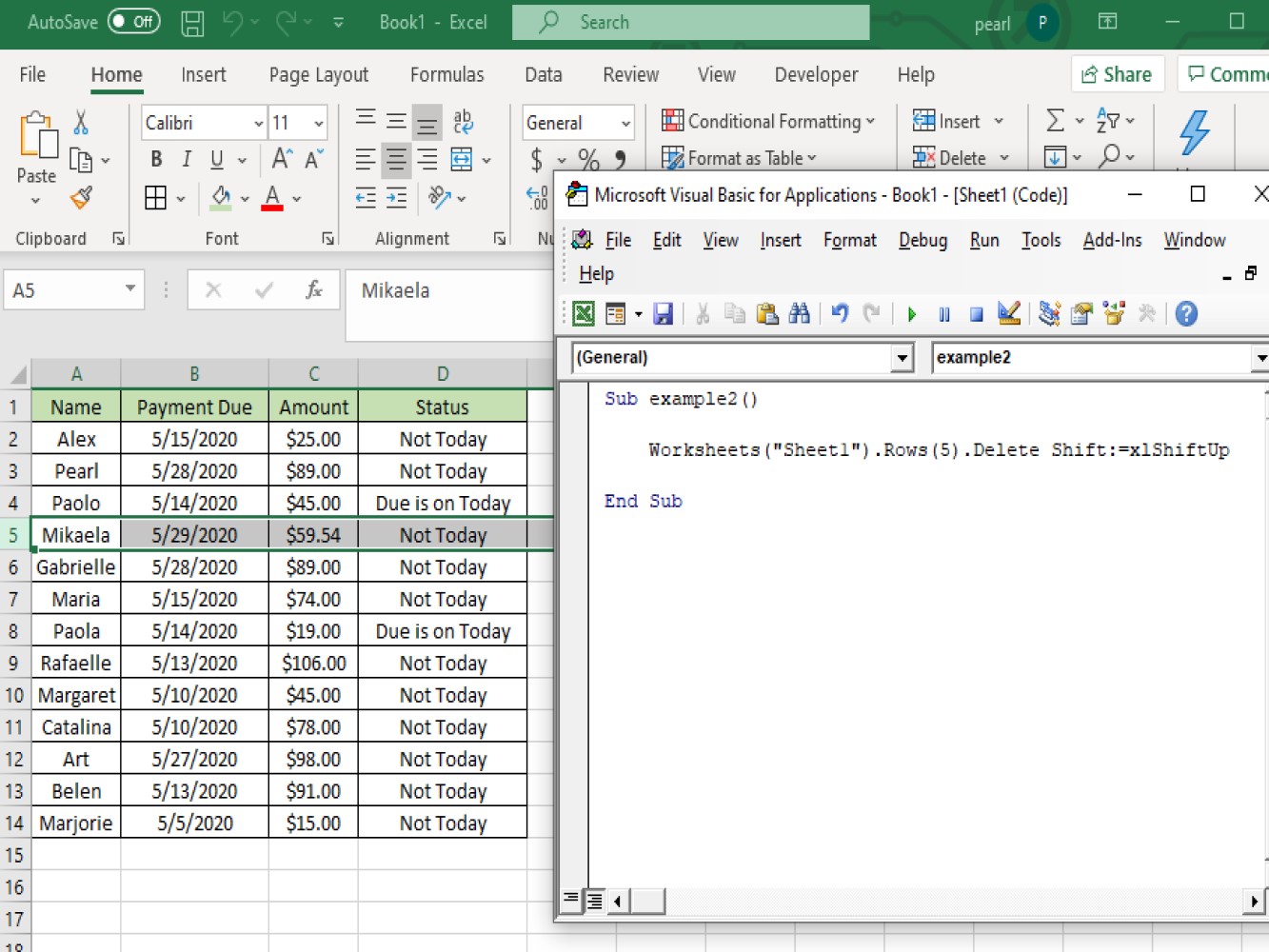
Vba Delete Non Filtered Rows Excel Delete Rows In A Filtered Table Brokeasshome Vba Delete Column Withfasr Excel VBA Delete Row 500 Rockets Marketing Excel Tutorial How To Use VBA To Delete Filtered Rows fast But Excel VBA Delete Cells YouTube Obviously you want to use Range Delete Shift xlShiftUp on those cells as opposed to the entire row So just filter the target ranges as you normally would and use SpecialCells xlCellTypeVisible to grab the ranges to be removed Note that since Excel only lets you remove entire row when in filtered mode make sure to do Range Delete after you remove the filter
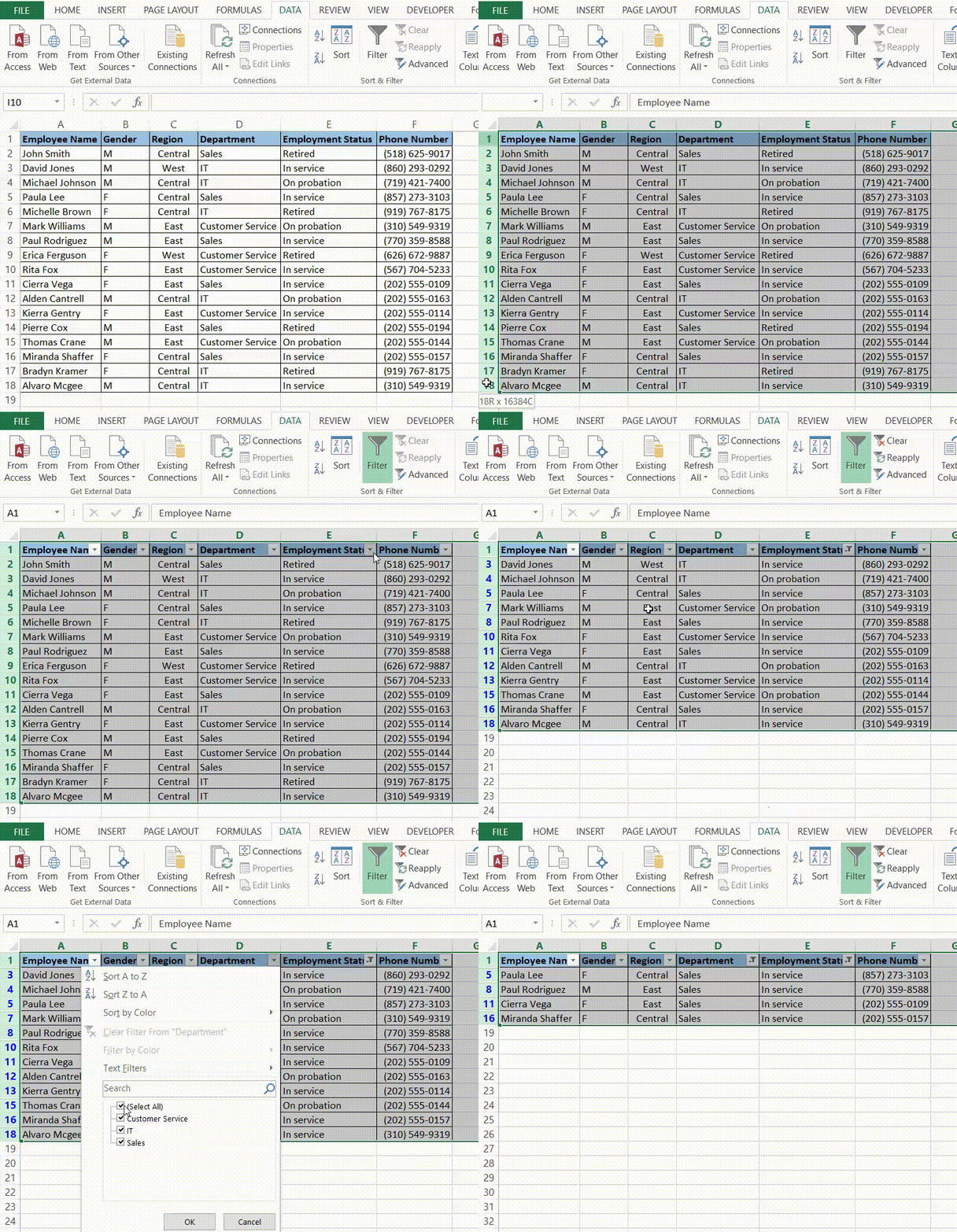
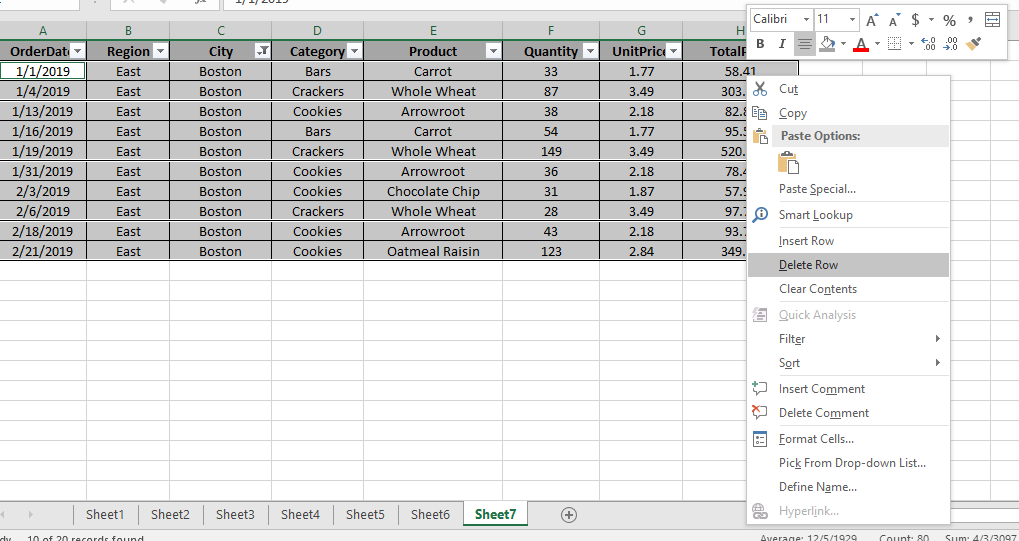
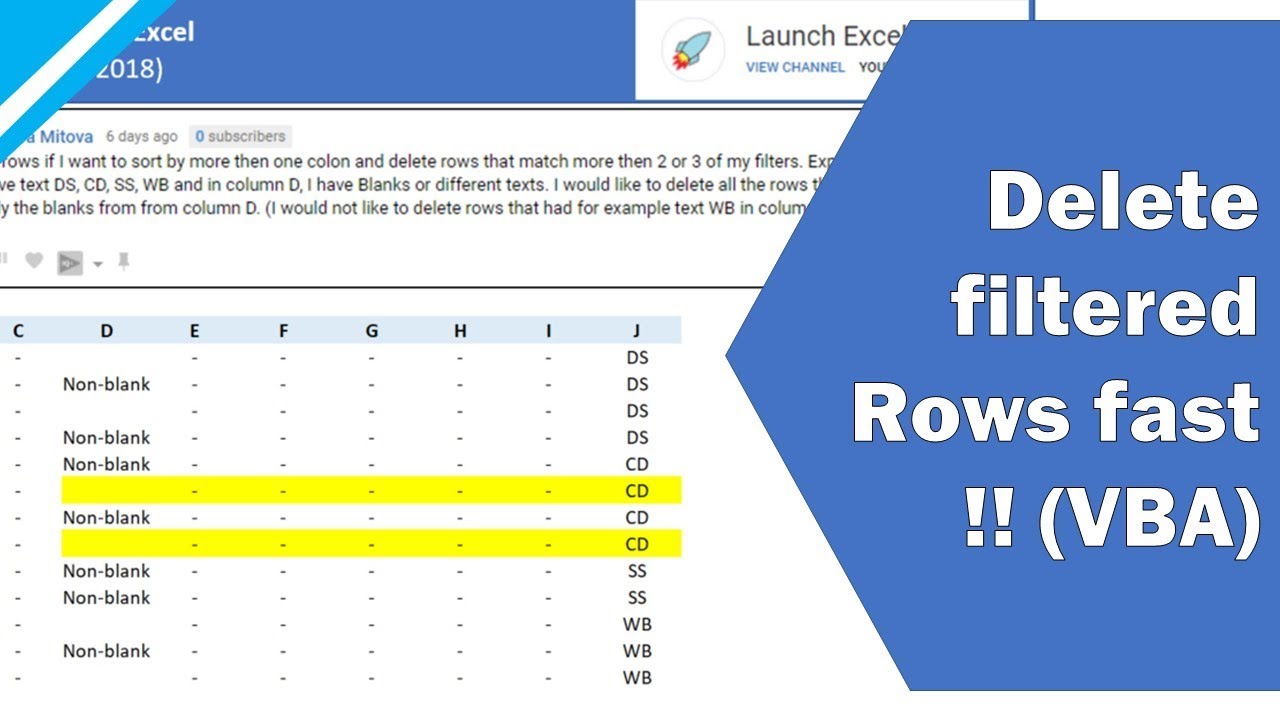
Delete visible filtered rows Apply an auto filter to the data range and then delete visible rows we do not want to keep in this spreadsheet delete all rows with CD in column J that also have blanks in column D Delete hidden filtered rows Apply an auto filter to the data range and then delete hidden rows leaving only the visible rows in this spreadsheet keep all rows with For this select your work area and click on the Filter button Select the arrow next to the header of the temporary column and uncheck the checkbox next to 0 Select all these rows right click and select Delete Once again remove the filters by clicking on the Filter button
Excel VBA Delete Cells YouTube Mass Delete For Salesforce Mass Delete All For Filtered Rows How To Delete Blank Rows And Columns At The End Of Worksheets Using VBA VBA To Delete Multiple Columns Based On Headers Excel VBA Macro Excel VBA Delete Row 500 Rockets Marketing How To Delete Filtered Rows In Excel with And Without VBA Excel VBA Delete Workbook YouTube Excel Vba Get Number Of Rows In Selection Excel VBA Delete Row Macro YouTube
Vba Delete Non Filtered Rows
 Vba Delete Non Filtered Rows
https://spreadsheetplanet.com/wp-content/uploads/2020/06/Filtered-all-records-for-sales-data.gif
If your data is in an Excel Table instead of just a range of cells you can still delete rows based on cell contents using a macro The code is almost the same but tweaked slightly so that it applies to Tables Here is the code you would use for a Table Sub Delete Rows Based On Value Table Apply a filter to a Table and delete visible rows
Pre-crafted templates use a time-saving option for creating a varied variety of documents and files. These pre-designed formats and layouts can be used for different personal and expert tasks, consisting of resumes, invitations, flyers, newsletters, reports, discussions, and more, simplifying the content creation procedure.
Vba Delete Non Filtered Rows
How To Delete Only Filtered Rows Without The Hidden Rows In Excel

Mass Delete For Salesforce Mass Delete All For Filtered Rows

How To Delete Blank Rows And Columns At The End Of Worksheets Using VBA

VBA To Delete Multiple Columns Based On Headers Excel VBA Macro

How To Delete Filtered Rows In Excel with And Without VBA
Excel VBA Delete Workbook YouTube
Ctrl G is the hotkey for Go to in excel 2003 Reverse filter on what you don t need and delete those rows All that will be left are the rows you need Excel 2007 A nice quick technique use the Fill Color icon to fill all the cells in one of the columns you see Then do a color filter on that column and delete all the rows

Method 4 Delete Hidden Rows in Excel from Active Worksheet There is another method to delete hidden or unfiltered rows in Excel VBA Here we not only delete the rows but will use a message box to show the number of rows deleted Here we filtered with Married for Marital Status
To delete rows filtered out Sub DeleteFilteredOutRows DeleteFilteredOutRows Macro Dim x As Integer HelperC As Integer LastRow As Integer Find LastRow Range A1 Select LastRow ActiveSheet Cells Rows Count 1 End xlUp Row Add Helper Column to identify if visible Range A1 Select Selection End xlToRight Select ActiveCell
Below are the steps to delete all the hidden rows and columns from the workbook in Excel Click the File option In the options on the left click on Info Click on the Check for Issues option Click on the Inspect Document option This will open the Document Inspector dialog box
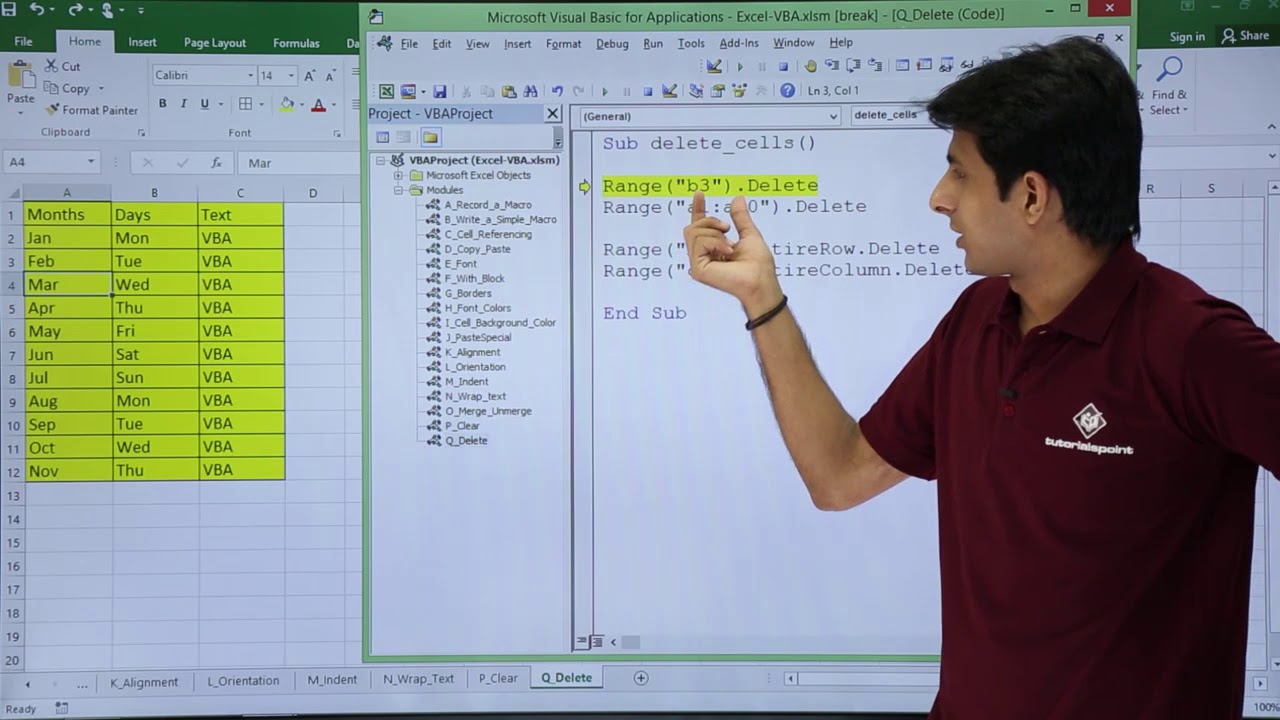
Examples of Deleting Hidden Rows in Excel VBA We ve learned to delete the hidden rows from a worksheet with Excel VBA Now we ll explore a few examples of this Example 1 Developing a Macro to Delete Hidden Rows in Excel VBA First of all we ll develop a Macro to delete hidden rows from a worksheet It ll delete hidden rows from both
The flip side of that is deleting hidden filtered rows using a temporary column the Inspect Document feature and VBA But before the big works we need to get easy with filtering Example Method 1 Deleting Visible Filtered Rows Method 2 Using VBA Method 3 Deleting Hidden Filtered Rows I believe my macro to remove the Grand Totals and Salesperson Total contained in the raw data of the spreadsheet deletes specific row numbers 276 276 and 624 634 I want to delete the rows that appear in the filter criteria regardless of their row number The following is the current VBA code
Here s a step by step guide on how to do this Open Excel and press Alt F11 to open the VBA editor In the VBA editor click on Insert Module to create a new module In the new module write the following code Sub DeleteFilteredRows Dim rng As Range Set rng ThisWorkbook Sheets Sheet1 UsedRange rng AutoFilter Field 1 Criteria1